
04 · Kiosks · Branding
Kiosks in your colours
Logo, colours and welcome text of every kiosk screen, previewed before the show.
08 / 12Welcome
Badge printing, kiosks and access control
Visitors print their own badge at a kiosk in seconds. Every gate checks the badge against the visitor’s profile and counts entries and exits, live, zone by zone.

Trusted by trade show organizers






What’s inside
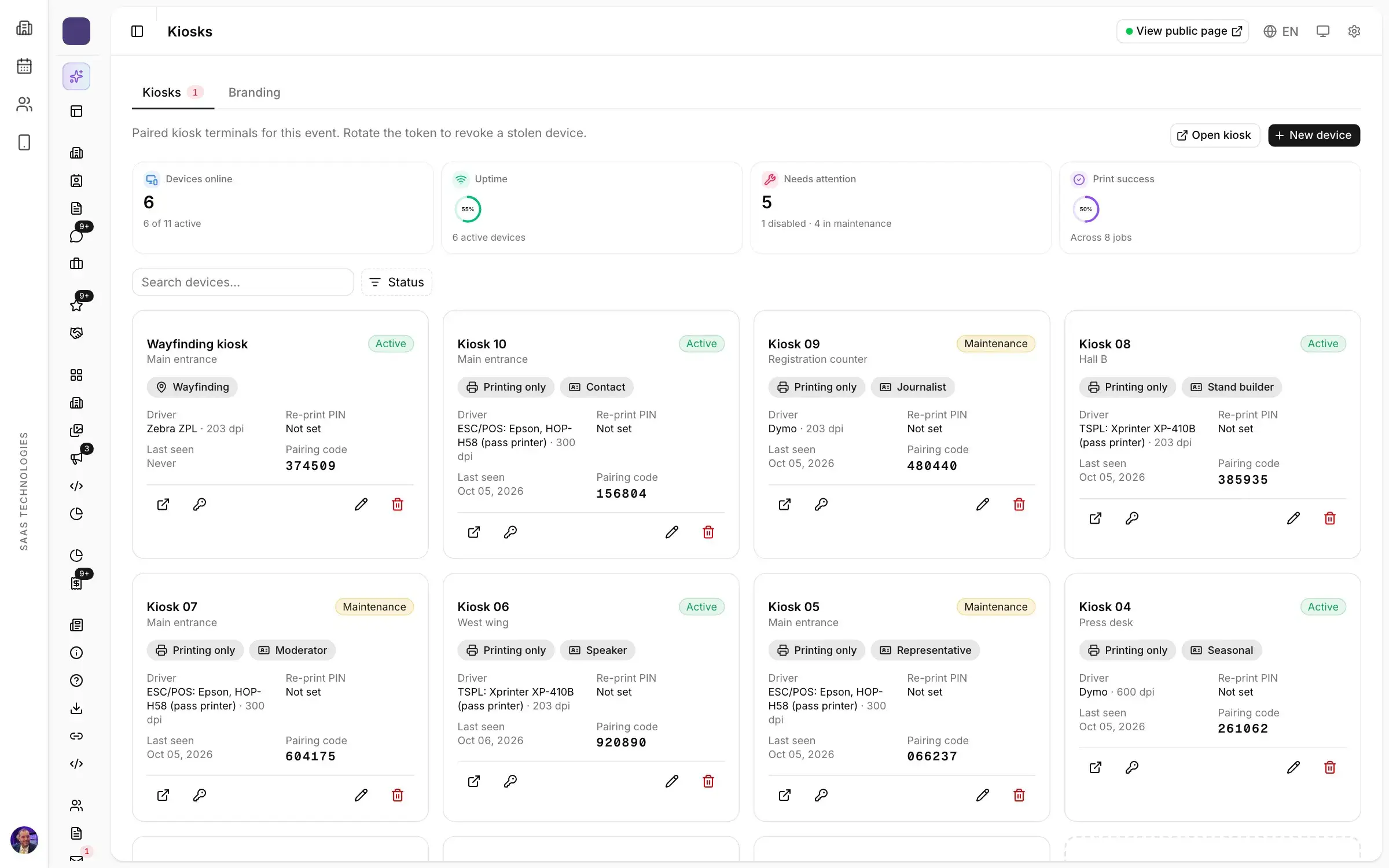
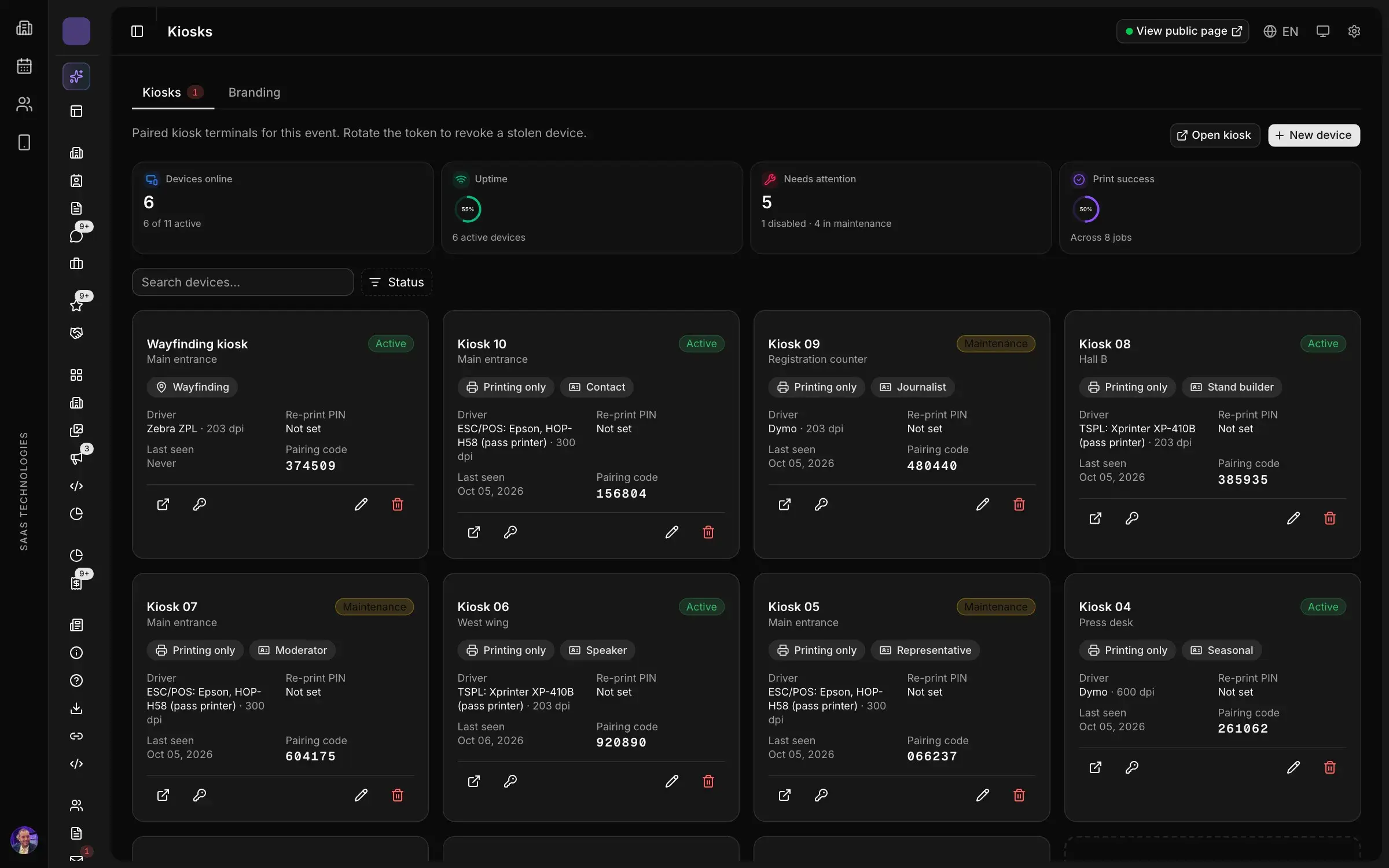
The visitor scans the QR code received by email; the kiosk prints the badge on a thermal printer. Hosts can run the same kiosk in desk mode, by name or with a scanner.
How it works
Badge layouts per profile in full colour or for thermal printers, sent by email and printed on site.
The visitor scans the QR code received by email; the kiosk prints the badge on a thermal printer. Hosts can run the same kiosk in desk mode, by name or with a scanner.
Set which profiles enter which zone and when. Gate agents scan from a phone; refused badges show why: expired, wrong zone or capacity reached.
Entries, exits and refusals with their gate, time and reason, ready to export.
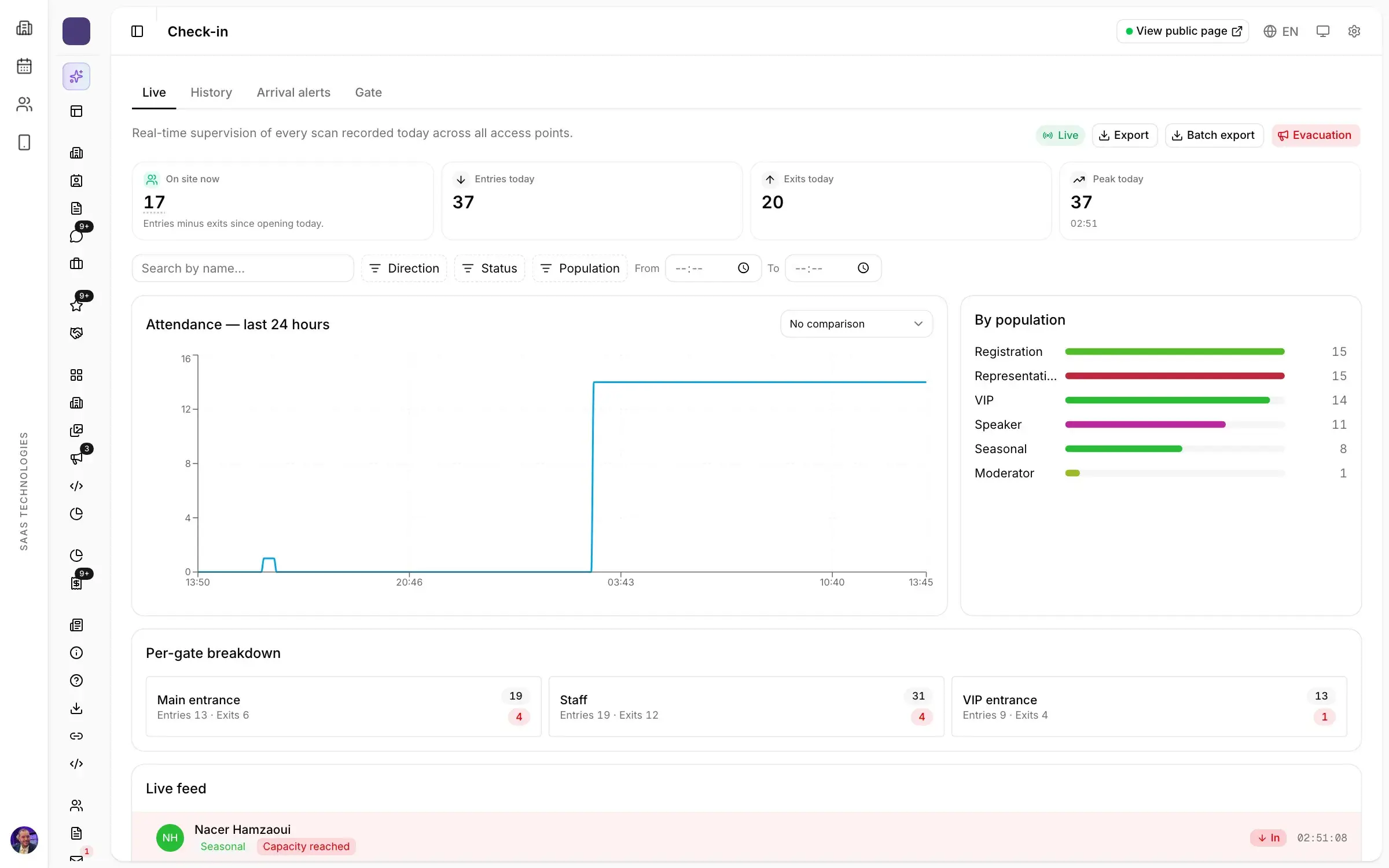
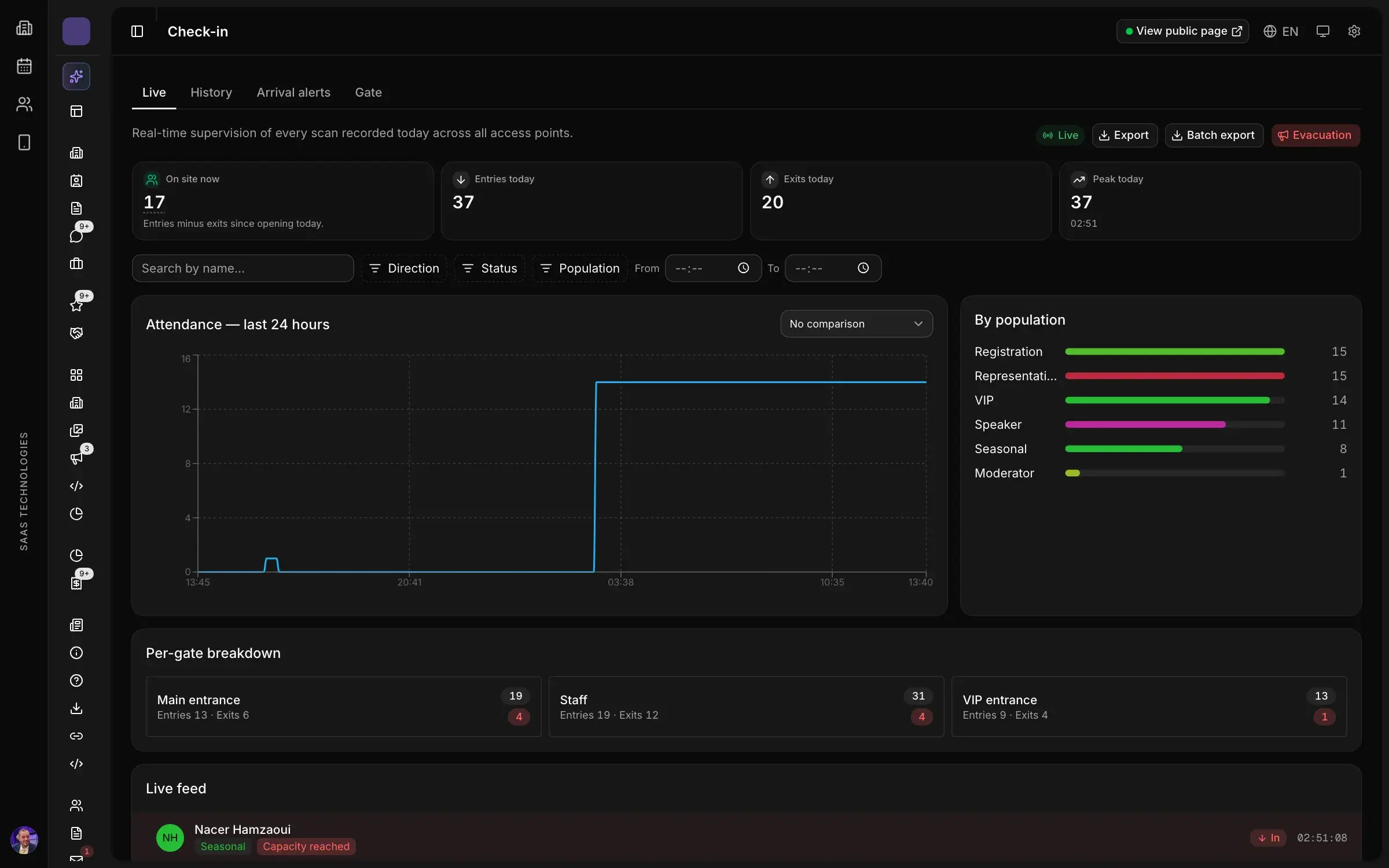
Who is inside, who just arrived and how fast each gate is flowing, by profile and by hour. VIP arrivals raise an alert to their host.
Also in this product
Logo, colours and welcome text of every kiosk screen, previewed before the show.
Codes tied to an exhibitor or a place, opening a page, a file or an action when scanned.
Backgrounds and placements for badge labels, totems and stand signage.
Signatory, signature and artwork set once; every certificate follows.
Set which profiles enter which zone and when. Gate agents scan from a phone; refused badges show why: expired, wrong zone or capacity reached.
One certificate per participant, generated from their attendance and shared by link.
Platform map
Twelve products in one workspace, numbered in the order your show happens.
Personal demo
Thirty minutes on your own case, with a live demonstration of the screens your team would use.