
10 · Display
Light or dark, as each visitor prefers
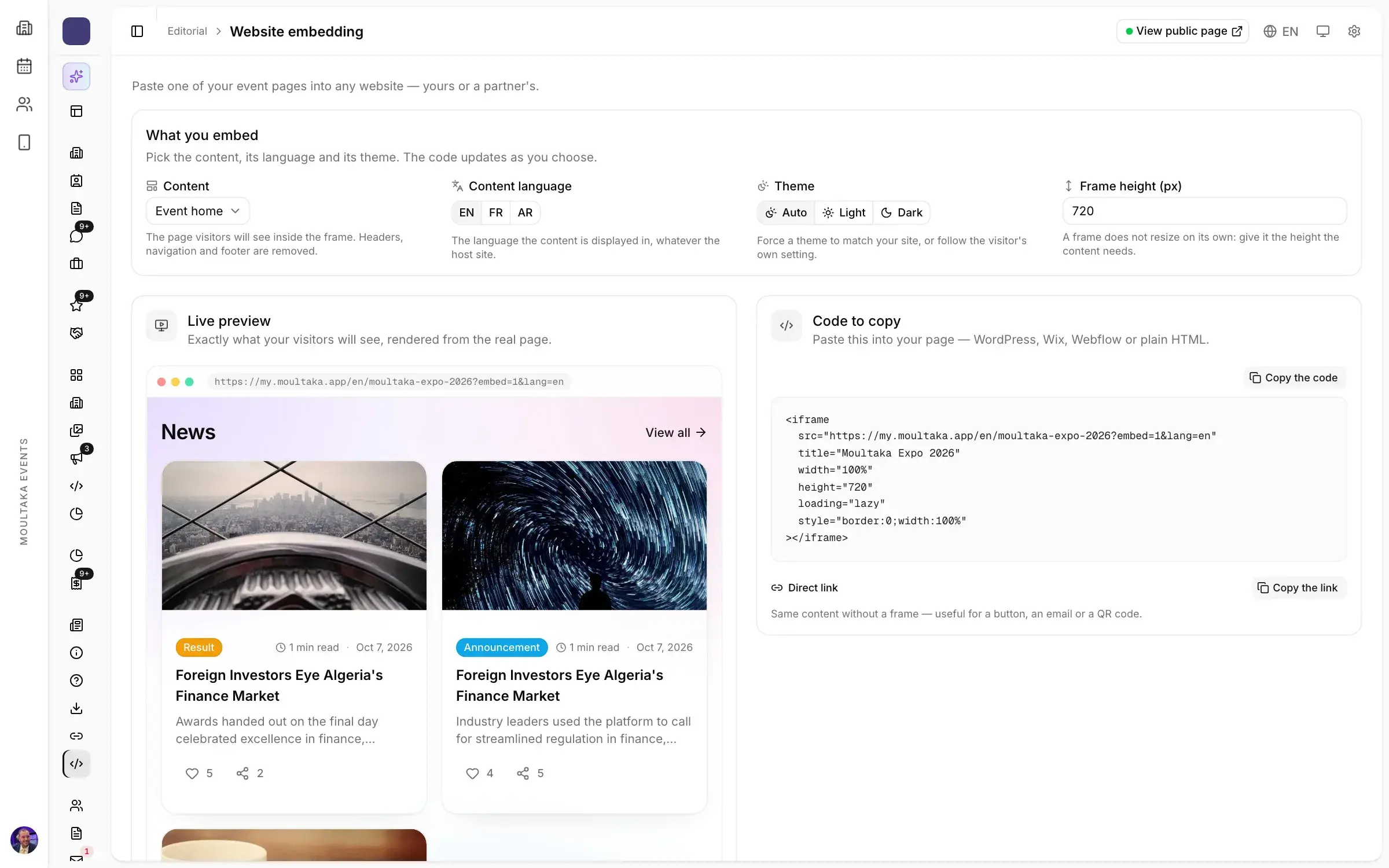
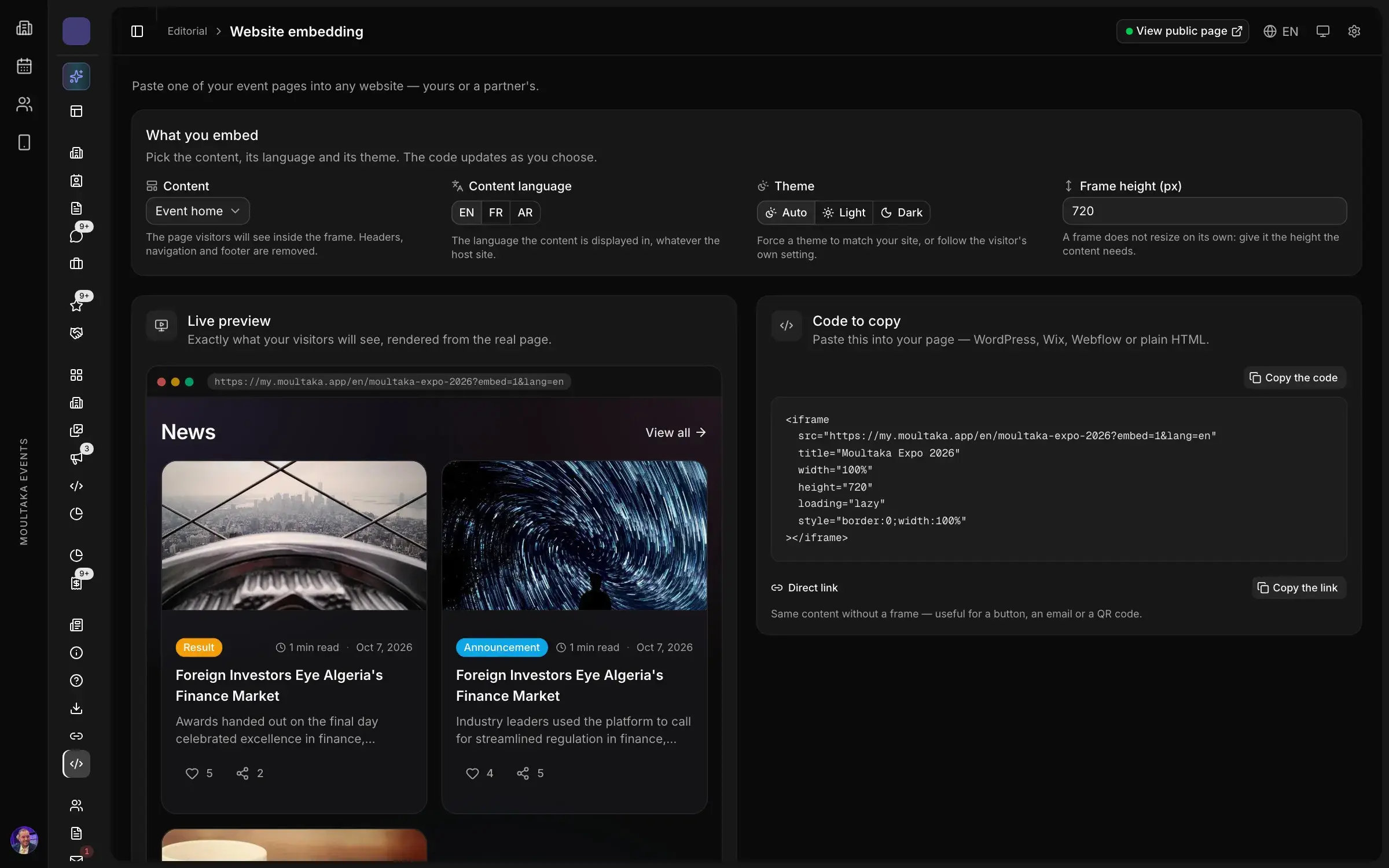
The pages follow each visitor’s system setting, and embedded pages can be forced to one theme.
04 / 12Communicate
Event website and embeddable pages
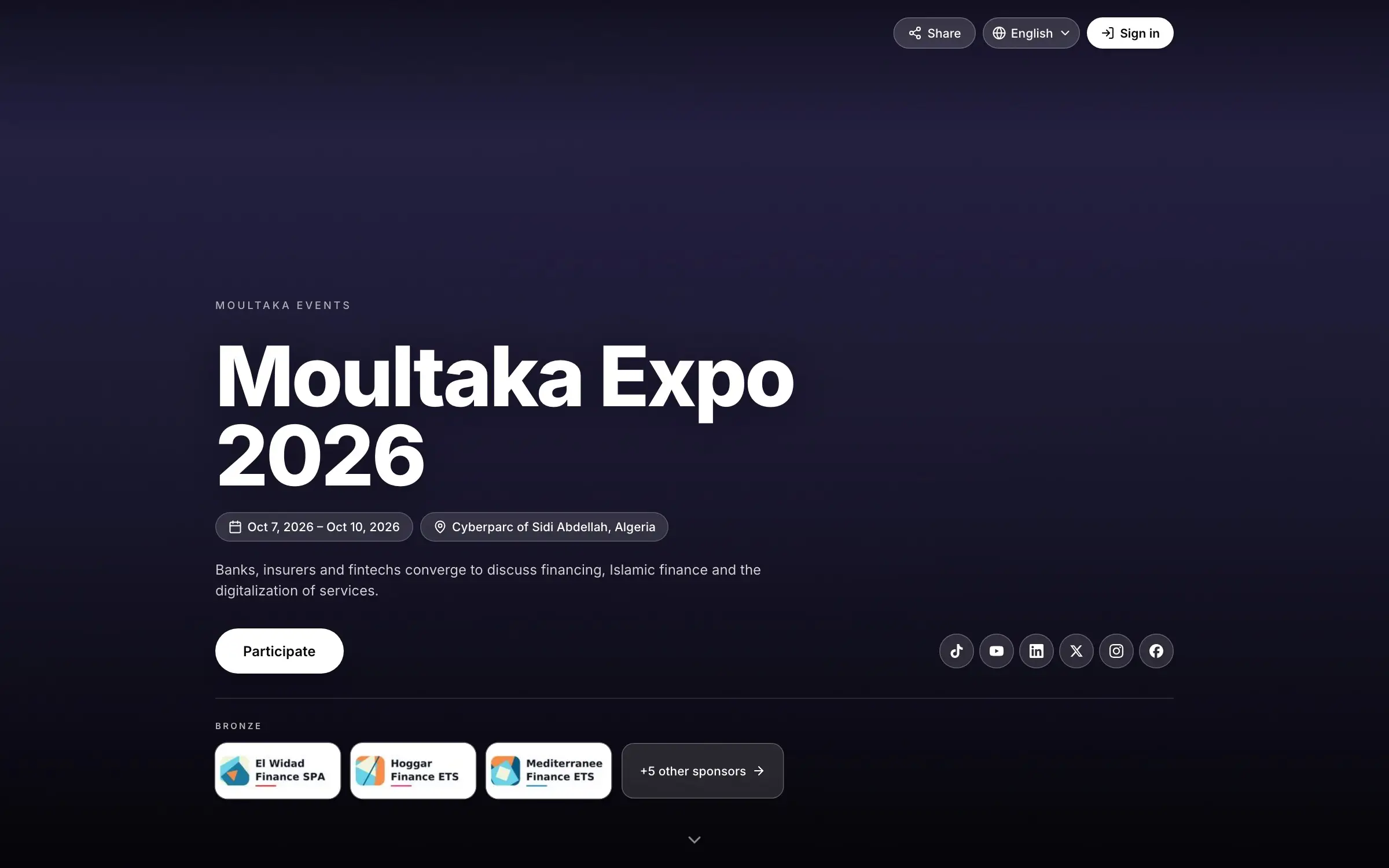
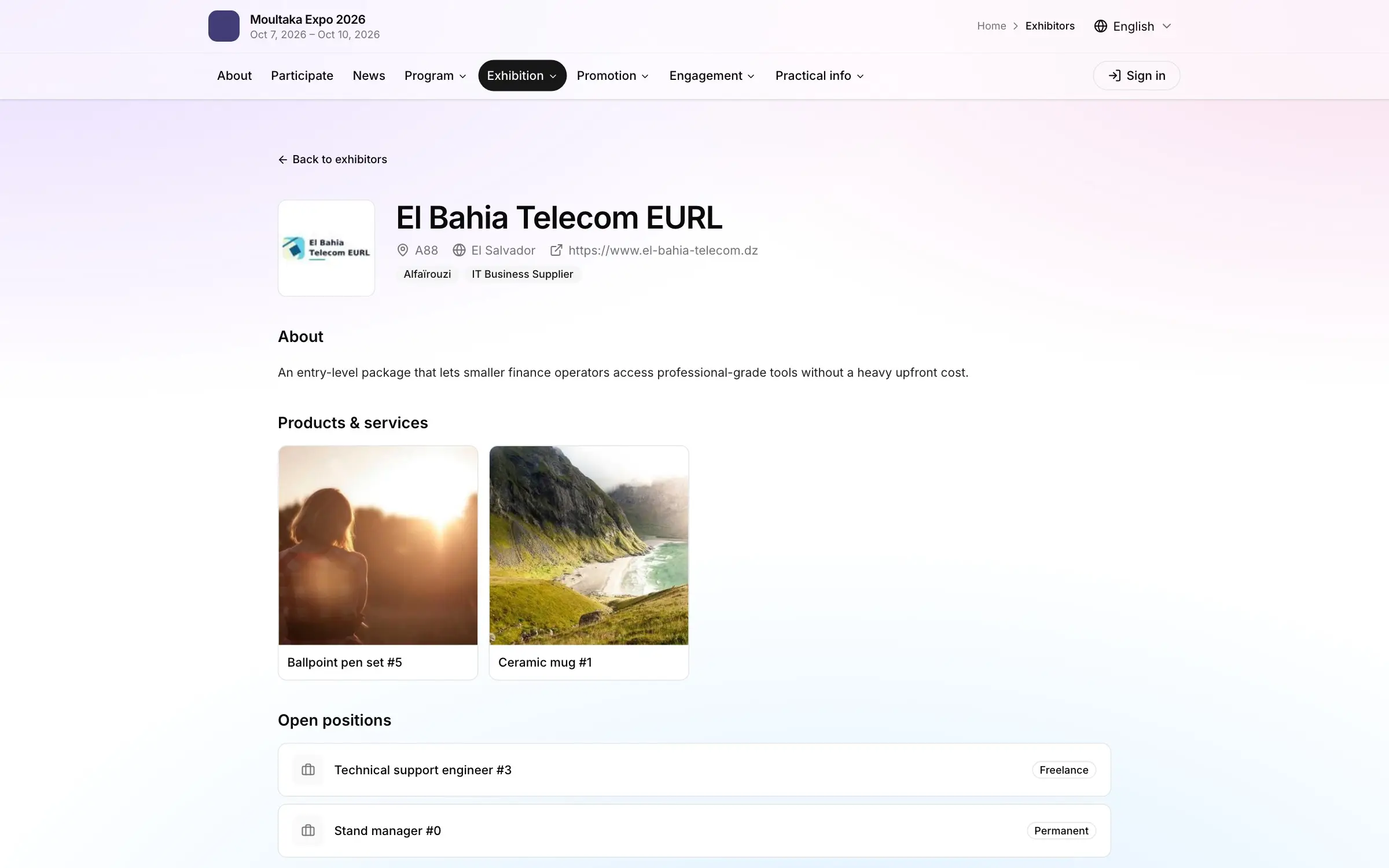
Every exhibitor, session, speaker, sponsor and news item your teams publish appears on the event website, with search, filters and a page of its own. Nothing to copy, no agency to brief.
Trusted by trade show organizers






What’s inside
Exhibitors, products, job offers, sessions, speakers, sponsors, partners, news, guides and FAQ: what your teams enter in the workspace becomes a public page, with search and filters.
How it works
Upload the banner and the site takes its colours from it, around your name, dates, venue and social links.
Exhibitors, sessions, speakers, sponsors, news, guides, FAQ, the floor plan: each has its own switch, and nothing goes public before you decide.
Visitor registration, stand inquiries, press accreditation, speaker and job applications: each form is open only within its dates.
Every page gets its title, description, link preview and structured data for the event, its sessions and its exhibitors, generated from what you publish.
Also in this product
The pages follow each visitor’s system setting, and embedded pages can be forced to one theme.
A splash screen, banners on each page and native ads in the lists, filled with your sponsors’ and advertisers’ campaigns.
Embed the home page, any of seventeen pages, the forms list or a single form in the site you already have. Choose the theme and the height, check the live preview, copy one snippet.
Visitors vote in live polls without creating an account and follow the leaderboard as it changes.
Platform map
Twelve products in one workspace, numbered in the order your show happens.
Personal demo
Thirty minutes on your own case, with a live demonstration of the screens your team would use.