05 · Outlets
Every outlet and its audience
Written press, TV, radio, online and creators, with the reach of each one.
06 / 12Communicate
Journalists and creators, their accreditation, your press releases and the coverage they produce, in the same workspace as the rest of the show.

Trusted by trade show organizers







What’s inside
Requests arrive from your press form and move from submitted to approved, with the outlet and its audience next to each name.
Releases, photos and key figures assembled into a PDF and a ZIP for download.
What visitors see
Journalists apply through the accreditation form. Your public newsroom gathers the press contact, the releases (embargo dates respected), the press kit to download, the press conferences with seats left and the photo gallery.
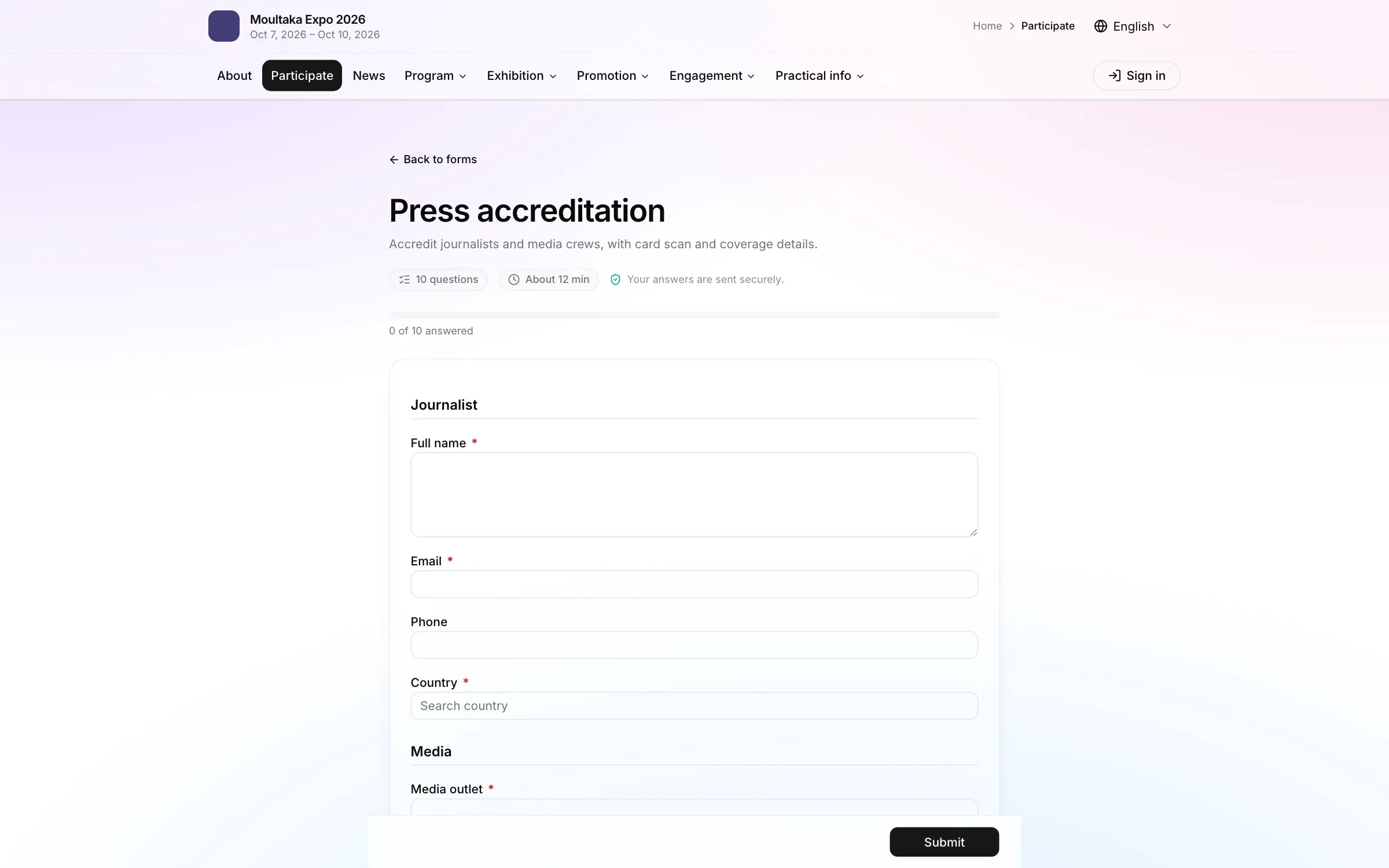
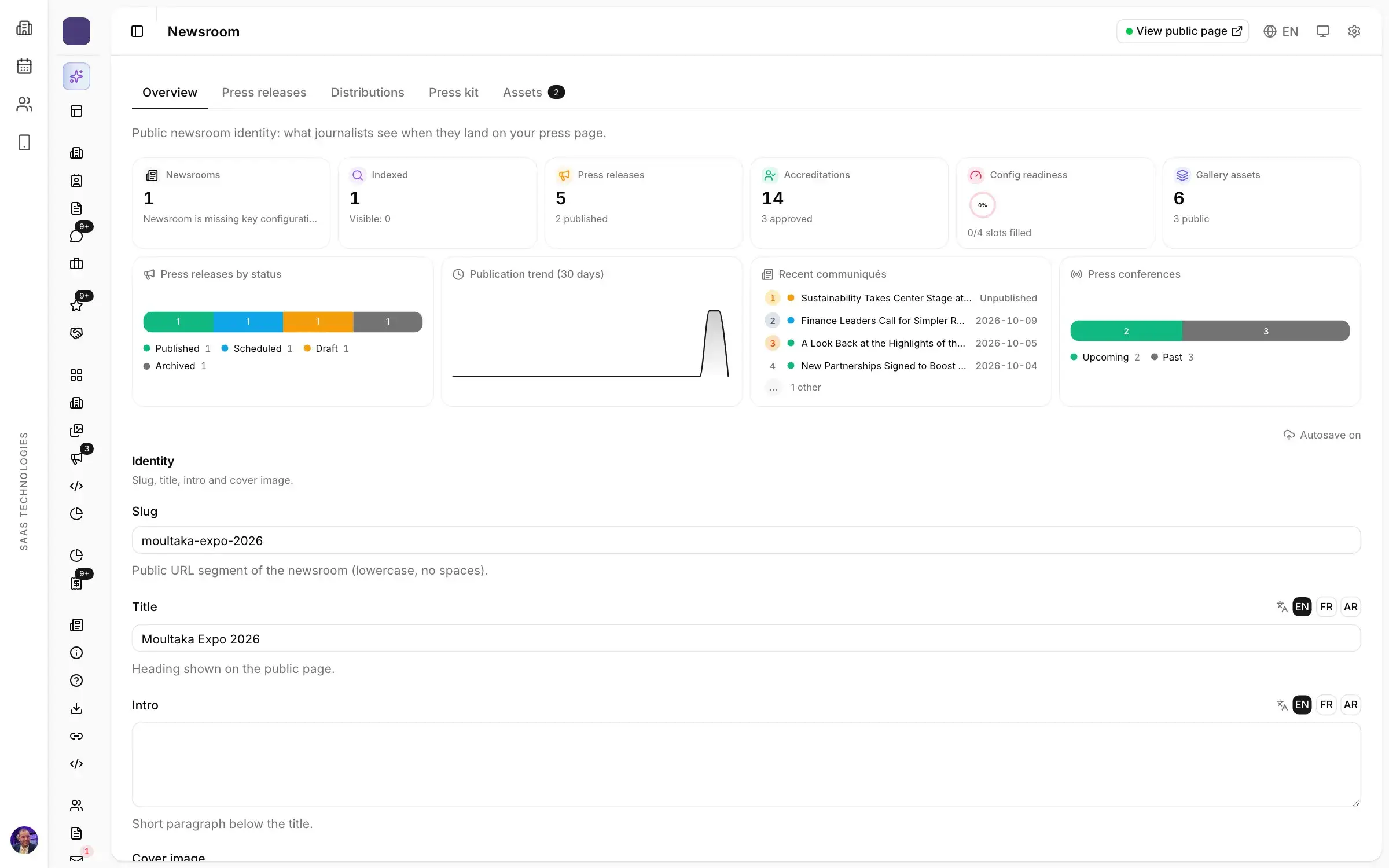
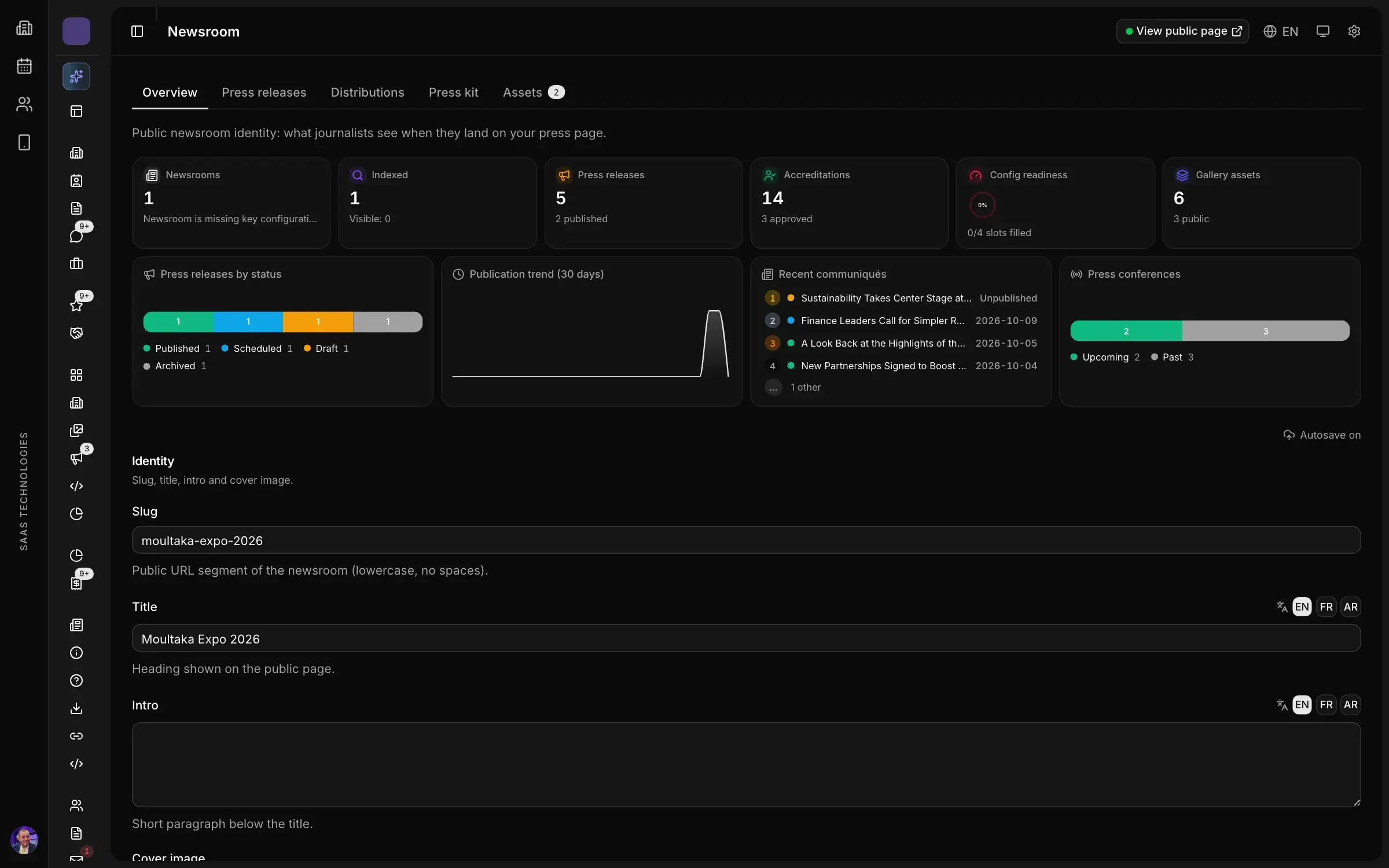
Press releases, embargoes, a downloadable press kit and a photo gallery, on a page journalists can bookmark.
Also in this product
Written press, TV, radio, online and creators, with the reach of each one.
Journalists request an interview with a speaker or an exhibitor; you confirm the slot.
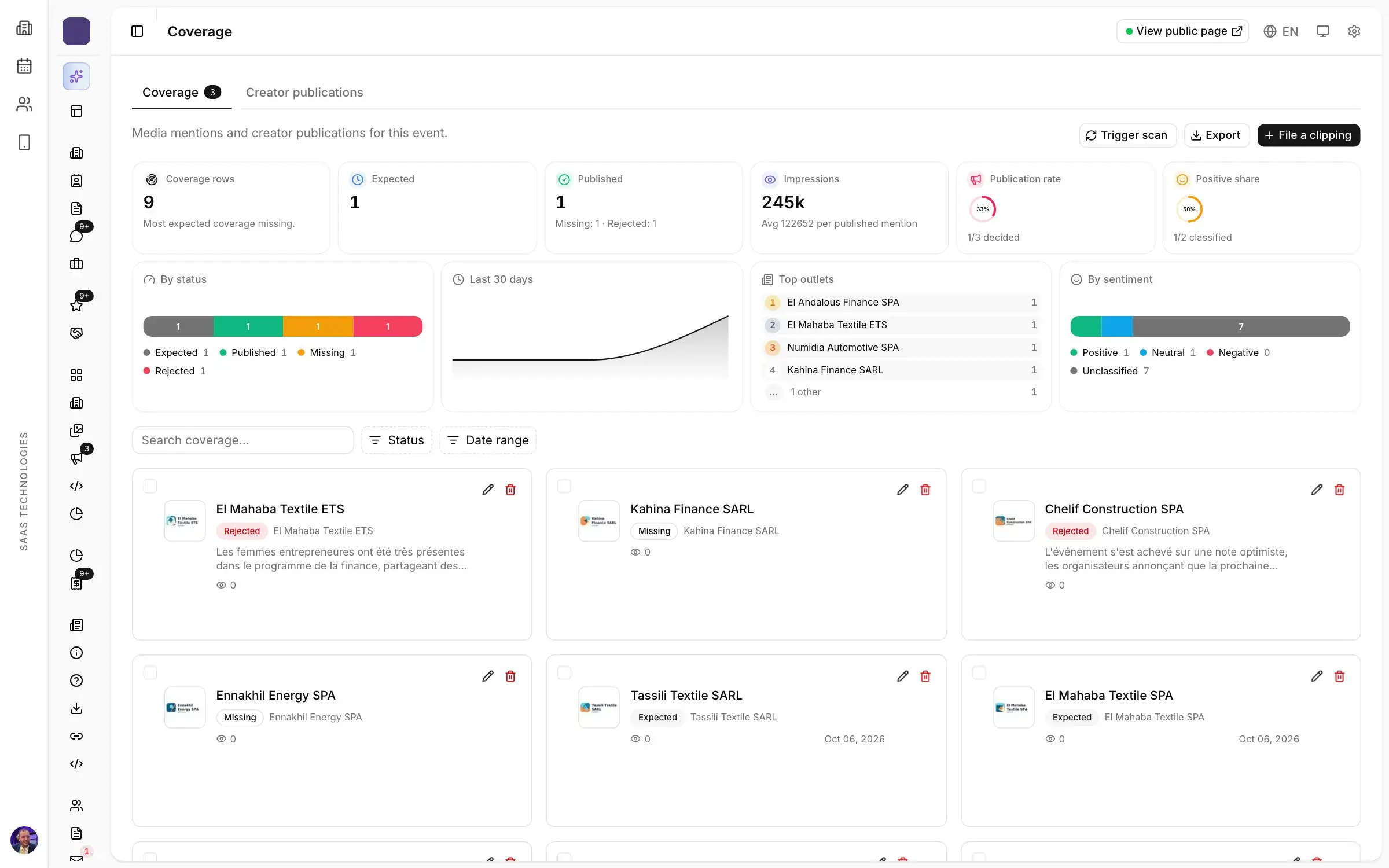
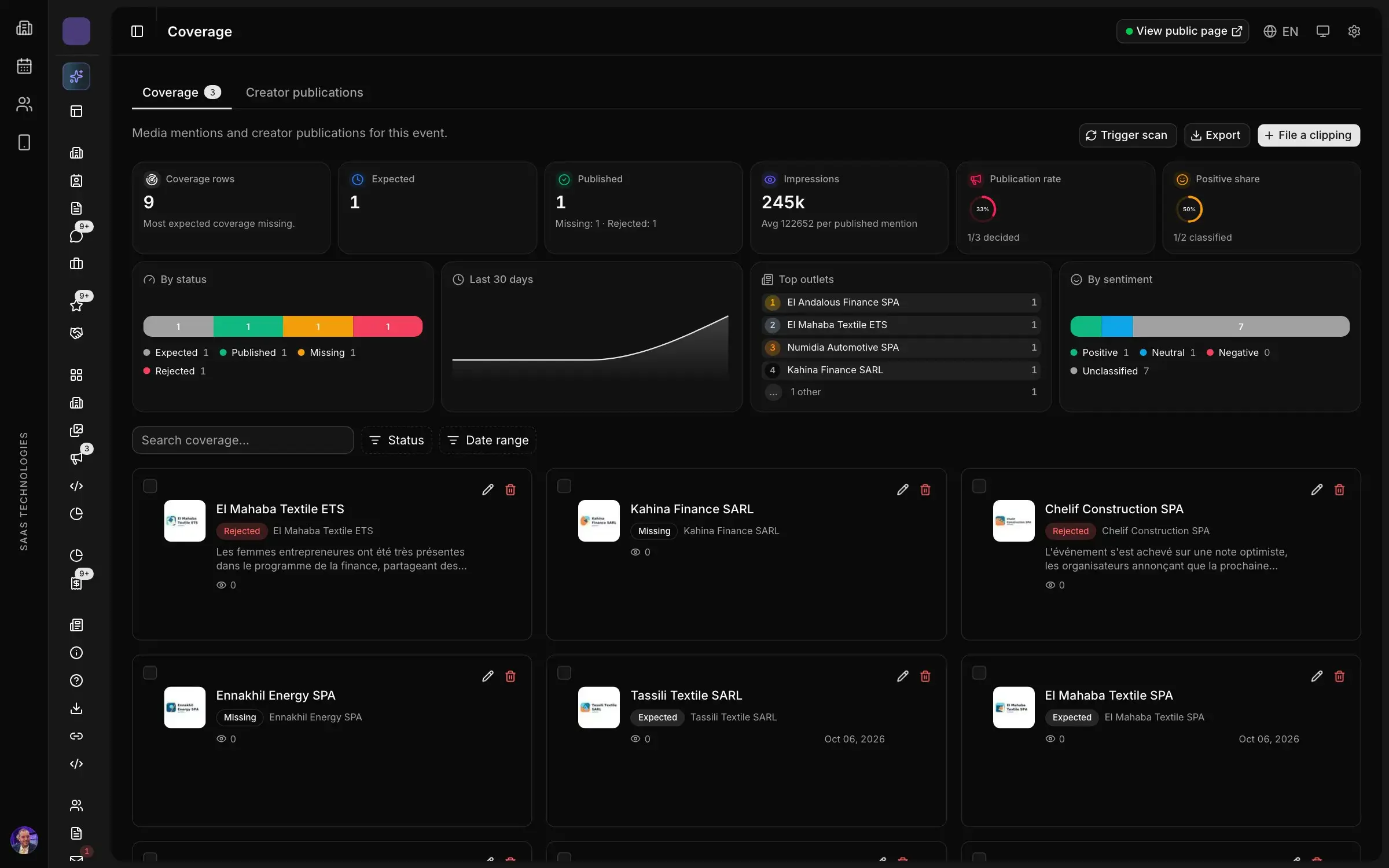
Expected articles, published ones and missing ones, with impressions and sentiment, to show sponsors what the show produced.
How it works
Journalists, their outlet, their beat and their accreditation, in one press CRM.
Requests arrive from your press form and move from submitted to approved, with the outlet and its audience next to each name.
Draft, schedule under embargo and distribute to your press list in one flow.
Plan press conferences and let accredited media book a seat.
Expected articles, published ones and missing ones, with impressions and sentiment, to show sponsors what the show produced.
FAQ
Requests arrive from your press form and move from submitted to approved, with the outlet and its audience next to each name. Journalists and content creators go through the same process, and a badge is printed only once the request is approved.
Releases, photos and key figures are assembled into a PDF and a ZIP that journalists download from your newsroom. The press kit builds itself.
A public page for your show where journalists find your press releases, scheduled or under embargo, the downloadable press kit and the photo gallery: a page they bookmark and come back to.
Plan the press conference and let accredited media book their seat. Journalists can also request an interview with a speaker or an exhibitor, and you confirm the slot.
Expected, published and missing articles are tracked with their impressions and sentiment, clippings are filed per outlet and creators’ publications are followed, so you can show sponsors what the show produced.
Platform map
Twelve products in one workspace, numbered in the order your show happens.
Personal demo
Thirty minutes on your own case, with a live demonstration of the screens your team would use.