
05 · Participant spaces
A portal for each audience
Decide what exhibitors, visitors, press, speakers and the other profiles see on the web and in the app, module by module.
03 / 12Prepare
Each exhibitor completes a portal, orders services and declares their team. Your operations team follows every file, order, sign and stand builder from one place, and sees what is missing.

Trusted by trade show organizers







What’s inside
Stand, contract, logo, team, orders and documents in one record per exhibitor. Completion is measured, so you chase only what is really missing.
Also in this product
Decide what exhibitors, visitors, press, speakers and the other profiles see on the web and in the app, module by module.
Furniture, lighting, screens and services with prices, cloned from the previous edition in one click.
Products presented by exhibitors, with likes, favourites and contact requests from visitors.
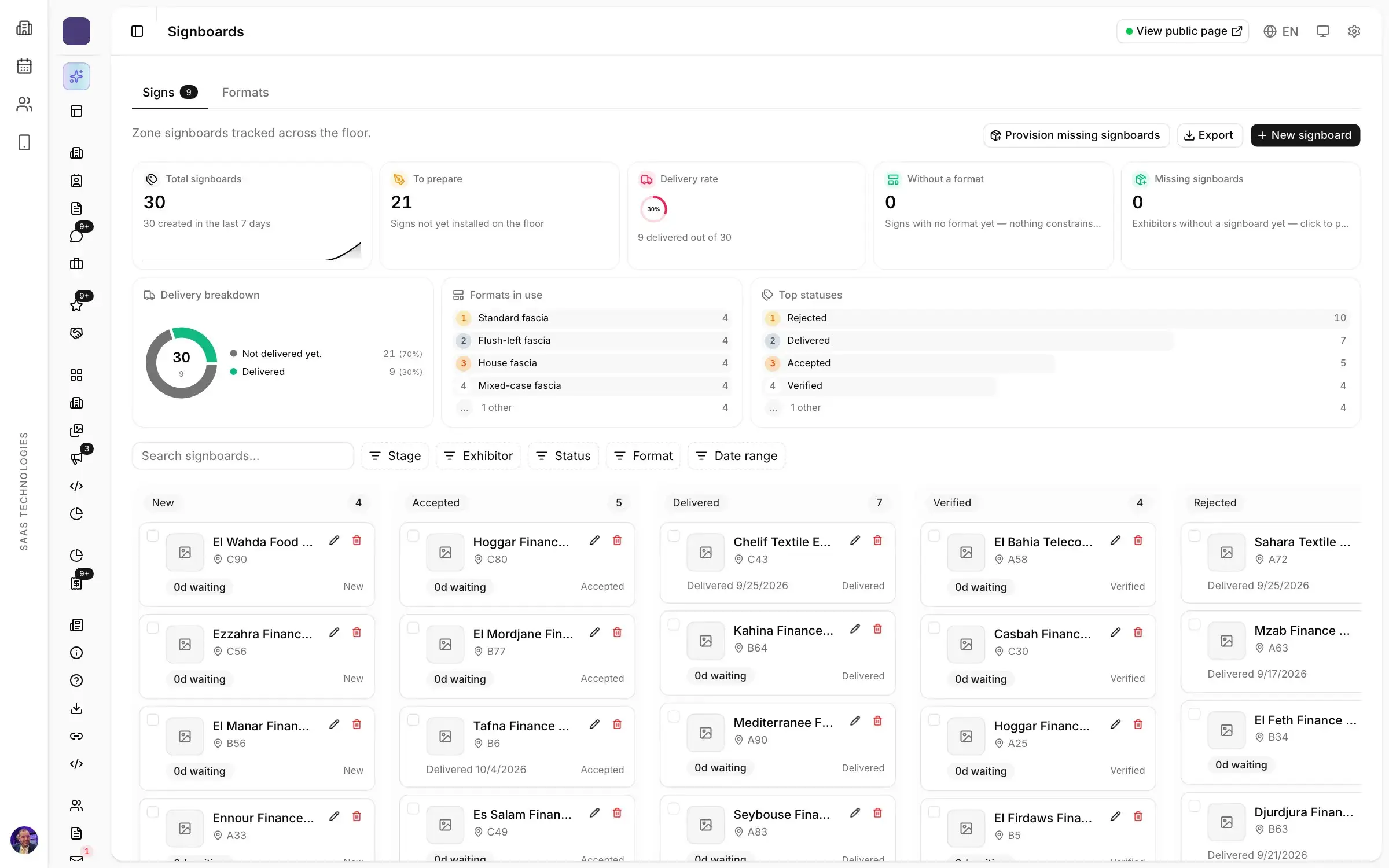
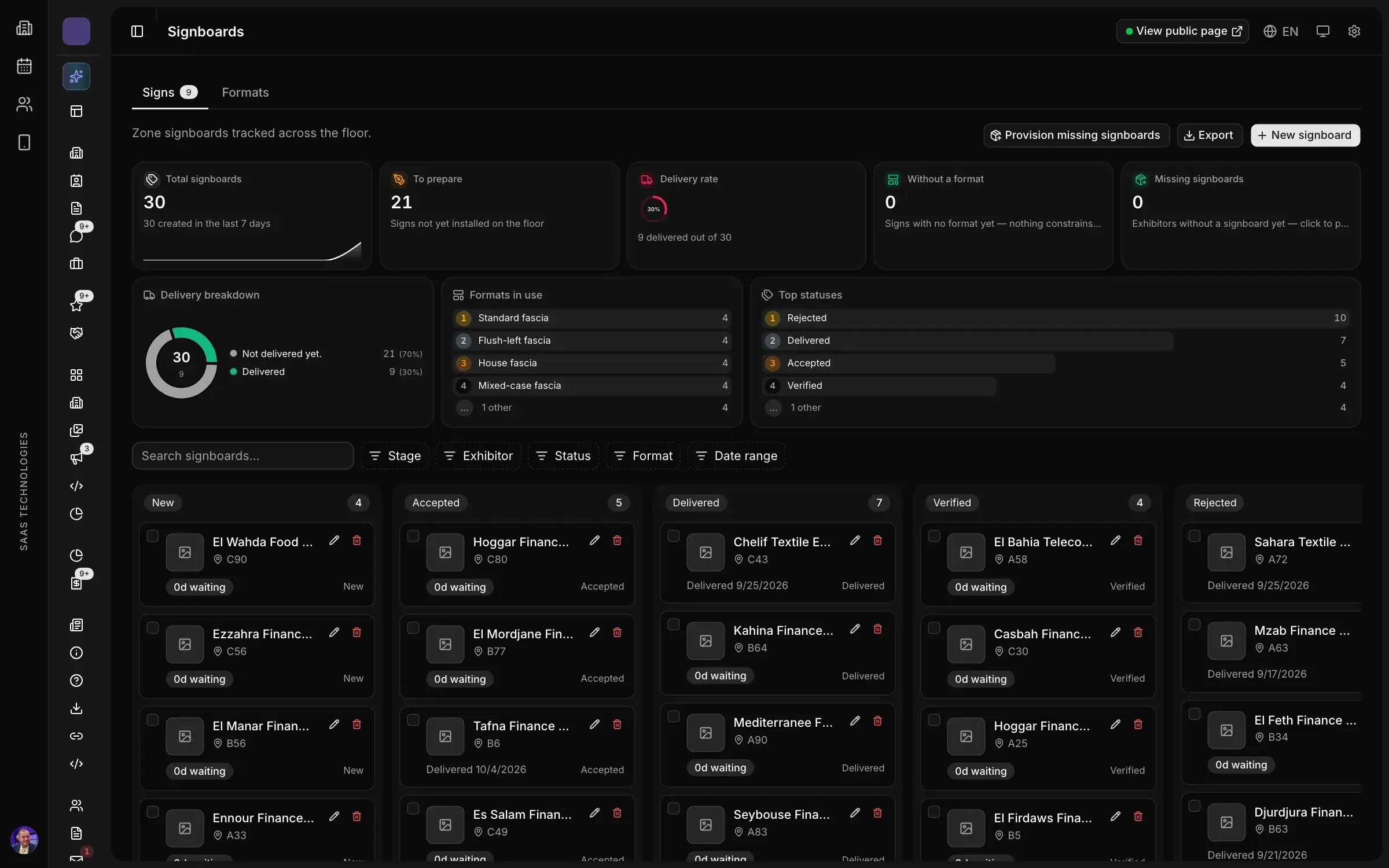
Fascia sizes, backgrounds and text limits, so nothing reaches the printer that will not fit.
Exhibitors post their offers, candidates apply, and each exhibitor follows its own pipeline.
Airport shuttles, interpreters, photographers and partner hotels, booked by participants and fulfilled by your providers.
What visitors see
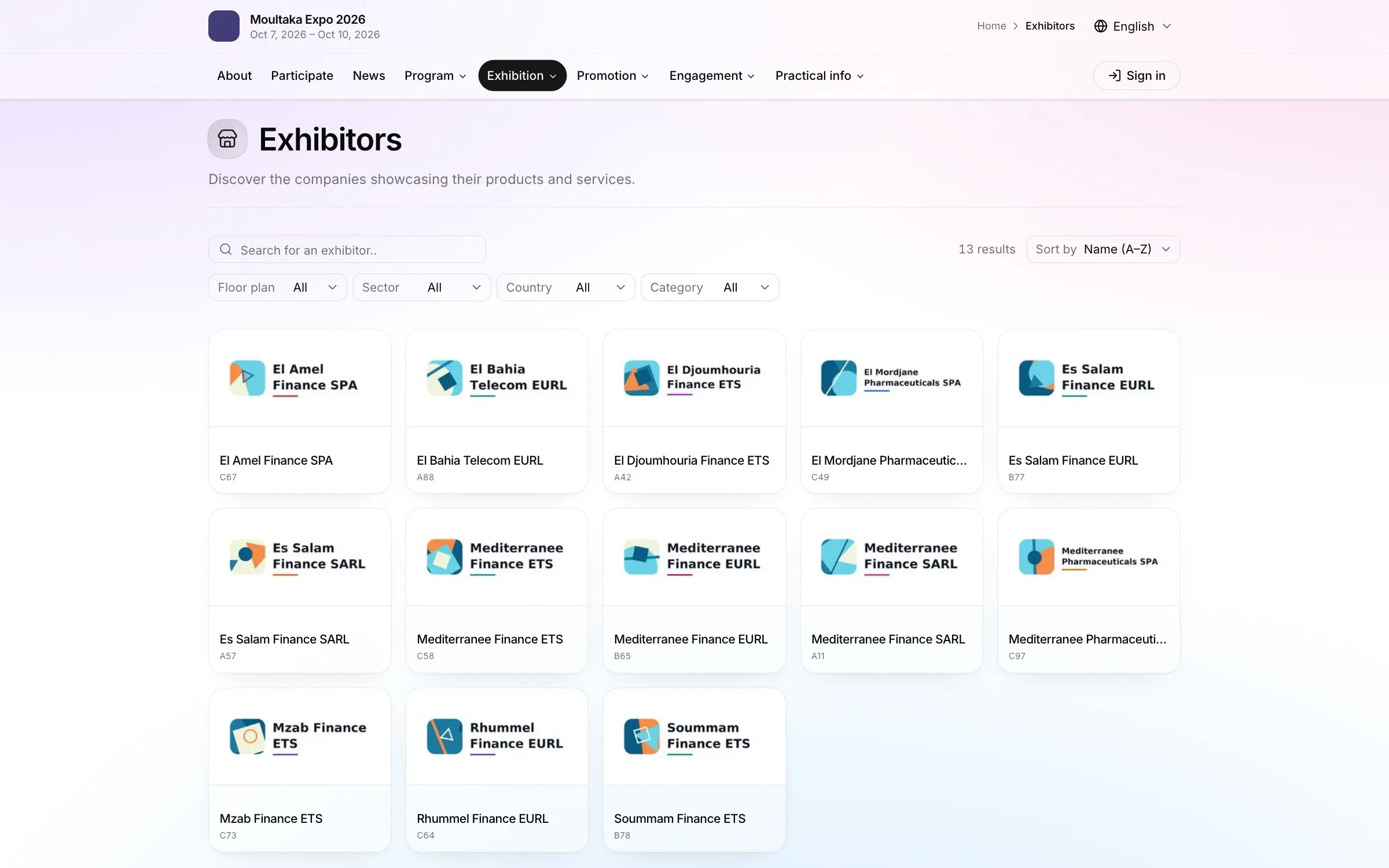
Visitors search the directory by sector, country or product category, then open a profile with the stand, hall, products, team and job offers. They can like a product or send the exhibitor a contact request.
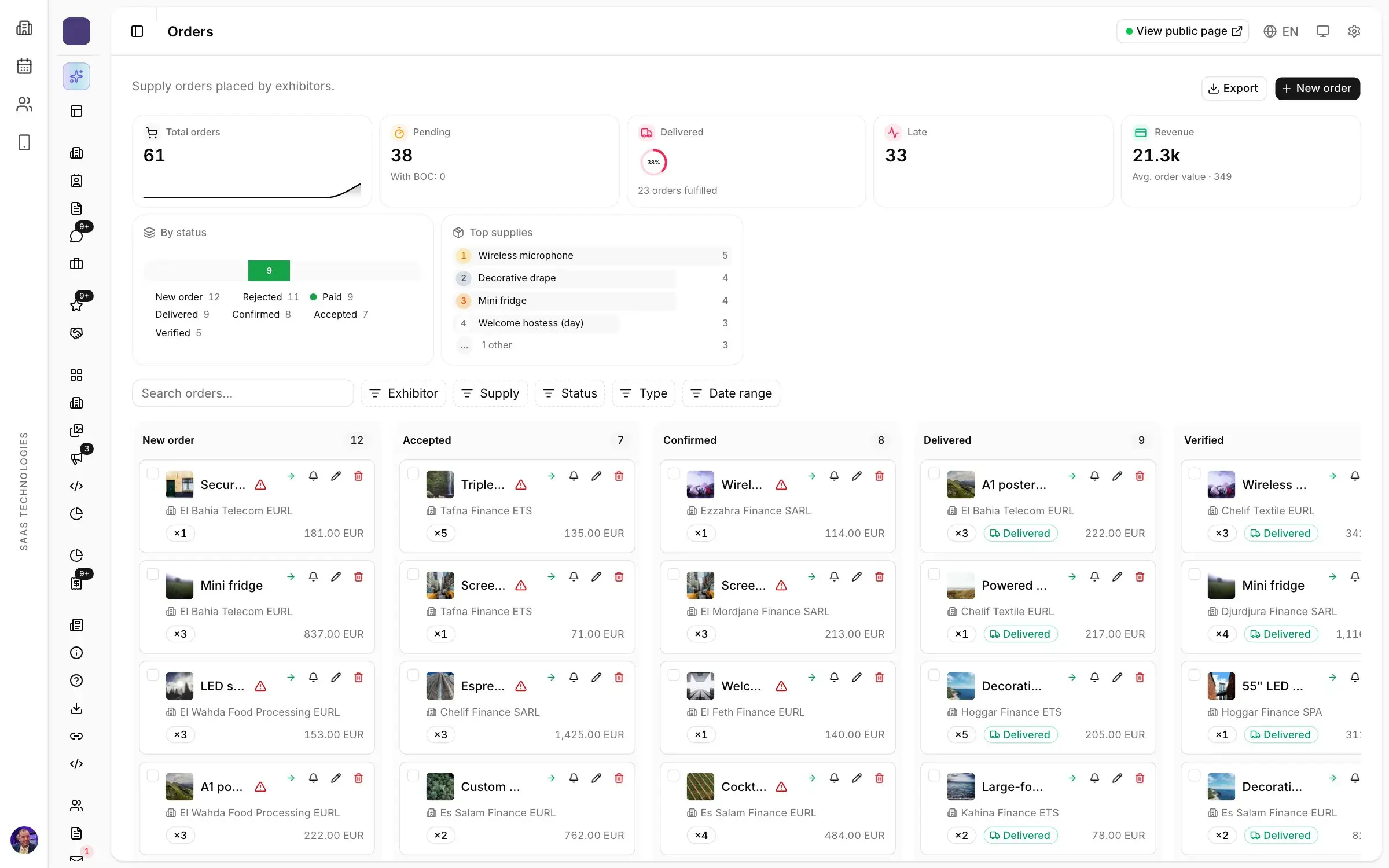
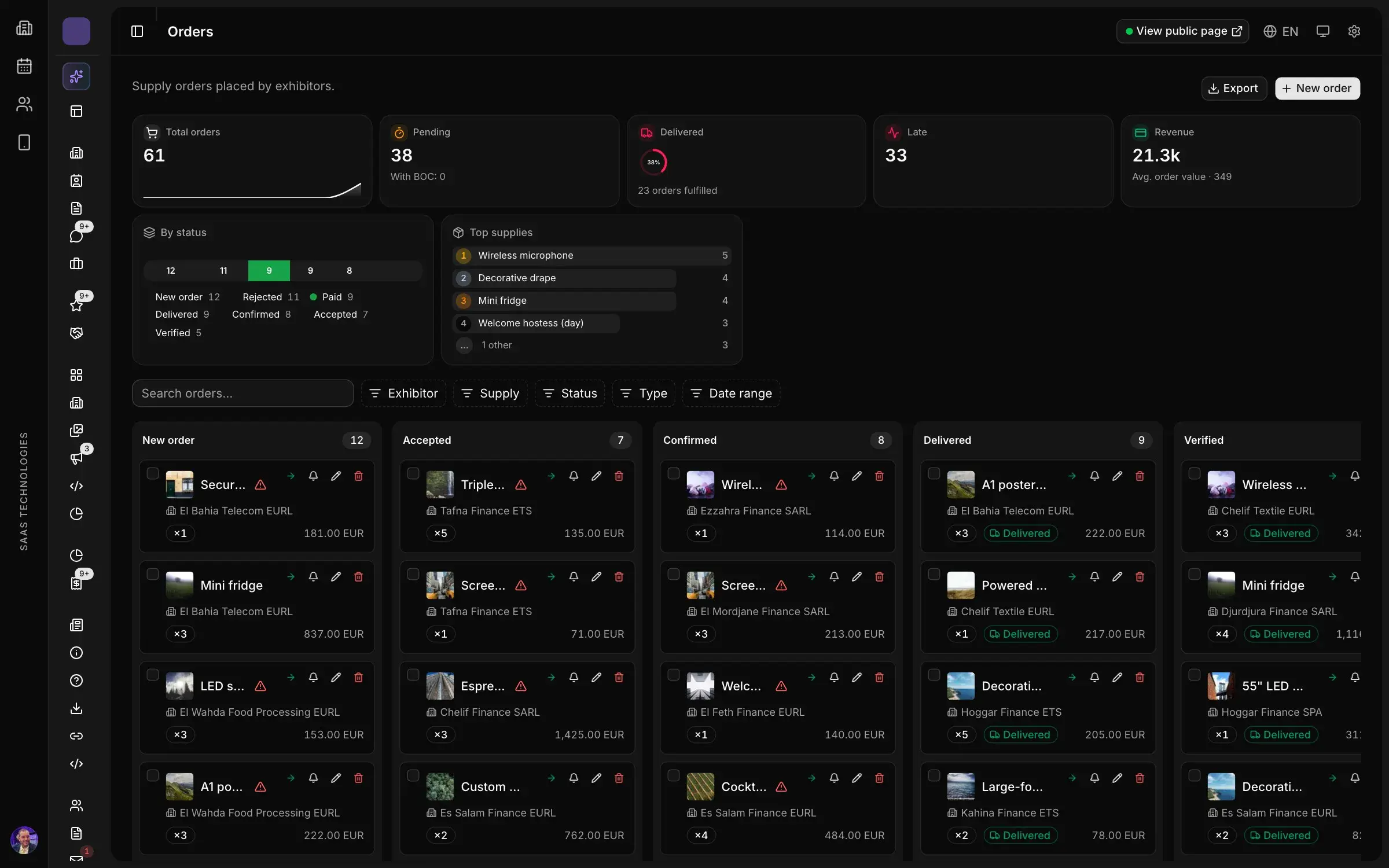
Exhibitors order from your catalogue in their portal. Each order is tracked from request to delivery on the stand, with its amount and its status.
How it works
Exhibitors declare their staff; credentials, photos and check-ins are tracked per company. Import a whole team from a spreadsheet.
Exhibitors order from your catalogue in their portal. Each order is tracked from request to delivery on the stand, with its amount and its status.
Exhibitors type their trading name once. You validate it, the printer receives a clean list, and you see which stands still have no sign.
Insurance, clearance to build and setup windows checked for every builder working on your floor.
Severity, response time targets and escalation rules, with the team member who takes each case.
Exhibitors type their trading name once. You validate it, the printer receives a clean list, and you see which stands still have no sign.
Requests reviewed step by step, invitation letters issued and passport dates checked.
FAQ
It is the online space where each exhibitor completes its file, orders services and declares its team. Stand, contract, logo, team, orders and documents sit in one record per exhibitor, and completeness is measured: you chase only what is really missing.
Yes. They order from your catalogue of furniture, lighting, screens and services, in their portal. Each order is tracked from request to delivery on the stand, with its amount and status.
The exhibitor types its trading name once; you approve it and the printer receives a clean list. For every stand builder, insurance, build-up authorisation and time slots are checked before it builds.
Visa requests are processed step by step, invitation letters issued and passport dates checked. Stands can also be priced in foreign currencies.
Yes. Visitors search the directory by sector, country or product category, then open a profile with the stand, hall, products, team and job offers, on the event website or embedded in yours.
Platform map
Twelve products in one workspace, numbered in the order your show happens.
Personal demo
Thirty minutes on your own case, with a live demonstration of the screens your team would use.