
06 · Seasonal staff
Hostesses and temporary staff on board
Hostesses, interpreters and kiosk operators added, accredited and briefed, with who actually came.
07 / 12Welcome
Event registration and visitor management
Registration forms on your own website, one record per person, and every category of visitor handled with its own rules: trade visitors, VIPs, press, invited guests and seasonal staff.

Trusted by trade show organizers






What’s inside
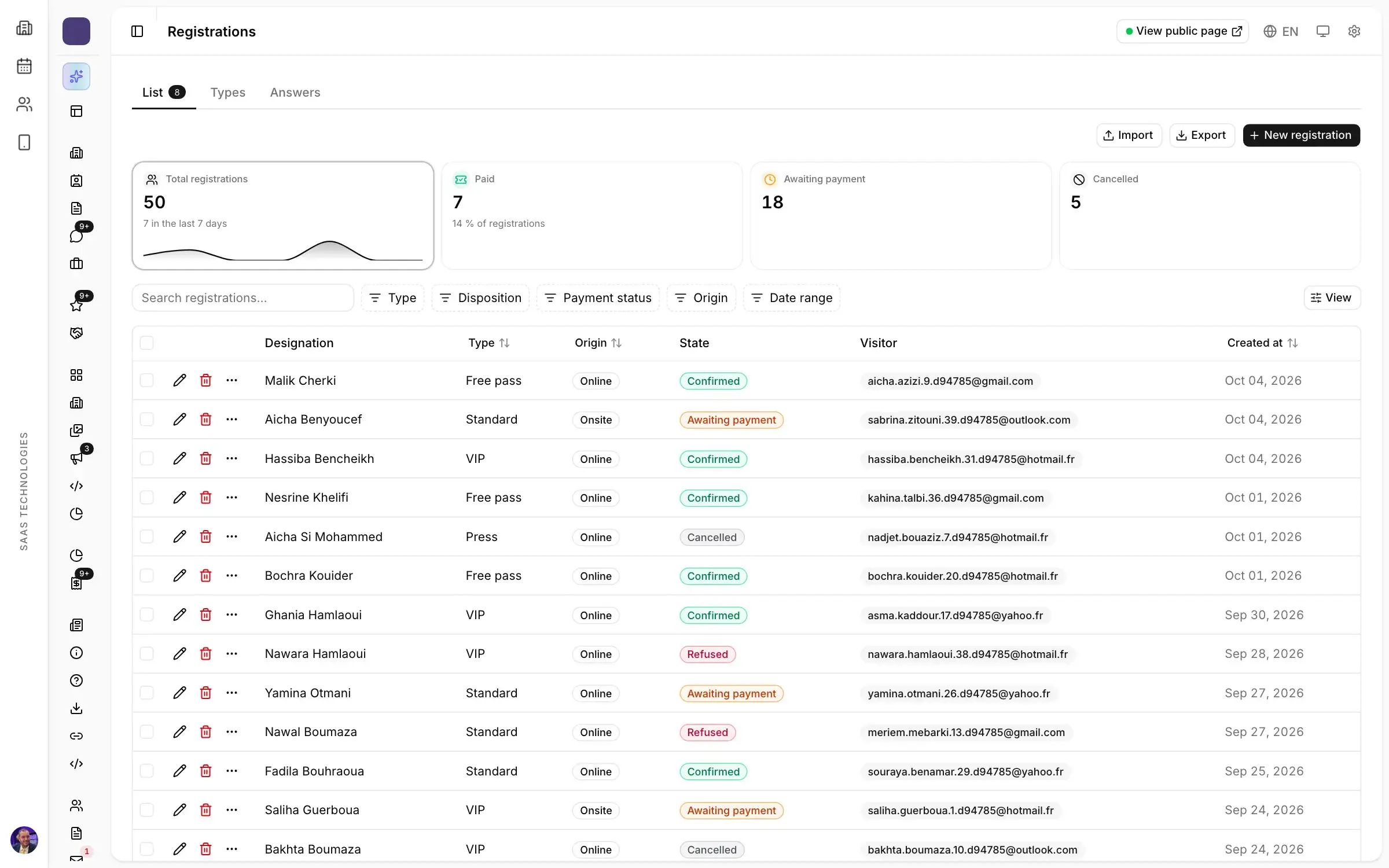
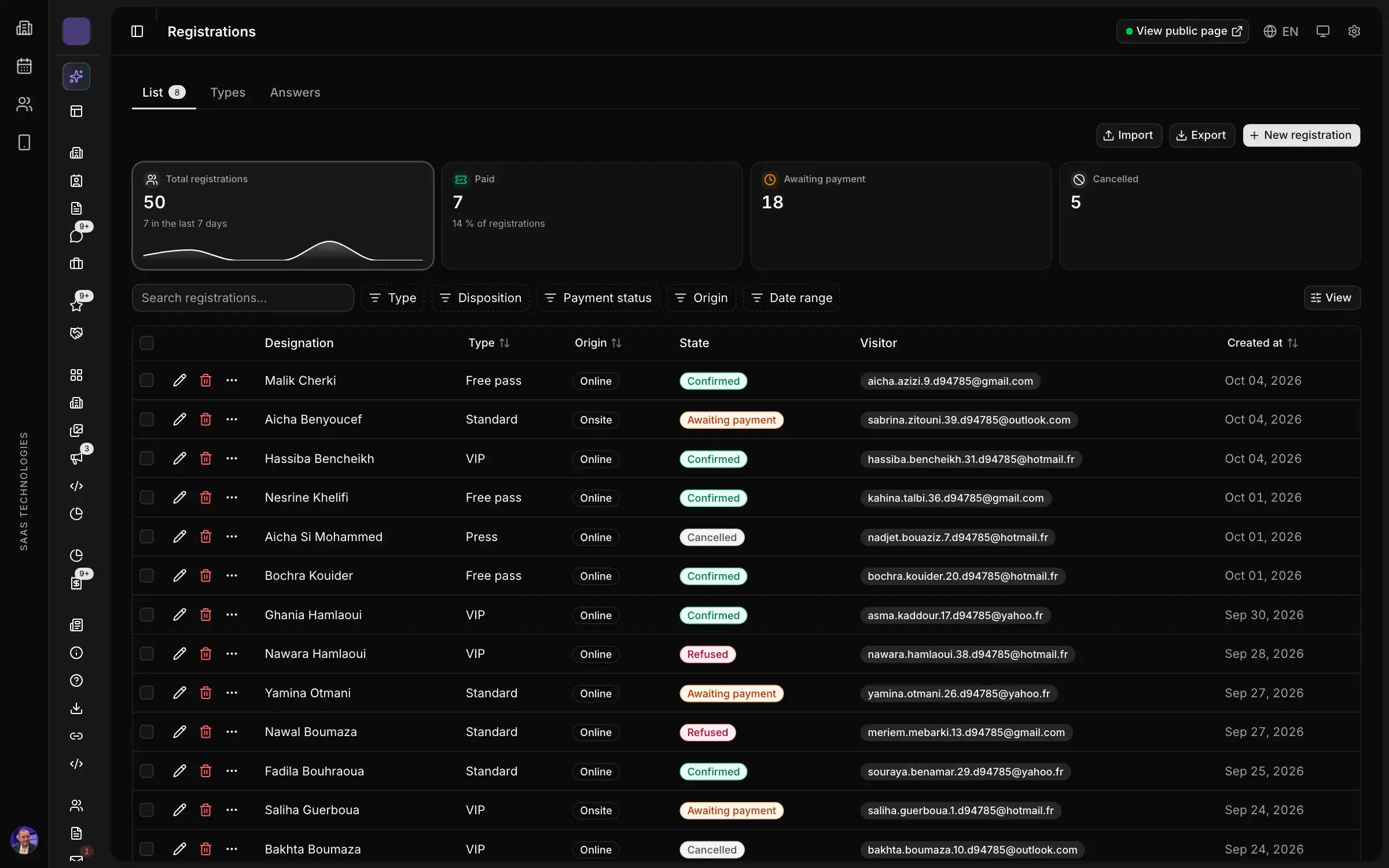
Registrations arrive by type, source and day. Duplicates are caught when the person registers, not the night before the show.
Also in this product
Hostesses, interpreters and kiosk operators added, accredited and briefed, with who actually came.
Copy one snippet: registration, exhibitor list and programme appear on your site, in your colours.
Import registrations or an exhibitor’s team from a spreadsheet, with each column matched to its question.
Visa requests and invitation letters for visitors and delegations travelling from abroad.
What visitors see
Multi-step forms with a progress bar, questions that appear only when they apply, and drafts saved for later. Invited guests open a personal link with their details already filled in, and confirmed visitors receive their badge by email.
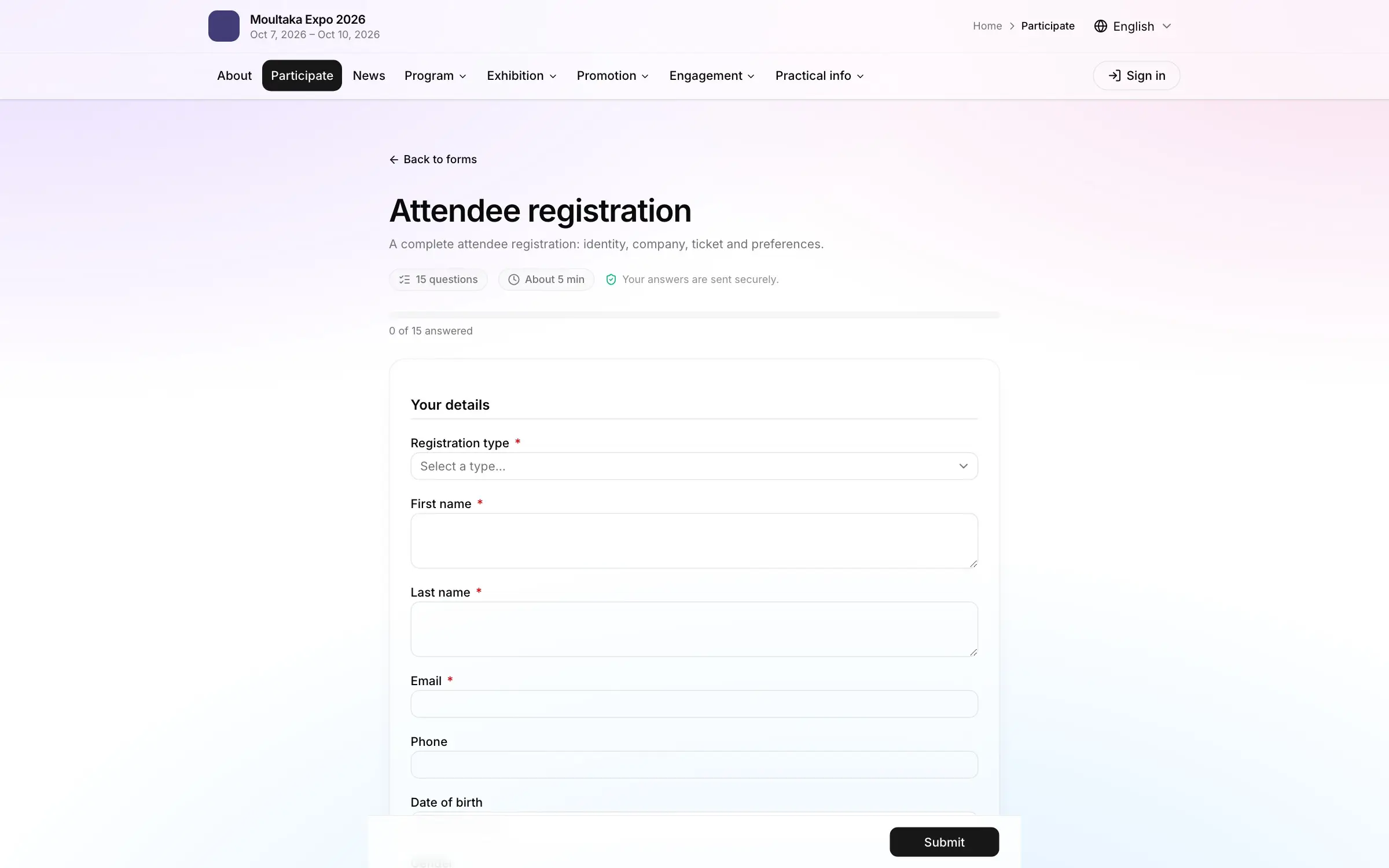
Visitor registration, press accreditation, speaker submission or inquiry: build the form, add conditions, and follow completion and drop-off.
How it works
Visitor registration, press accreditation, speaker submission or inquiry: build the form, add conditions, and follow completion and drop-off.
Free pass, standard, VIP or press: each type has its own price, confirmation mode and badge.
Registrations arrive by type, source and day. Duplicates are caught when the person registers, not the night before the show.
One email, one registration: a second sign-up for the same type is recognised, and every count shows the person once.
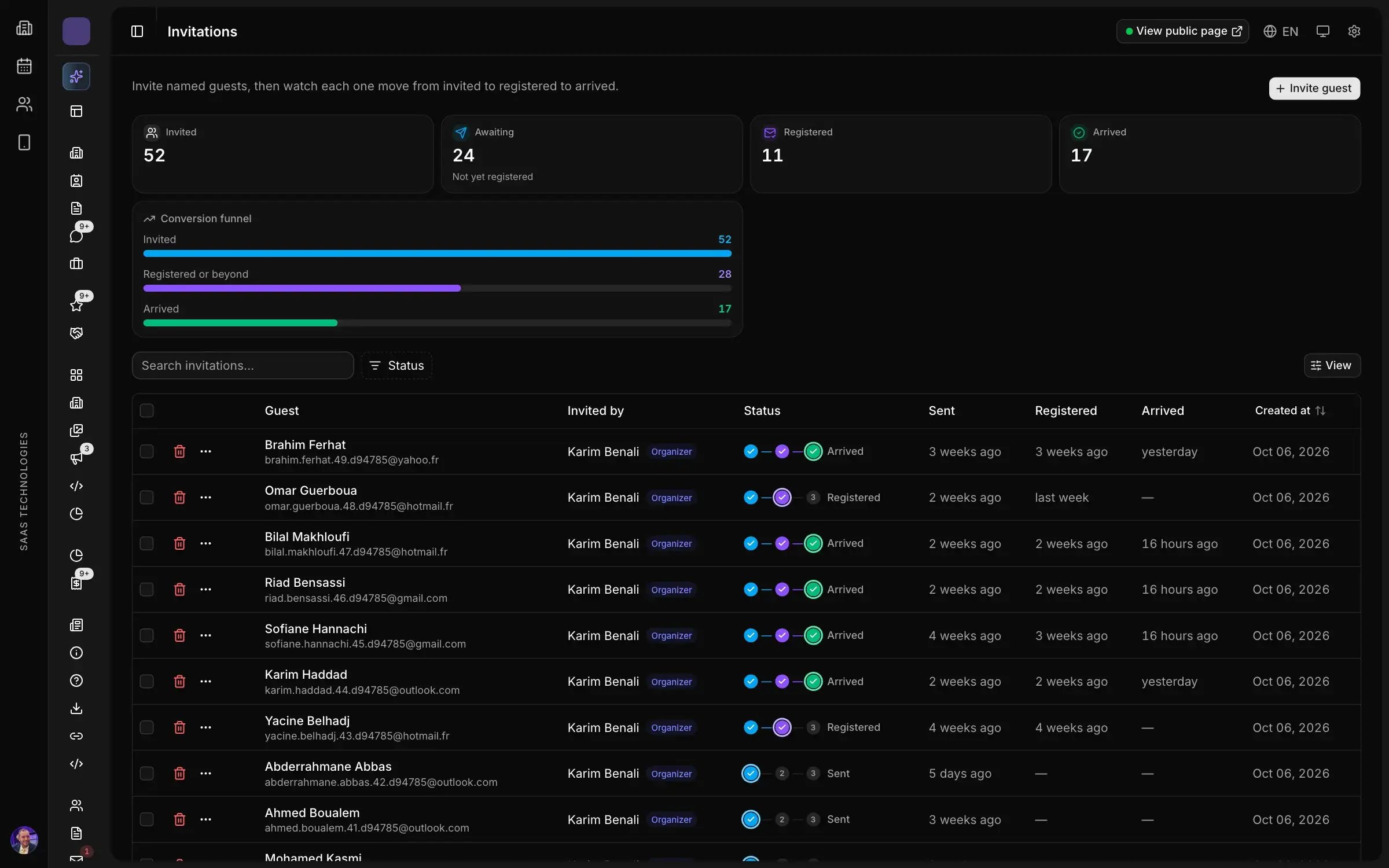
Invite named guests and watch each one move from invited to registered to arrived, with who invited them.
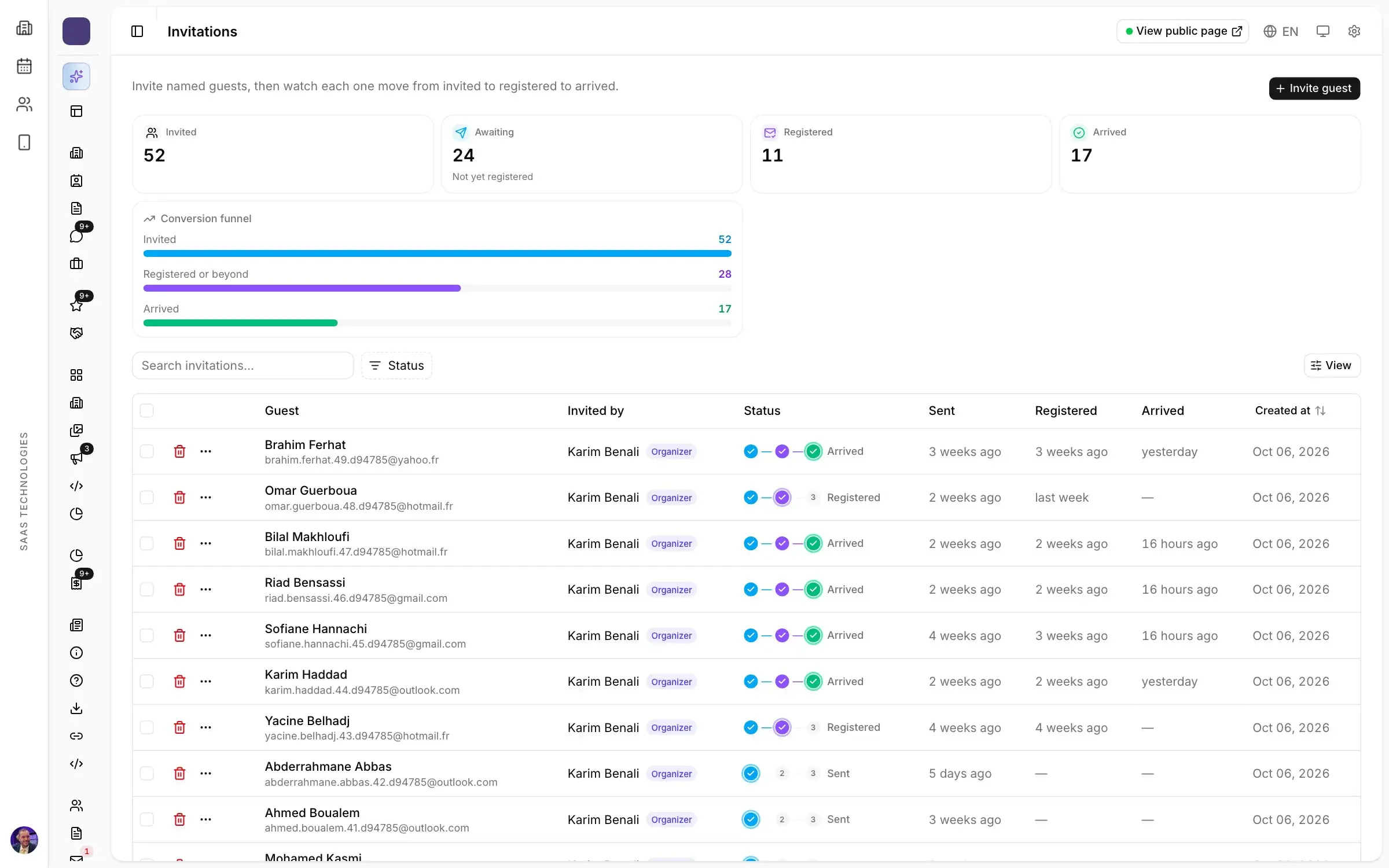
A host per guest, arrival alerts at the entrance, dietary needs and the benefits each VIP receives.
Platform map
Twelve products in one workspace, numbered in the order your show happens.
Personal demo
Thirty minutes on your own case, with a live demonstration of the screens your team would use.