How to sell exhibition space: every stand on one interactive floor plan
Free, optioned or sold at a glance: a live floor plan your whole sales team shares, stand inquiries in one queue, and no stand ever sold twice.
By Moultaka team
Selling exhibition space comes down to one question your team answers twenty times a day: is this stand still free? The reliable way to answer it is to sell from one interactive floor plan that every salesperson shares, where each stand shows whether it is free, optioned or sold, who has it and what it costs, updated the moment anyone changes it. Here is how to run exhibit space sales from the first inquiry to the signed stand, and on to rebooking for the next edition.
Why the same stand gets sold twice
At many shows the floor plan lives in a PDF, sales live in spreadsheets, one per salesperson, and the “master file” is updated whenever someone remembers. Add an agent selling a country pavilion from another time zone, and a stand promised in the morning is offered again in the afternoon. Nobody notices until two exhibitors arrive at the same space during build-up.
It is not a people problem. There are three versions of the truth: the plan, the spreadsheets and everyone’s memory. You need one, and everyone needs to see it.
An interactive floor plan is a sales tool
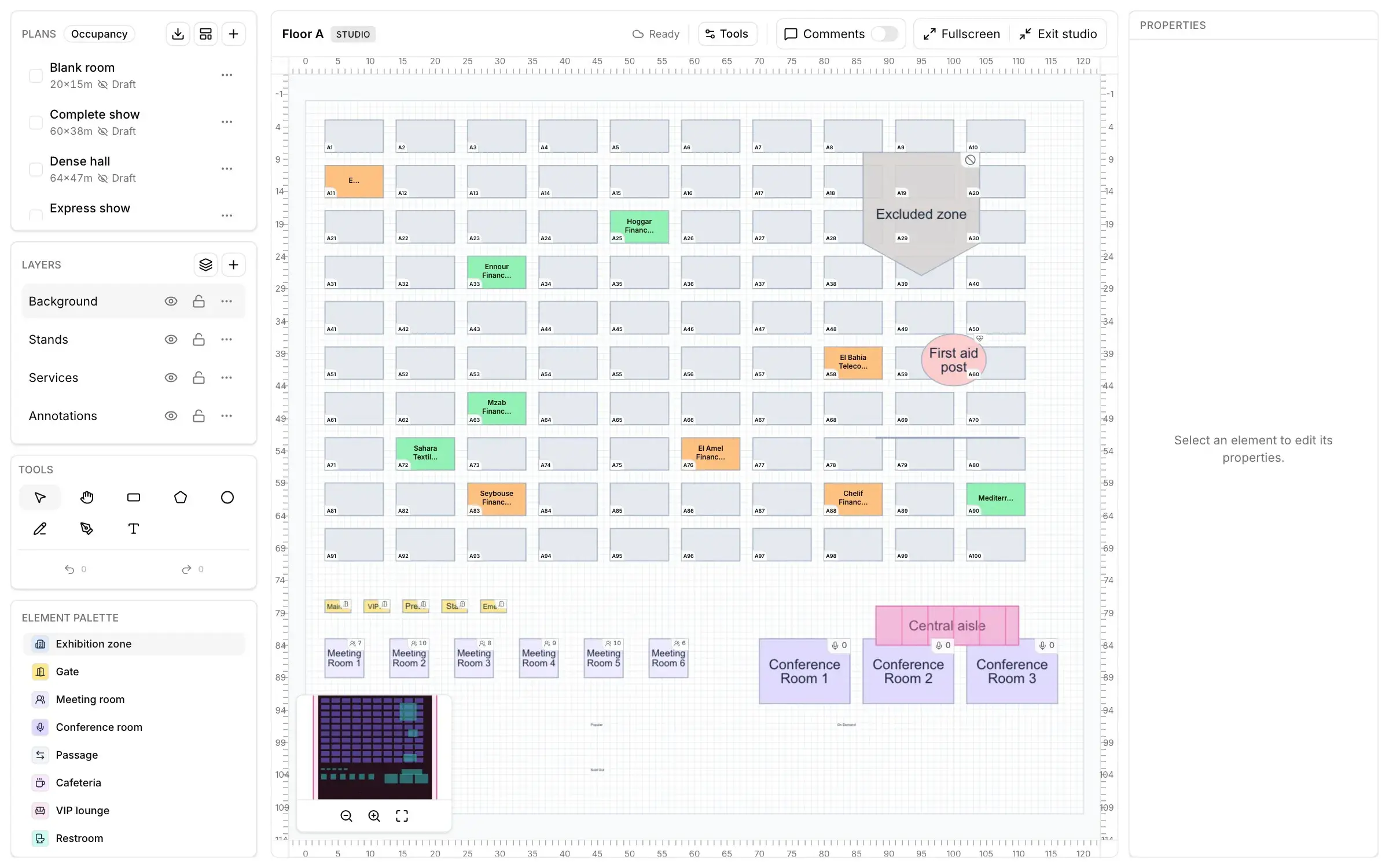
An interactive floor plan is not a picture of the hall. It is where you sell. You draw the halls, stands and aisles, then sell from the plan itself. Each stand shows:
- its status, free, optioned or sold, readable at a glance;
- the exhibitor who has it;
- its size and its price.
When one salesperson changes a stand’s status, the whole team sees it at once, wherever they are working from. If your show spreads over several halls and outdoor areas, put them on one plan with the services, so that sales and operations read the same map.
Options are the status that costs you most
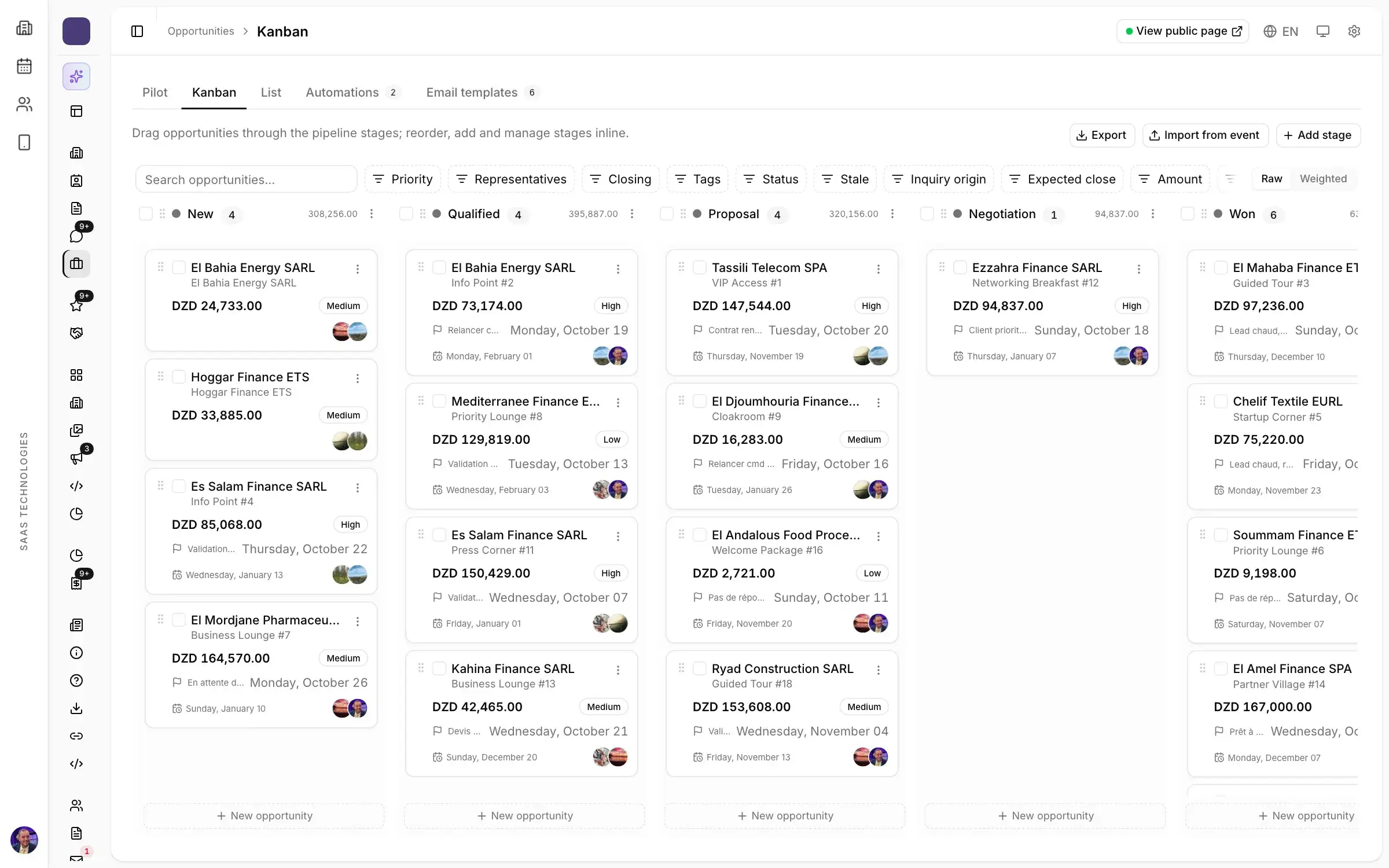
The most expensive stands are neither the sold ones nor the free ones. They are the stands optioned three weeks ago for a company that has not decided yet: a good location, blocked, earning nothing. Give every option a follow-up date, and move every deal through clear stages: inquiry, quote, signature.
In a CRM built for exhibition sales, stalled deals are flagged, and rules create a follow-up task when a deal stops moving or a high-value opportunity waits too long. Your salesperson calls back while the company is still interested, not after it has booked a stand at a competing show.
Stand inquiries in one queue
Stand inquiries arrive from everywhere: the show website, email, phone calls, replies to a campaign. The ones that are not gathered in one place get lost. Ask for a single triage queue, where every inquiry is scored and assigned to the right salesperson by rules you set, and turns into an opportunity in one click.
You can also open the plan to future exhibitors. Published on the show website, it lets prospects search for a stand, zoom in and open the exhibitor behind it. A company looking for space at your show picks the location it wants and sends its request through an inquiry form, which lands in your sales queue.
Pricing: per stand, in the right currency
The price belongs on the plan. Each stand carries its size and its price, so nobody opens a separate rate card. The quote then starts from a shared template filled with the deal’s details: it goes out quickly, and it carries the same figures as the plan.
If you sell to exhibitors from abroad, price stands in your own currency or in foreign currencies for them. A show in the Gulf selling to European and Asian companies, or a North African show hosting national pavilions, no longer keeps two rate cards in two files.
Occupancy, every morning
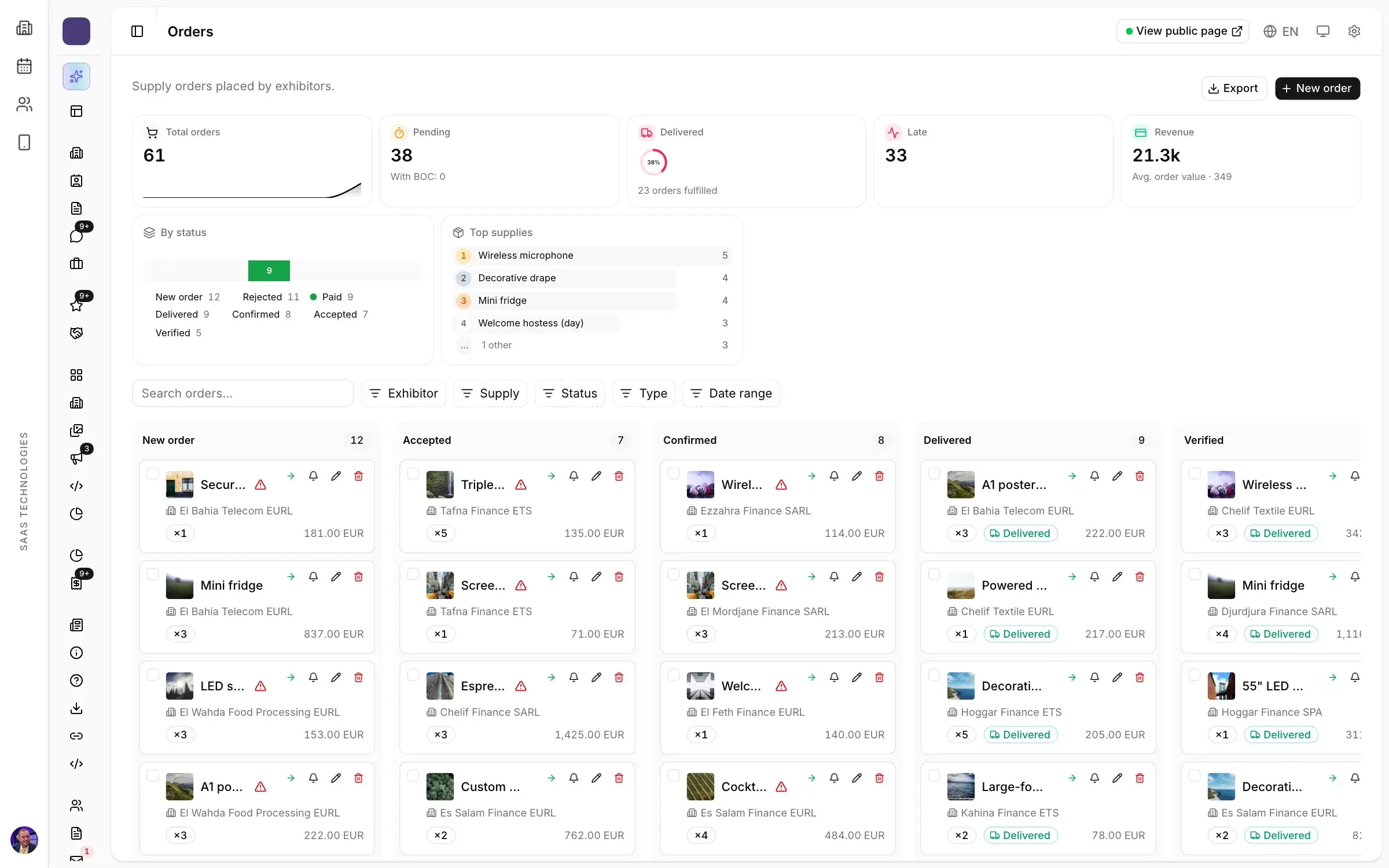
Every morning the show director asks the same thing: how much is left? Show the free and occupied surface for each zone, with an alert when a hall fills up or stays empty. You learn early that the main hall is full and that the annex needs more effort.
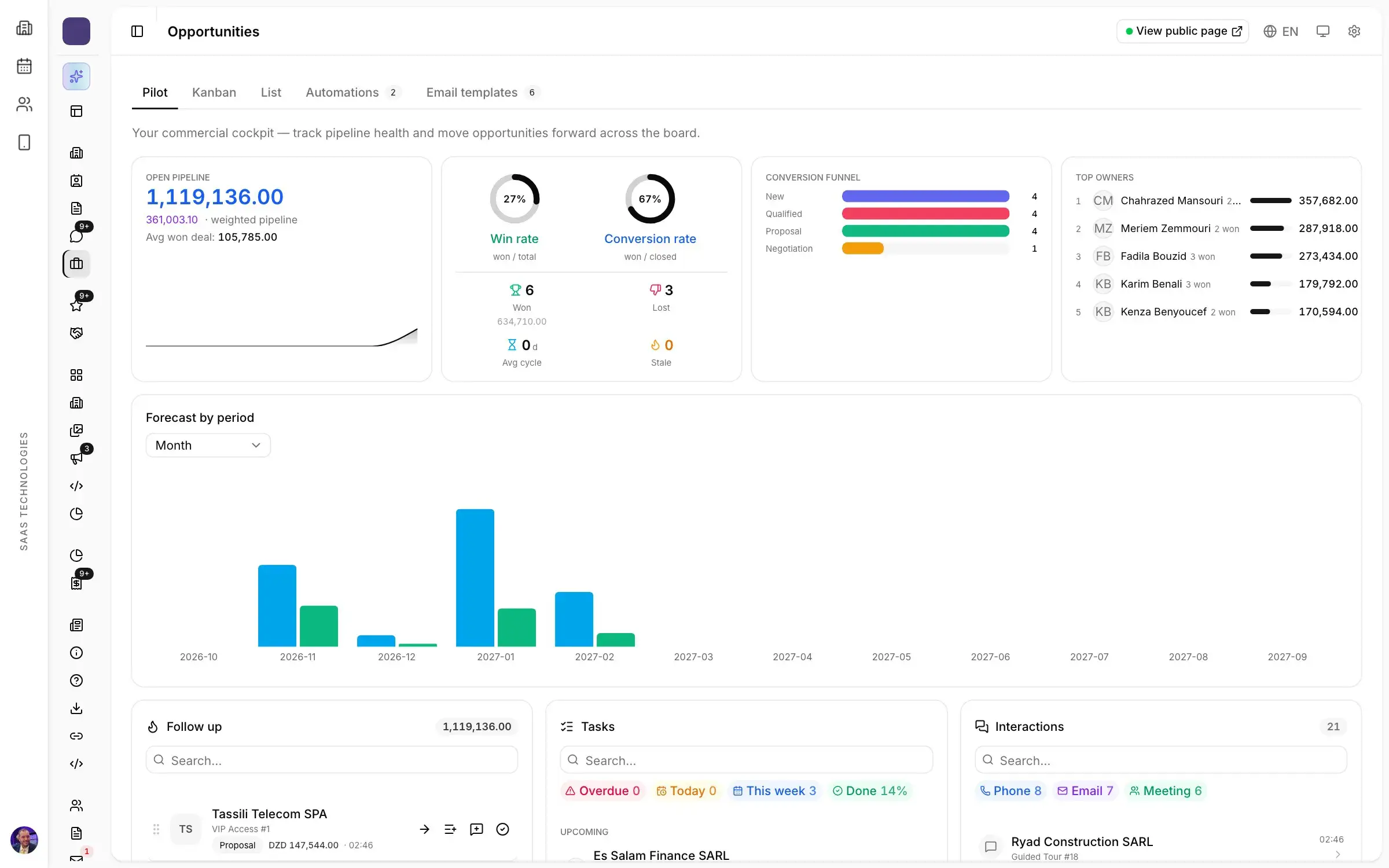
The sales director needs the same view of the team: open deals, weighted value, win rate and next steps per salesperson, updated as people work, with no weekly spreadsheet to consolidate.
From signed stand to ready exhibitor
Selling the stand starts the operations team’s work: contract, logo, staff, furniture and power orders, then the stand builder. The more closely the stand on the plan is tied to the exhibitor’s record, the less gets retyped between sales and operations. Our guide to exhibitor management, from the registration file to a finished stand covers that part.
The next edition is sold during this one
The easiest stand to sell is one booked by last year’s exhibitor. Rank past exhibitors by how likely they are to sign again, call the right ones first, and do it during the show, while they can see busy aisles. That only works if companies, contacts and history carry over from one edition to the next, so you never start from an empty file. If you are thinking of changing tools, read when to switch trade show software: the week after your show closes.
What to ask in a demo
- Show me a real plan: how does a stand change colour when it is optioned, then sold?
- What does my colleague see when I sell a stand from my laptop?
- How does an inquiry from the show website reach the right salesperson?
- How do I price a stand in a foreign currency for an exhibitor from abroad?
- Where do I see the space left in each hall?
More questions worth asking: what to ask a trade show software vendor before you sign.
Stand sales in Moultaka
In Moultaka, every stand on the plan is tied to the company, the inquiry and the deal it belongs to, so your sales team always knows what is free, optioned or signed. Inquiries arrive in one queue, deals move on one board, and the plan is published to the participant app. See Stand sales and CRM, and to see it on your own show’s floor plan, book a demo.