Event management software in Algeria: what a trade show organiser should demand
Stand sales, exhibitors, registration, badges, languages, foreign exhibitors: seven things to check before choosing event software for a show in Algeria.
By Moultaka team
Search for event management software in Algeria and the first results are tools for wedding halls, concert ticketing or seminar agencies. A trade show needs something else. You have to sell stands, prepare hundreds of exhibitors, register and badge thousands of visitors, run business meetings, then report to sponsors. Whether you organise a show in Algiers or bring an international one to North Africa, here are the seven things to check before choosing your software, and the questions to ask during the demo.
Event software is not always trade show software
“Event” covers a wedding, a concert or a corporate seminar. What sets a trade show apart is its revenue chain: stands, sponsorship, advertising, sometimes ticketing. A tool that only knows attendees and tickets leaves out half of your team’s work, the half that brings in the money.
So before any demo, ask a simple question: does the tool know the words stand, exhibitor, hall and stand builder? If they have to be faked with custom fields, your team will end up back in spreadsheets.
1. Sell stands from a floor plan, not a spreadsheet
At many shows, stand sales live in a shared file and in the salespeople’s heads. The risks are well known:
- two promises for the same stand;
- a forgotten option;
- an exhibitor who discovers their location the day before.
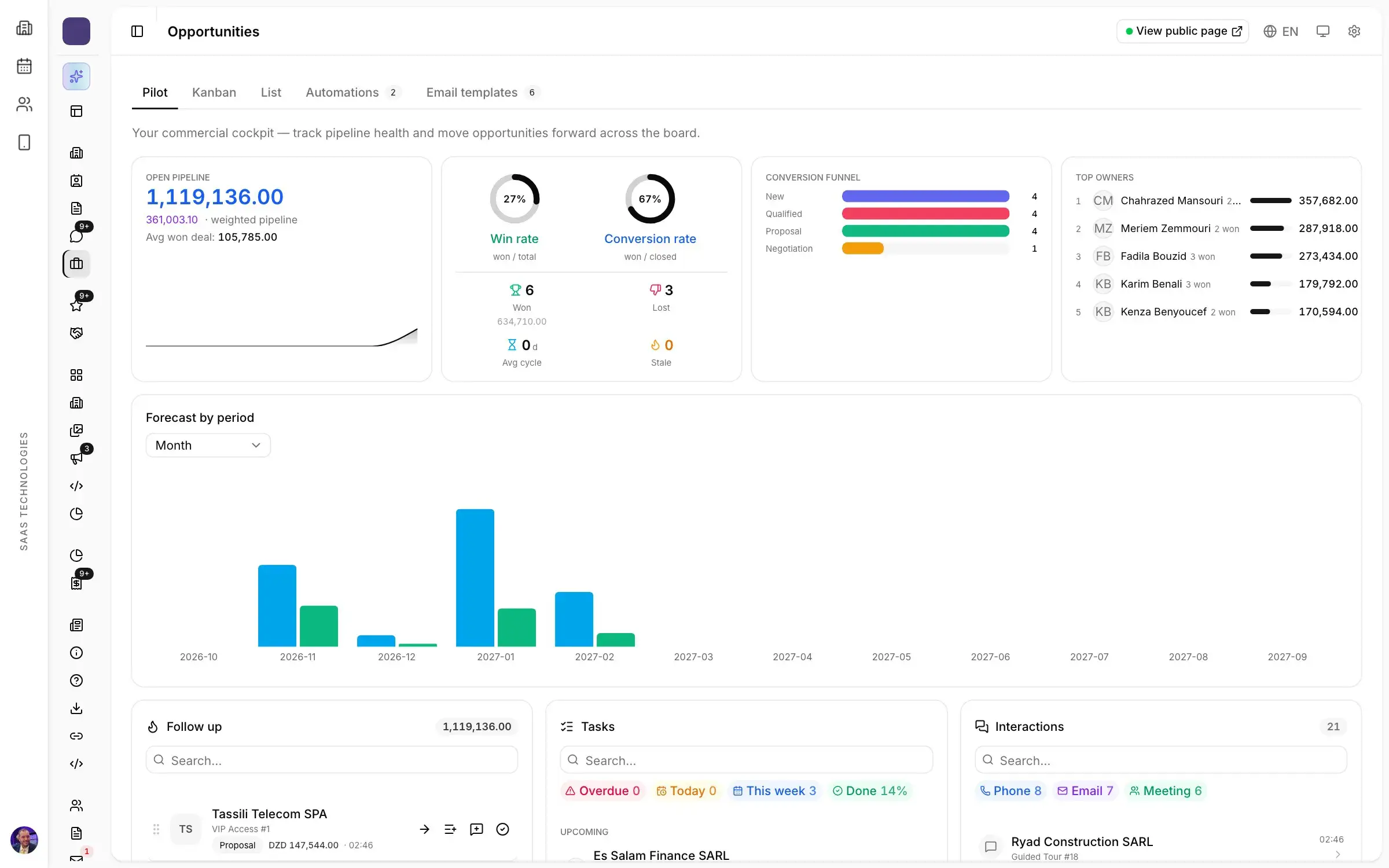
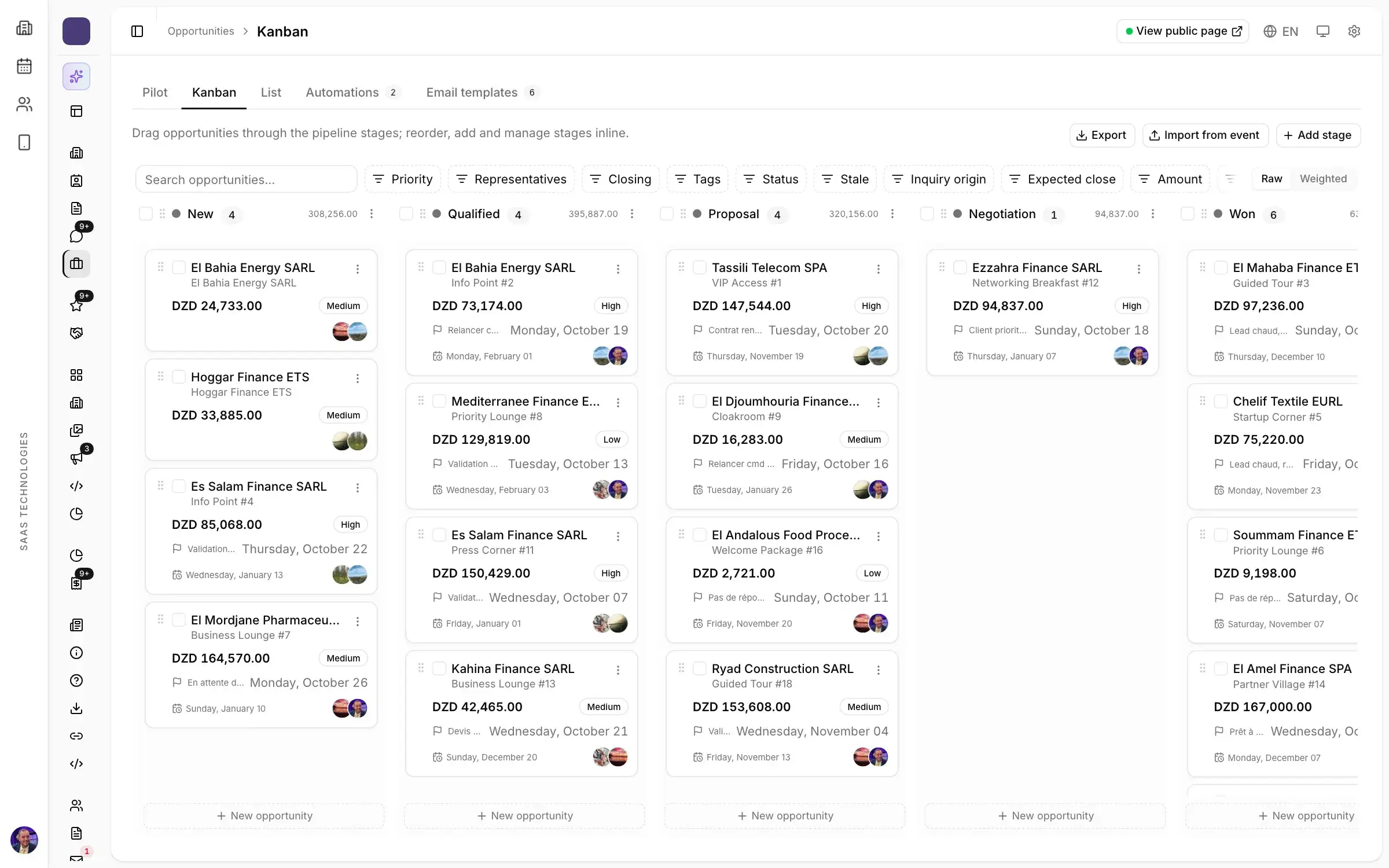
Ask for a floor plan you sell from: every stand with its status, exhibitor and price, visible to the whole team at the same moment. Also ask where stand inquiries from the website, forms and campaigns land, and how an inquiry becomes a signed deal. In Moultaka, that is the job of stand sales and the exhibition CRM.
2. An exhibitor portal, instead of chasing by phone
Each exhibitor has around ten things to send before opening day:
- a logo and a description;
- the text of their stand sign;
- their staff list;
- furniture and power orders;
- their stand builder’s details.
When it all arrives by email, WhatsApp and phone calls, nobody can see what is missing.
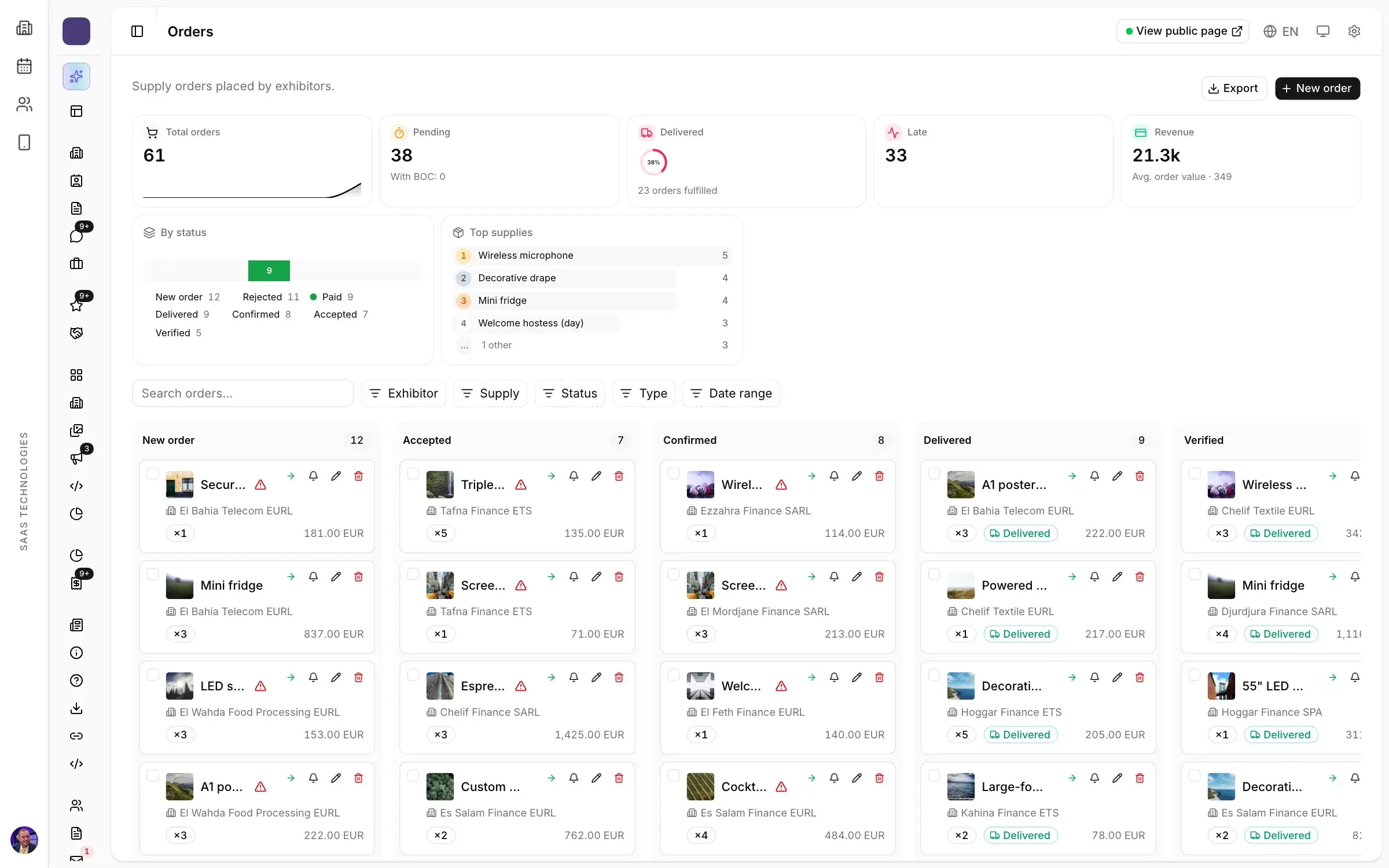
Check that every exhibitor gets a portal to complete their own file, and that you can see what each one still owes you. Our guide to exhibitor management covers this preparation, and the Exhibitors and operations page shows how Moultaka organises it.
3. Clean registrations and badges without a queue
On opening morning, at the Algiers exhibition centre or anywhere else, the queue at the door is the first thing visitors and exhibitors remember. It is decided weeks earlier, at registration. Three questions to ask:
- can the form live on your show’s own website, in your colours?
- is someone who registers twice recognised, or counted twice?
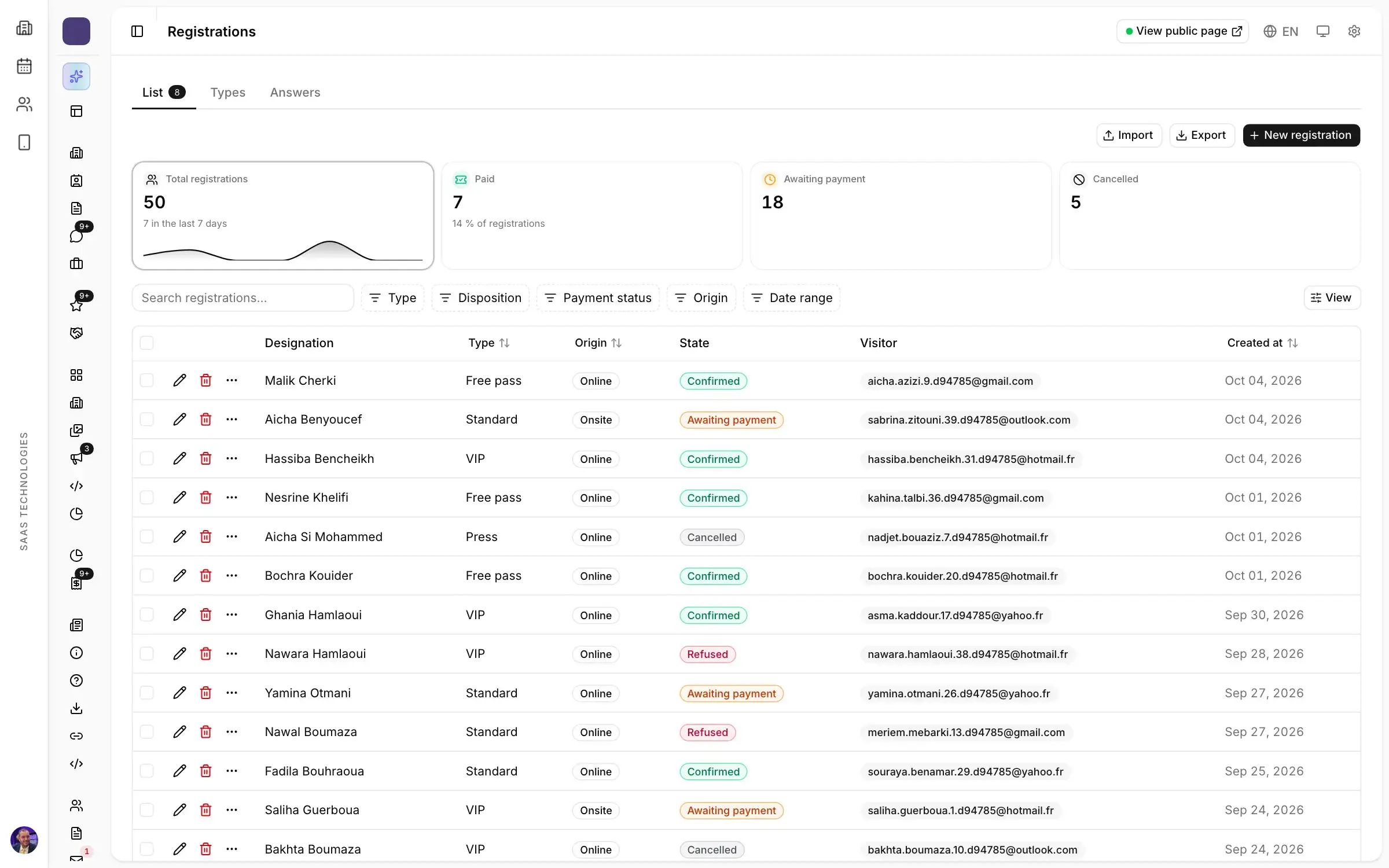
- can the badge go out by email, then print on site in a few seconds?
More on this in eight things to check in a visitor registration system and in our article on badges and access without a queue.
4. Arabic, French and English, without breaking anything
A show in Algeria speaks several languages at once: the team often works in French, part of the audience prefers Arabic, foreign exhibitors read English. Check three things:
- forms, emails and public pages exist in your audiences’ languages;
- Arabic reads right to left without breaking the layout;
- each message goes out in its recipient’s language.
Ask to see an Arabic form during the demo: it is the quickest test there is. In Moultaka, reminders, sequences and workflows run in each recipient’s language.
5. Foreign exhibitors: currencies and visas
An international show in Algiers welcomes exhibitors who pay in foreign currencies and need an invitation letter for their visa. Both are classic sources of delay. Check that the tool can price a stand in a foreign currency and track each visa request, step by step, until the letter is issued.
6. Business meetings and leads you can count
Many exhibitors come to meet buyers. A show can run B2B meetings and let exhibitors scan badges on their stand. It can then show what it produced: how many meetings, how many leads. That figure is what brings an exhibitor back the next year. See our article on B2B meetings at trade shows.
7. Your data stays yours
Between two editions, companies, contacts and history must stay available: they are the basis of rebooking. Ask two things:
- can every list be exported at any time?
- is your show’s data kept apart from that of the other organisers using the same tool?
Questions to ask during the demo
- Show me a stand being sold on the plan, from inquiry to signature.
- Show me an incomplete exhibitor file, and the reminder it triggers.
- Show me a registration form in Arabic, embedded in an existing website.
- What happens at the entrance on opening morning?
- How do we get our data back at the end of the contract?
More questions in Choosing trade show software: what to ask a vendor before you sign.
What Moultaka offers
Moultaka is trade show management software made by SaaS Technologies. Its twelve products share one database, from selling stands to measuring results. More than 14 trade show editions, 165,000 registrations and 1,700 exhibitors have gone through it. You can start with part of the platform and add the rest later.
To plan your season, see trade shows in Algeria in 2027, month by month. And to see these seven points on your own show, book a 30-minute demo.