Badges and access: how to get rid of the queue at a trade show entrance
Online registration, badges ready before arrival, self-service kiosks and access by profile: the practical levers of a smooth welcome on opening day.
By Moultaka team
The first impression of a trade show is formed at the entrance. A forty-minute queue in the sun on opening morning, and the whole edition gets off to a bad start: exhibitors annoyed to see empty aisles, visitors who give up and leave, VIPs waiting with everyone else. The good news is that the queue is almost never inevitable. It comes from a handful of specific causes that can be dealt with one by one.
Where the queue comes from
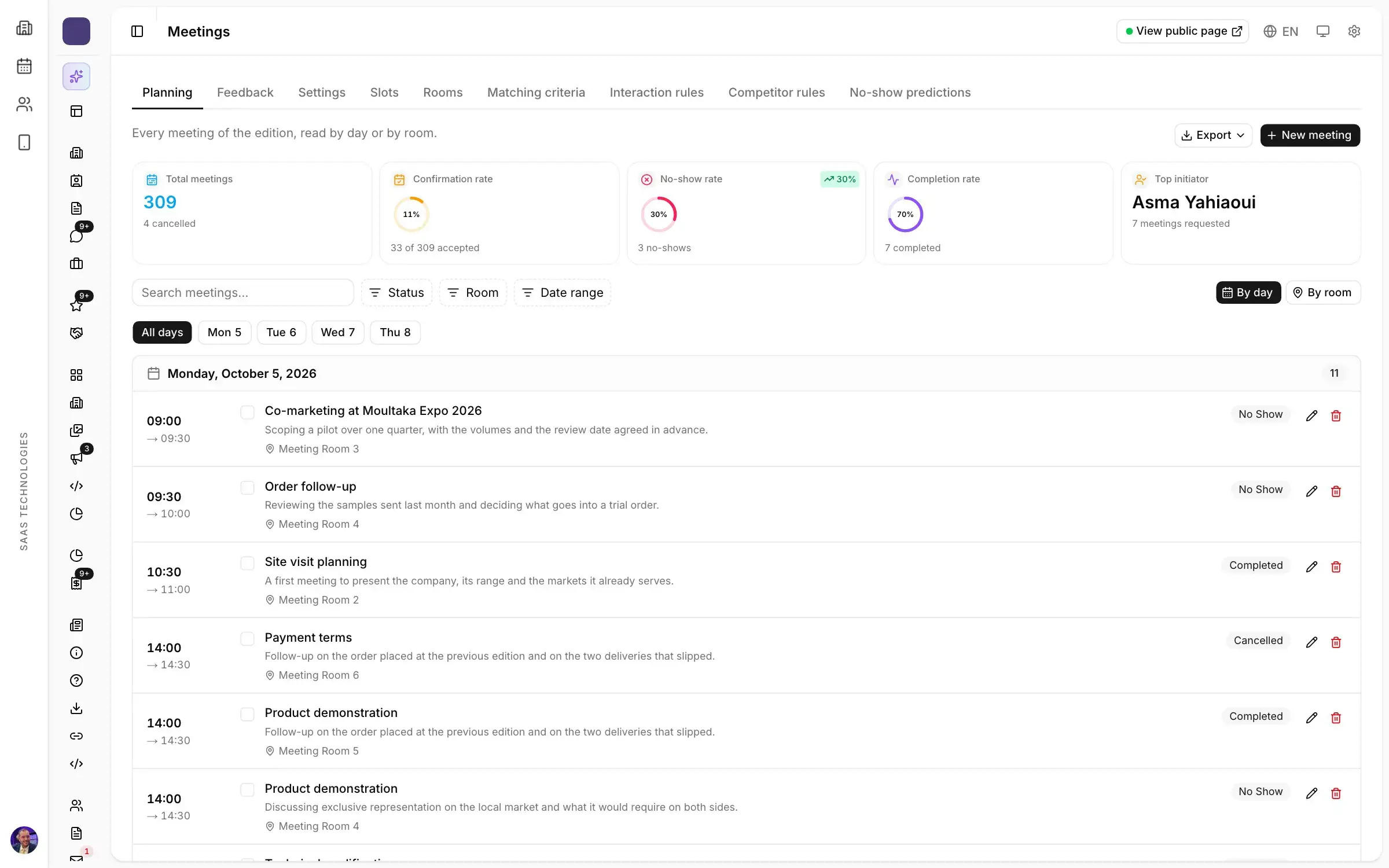
Watch a saturated welcome desk and you will always see the same actions: a host looking for a name in a list, a visitor filling in a paper form, manual data entry, a badge written by hand or printed one at a time. Each of these takes a minute or two. Multiply by a few hundred visitors arriving at the same time, and the queue is unavoidable.
The principle is simple: move the work before the day, and reduce what is left on site to a few seconds per person.
Do the work before the visitor arrives
Online registration is the first lever. A visitor who registers from home a few days before has already given their name, company, job title and category. There is nothing left to type at the entrance.
Two details make the difference:
- One registration per person. Visitors often register two or three times, by mistake or just in case. One email address must match one registration, otherwise your lists and counters are wrong.
- The badge sent by email. As soon as the registration is confirmed, the visitor receives a personal QR code. On the day, they show it on their phone or printed.
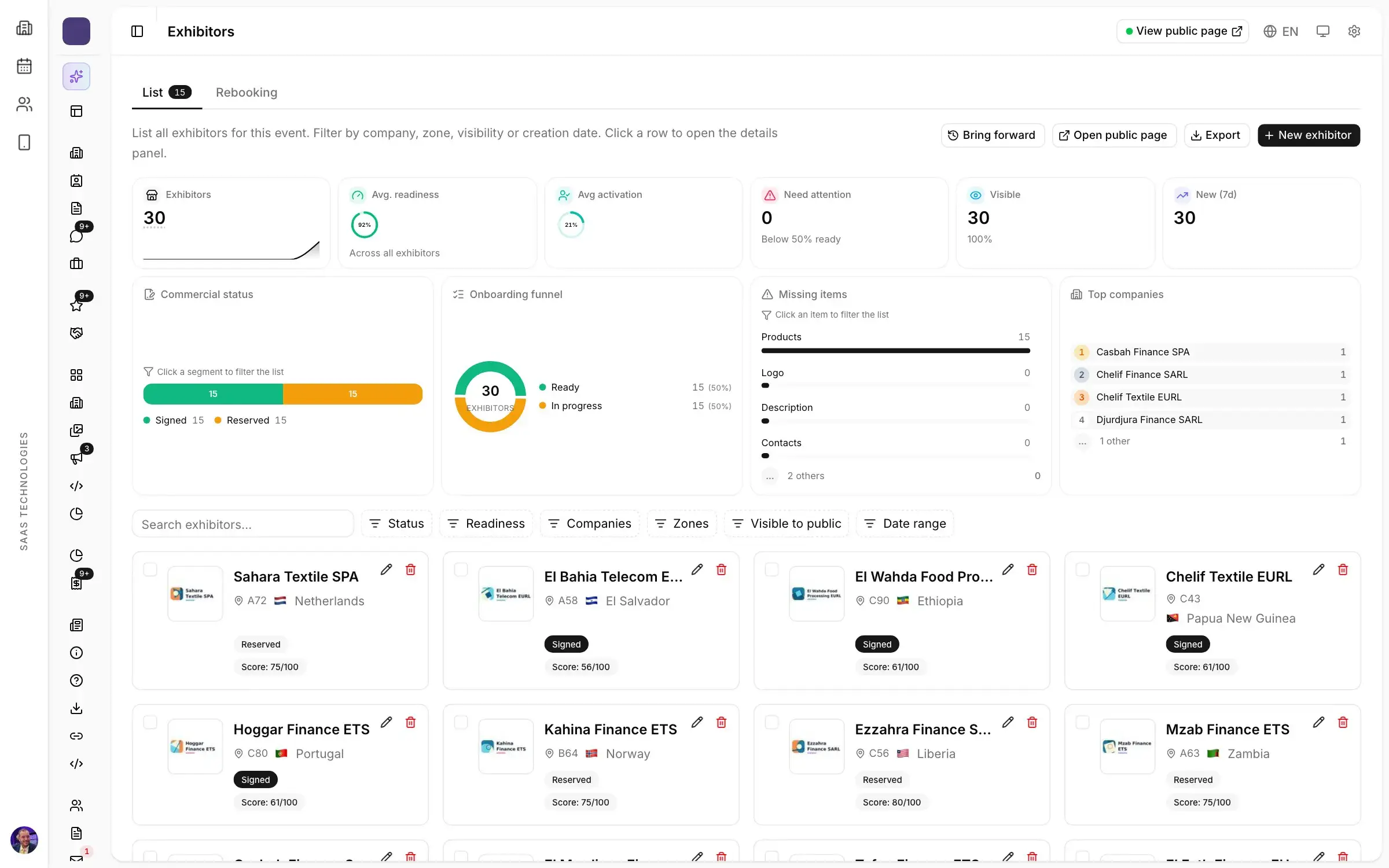
The Registration and visitors product handles both: forms on your own website, registration types per audience, duplicate detection.
Self-service kiosks to print the badge
The visitor arrives with their QR code, scans it at a kiosk, the badge prints in a few seconds, and they walk in. No desk, no list to search. One host can supervise several kiosks at once and focus on the special cases.
Brand the kiosks in the show’s colours, and put more of them at the main entrance on the first morning, when the rush is strongest. Badges can be printed in colour or on thermal printers, with a different template for each profile.
Access control by profile
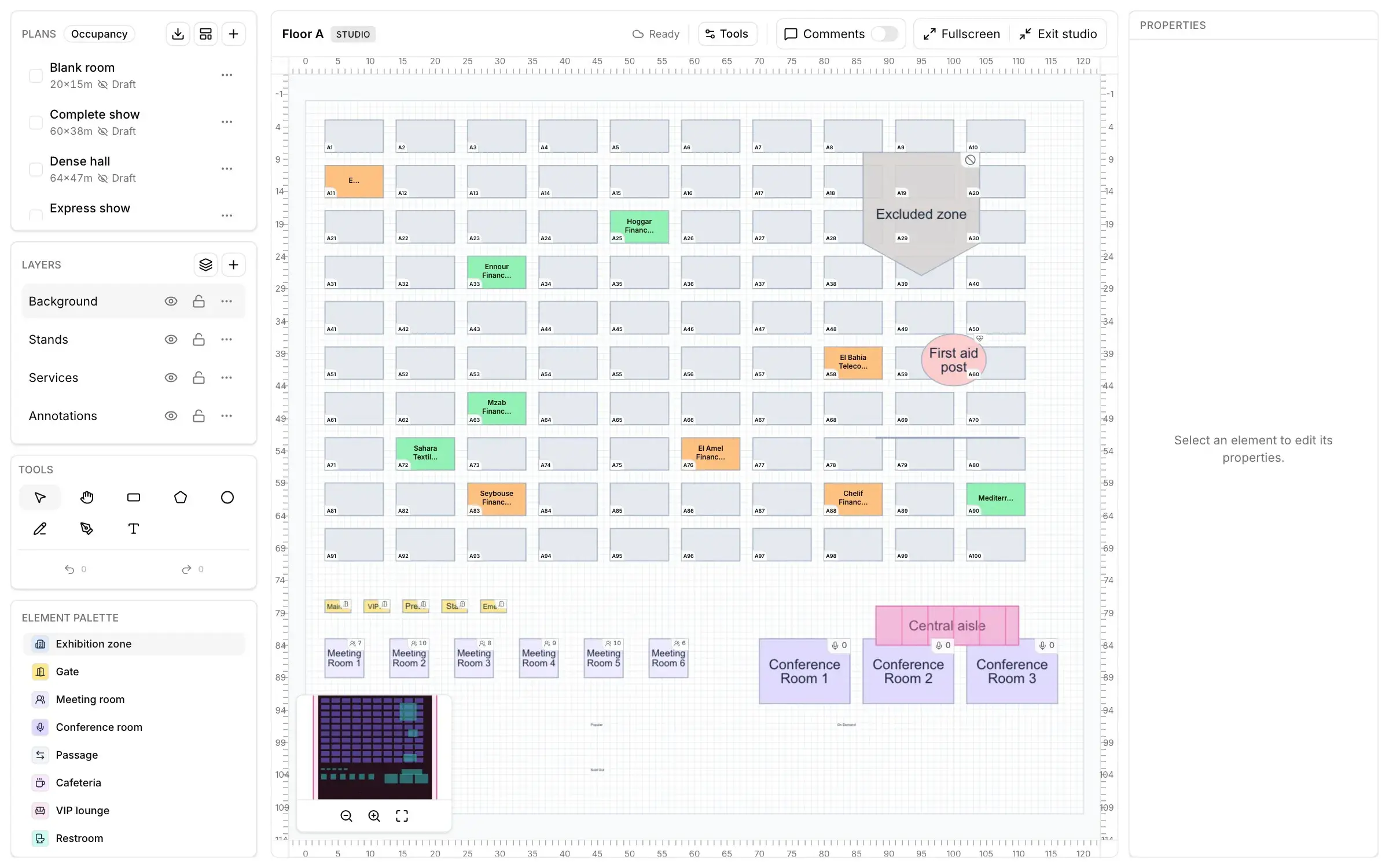
Once the badge is printed, each gate checks that its holder is allowed through: the exhibition floor before public opening, the VIP lounge, the press room, staff-only areas. The check happens at the scan, based on the profile on the badge, with no paper list.
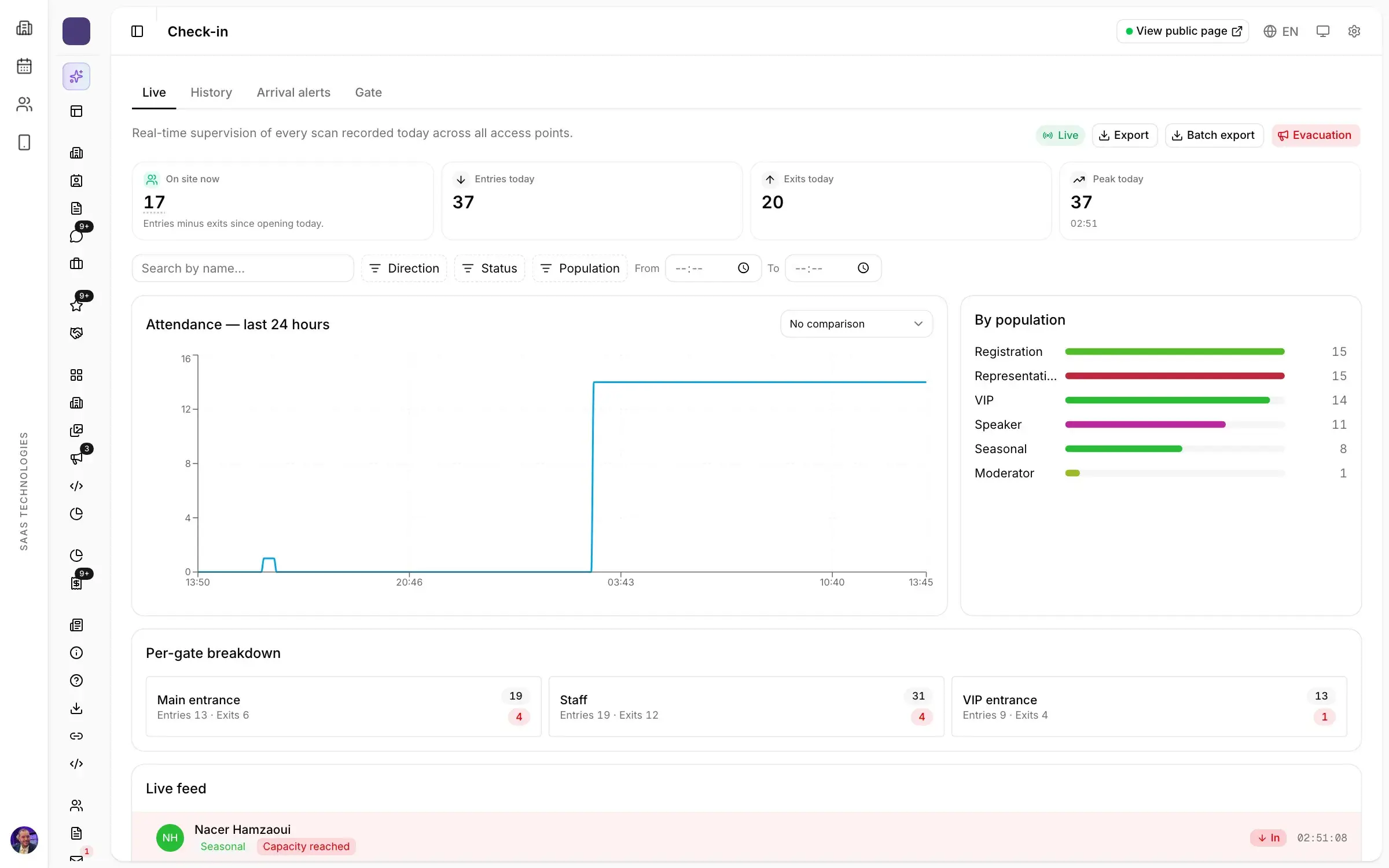
Every pass is counted. You know live how many people are on site, by zone and by gate, which also helps with safety and the capacity of conference rooms. This is the job of the badges, kiosks and access control tools.
VIPs and press on a separate path
Distinguished guests should never queue. Plan a dedicated entrance and, above all, an arrival alert: when a VIP scans their badge, the person in charge of welcoming them is notified and comes to meet them. The same logic applies to journalists, accredited in advance with their own badge.
Prepare for the unexpected
Even with good preparation, the first morning brings surprises. A few simple precautions:
- a help desk for unregistered visitors, with a short form on a tablet;
- test badges printed the day before, on every kiosk;
- a clear point of contact for exhibitors who arrive without badges for their staff.
After the show: clean data
A well-run entrance leaves useful data behind: who came, on which day, at what time, through which gate. The scan history can be exported for the edition report, and certificates of attendance can be generated from actual entries, rather than on request, one by one.