Visitor registration system for trade shows: eight things to check
A form on your website, one record per visitor, registration types, a badge sent by email and printed at the door: what your registration system must do.
By Moultaka team
A visitor registration system takes registrations before the show, keeps one record per person, issues the badge, then recognises the visitor at the door. Two things depend on it: the quality of your visitor data all year round, and the length of the queue on opening morning. Here are eight things to check before you choose one for your trade show, whether it runs in Algiers, Dubai or Cairo.
1. The form on your own website
Visitors find your show through its official website and its social pages. Send them to another site, under another logo, to finish registering, and some will hesitate and leave. Ask for a form embedded in your website, in your colours, with one snippet to copy and no developer. The exhibitor list and the programme should embed the same way.
2. One record per visitor
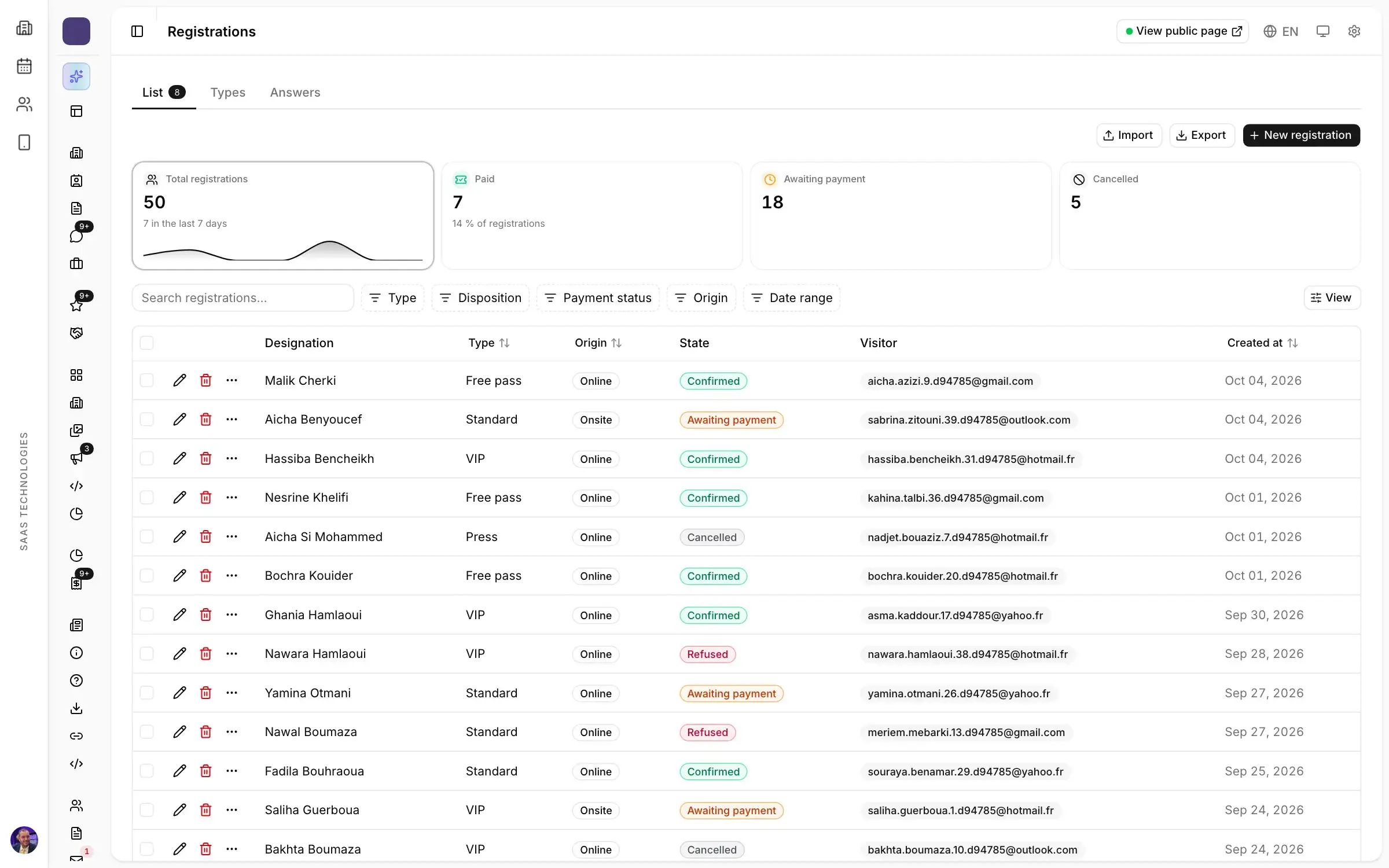
The most common registration problem is the person registered three times: from the website, from an invitation, then at the door. Numbers inflate and follow-up after the show gets muddled. Check that a second registration with the same email is recognised as it arrives, and that every counter shows the person only once.
3. One registration type per category
A trade visitor is not welcomed like a journalist or a VIP guest. Each category needs its own registration type, with its own rules:
- its price, or none;
- its confirmation mode, automatic or after your approval;
- its badge.
The front desk then knows who goes in, and where.
4. Few questions, all useful
Every extra question costs you registrations. Only ask what you will actually use, such as sector, job title and reason for visiting: those answers are what help exhibitors know who they will meet. Then watch each form’s completion and drop-off rates, and remove the question that stops people.
5. A badge by email, printed in seconds
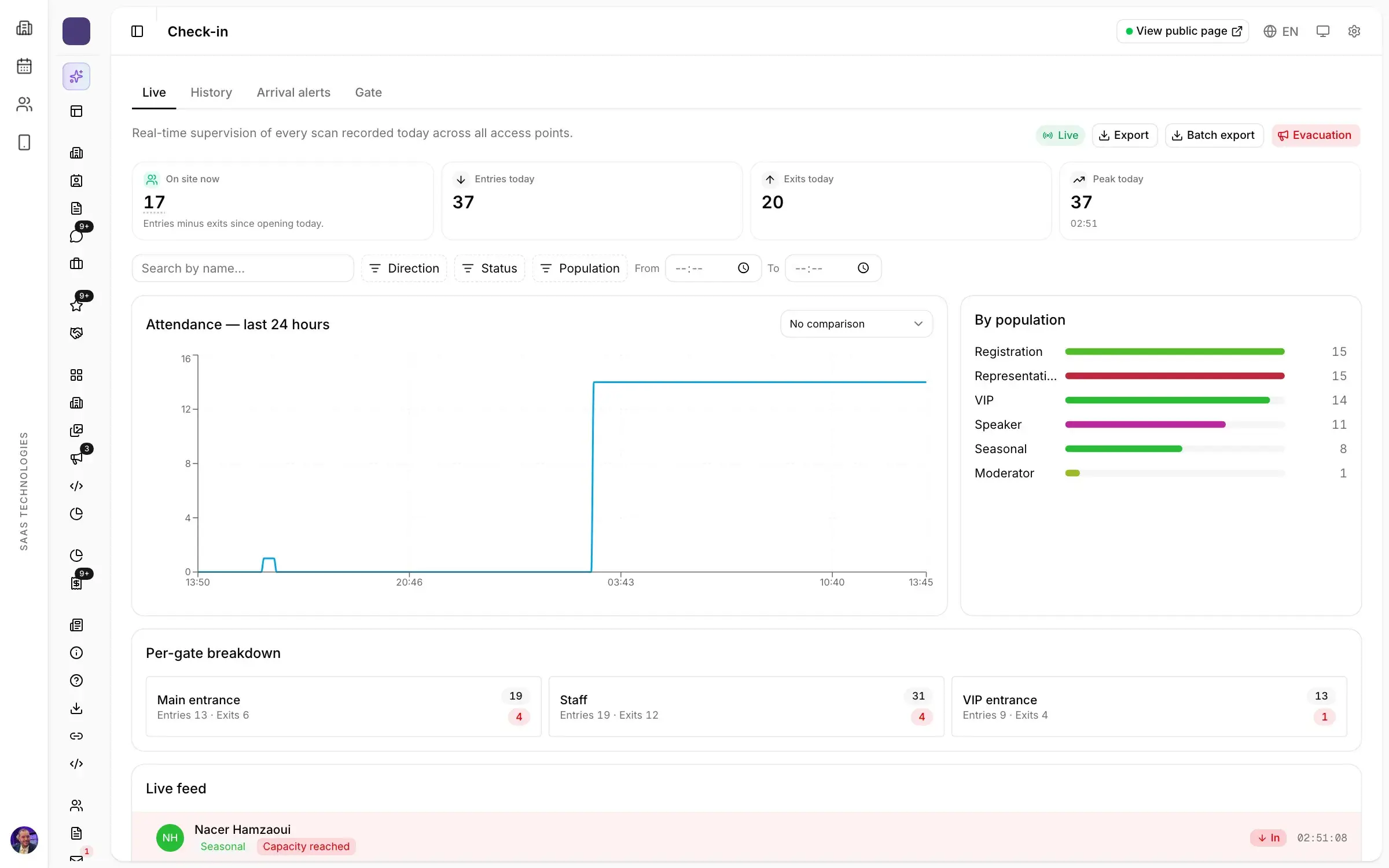
The best way to avoid a queue is for visitors to arrive with their badge already in hand. The badge goes out by email with a QR code after registration. On the day, the visitor scans the code at a self-service kiosk, which prints the badge in a few seconds. Your hosts stay free for the people who need help. We cover this in Badges and access: how to get rid of the queue at a trade show entrance.
6. Invitations tracked to the door
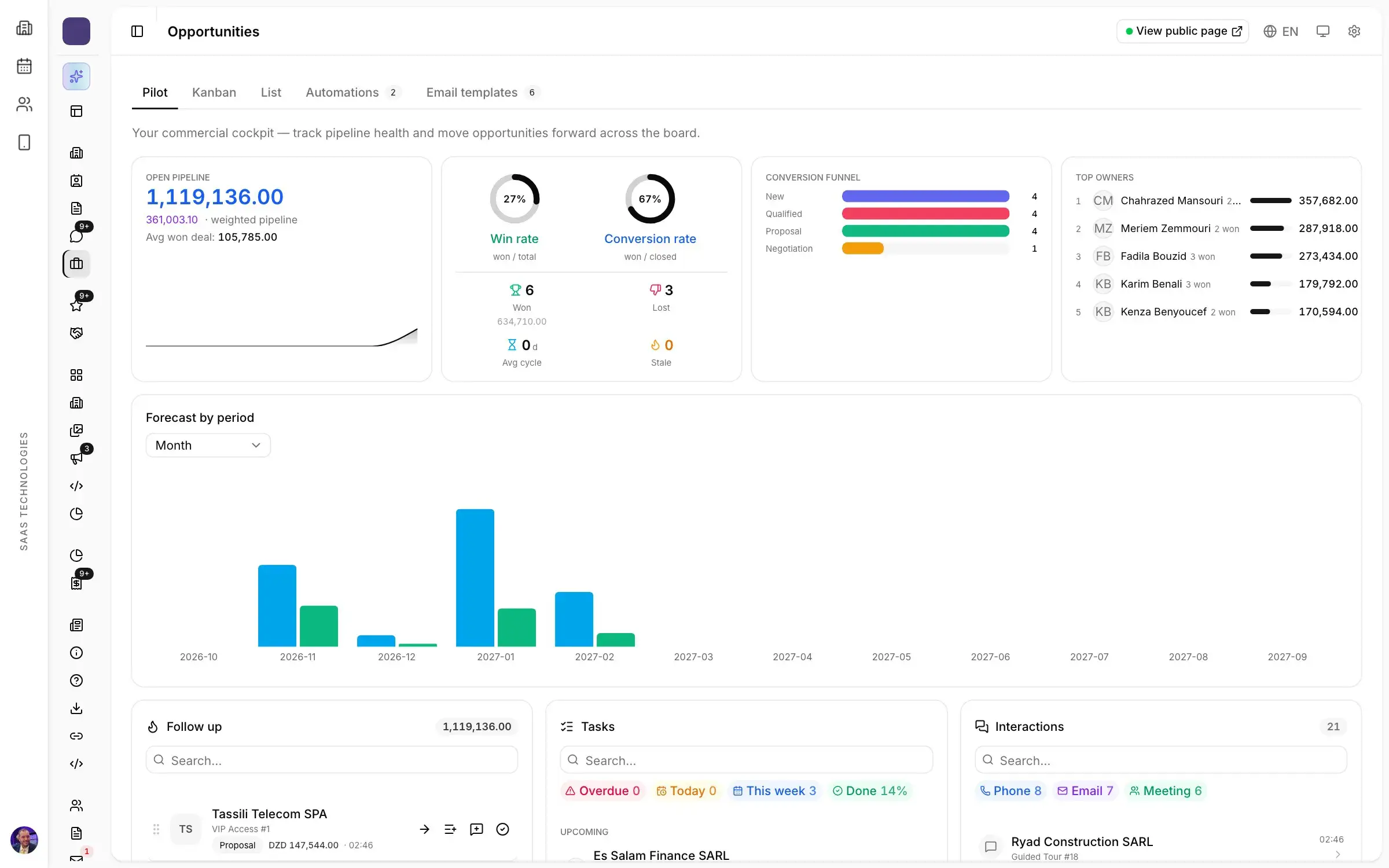
Many organisers invite buyers, officials and partners by name. Each invitation should be tracked from sending to registration to arrival, with the name of the person who invited them. Before opening, you know who has not registered yet; afterwards, who actually came.
7. VIPs and foreign delegations
An important guest expects to be welcomed, not to queue. Check that the system assigns a host to each guest, alerts them when the guest reaches the entrance and keeps their dietary needs and benefits. If you welcome delegations from abroad, ask for visa requests and invitation letters to be tracked for visitors too.
8. Live figures, and data that belongs to you
During the registration weeks, you need registrations by type, source and day, to see which campaign works. After the show, every list should export to a spreadsheet with the answers to each form. And to prepare the next edition, you should be able to import last year’s lists.
Questions to ask during the demo
- Show me a registration form in Arabic embedded in an existing website.
- What happens when the same person registers twice?
- How does the visitor get the badge, and how long does it take at the door?
- How do I follow an invited guest from invitation to arrival?
- How do I export every registration after the show?
For broader questions, see Choosing trade show software: what to ask a vendor before you sign.
How Moultaka handles visitor registration
In Moultaka, registration forms are built without a developer and embedded in your website. Each visitor category has its registration type, with its price, confirmation mode and badge. Duplicates are recognised at registration, and invited guests and VIPs are tracked to the entrance. Everything exports. See the Registration and visitors page and what event management software should offer in Algeria. To see it on your own show, book a demo.