Event risk assessment template for trade shows and conferences
An event risk assessment template for trade shows: the hazards, a 5×5 risk matrix, worked examples, an emergency plan and the checklist for show week.
By Moultaka team
An event risk assessment is a table the organiser fills in long before opening day. For each hazard it records who could be harmed, how likely it is, how serious it would be, what you do to prevent or reduce it, and who owns that action. For a trade show or a conference it has to cover three very different periods: build-up, the open days and breakdown. Done properly, it tells you where to put money and staff, answers the venue and the authorities when they ask how safety is handled, and gives your team a plan for the day something goes wrong. Below: the hazards that matter at a show, a 5×5 risk matrix, an event risk assessment template with worked examples, the emergency plan that follows from it and a short checklist.
What an event risk assessment is for
It is not one more document to file. A good one answers three sets of questions you will be asked anyway:
- The venue: how many people you expect, how they get in and out, which contractors build the stands and what insurance they carry.
- The authorities: depending on the country, the fire service, civil defence, police or the local council may want to know how crowds, fire and first aid are handled.
- Your own team: on opening morning, everyone should know whom to call and what to do without waiting for the show director to pick up.
Start it when you shortlist venues, because the venue decides a large share of your risks, and keep it updated until the day before. Once doors open, the incident log takes over.
Hazards to list at a trade show
A trade show stacks risks that rarely come together: a construction site during build-up, a crowd during open days, VIPs, electrical equipment on every stand and hundreds of companies who have never been in the building.
| Category | Typical hazards | When |
|---|---|---|
| Build-up and breakdown | falls from ladders or stand structures, loads badly secured, forklifts in aisles, cables across walkways | Build-up, breakdown |
| Crowds and flow | entry queue spilling onto the road, a session room over capacity, a crush around the opening ceremony | Open days |
| Fire and electrics | overloaded sockets on stands, fire exits blocked by walls, crates or literature | Throughout |
| Health and first aid | fainting, heat in a poorly ventilated hall or marquee, minor injuries | Open days |
| Security | people without credentials in restricted areas, unattended bags, theft from stands overnight | Throughout |
| Weather and outdoor areas | wind on temporary structures, rain on open-air areas, car parks overflowing | Throughout |
| Operations | a keynote speaker who does not arrive, a power or network cut at registration, an exhibitor who never shows | Open days |
The last row hurts nobody, but it still belongs in the table: a registration outage or an empty plenary is managed with the same method.
The 5×5 risk matrix
Each hazard gets two scores from 1 to 5:
- Likelihood: 1 = almost impossible, 3 = could happen at any edition, 5 = almost certain.
- Severity: 1 = inconvenience with no consequence, 3 = minor injury or part of the show interrupted, 5 = serious injury or the show closed.
Multiply them to get the risk rating:
| Rating | Level | What you do |
|---|---|---|
| 1 to 4 | Low | Accept and monitor |
| 5 to 9 | Medium | One control and one owner before opening |
| 10 to 16 | High | Several controls, checked on site the day before |
| 20 to 25 | Very high | Do not accept: change the plan, the venue or the format |
Score every hazard twice: before controls, then after. The second score tells you whether the controls are enough. A risk that stays high after controls has to be removed at its source: fewer people in a room, a different layout, a different time slot.
Event risk assessment template, with worked examples
One row per hazard, in a spreadsheet the whole team can edit. Here are the columns, with example rows for an indoor trade show:
| # | Phase | Hazard | Who could be harmed | L | S | Rating | Controls | Owner | Due |
|---|---|---|---|---|---|---|---|---|---|
| 1 | Build-up | Contractor falls from a ladder or stand structure | Stand builders | 3 | 4 | 12 | Every contractor’s insurance and clearance to build checked before access, build slots by zone, hall closed to the public | Operations manager | D-15 |
| 2 | Open days | Entry queue spills onto the road at 9 am | Visitors | 3 | 3 | 9 | Badges emailed in advance, kiosks and desks sized for the peak, queue lane marked to the doors | Registration manager | D-7 |
| 3 | Open days | Keynote room over capacity | Audience, speakers | 3 | 4 | 12 | Capacity limit at the room door, overflow room with a live feed | Programme manager | D-3 |
| 4 | Throughout | Fire exit blocked by a stand or storage | Everyone | 2 | 5 | 10 | Exits marked on the approved floor plan, ban written into the exhibitor manual, walk-round every morning | Operations manager | D-1 |
| 5 | Open days | Visitor collapses | Visitors | 4 | 3 | 12 | First aid point on the plan, one emergency number known to all staff, hosts briefed | Show director | D-1 |
| 6 | Throughout | Uncredentialed person in a restricted area (VIP lounge, build-up, storage) | Exhibitors, guests | 2 | 3 | 6 | Access rules by profile and zone, refused badges show the reason | Registration manager | D-7 |
| 7 | Breakdown | Forklift in a crowded aisle | Builders, exhibitors | 3 | 4 | 12 | Breakdown times by zone, aisles cleared before vehicles enter | Operations manager | D-1 |
These scores are examples. They change with the venue, the size of the show and its audience: a heavy machinery show will not have the same rows as a cosmetics show.
Build-up and breakdown: where most accidents happen
During build-up the show is a construction site, with dozens of companies working at once, often at height, against the clock. Breakdown is worse, because everyone wants to leave.
Three controls do most of the work:
- Know who is working on your floor: every contractor declared, with insurance and clearance to build checked before they enter, and their setup window.
- Build slots by zone: large stands and machinery first, flooring and furniture afterwards. Fewer people in one place means fewer accidents.
- A hall closed to the public: staff and contractor badges only, checked at the door.
The build-up rules belong in your exhibitor manual, sent early enough for contractors to read them before they build.
Crowds: capacity, limits and live counts
The capacity of a venue is set by the venue and by fire safety rules, not by the organiser. Your job is to enforce it, room by room and zone by zone, at the moments when everyone arrives together: first-morning opening, the opening ceremony, the most popular session.
- Set a capacity limit per zone and per room, based on the layout you chose: a room does not hold the same number in theatre and cabaret (conference room setup styles in detail).
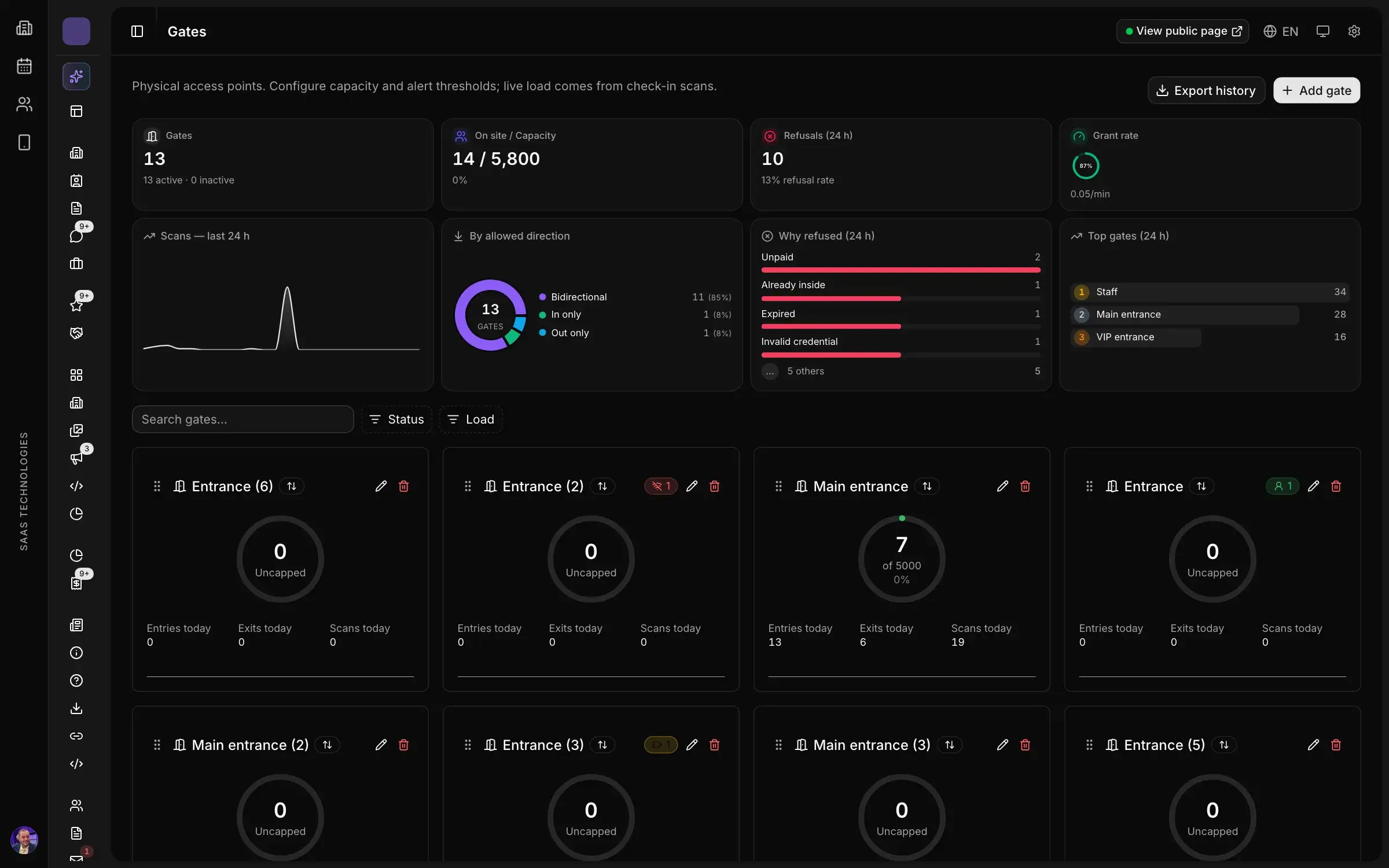
- Count entries and exits live, not just registrations: what matters for safety is how many people are inside at 11 am.
- Spread the peak: badges printed in advance or at a kiosk, several entrances, staggered times for exhibitors. We covered how to avoid queues at the entrance.
- Plan the opening ceremony on its own: an official visit packs press, security and visitors into a few metres of aisle (VIP protocol for official delegations).
The emergency plan: who does what
The risk assessment says what could happen; the emergency plan says who does what when it does. Keep it to two pages:
- The alert chain: one number for the whole team, the person who decides (the show director or a named deputy, never “someone on the team”), and when to call the emergency services.
- Action cards, one per scenario: medical emergency, fire, unattended bag, lost child, power cut, room evacuation, intrusion into a restricted area. Five lines each: who raises the alert, who goes to the scene, who decides, what the audience is told.
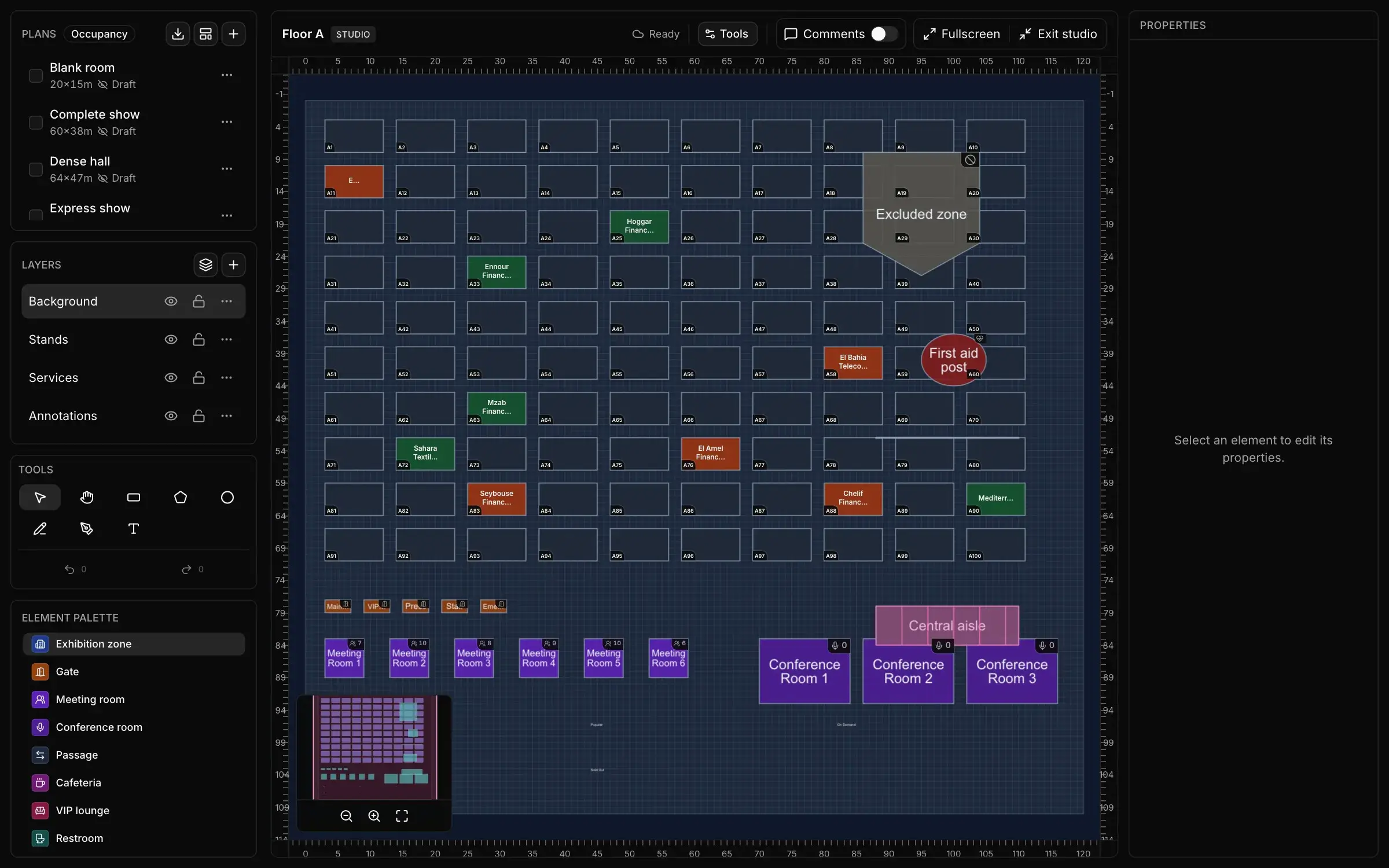
- Places: first aid point, assembly point, exits and the organiser’s control room, marked on the plan given to staff, hosts and gate agents.
- Messages written in advance: an email and a WhatsApp message for a moved session, a closed entrance or a postponement, ready to go in minutes instead of an hour. For a postponement, start from our announcement template.
- The morning briefing: ten minutes before doors open, every day, with hosts, gate agents and zone leads.
Local rules: venue, authorities and fire service
Every country has its own rules, and they change. Rather than rely on a generic list, ask three sources early:
- The venue: large exhibition centres impose their own build-up hours, fire regulations, rules for vehicles and rigging, and often their own approval of your floor plan. Get them before you sign and copy them into your table.
- The local authority or fire service (civil defence in many Gulf and North African countries): for a large crowd or an outdoor area, ask what they expect early enough to change the plan if they ask.
- Your insurer: the policy may set conditions on contractors, crowd numbers or outdoor structures.
In Algeria, for instance, the executive decree on trade fairs requires the organiser to sign specifications with the municipality covering safety and hygiene; we summarised it in our guide to organising a trade fair in Algeria.
During the show: the incident log
On the day, each incident is logged when it happens: time, place, severity, who is handling it and what was done. An incident that is not resolved in the expected time is escalated to the next level.
The log works twice. During the show, it stops a problem reported to a host at 10 am from being forgotten by noon. Afterwards, it shows which rows of the assessment were underestimated.
Event risk assessment checklist for show week
- Every row has an owner and a due date
- Contractors’ insurance and clearance to build checked, setup windows sent
- Capacity limits set for each room and zone
- Exits, first aid point and assembly point on the plan given to staff
- Action cards printed at the control room and at each entrance
- Emergency messages written and ready to send
- Morning briefing scheduled for each open day
- Incident log open, with escalation times agreed
- Walk-round of exits on the morning of each day
After the show: update the table
Go back to the table the week after, with the incident log beside it. Risks that happened get a higher score, controls that held stay, surprises become new rows. Next year’s assessment starts from this table, not from a blank sheet, and the essentials can go into your post-show report.
Where Moultaka fits in the plan
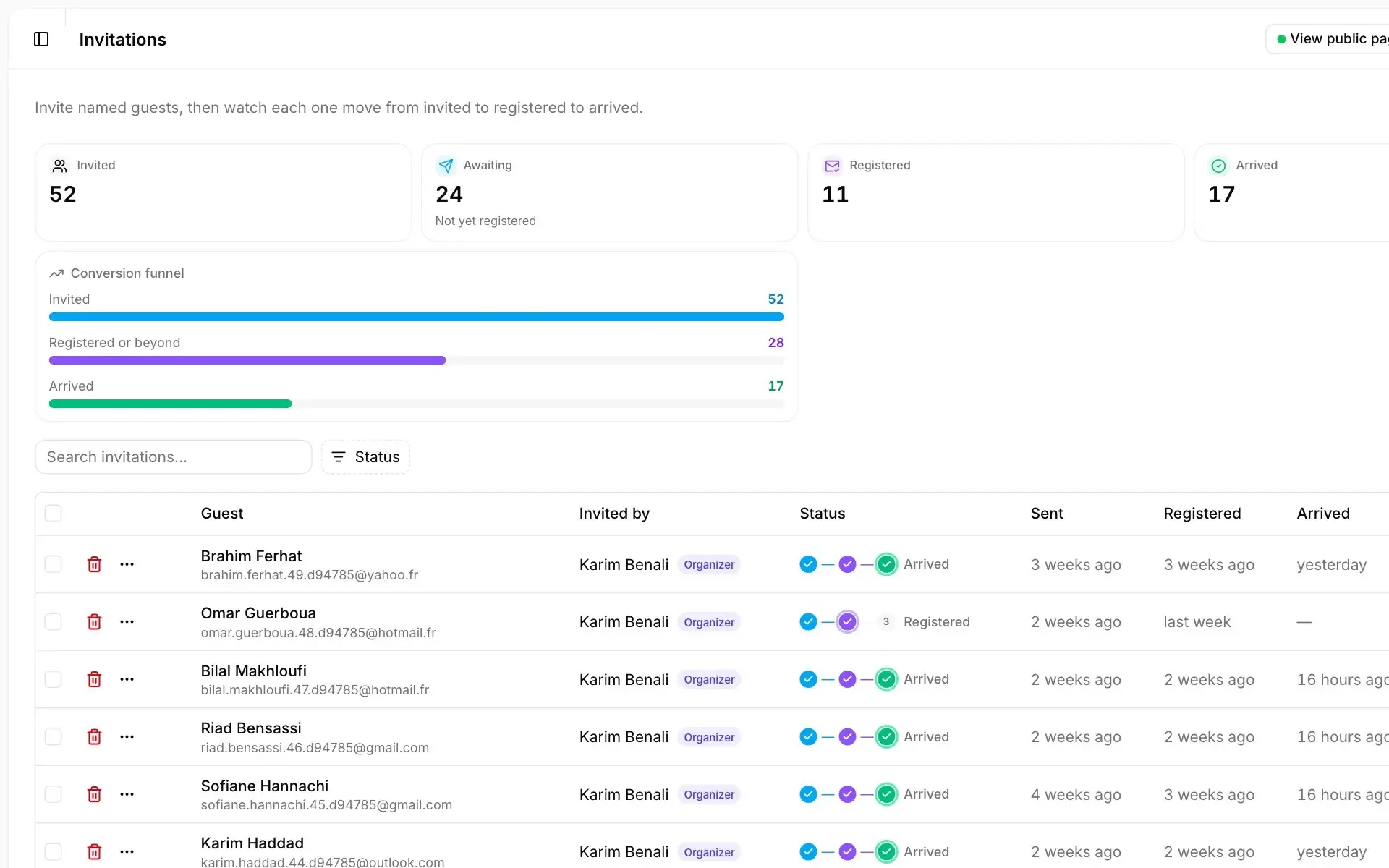
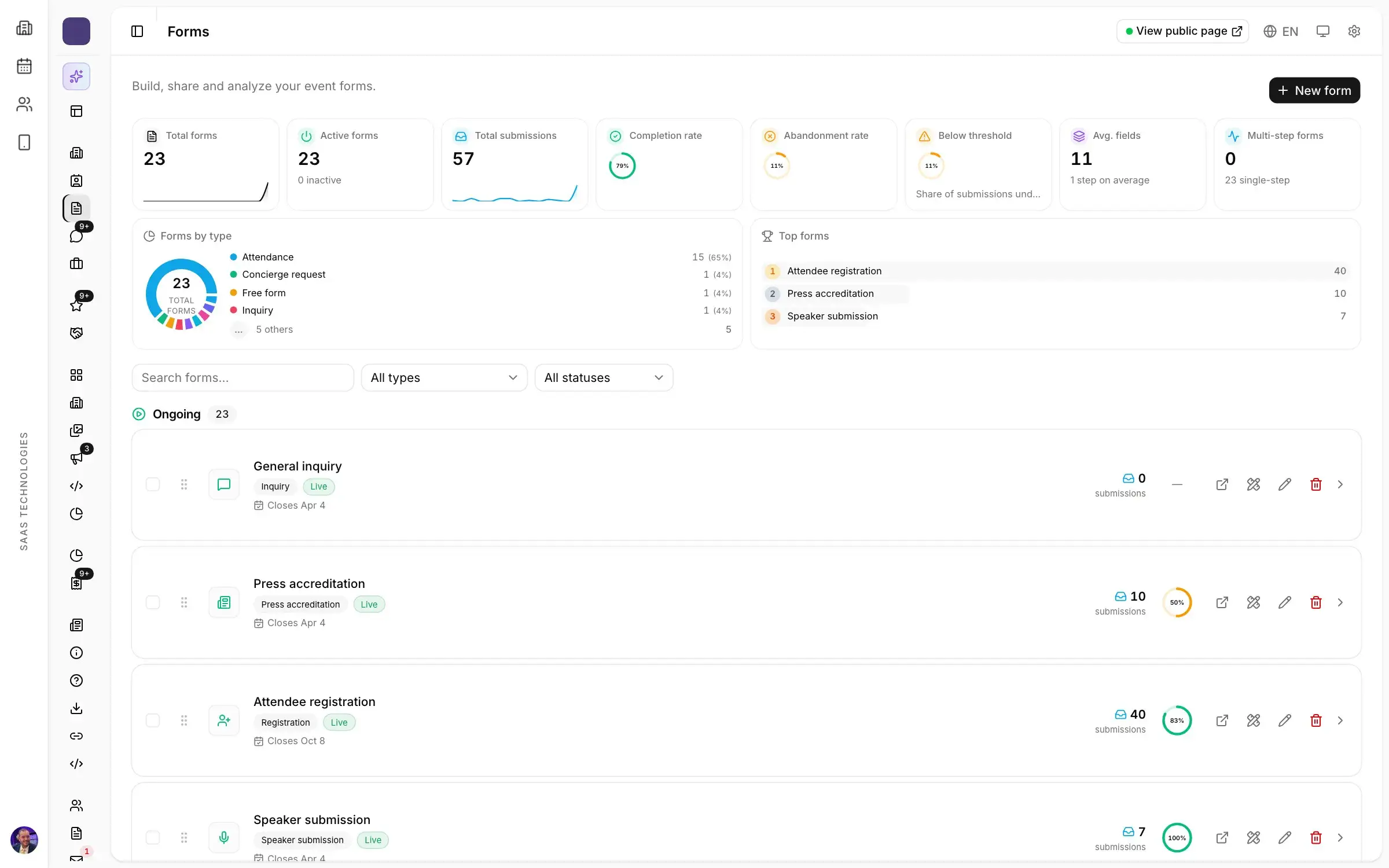
Moultaka does not replace your safety officer or the emergency services, but it runs several rows of the table. In exhibitor management, every builder’s insurance, clearance to build and setup windows are checked before they build, and incidents are tracked with their severity, response time targets, escalation rules and the team member who takes each case. Access control sets which profiles enter which zone and when, applies a capacity limit per zone, shows why a badge was refused (expired, wrong zone or capacity reached) and shows live who is inside and how fast each gate is flowing. Campaigns send your prepared messages by email and WhatsApp to the segment concerned.
Common mistakes
- An assessment copied from another show: the venue, audience and dates change everything.
- Forgetting build-up and breakdown: most accidents happen when visitors are not there.
- Counting registrations instead of people inside: safety depends on how many are in the room.
- An emergency plan nobody has read: without a briefing, the best action card stays in a binder.
- No owner per row: a control given to “the team” is done by no one.
- The table forgotten after the show: next year starts from zero.
To see how builders, incidents and access control are run together in Moultaka, book a demo.