Post-show report for a trade show: what to include, with a template outline
A trade show post-show report is built before the doors open: the figures to collect, a section-by-section template, and who should get which report.
By Moultaka team
A post-show report answers three questions: how many people came, what the edition earned and cost, and what each exhibitor and sponsor got out of it. The good ones are short, go out the morning after closing, and are planned before the show opens, because the figures in them cannot be rebuilt afterwards. They have to be captured while the show runs. Here is what to collect, a template outline for the report itself, and who should receive which version.
One show, four readers
A single document rarely works, because four audiences read it for different reasons:
- your management or board wants the result of the edition: attendance, revenue, costs, variance against budget;
- sponsors want proof of what they paid for;
- exhibitors want to know whether their stand worked: visits, contacts, meetings;
- partners and endorsing bodies, trade associations, chambers of commerce, government agencies, want attendance and participation figures they can quote.
Write one report for the first and the last, and give sponsors and exhibitors their own.
The figures to capture during the show
A credible post-show report rests on numbers recorded as they happen:
- Attendance: registrations, then actual entries by gate, by profile (visitor, exhibitor, press, VIP) and by hour. The gap between registered and attended is one of the most useful numbers you will have for next year. Those entries come from your badges and access control, so the front door produces the first line of the report.
- Sales: stands sold, space occupied, revenue from stands, sponsorship and ticketing, expected against collected.
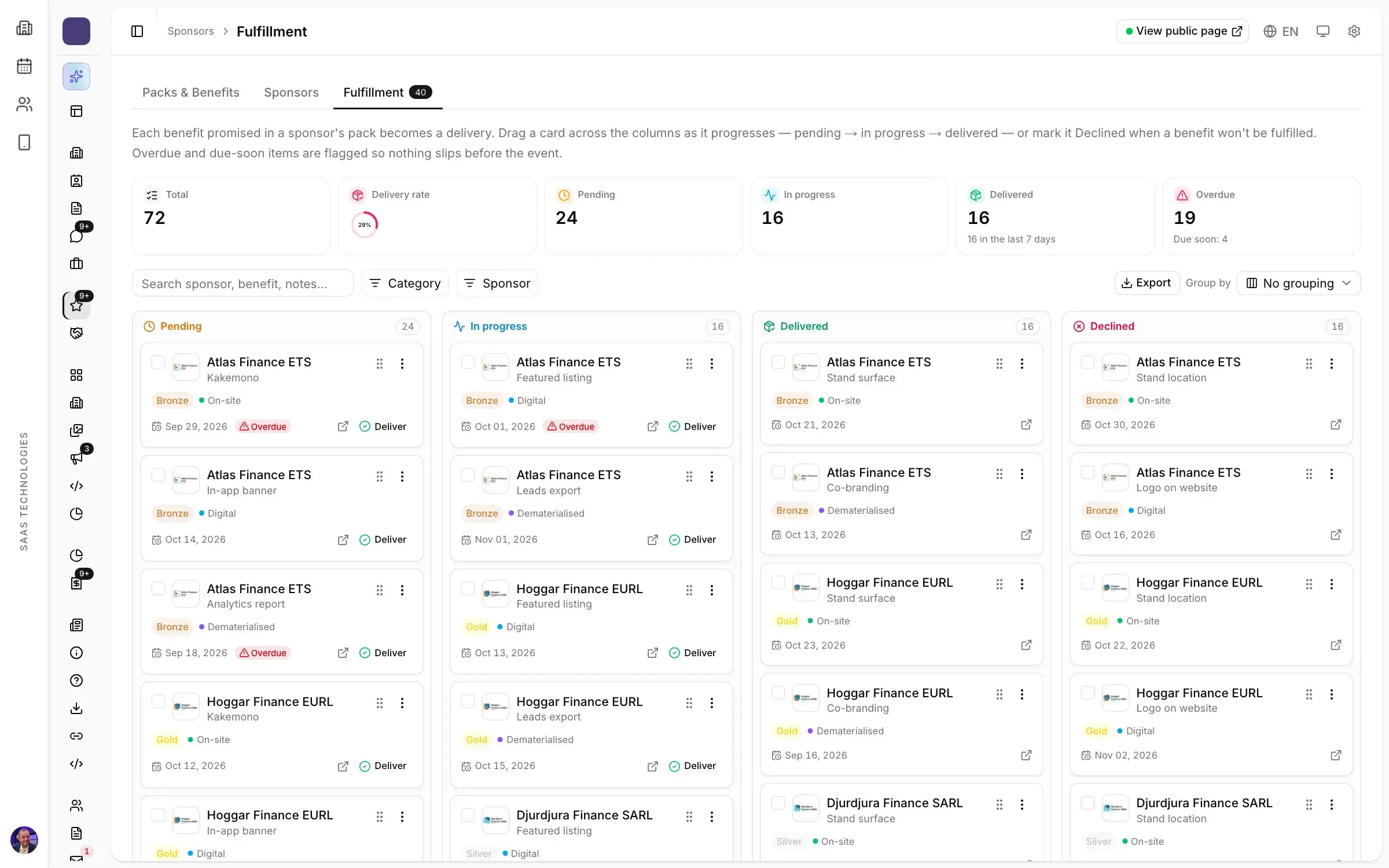
- Sponsorship: every benefit delivered with its proof, the leads captured and the impressions of each banner.
- Content and meetings: sessions held, attendance rate per session, B2B meetings that took place and no-shows.
- Budget: budgeted, engaged and paid, by category and by supplier.
A post-show report template, section by section
Keep the same outline from one edition to the next, so that every report can be compared with the one before:
- Executive summary, one page: dates, venue, attendance, number of exhibitors, revenue, and three lessons.
- Attendance: entries by day and by hour, split by profile, the busiest gates.
- Exhibitors: stands sold, occupancy, sectors represented, and rebooking intent if you asked for it.
- Programme: the best-attended sessions, the meetings held.
- Budget: variances line by line, and what explains them.
- Year on year: the comparison with the last edition, and the decisions for the next one.
The sponsor report and the exhibitor report
A sponsor does not read your executive summary. They read their own report: every benefit in their package, its status and its proof (a photo, a screenshot or a number), then the impressions and clicks of their banners. That document decides the renewal, and the sponsorship fulfilment work that feeds it starts months earlier.
Exhibitors want their leads: the badges scanned on their stand, through lead retrieval, and the meetings they actually held. An exhibitor who gets those figures the next morning has a concrete reason to rebook.
Send it the morning after
A post-show report loses value by the day. A week after closing, your sponsors’ teams have already written their own internal recap, without your numbers. A report that lands the next morning arrives while people are still talking about the show, and opens the conversation about next year.
Put it in your trade show planning timeline as a deadline with an owner, and decide before opening day which figures it will contain. What is not measured during the show will not be in the report.
Make it the first page of next year’s plan
A report that ends up in a folder has been used once. Track the same indicators every year, write down what you will change (a badly placed gate, an empty session, a sponsorship tier that did not sell), and start the next edition from this year’s exhibitors and visitors rather than from an empty file.
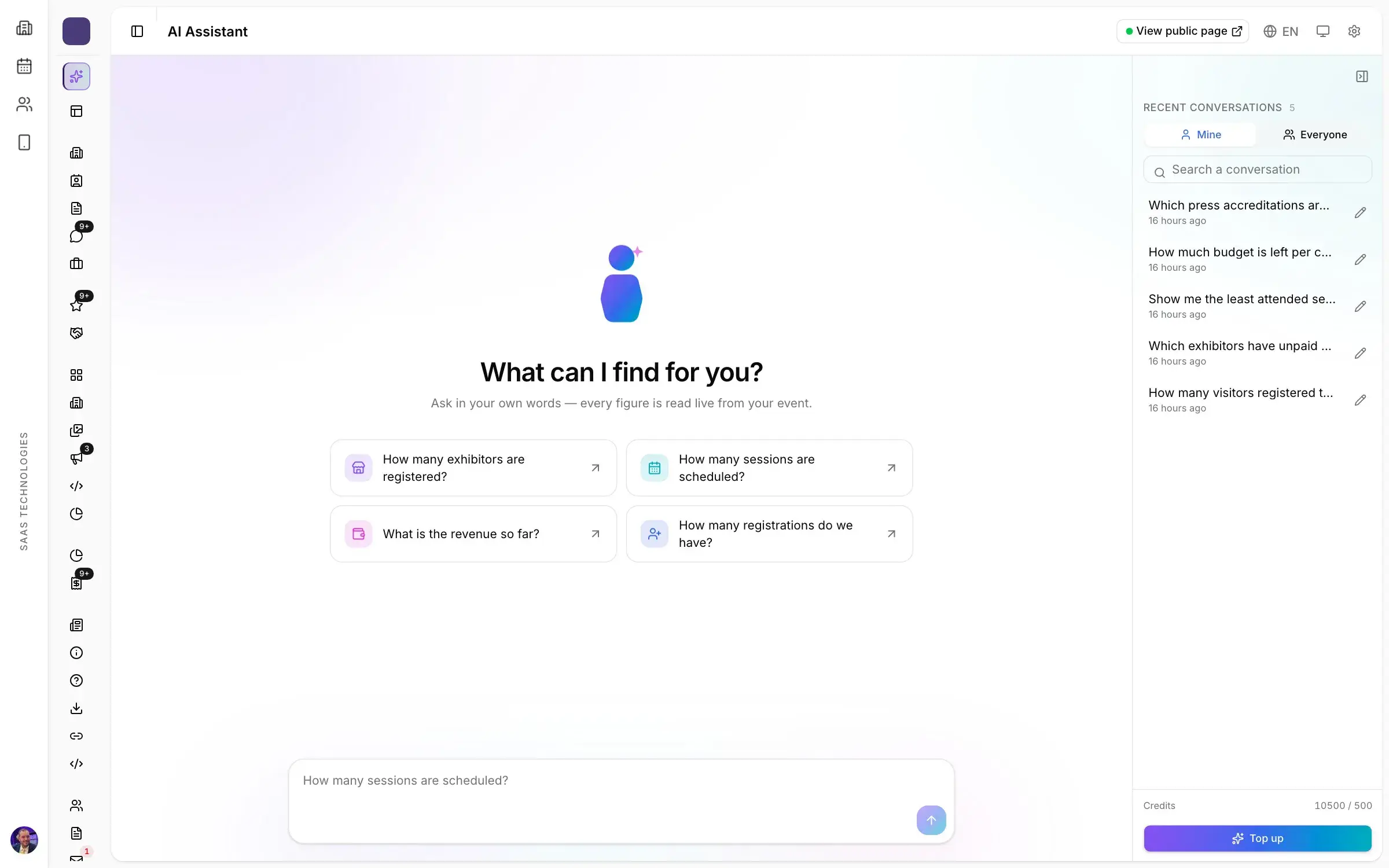
In Moultaka, Analytics, budget and AI opens every module on its own live indicators: entries by gate, by profile and by hour for the post-show report, benefits delivered, leads captured and ad impressions per sponsor, budget engaged, paid and remaining, and every list exportable to a spreadsheet. The AI assistant compares periods and editions using your own data. To see it on your own show, book a demo.