Event postponement announcement: who to tell first, with sample emails for exhibitors and attendees
How to announce that your event or trade show is postponed: the order to tell each audience, sample postponement emails, and what to update that day.
By Moultaka team
An event postponement announcement works when it reaches people in the right order: exhibitors first, then sponsors, speakers and officials, then registered attendees, the press and the public. Each audience gets its own message, but every message repeats the same sentence about the new dates, word for word. Postponing is usually decided in one meeting. Telling everyone, without leaving anyone holding the old date, takes a plan. This guide gives that plan, with a sample postponement email for each audience.
Before the postponement announcement: settle three things
One reference sentence. Two lines that say what changes and what does not: “[Show name] will now take place on [new dates] at [venue]. Booked stands, registrations and badges remain valid.” It goes, unchanged, into every email, the website, the press release and your social posts. Two wordings, and people will ask which one is true.
The new dates, or the date of the next update. If the venue has confirmed new dates, announce them. If not, do not guess. Say when you will be back in touch: “We will confirm the new dates by [day].” A date announced and then corrected does more damage than a week of waiting.
What happens to each commitment. The booked stand, the deposit, the attendee’s registration, the speaker’s slot, the sponsor’s package: for each one, is it “everything carries over”, “your choice”, or something else? Write the rule down before you write to anyone. It is the first question each of them will ask.
The order to announce an event postponement
The order follows what each audience has committed. Whoever paid or booked flights hears it before whoever only planned to come.
| Order | Who | How | What they need to know |
|---|---|---|---|
| 1 | Venue, suppliers, your team | Meeting, call | The new dates, what moves and what is cancelled |
| 2 | Exhibitors | Personal email, then a call to the largest | Their stand, their payment, their orders |
| 3 | Sponsors | Call, then email | Their deliverables, the exposure already given |
| 4 | Speakers and officials | Call first, signed letter after | The new dates, their session, the opening ceremony |
| 5 | Registered attendees | Their registration and their badge | |
| 6 | Press | Press release | The reference sentence, and the reason if it can be said |
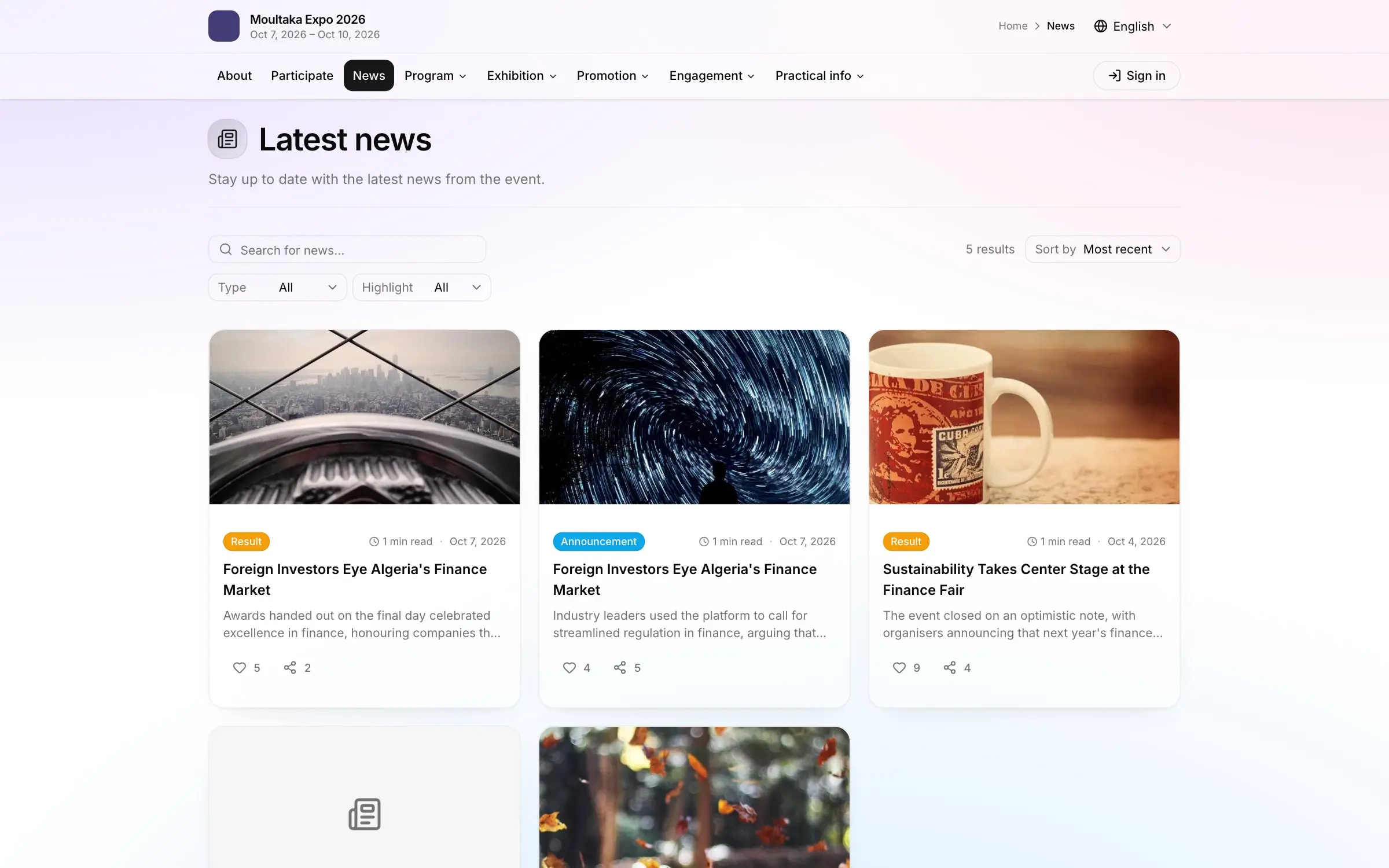
| 7 | General public | Website, social media, a news post | The new dates, where to follow updates |
From the first row to the last, allow one or two days, no more. An exhibitor who learns about the postponement from a social post remembers it.
Sample postponement email for exhibitors
This is the message that matters most. The exhibitor signed, often paid, and may have booked hotels and flights for a whole team.
Subject: [Show name] moves to [new dates]: your stand stays booked
Dear [First name],
We are writing to you before any public announcement: [Show name], planned for [old dates], will now take place on [new dates] at [venue].
[One sentence on the reason, if it can be shared: venue availability, a change in the official calendar.]
Your stand [number] stays booked in your name, on the same terms. Your payment and your orders carry over to the new dates. If these dates do not work for you, reply to this email by [date] and we will find the right arrangement with you.
The new build-up and breakdown schedule will follow on [date], with an updated exhibitor manual.
[Name], [role], [direct phone]
What it does: the new dates in the subject line, the reassurance about the stand by the third paragraph, a deadline to reply, and a real name with a direct number. The exhibitor manual and its deadlines come in a second email, not in this one.
Event postponed email sample for registered attendees
Attendees have committed less, but they received a confirmation, often a badge, sometimes a personal invitation. Their email is shorter:
Subject: New dates: [Show name], [new dates]
Hello [First name],
[Show name] is moving: it will now take place on [new dates] at [venue].
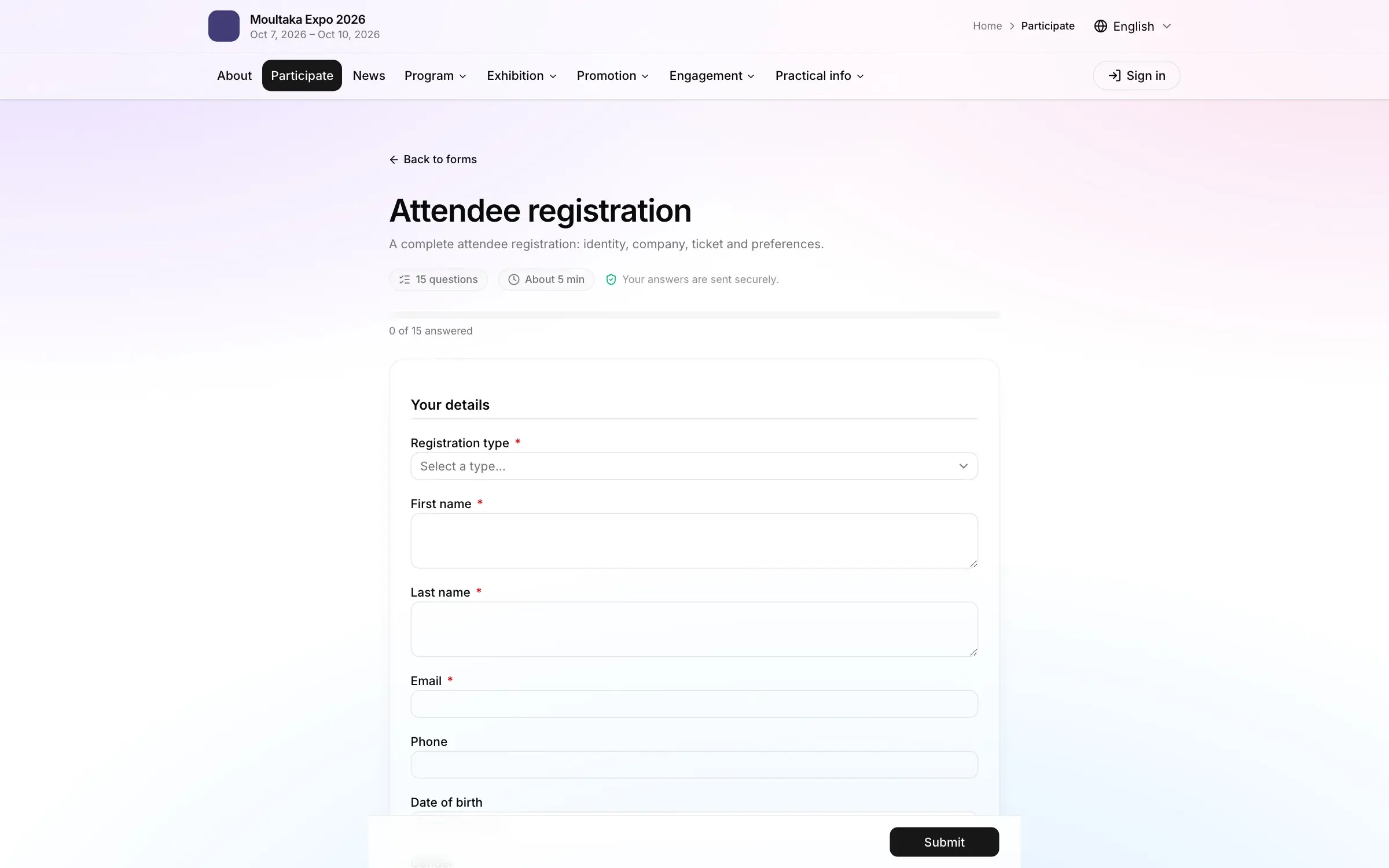
Your registration is still valid, and the badge you received will work on the new dates. You do not need to do anything.
We will write again a week before the doors open, with the programme.
The [Show name] team
Only write “your badge is still valid” if it is true. If badges carry the old dates, say when the new ones will be sent. For international visitors and hosted buyers, add a line about visa invitation letters: they carry dates, and new letters will be needed.
Postponement letter when there is no new date yet
Sometimes the postponement has to go out before the next step is known: the venue has not answered, an official calendar is not out. The message then gives an appointment instead of a date.
[Show name], planned for [old dates], is postponed. The new dates will be announced by [day] at the latest. Booked stands and registrations remain valid until then.
Keep that appointment, even if all you can say is that the dates are not settled yet. Silence is what sends exhibitors to another show in the season.
What to update on the day you announce
The old date is written in more places than you think. The checklist for the day:
- the event website: home page, banner, practical information, open forms;
- scheduled emails: the one-week reminder, registration follow-ups, even next year’s save the date if it is already queued. A reminder for the old date cancels out your announcement;
- badges and confirmations already sent, if they show the dates;
- the exhibitor manual, the build-up schedule, order forms with deadlines;
- visa invitation letters and letters to officials, with the VIP and delegation protocol if it was already set;
- social media: a pinned post, and the corrected date on the page banner;
- online event calendars and partner sites that listed the edition;
- your planning timeline, shifted accordingly, and the trade show marketing plan built on it.
Mistakes that turn a postponement into a loss
- Going public before exhibitors know: they hear it from someone else, and trust goes with it.
- The new date in the third paragraph: the subject and first line are often all that gets read.
- A different wording on each channel: the website says “postponed”, the press release says “rescheduled to a later date”, the email gives a date.
- No answer about money: an exhibitor who reads nothing about their payment calls you, or stops calling.
- A forgotten automated reminder that goes out the week of the old date.
- A postponement, then silence: every audience needs to know when they will hear more.
In short
To announce an event postponement, first settle one reference sentence, the new dates or the date of the next update, and what happens to each commitment. Then tell people in order: venue and team, exhibitors, sponsors, speakers and officials, registered attendees, press, public, within a day or two. Every postponement email puts the new dates in its subject and answers the question its reader is asking. Then remove the old date from everywhere it was written.
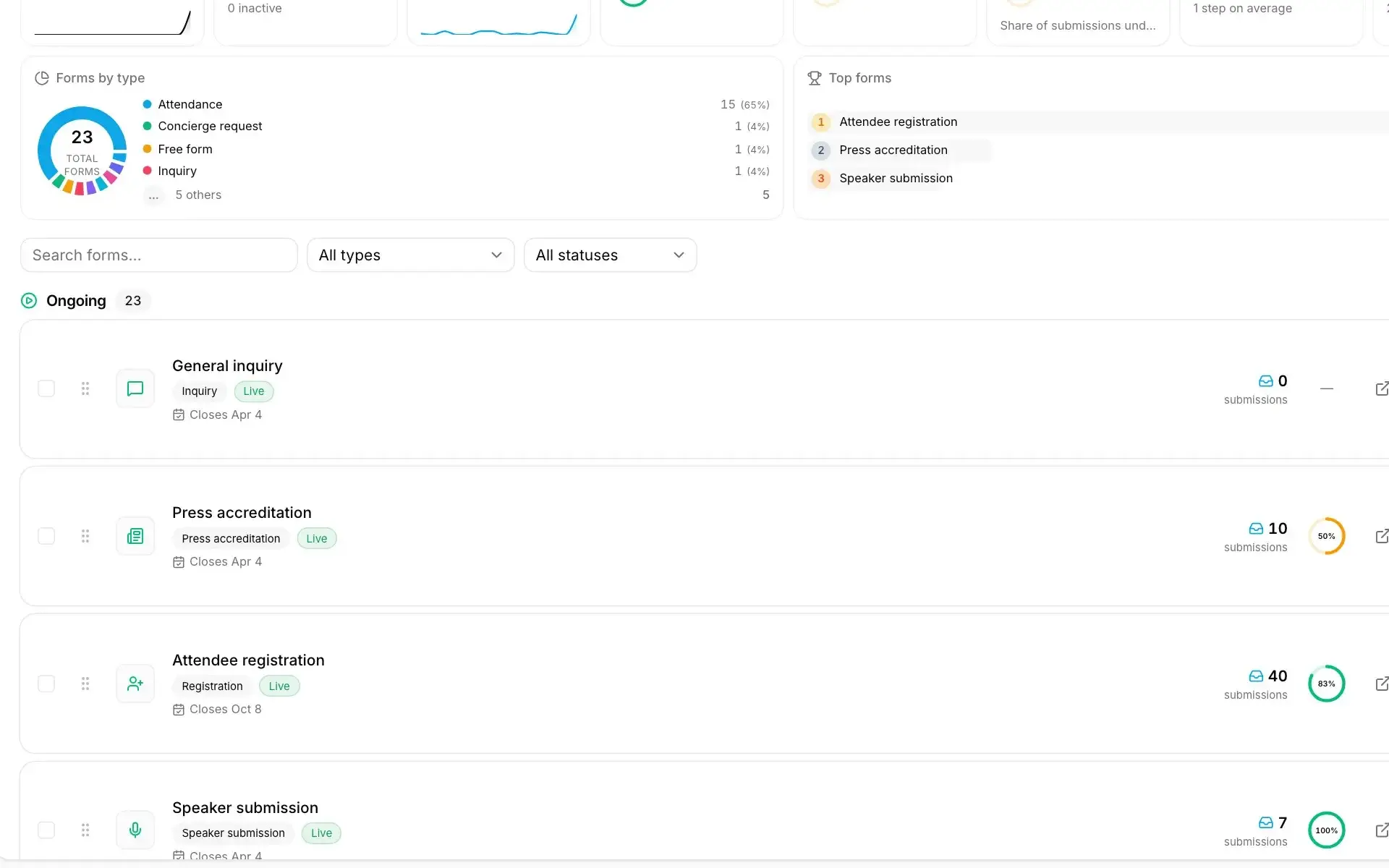
In Moultaka, what your teams publish appears on the event website, updated as they work. Campaigns go to the segment you choose, with a template and a send time, and a test version can go out before the full send; a news item published to the public page and the app goes out with a push notification. Audiences are built from conditions on your data, registrations included, and recipients are recomputed before every send, so each audience gets the email that concerns it. To see how one announcement reaches each audience of your own show, book a demo.