How to moderate a panel discussion at a trade show: timing, audience Q&A and live polls
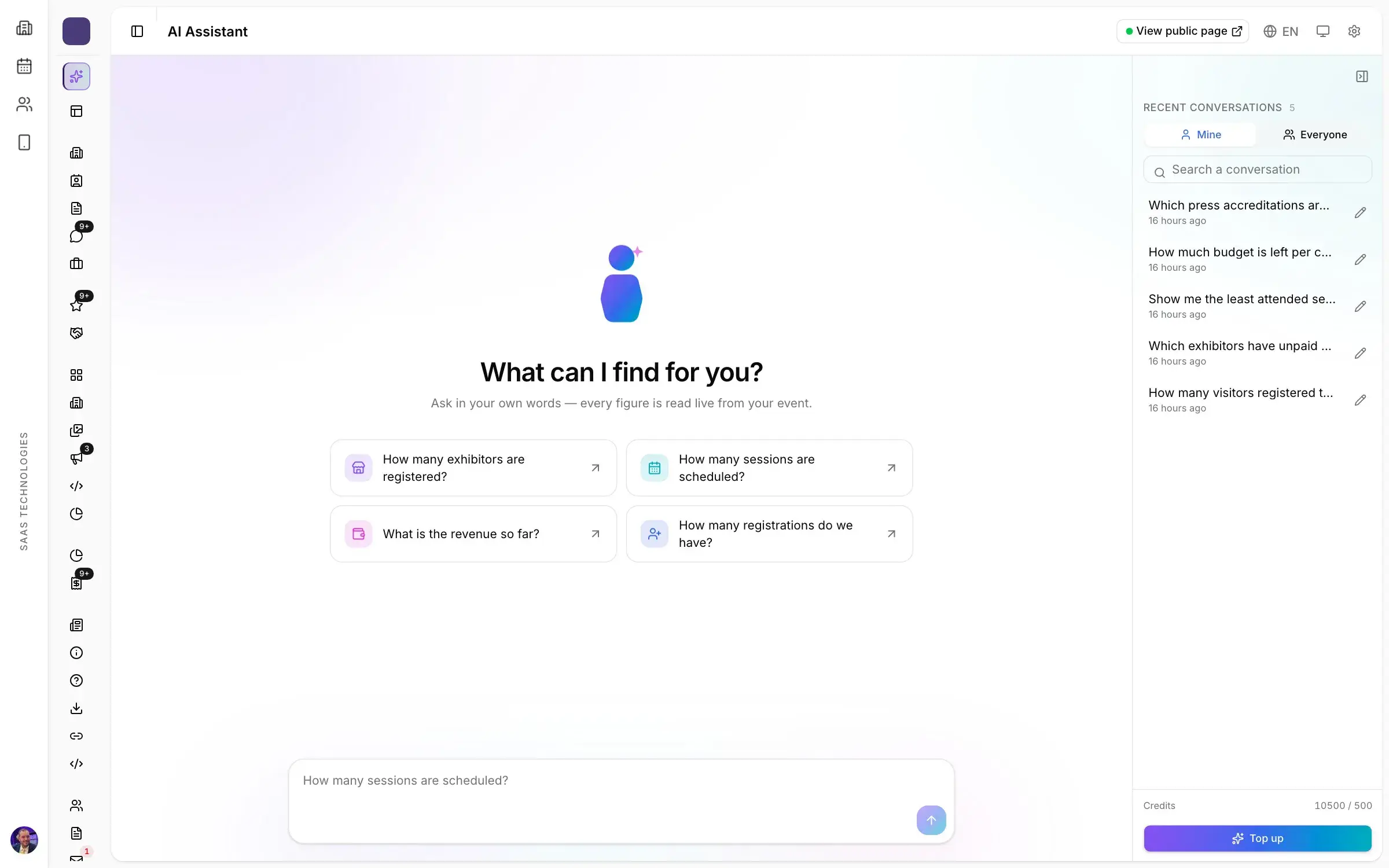
How to moderate a panel discussion on a trade show's stage: brief the panellists, keep time, pick the audience's questions and run live polls in the room.
By Moultaka team
To moderate a panel discussion well, you hold three things at once: the clock, the microphone and the thread of the topic. A good moderator briefs the panellists before going on stage, gets the room involved in the first minute, chooses the audience’s questions instead of taking them in the order hands go up, and closes on time. On a trade show stage, where sessions compete with the exhibition floor and people walk in and out, that work decides whether the conference programme brings visitors back next year. Here is how to do it, from the briefing to the last question.
Before the session: thirty minutes with the panel
Most panels that go wrong do so in the first answer: three people making the same point, or one who keeps the floor for ten minutes. You fix that backstage.
- Running order and time per speaker. Send it in writing. Five minutes of opening remarks each already takes twenty minutes out of a 45-minute slot; most panels are better with none.
- The opening question. Address it to one named panellist and make it specific. “What changed in your exhibitor sales this year?” starts a conversation; “What are your thoughts on the industry?” starts four speeches.
- Distinct angles. If two panellists come from the same sector, give each one a different side of the topic so they answer each other instead of agreeing.
- Your own card. Exact names and job titles, the session’s instructions, and three backup questions in case the room stays quiet.
Keeping time on a show floor stage
On a trade show, a session that overruns pushes the next one, empties the room and leaves the following speaker with half their slot.
- Start on time, even with half the seats empty. People arrive during the first five minutes. Use them to frame the topic, not to read biographies; those are in the programme.
- Introduce each panellist in one sentence. Name, role, and why they are on this panel.
- Push on substance, cut on length. “Can you give us an example?” moves the discussion forward. “We have five minutes left” brings a long answer to its point without embarrassing anyone.
- Protect the last ten minutes for the audience. If the panel eats them, the room feels it watched a broadcast rather than took part in a conference.
Audience Q&A: from the roaming microphone to the phone
The roaming microphone has two well-known flaws. It goes to whoever raises a hand first, and it gives the floor to the question that is really a pitch. The moderator then spends the end of the session trying to get the microphone back.
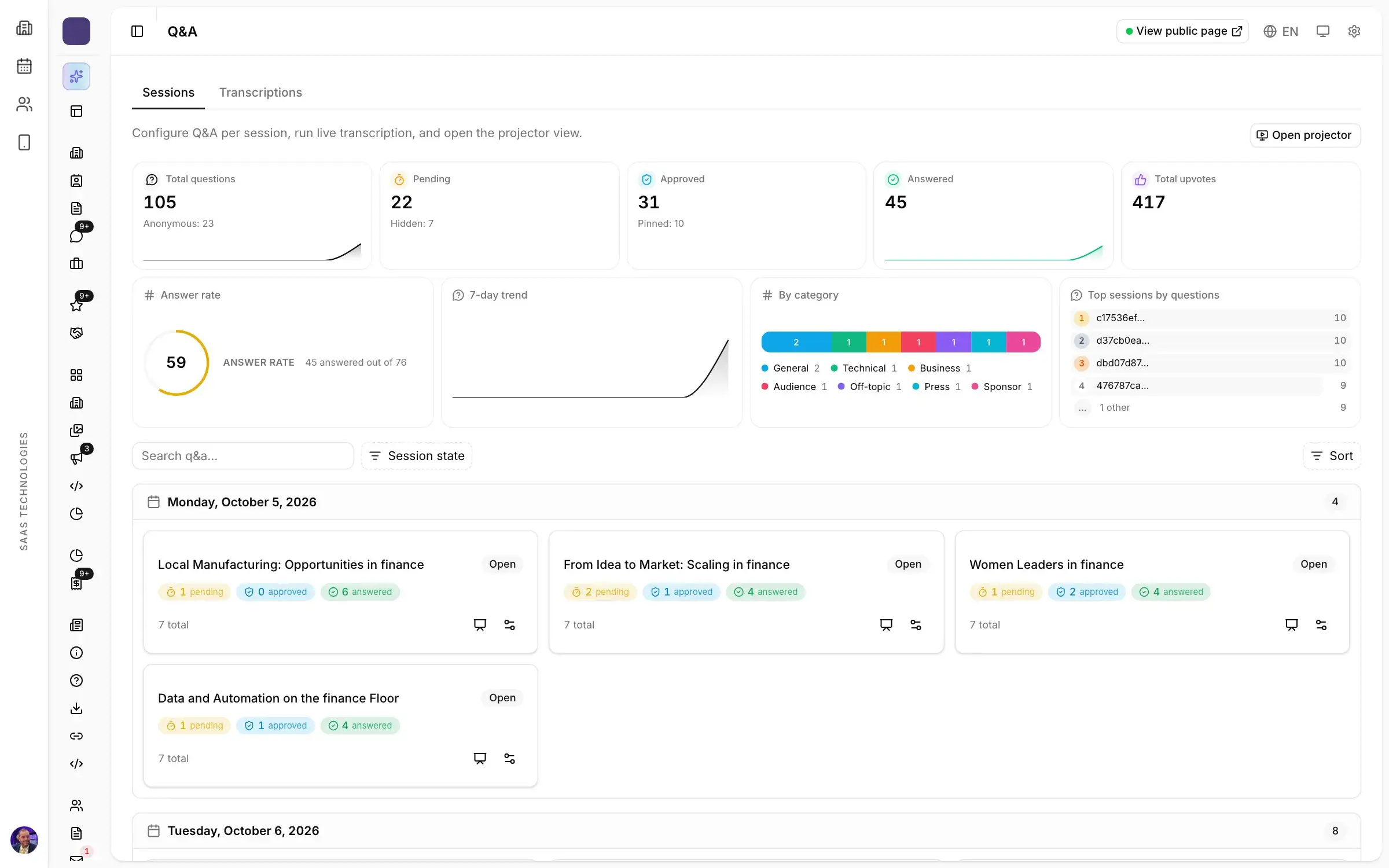
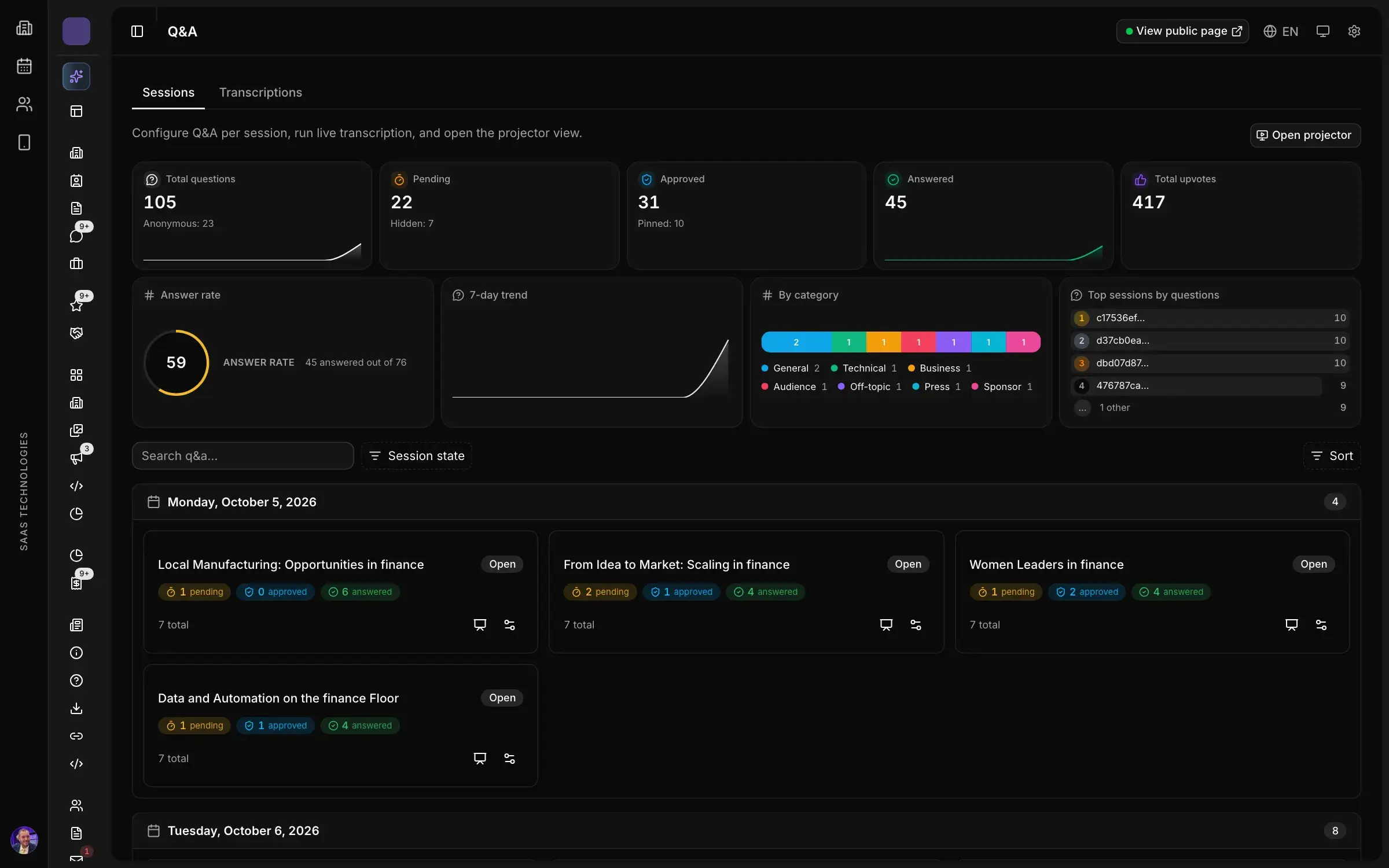
A conference Q&A tool turns the moderator from a traffic controller into an editor. In Moultaka, the audience asks from their phone, anonymously if they wish, and upvotes the questions of others. Moderators approve questions, pin the ones coming next and mark the ones answered, and the speaker reads them on screen. The most upvoted questions rise on their own, and they are usually the ones half the room wanted to ask.
A few rules worth announcing at the start:
- merge questions that ask the same thing and put them as one;
- set aside questions aimed at a company or person in the room;
- take one hard anonymous question over three easy ones. The audience notices.
Live polling for conferences: involve the room in the first minute
An opening poll does two jobs. It wakes the room up, and it tells the moderator who is listening. “How many of you run a show every year?” steers the discussion better than any guess about the audience.
Prepare polls with the opening question. In Moultaka they are scheduled per session, with single or multiple choice, ranking, rating, word cloud or NPS questions. During the session, the moderator or the control room starts, pauses and closes them from one console, and the projector view shows the results on the room screen as votes come in. A result that surprises the panel is the best follow-up question you will get all day.
When a sponsor or an exhibitor hosts its own session, you can authorise it to run polls for its own audience.
Closing, then measuring what the session gave
A good close takes a minute: one line from each panellist, what the room said in the poll, and where the next session is. Thanking everyone is not a summary.
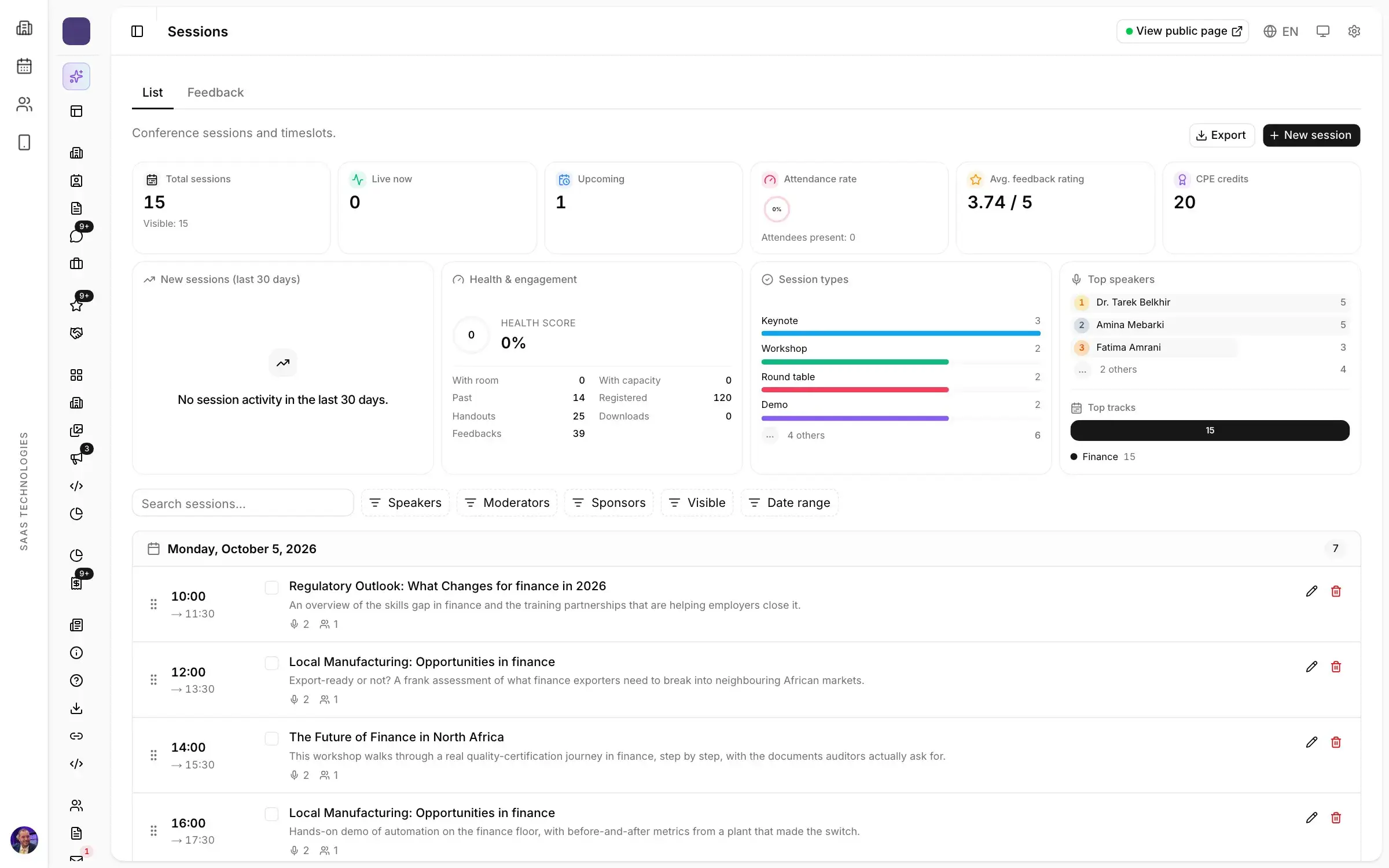
Then come the figures. Every session is rated, with satisfaction scores and comments, and attendance is counted per session. They belong in the post-show report for a trade show and, edition after edition, in your event analytics dashboard: they show which topics fill a room and which formats empty it.
For an academic or scientific conference, with committees and a call for papers, see our guide on how to organize a conference step by step. To fit the conference programme into the months before opening, see the trade show planning timeline.
Moderating with Moultaka
The Conferences & engagement module brings together the programme, speakers and moderators, audience Q&A, live polls and every session’s ratings; session chairs see their sessions, their instructions and the questions waiting for them. To see one of your own sessions prepared this way, book a demo.