Exhibition and conference management platform: one programme, one show floor
Speakers in a spreadsheet, the programme in a PDF, questions on paper: what one exhibition and conference management platform should bring together.
By Moultaka team
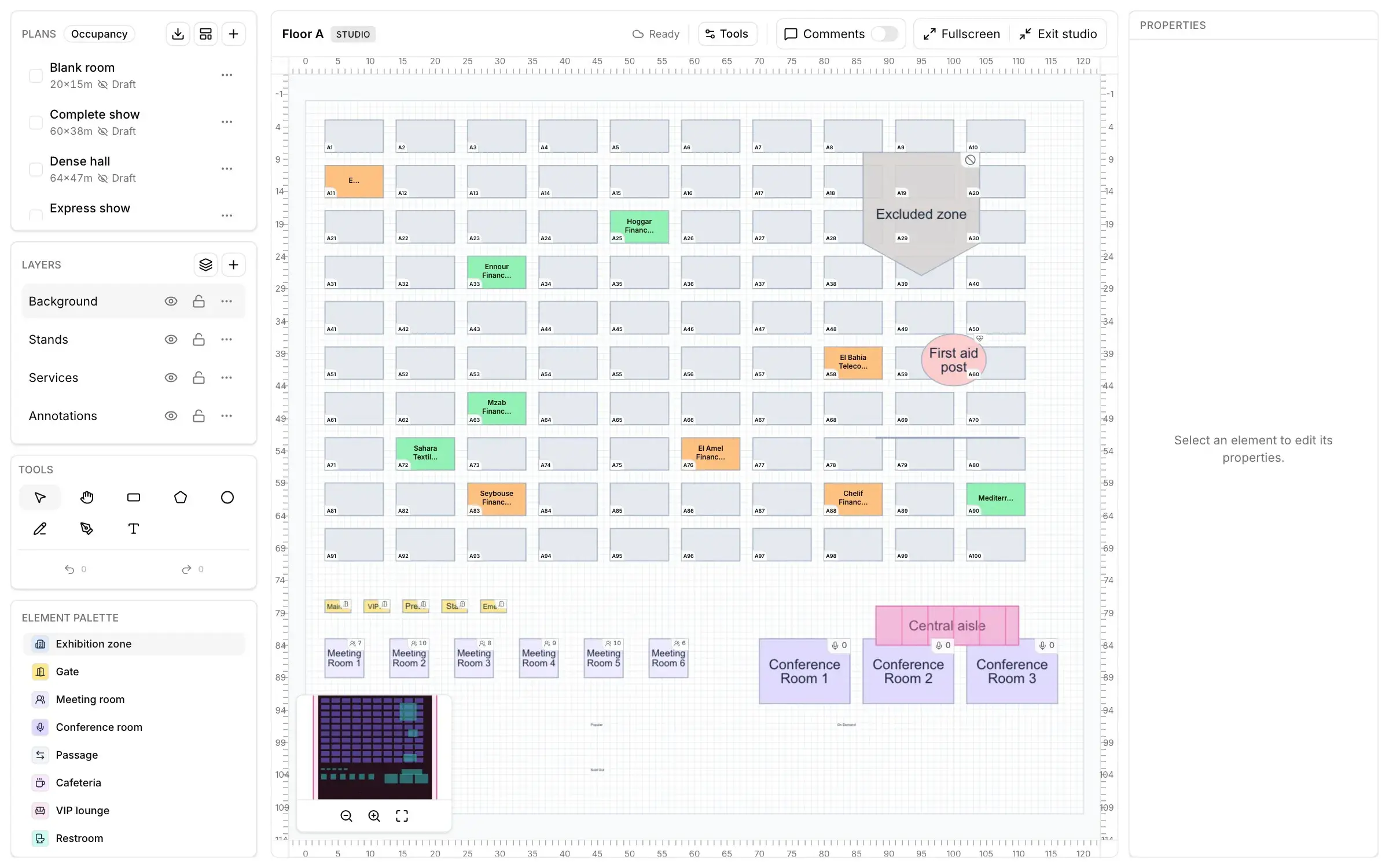
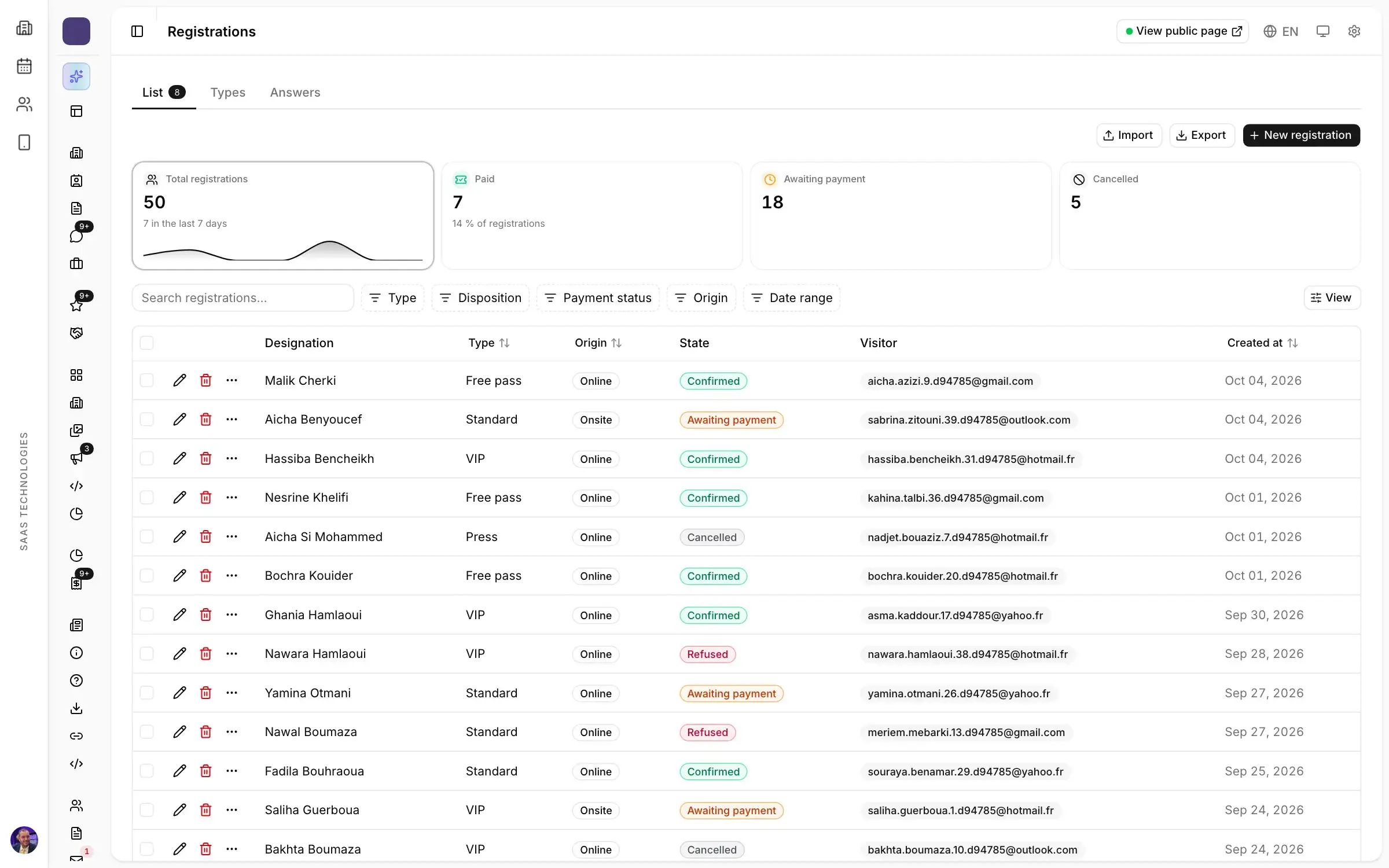
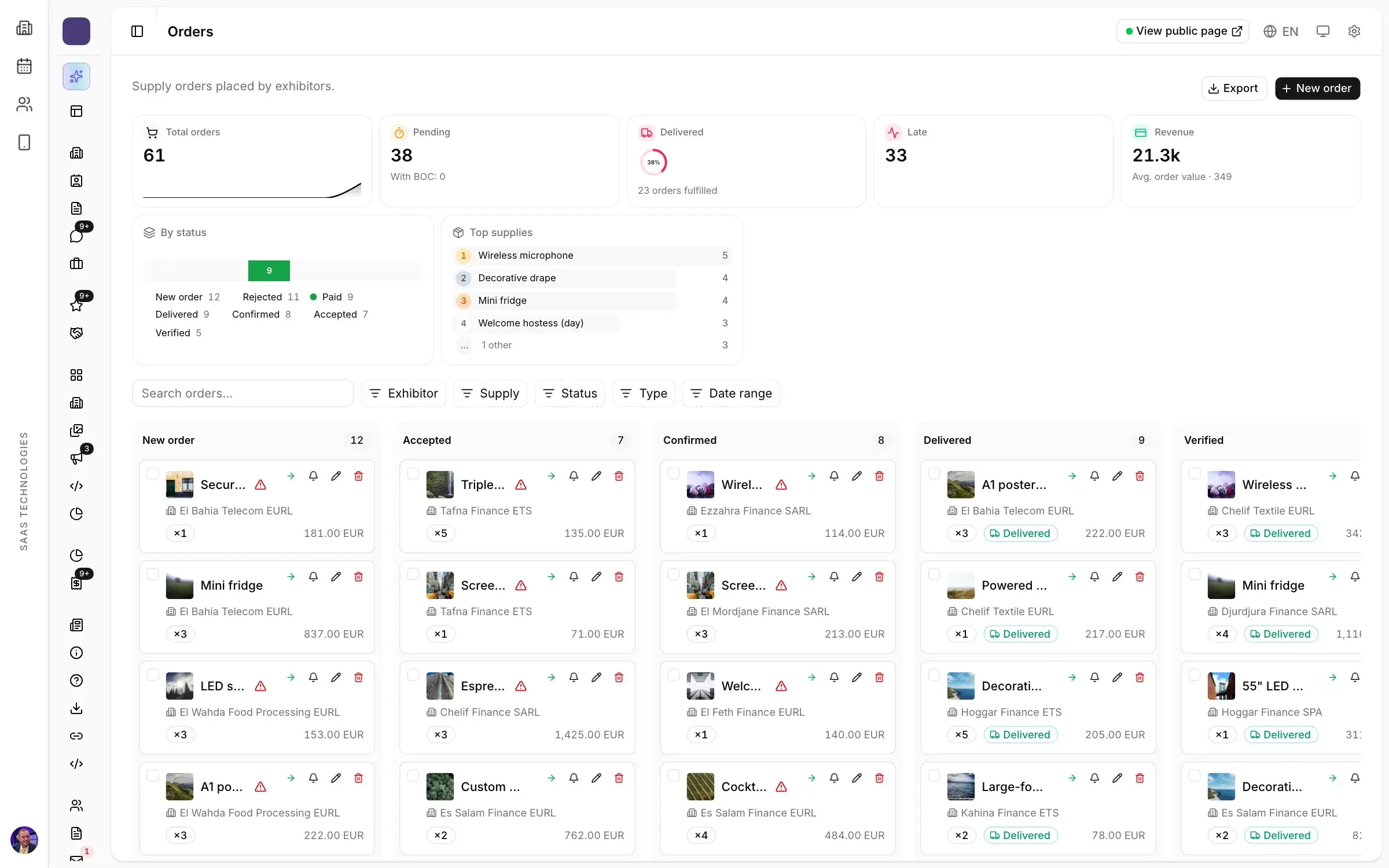
An exhibition and conference management platform is one workspace where an organiser runs both halves of the event: the exhibition, with its stands, exhibitors and visitors, and the conference, with its sessions, speakers and rooms. One database, one event website, one app for attendees. It matters most at a trade show, where the exhibition almost always comes with a programme of keynotes, panels and workshops. Here is what slips through the cracks when the two run on separate tools, what the platform should cover, and the questions to ask before you choose.
The exhibition in one tool, the conference in another
Most event software sells you one product for exhibitions, another for conferences and a third for meetings. On the ground, that usually means:
- the speaker list lives in a spreadsheet passed around by email;
- the programme is a PDF, printed, then out of date by the opening morning;
- the programme page on the website waits for someone to update it;
- audience questions arrive on slips of paper, or through a microphone carried along the rows;
- feedback forms that nobody fills in.
Then, at closing, a sponsor asks how many people attended the session they sponsored. Nobody has a quick answer, because attendance was noted in one place and registered visitors sit in another.
What an exhibition and conference management platform should cover
Before the demo, check that the platform covers the whole conference, not just a schedule page:
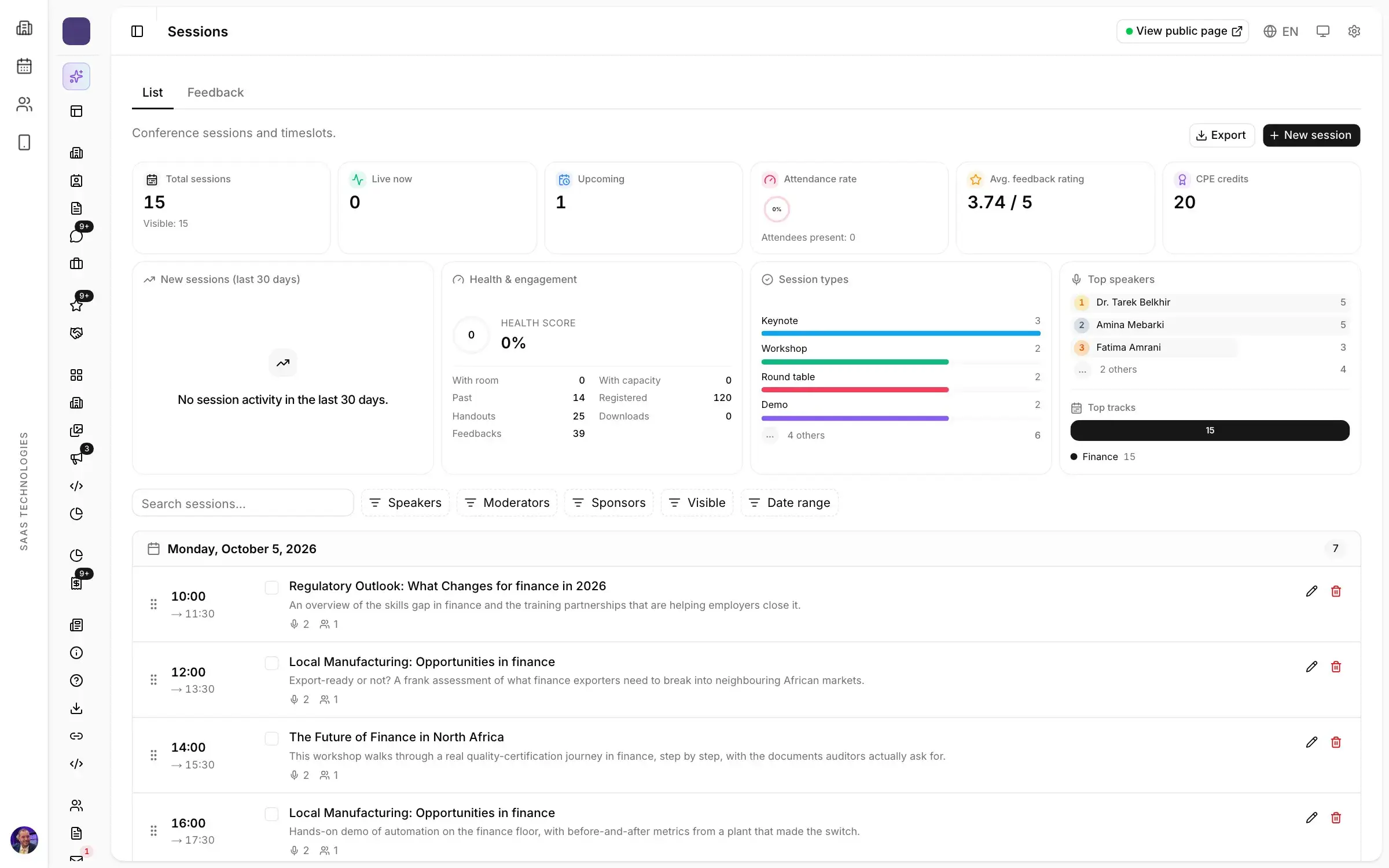
- sessions: sessions, rooms, speakers and formats in one schedule, with tracks and attendance per session;
- speakers, from application to stage;
- moderators: session chairs with their sessions, their instructions and the questions waiting for them;
- the room: audience Q&A and live polls;
- feedback: a rating for every session.
Above all, it should live in the same workspace as your exhibitors and registrations. Otherwise, someone on the team is retyping.
Speakers, from application to stage
A conference programme starts months before the doors open, with a call for speakers. Open the speaker application form on the show’s website, and it accepts submissions only within the dates you set. From there, every speaker and panellist has a record with their application, profile, sessions and ratings.
When an accredited journalist asks to interview a speaker, the request reaches the same team, which confirms the slot, instead of getting lost between the press inbox and the programme inbox.
The programme: one schedule, published as you save
A good programme is one everybody knows about at the same moment. When a session moves to another room, the change should appear on the event website and in the app as soon as you save, not after an email to the agency.
On the visitor’s side, the programme is browsed day by day and filtered by track, room, level or speaker. Each session opens on its own page, can be shared, and takes sign-ups. When a room is full, the waiting list takes over, and check-ins are recorded online or on site. You learn which sessions packed the room and which deserve a bigger one next year.
In the room: questions and polls, moderated
In the room, the audience asks from their phone, anonymously if they wish, and upvotes other people’s questions. Moderators approve, pin and mark questions answered, and the speaker reads them on screen. No microphone travelling along the rows, no ten-minute question eating everyone’s time.
Polls are prepared in advance and scheduled per session: single or multiple choice, ranking, rating, word cloud or NPS. During the session, they are started, paused and closed from one console, with results projected on the room screen as votes come in, then exported.
When the conference room sends people to the stands
This is where a single platform earns its place. When the conference and the exhibition share one database, a leaderboard can award points for attending sessions, visiting stands or meeting exhibitors, with live standings. Time-bound challenges, such as visiting six stands, send participants where you want them: to the far hall whose exhibitors complain about footfall, for instance.
You can also allow exhibitors or sponsors to run polls for their own audience, which makes the programme part of what you sell them. If your show runs business meetings as well, read how to run B2B meetings at a trade show.
After the session: every session rated
Feedback no longer waits for a survey sent a week later. Every session gets its ratings, satisfaction and comments, and the ones that need attention stand out. With attendance recorded per session, you have what you need to pick next year’s speakers, and to answer the sponsor.
Whether your show runs in Riyadh, Dubai, Cairo or Algiers, the conference programme of a spring show is built in the first months of the year: choose the tool before you open the call for speakers. The trade show planning timeline shows where it fits.
Questions to ask during the demo
- Show me a session moved from one room to another: when does a visitor see it on the website and in the app?
- How does a speaker apply, and how do I accept the application?
- How does the audience ask a question, and what does the moderator see before it reaches the screen?
- Can a visitor registered for the exhibition access the conference programme without registering twice?
- How do I know who attended which session?
For more on choosing a tool, see the questions to ask before you choose trade show software.
How Moultaka handles exhibitions and conferences
With Moultaka, the exhibition, the conference and the meetings are one workspace, one database and one login, whatever the format and whoever on your team is working. See the Conferences & engagement page and the whole platform, and to see your own programme in it, book a demo.