How to organize a conference step by step: from call for papers to certificates
How to organize a conference step by step: committees, call for papers, programme, registration and badges, the room, then certificates and ratings.
By Moultaka team
How do you organize a conference step by step? Seven stages: set the theme and form two committees, open the call for papers, select the submissions and build the programme, register attendees, welcome them on opening morning, run the sessions in the room, then issue attendance certificates and read the ratings. None of these stages is hard on its own. What goes wrong is the handover between them: speakers in one spreadsheet, attendees in another, the programme in a third, and someone retyping all three. This guide walks through each stage, whether you run an academic conference, an industry congress or a conference programme alongside a trade show.
How to organize a conference: the stages and their timing
The order that works, with a rough lead time before opening day:
- 9 to 12 months out for an international conference, 4 to 6 months for a national one: theme and tracks, the two committees, the date and the venue;
- straight after: the call for papers, with a firm deadline;
- when the call closes: review, decisions to authors, then the programme;
- at least two months out: registration opens, and visa requests start for delegates travelling from abroad;
- conference week: badges, rooms and session chairs;
- after closing: certificates, session ratings and the proceedings.
The theme and the two committees
Start with two questions: who is this conference for, and what will they take home? The answer gives you the tracks, then the two committees:
- the programme committee sets the tracks, reviews submissions and proposes the programme;
- the organizing committee handles the venue, the budget, registration, the welcome desk and printing.
Most of the strain comes from each committee keeping its own files. Decide on day one where the information lives, and have everyone work from that one source.
The call for papers: one form, open within its dates
The call for papers is the first thing speakers see of your conference. Give it a clear page on the event website, with the tracks, the deadlines and the abstract guidelines, and one submission form instead of a shared inbox.
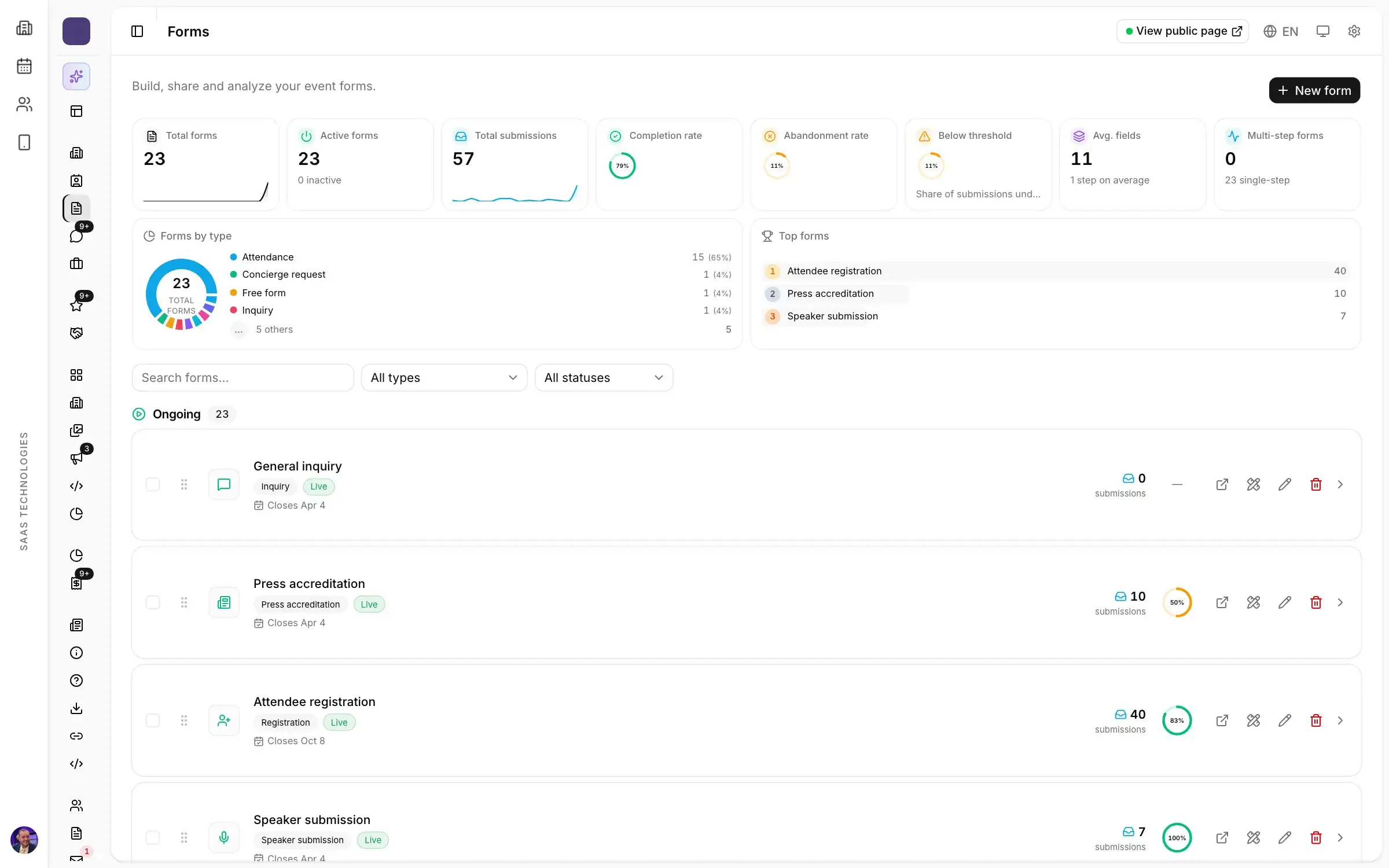
In Moultaka, the speaker submission form only takes entries between the dates you set, so nothing arrives after the deadline. You build the form, add conditions, and follow who completed it and who dropped off. Every speaker and panellist has a record with their application, profile, sessions and ratings, and it carries over to the next edition.
Selecting submissions and building the programme
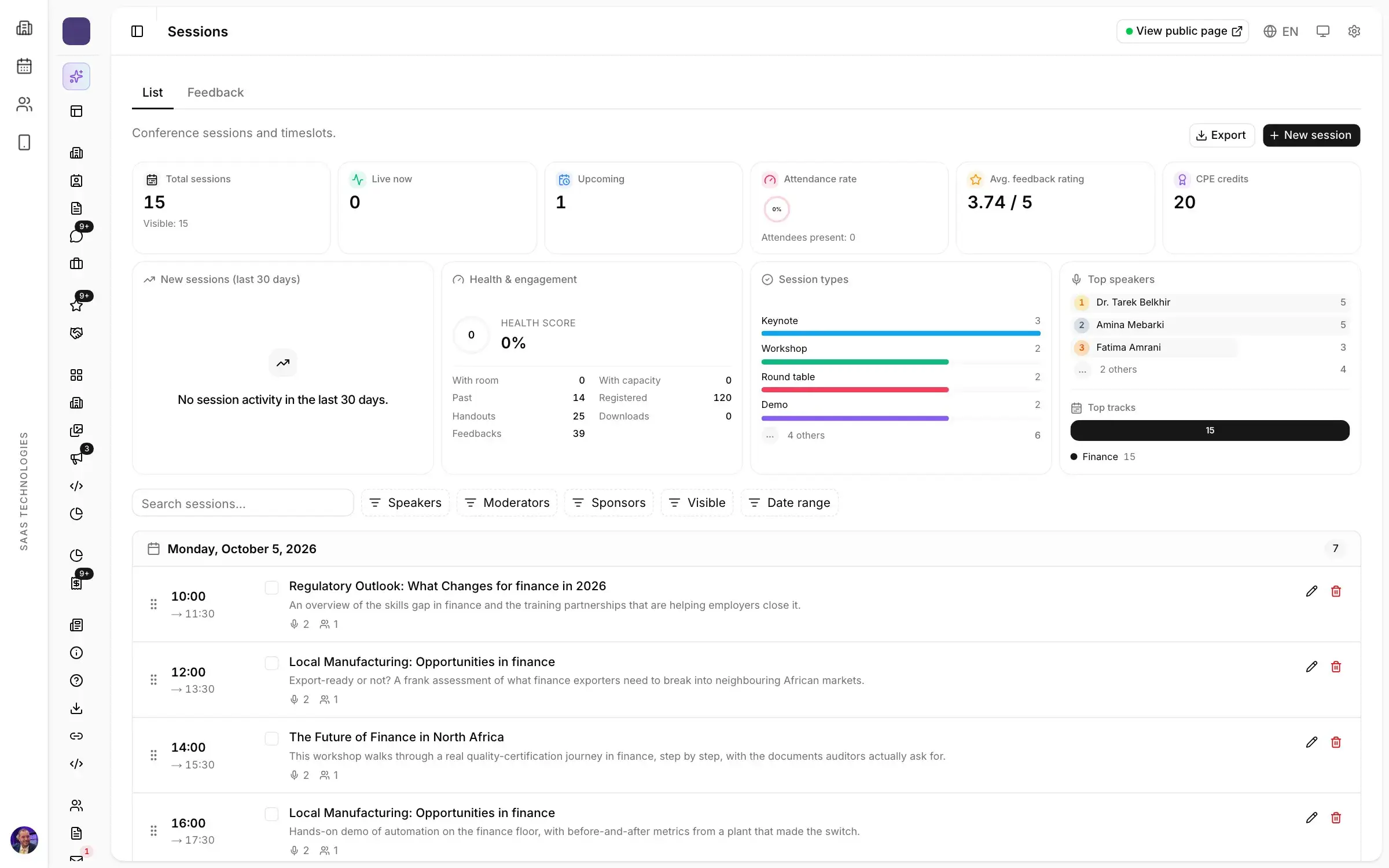
After review, what the committee accepted becomes a programme: sessions, rooms, speakers and formats (keynote, paper session, panel, workshop) in one schedule. In Moultaka that schedule is published to the event website and the app as soon as you save. When a session moves rooms on opening morning, attendees see it straight away, with no reprint.
Attendees browse the programme by day, filter it by track, room, level or speaker, and enrol in the sessions they want. When a room is full, the waiting list takes over. Session chairs see their sessions, their instructions and the questions waiting for them.
Registration, and delegates from abroad
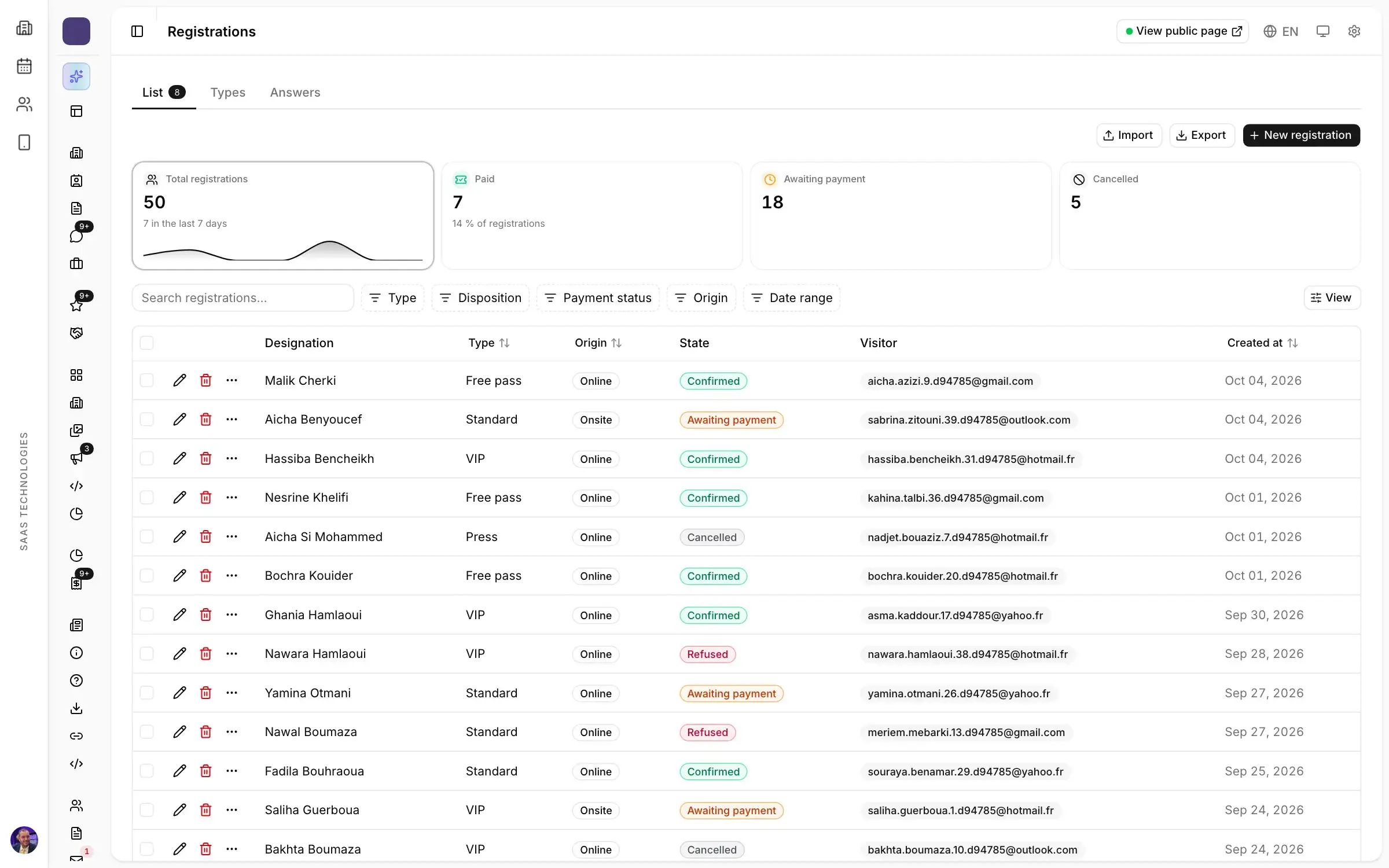
Separate the people who speak from the people who attend: each profile gets its own form and its own badge layout. The registration form also opens and closes on its dates, and every registrant lands in the same database as the speakers and sessions. A second sign-up for the same type is recognised, and every count shows the person once.
For an international conference, start early with delegates travelling from abroad. In Moultaka, visa requests are processed step by step, invitation letters issued and passport dates checked. An invitation letter sent too late means an empty chair on the stage and a gap in the programme.
Opening morning: the welcome desk and badges
The first morning sets the tone for the whole event. A queue at the desk and printed lists searched name by name are what people remember. Better: every attendee gets their badge by email when they register, it is printed on site, and the QR code is scanned at the door. Attendance is also recorded per session, online or on site, and that is what your certificates will be built from a few days later.
For a welcome without a queue, read trade show badges and access control without the queue.
In the room: questions, polls and the session chair
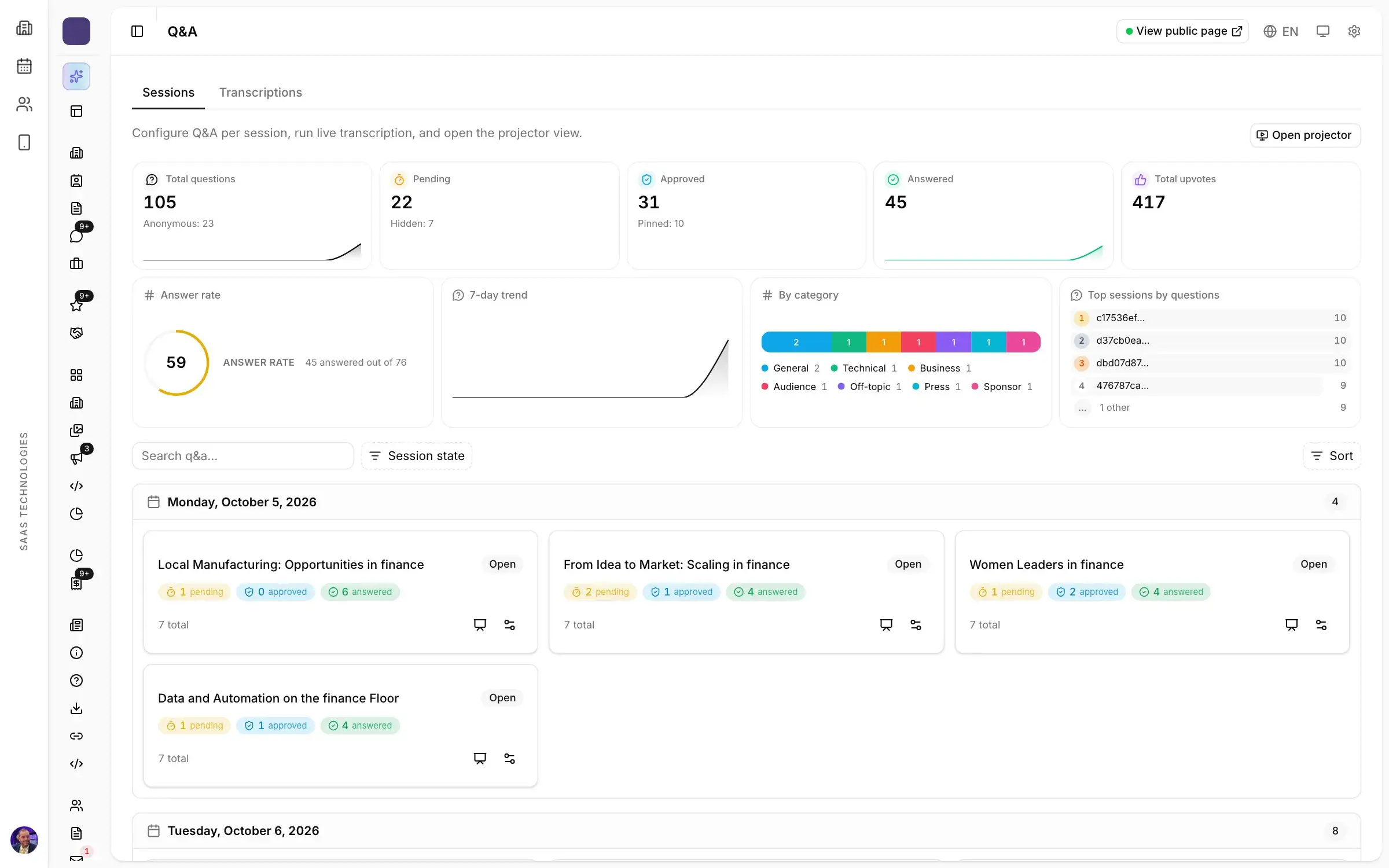
A microphone passed along the rows goes to whoever raises a hand first, not to the best question. In Moultaka, the audience asks from their phone, anonymously if they wish, and upvotes the questions they want answered. Moderators approve, pin and mark questions answered, and the speaker reads them on screen.
Polls are prepared in advance and scheduled per session: single or multiple choice, ranking, rating, word cloud or NPS. During the session you start, pause and close them from one console, project the results on the room screen as votes come in, and export them afterwards. The session chair’s side of it, from briefing the panel to picking questions, is in how to moderate a panel discussion.
After the conference: certificates and ratings
For many attendees, especially at academic and medical conferences, the attendance certificate is what they came home with. In Moultaka, one certificate per participant is generated from their attendance, signed by you and shared by link. Signatory, signature and artwork are set once, and every certificate follows.
Every session gets its ratings, satisfaction and comments, and the ones that need attention stand out. With attendance per session, you know which track filled the room and which speaker to invite back. Then come the proceedings, which keep the conference’s work available long after closing day.
When the conference runs alongside a trade show
Many trade shows add a conference programme to their exhibition, and that is where one tool matters most. There is one badge per person, whatever the format: the visitor registered for the show walks into the conference hall with the same badge and enrols in sessions from the same programme. Read what one exhibition and conference management platform should bring together, and the trade show planning timeline for the exhibition side.
Your conference in Moultaka
Programme, speakers, moderators, questions, polls and certificates, in the same workspace as registration and access. See Conferences and engagement and Registration, and to see your next conference in it, book a demo.