Trade show budget template: the lines an organiser plans, commits and pays
A trade show budget template for organisers: expense and revenue lines, budgeted against committed and paid, tracked to the post-show report.
By Moultaka team
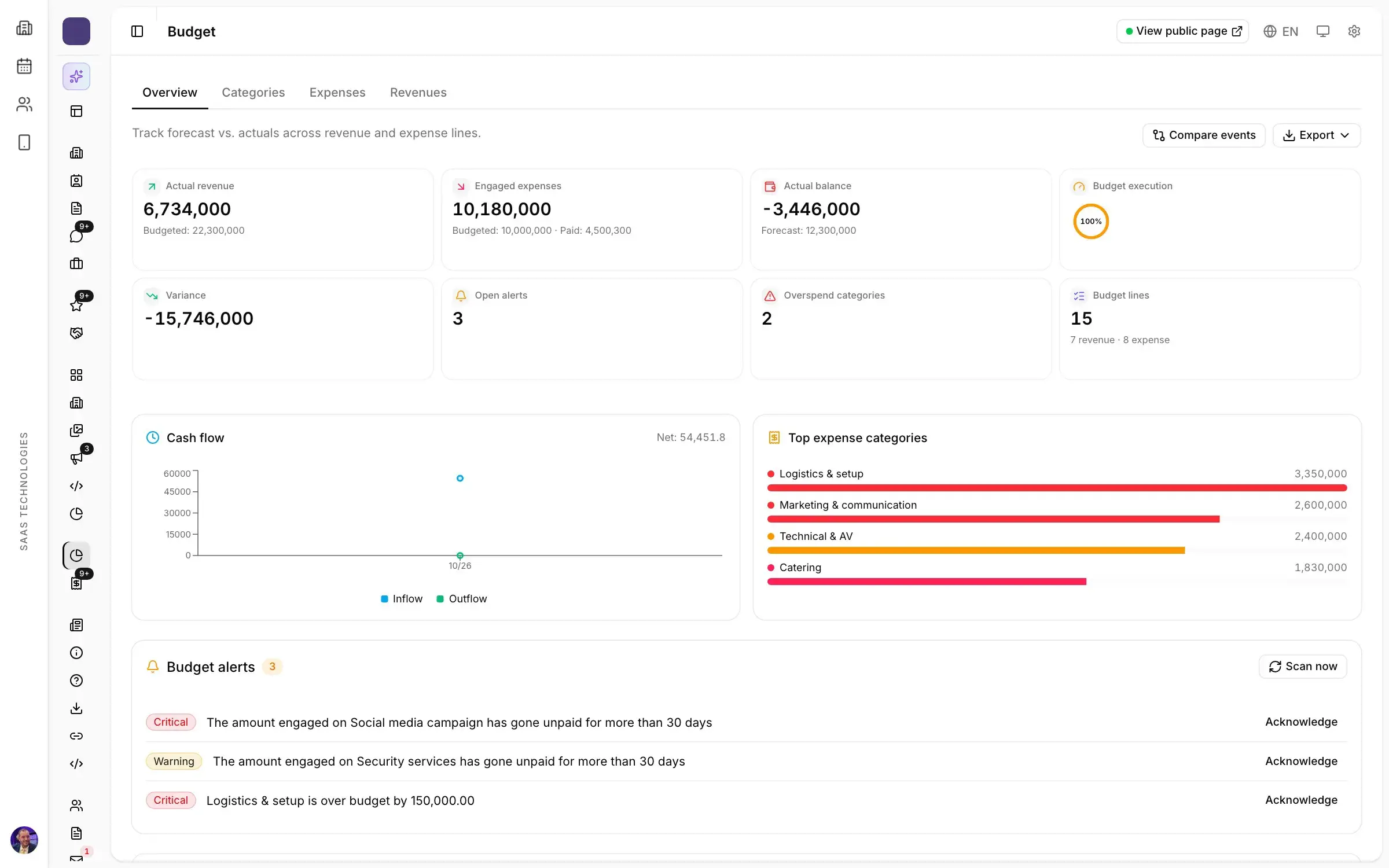
Most trade show budget templates you find online are written for exhibitors: a booth, its shipping, its travel. An organiser’s budget is a different document. It holds every line the edition will cost and every line it will earn, and each line needs three amounts, not one: budgeted, committed and paid. Overruns hide between the signed quote and the settled invoice, and a template with a single column cannot show them. Here are the lines to plan for, how to build the forecast, and how to track it all the way to the report.
A trade show budget template: the expense lines
Labels vary between organisers, but the same families come back almost every time:
- Venue: hall or floor space rental, build-up and breakdown days included, with the deposits the venue asks for at booking.
- Logistics and build: carpet, shell scheme and equipped stands, signage, furniture, power and connections, freight and handling.
- AV and technical: sound, screens, conference room control, simultaneous interpretation if the programme needs it.
- Welcome and security: hosts, security staff, cleaning, first aid, badges and access control equipment.
- Marketing and communication: outdoor and trade press advertising, social campaigns, the event website, printed invitations and the show catalogue.
- Catering and hospitality: coffee breaks, speaker and delegation lunches, the opening reception.
- Guests and speakers: travel, hotels and hospitality for hosted delegations and speakers.
- Insurance, permits and administration, plus a contingency line, often in the range of 5 to 10 % of expenses, so nothing has to be cut in the last week.
The venue is usually the first money committed and the last line you can change, which is why the forecast starts there.
The revenue lines: stands, sponsorship, ticketing
Three lines carry most shows:
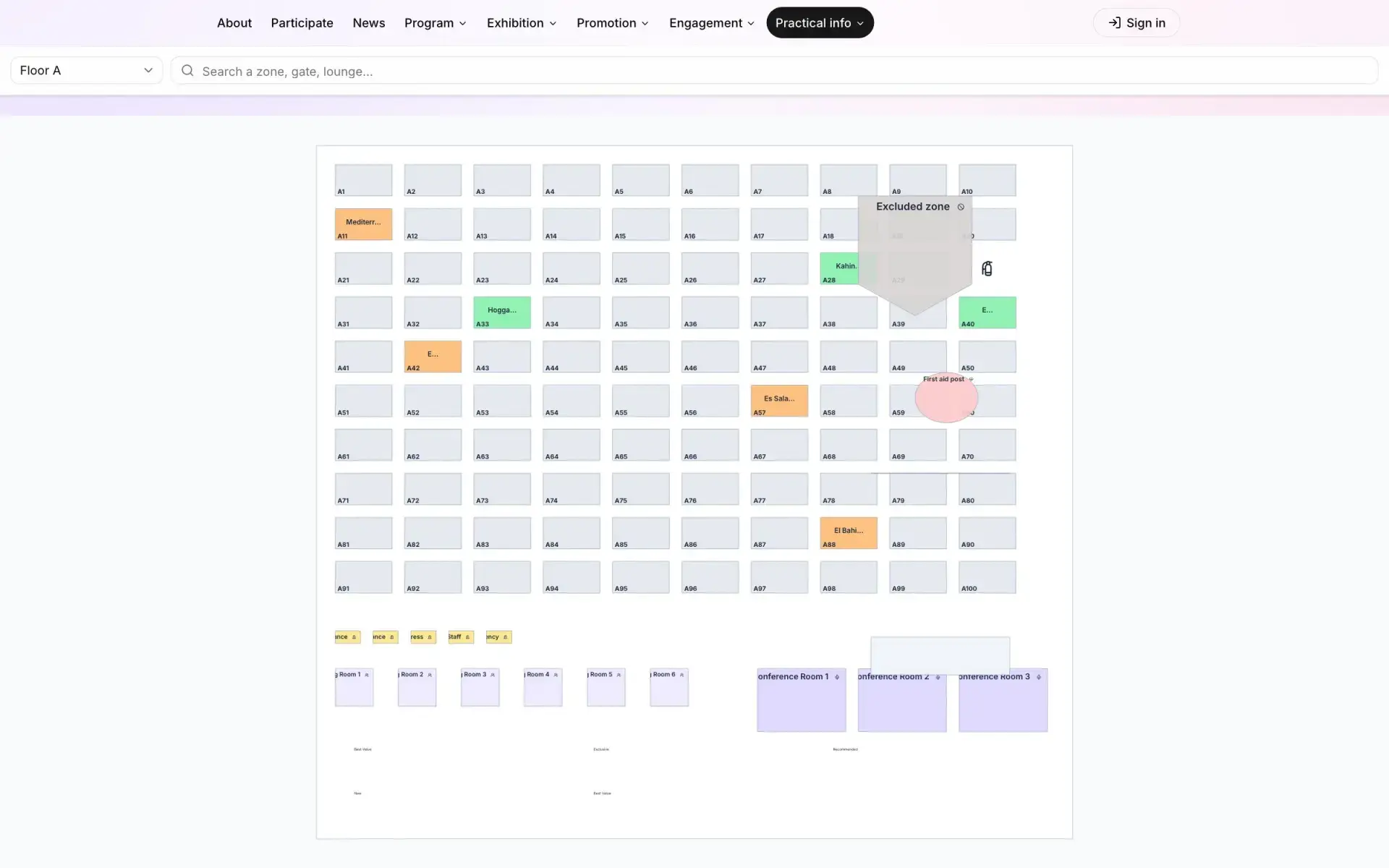
- Exhibition space: raw space or shell scheme, corner and island stands, country pavilions. For most organisers it is the largest line, and the one to watch daily. If you sell from an interactive floor plan, sold, reserved and free space are visible at any moment.
- Sponsorship: packages sold, their benefits and their caps. Trade show sponsorship packages built from countable benefits are also easier to price and to forecast.
- Ticketing and services: paid entry where there is one, workshops, in-app advertising, services sold to exhibitors.
For each line, record what you expect and what you have collected. A reserved stand is not a paid stand, and the gap between the two decides your cash position in the month of the show.
Budgeted, committed, paid
A one-column budget tells you only what you meant to spend. Add two more:
- budgeted: set when the edition is launched;
- committed: what you have signed or ordered, an accepted quote, a purchase order;
- paid: what has actually left the account.
The committed column is the early warning. When a category’s commitments approach its budget while half its orders are still to place, you can still renegotiate or cut. When you discover it on the invoice, you cannot. Watch committed amounts that stay unpaid for weeks, too: a supplier chased on the eve of the show is a supplier who hesitates to deliver.
Build the forecast on the last edition
The best template for your show is your own last edition, line by line, with what went over. Keep its categories, adjust each line for what changed (more floor space, an extra hall, a dropped gala dinner) and write down why. For a first edition, get quotes early on the three heaviest lines, venue, build and marketing: they decide whether the show can break even.
Keep the same categories from year to year, so two editions compare without reclassifying anything, and put the budget’s deadlines in your trade show planning timeline: venue deposits, print sign-offs, supplier payments.
During the show and after: the budget in the report
In the last weeks, review commitments by category every week, then every day during build-up. After closing, the budget becomes one section of the post-show report: the variance line by line, what explains it, and what changes for next year. It is the page management reads first.
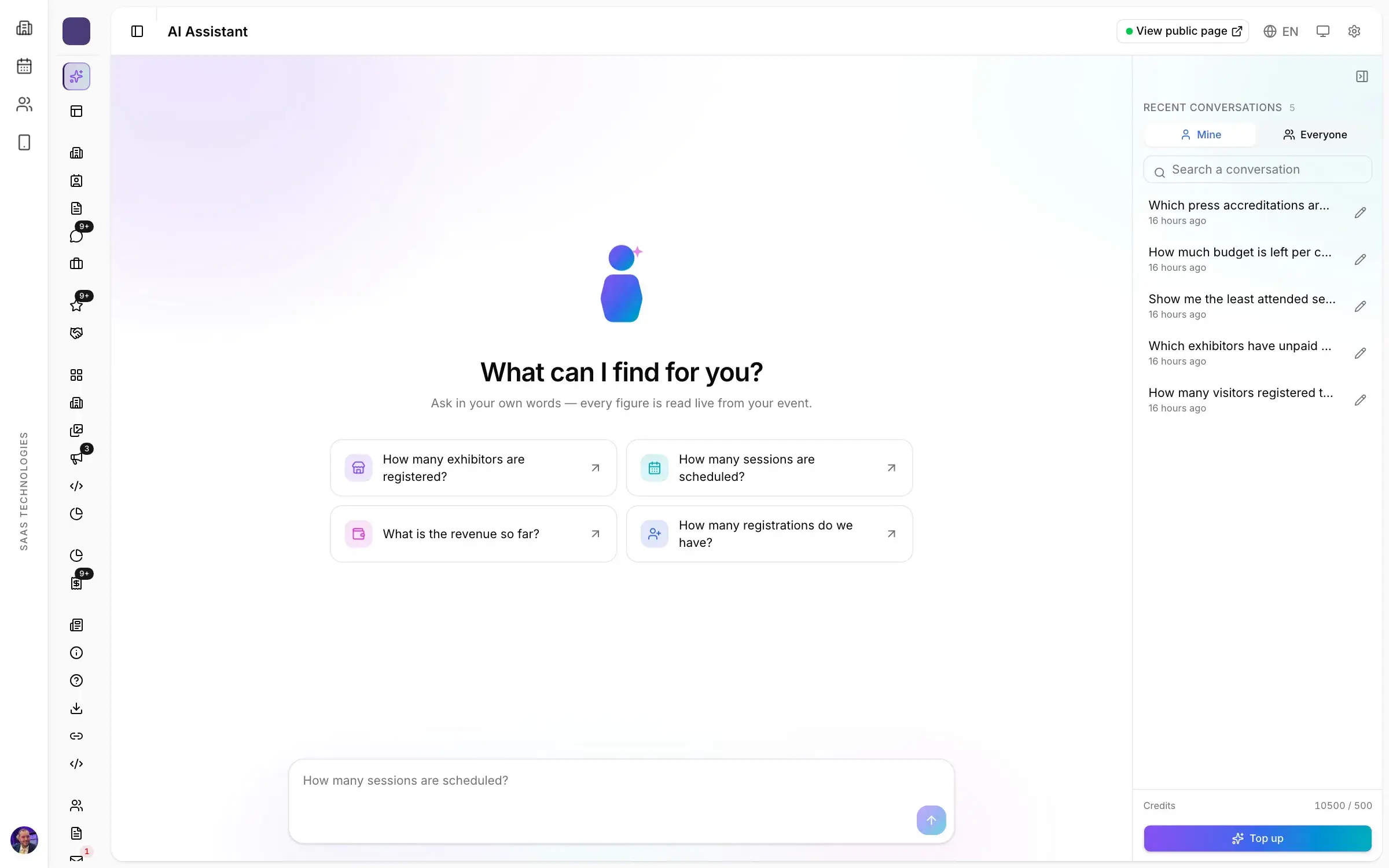
In Moultaka, the Analytics, budget & AI module tracks budgeted, engaged and paid amounts by category and by supplier, with alerts before a line goes over. Expense and revenue categories match how your team reports, stands, sponsorship and ticketing show expected against collected, and every line exports to a spreadsheet for your accountant. Ask the AI assistant where the budget is slipping and it answers from your own live data. To see it on your own show, book a demo.