Event app for trade shows and conferences: what visitors and exhibitors actually open it for
An event app for a trade show earns its place on the phone by answering where, when and who. What it needs, what can wait, and the trap to avoid.
By Moultaka team
An event app for a trade show or a conference earns its place on a visitor’s phone when it answers three questions faster than the information desk: where is the stand I’m looking for, what is starting now, and who is exhibiting here. For exhibitors, it has one job: get them found, and let them leave with the contacts they met. Apps that repackage the show brochure get deleted by lunchtime on day one. The real risk, though, sits with the organiser: one more thing for the team to keep up to date, next to the website, the floor plan and the programme.
What an event app for trade shows and conferences needs
Six screens cover what people actually use:
- the floor plan, searchable, with directions to every stand;
- the programme, day by day, with talks and workshops;
- the exhibitor directory, and a page for each stand with its products and contacts;
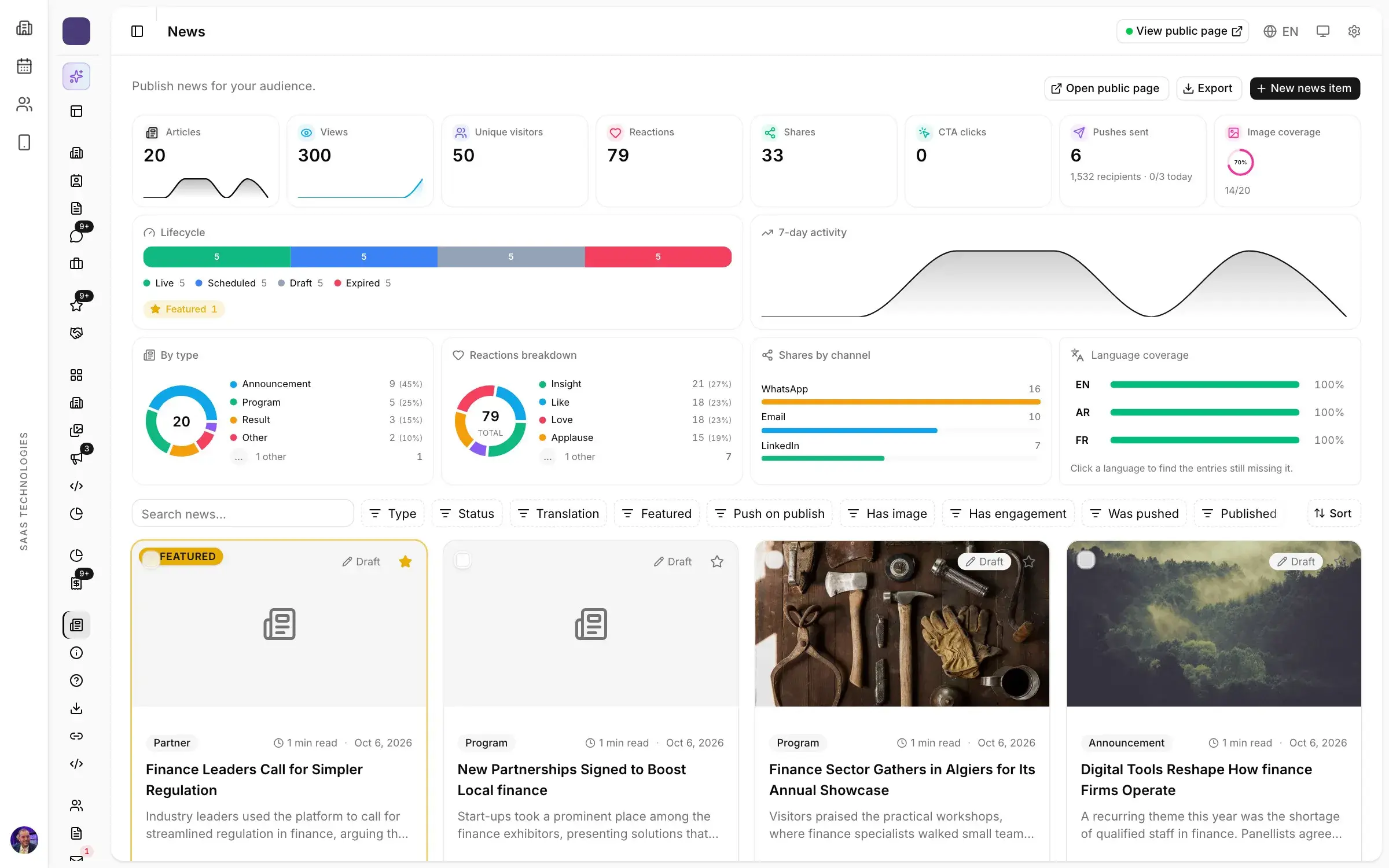
- news, with a push notification when something matters;
- messaging, so participants can reach each other before, during and after the show;
- B2B meetings, booked ahead, if your show runs a matchmaking programme.
Everything else can wait for the next edition. Six screens that are right beat fifteen that are half empty.
Visitors: where, when, who
On opening morning, the question your front desk hears most is not the closing time. It is “where is this stand?”. A plan that can be searched by exhibitor or sector, with a route from the entrance, takes a good share of those questions off your staff.
By mid-morning, the question becomes “what’s on right now?”. An up-to-date programme beats a sign printed three weeks earlier, especially when a session moves room.
And in the evening, back at the hotel: “who was that supplier I didn’t have time to see?”. The directory and the stand pages keep your show open after the doors close. That matters at international shows, where a visitor may have flown in for two days and plans the second one the night before.
Exhibitors: get found, then leave with the contacts
Exhibitors judge a show on one number: the conversations they take home. The app helps in two places.
Before and during the show, their stand page (products, contacts, position on the plan) puts them in front of visitors who never walked down their aisle.
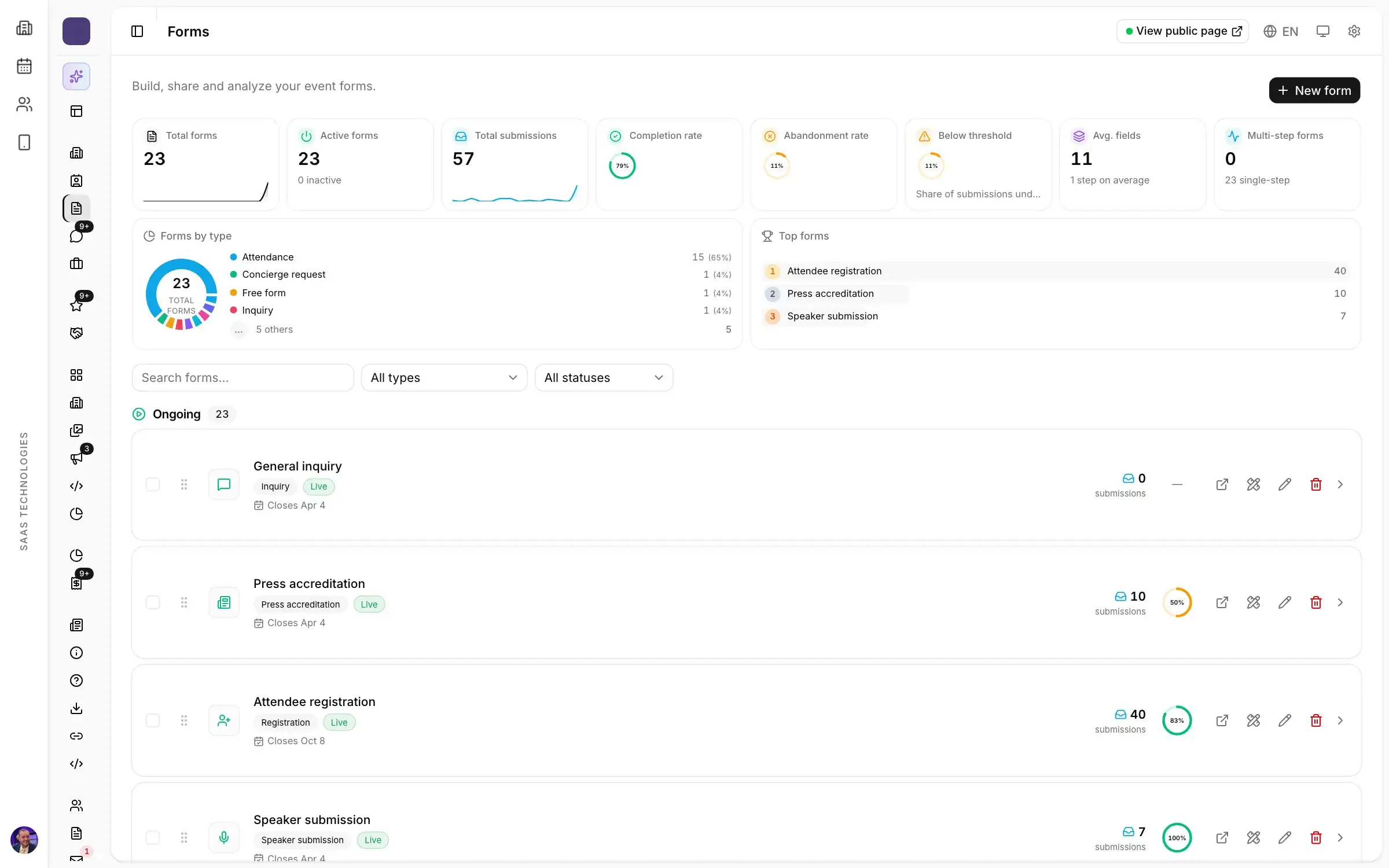
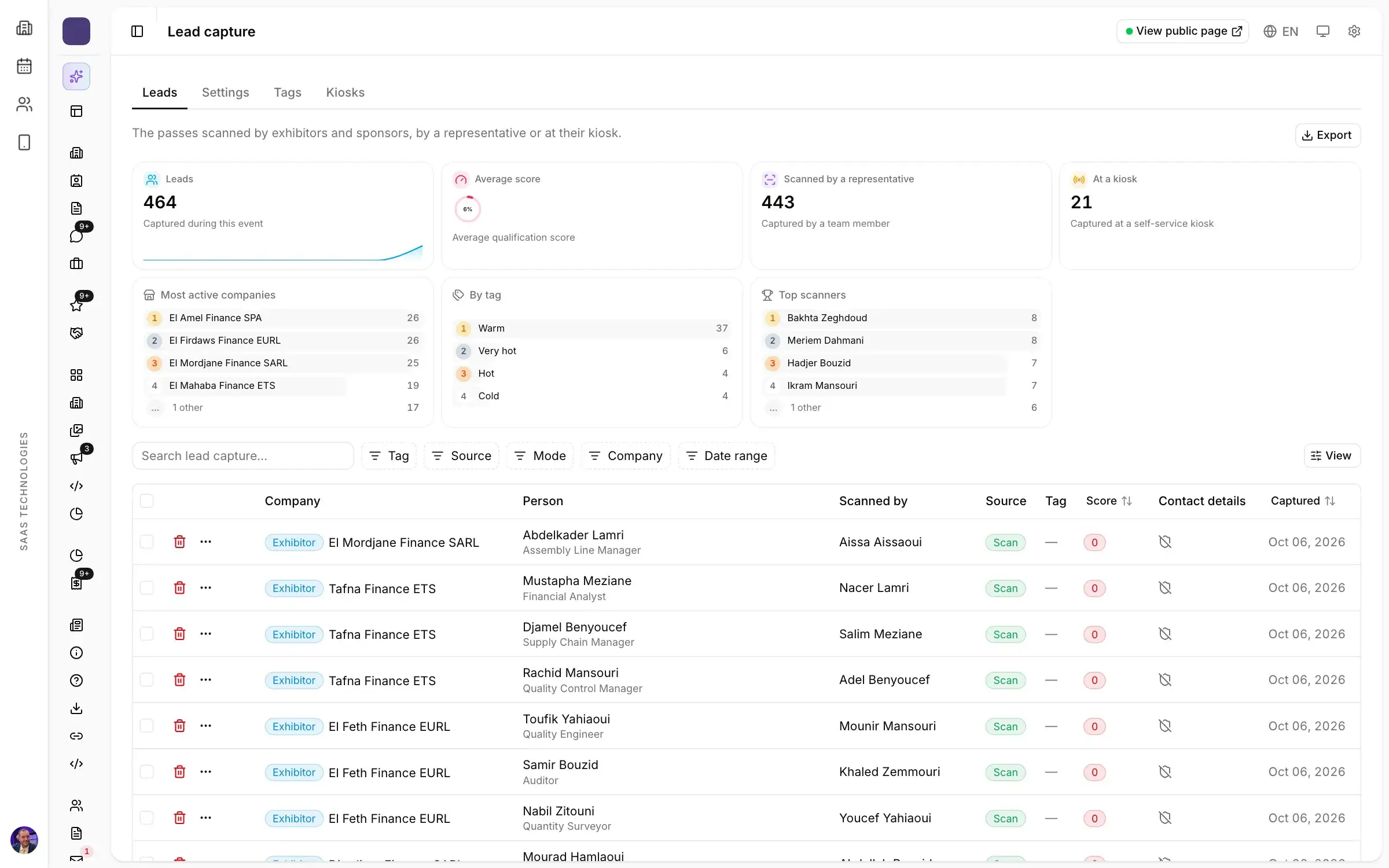
On the stand, their staff scan the visitor’s badge from the app. Each contact arrives tagged and noted, with consent recorded, and the exhibitor exports the list after the show. That list, more than overall attendance, is what brings them back next year. If your show runs a meetings programme, see how to prepare B2B meetings at a trade show: participants book those in the app too.
The trap: one more thing to keep up to date
This is where many organisers give up on an app. It gets outsourced to an agency, which asks for the plan, the programme and the exhibitor list as files. Then an exhibitor swaps stands, a session moves, and everything has to be sent again. By the third change in show week, the app is wrong, and visitors notice.
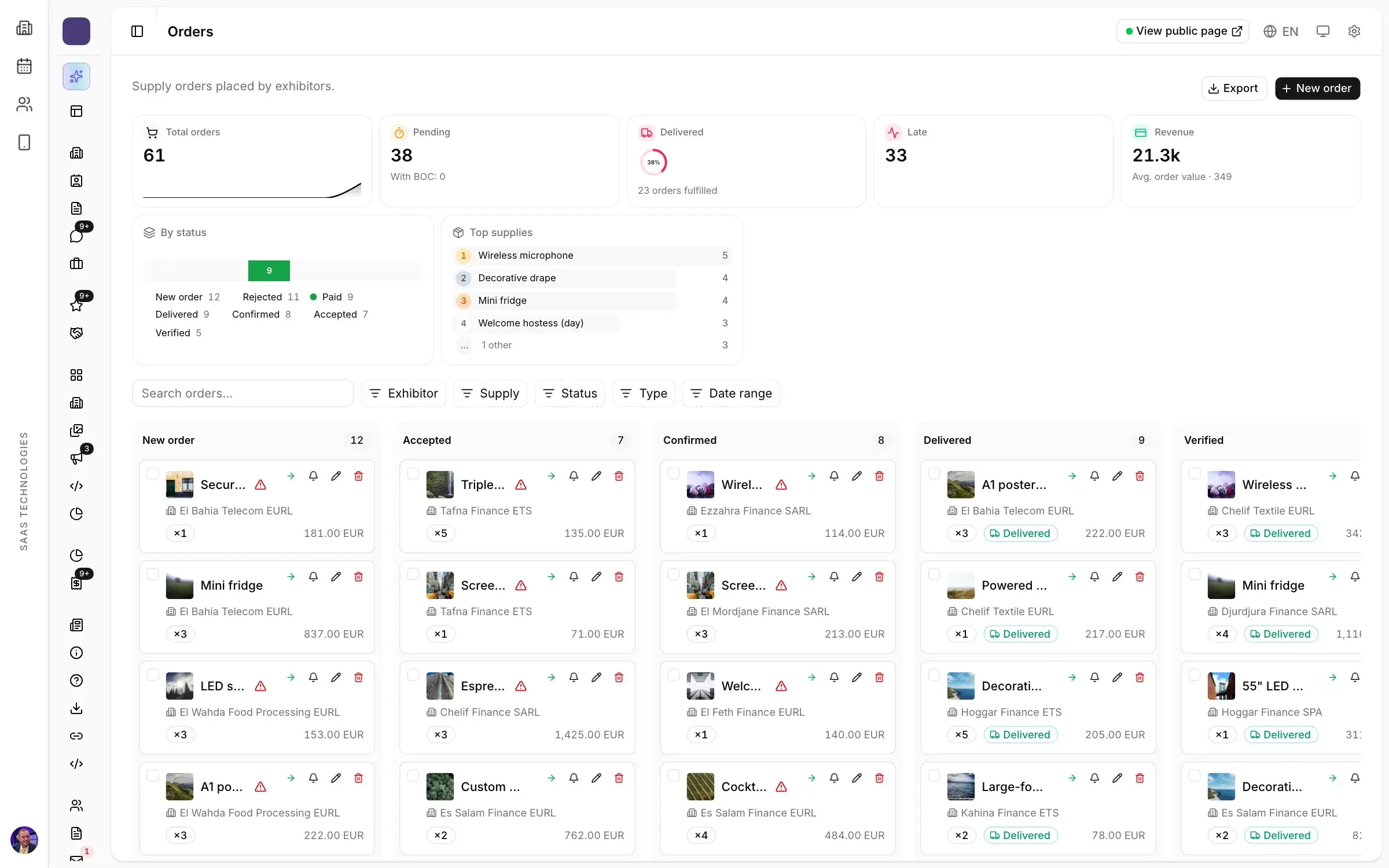
The only way out is for the app to read the same data as everything else. The floor plan sales edits, the programme the conference team builds, the profiles exhibitors fill in their portal: if every screen comes from there, nothing is copied twice, and a change made at nine is right by noon. It is the same reason one platform for the exhibition and its conferences costs less effort than several tools wired together by hand.
Getting the app installed before the doors open
An app nobody installs helps nobody. What works:
- The download link in the registration confirmation, when the visitor is paying most attention to your show.
- A reminder a week before, saying what they’ll find: their plan, the programme, the exhibitors.
- A QR code poster at the entrance and along the queues, for walk-ins.
- A first news post the day before, with its notification: opening hours, access, parking.
Large halls can saturate mobile networks at peak hours, whether in Dubai, Riyadh or Paris. Keep printed plans at the entrance and clear signage. The app adds to your welcome; it does not replace it.
Your brand, or your event’s?
Two routes. By default, the participant app carries your event’s banner and logo. As a paid option, it can be published on the stores under your own brand, with your icon and colours. The deciding factor is usually how many shows you run a year: an organiser with a portfolio of shows gains from one app that visitors keep from one edition to the next.
In short
A good trade show app fits in six screens: plan, programme, exhibitors, news, messaging and meetings. It serves visitors in the aisles and exhibitors on their stands. And it must never become a second place to keep up to date.
In Moultaka, the participant app on iOS and Android is generated from the workspace: the floor plan, the programme, the exhibitor portal and your news appear in it as your team maintains them. To see it on your own show, book a demo.