Trade show invitation email: a template, and when to send each one
A trade show invitation email gets ten seconds of attention. What it has to say, a template to adapt, and the sending schedule up to the day after.
By Moultaka team
A trade show invitation email gets about ten seconds, usually on a phone, between two meetings. In that time it has to answer four questions: which show, when and where, why this person should come, and how to register in one click. Everything else (the show’s history, the full exhibitor list, a welcome note from the chairman) belongs on the registration page. And an invitation is never a single send. It is a short series of messages, each with its own date, that runs until the day after the doors close.
What a trade show invitation email has to say
In the order your reader scans it:
- The subject line: the show’s name, dates and city. “You’re invited” says nothing; “[Show] · 12–15 March · Dubai” says everything.
- The first sentence: who the show is for, in one line. “The meeting place for packaging buyers and suppliers” works harder than “We are delighted to invite you”.
- Three reasons to come, specific ones: the exhibitors in their sector, one named session, the chance to book business meetings in advance.
- The practical details: dates, opening hours, venue, which hall and which entrance.
- One button: “Register now”. A second link (the programme, the floor plan) can sit lower down, never instead of the first.
- A sender who answers: a real team address, not a no-reply.
A trade show invitation email template
Subject: [Show name] · [dates] · [city]: your badge in two minutes
Hello [First name],
From [date] to [date], [number] exhibitors from [sector] meet at [venue], [city].
Three reasons to be there: – meet [type of exhibitors] on their stands; – attend [session title], on [day] at [time]; – book your business meetings with exhibitors before you arrive.
Registration takes two minutes, and your badge arrives by email straight away.
[Register now]
Opening hours: [hours]. Getting there: [entrance, parking].
The [Show name] team · [an address that replies]
Replace every bracket with something real: an actual figure, a session title, the right entrance. A template filled with general phrases reads like every other invitation your visitor received that week.
If your audience reads more than one language, as in much of the Middle East and North Africa, send each contact the version in their own language rather than stacking a rushed translation under the first one.
Three audiences, three invitations
One show does not invite everyone the same way.
Trade visitors. Your best list is the visitors of past editions who agreed to hear from you. Split it by sector or profile: a procurement manager and an engineering student do not respond to the same argument.
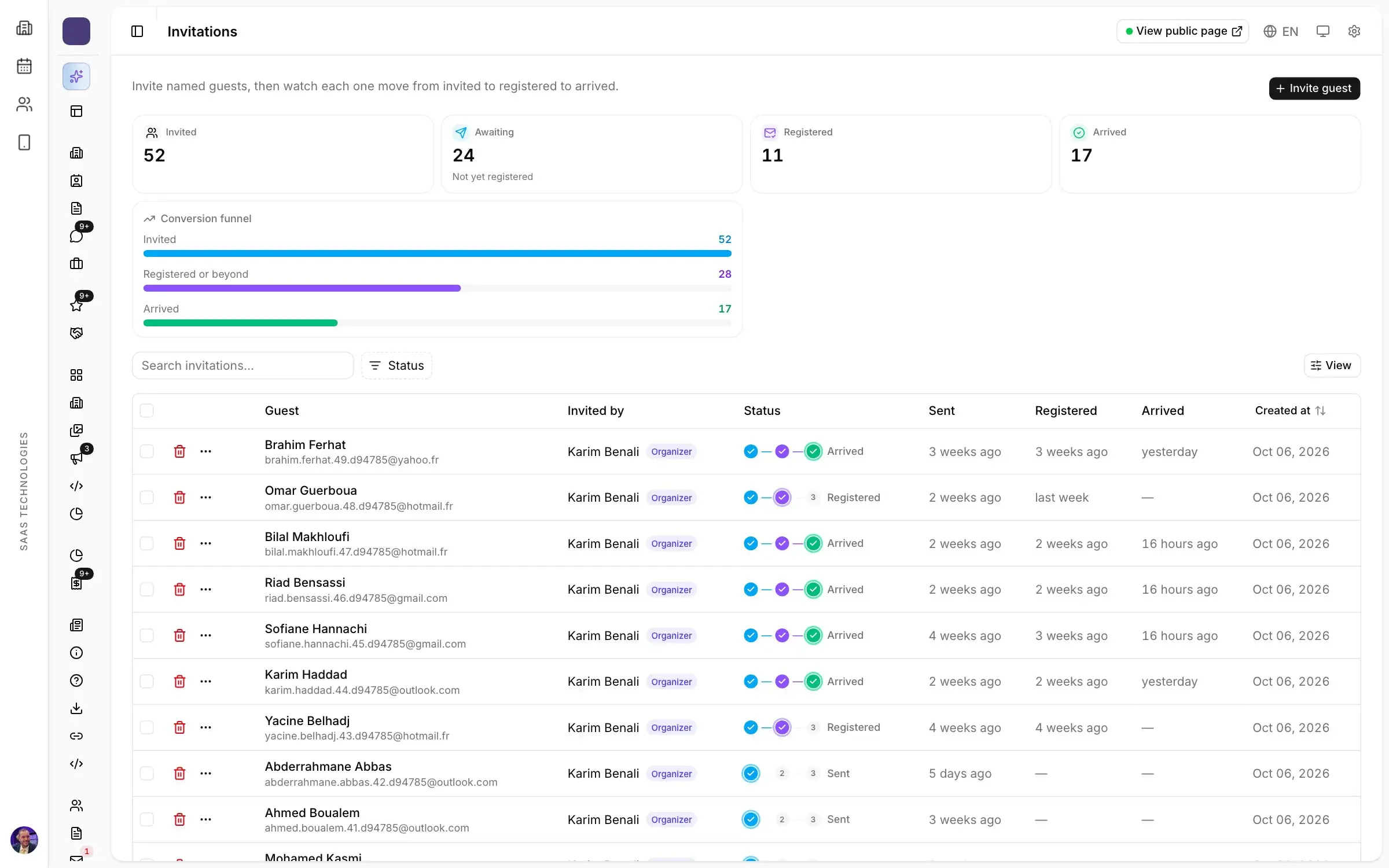
Named guests. Officials, delegations, key buyers, partners. They get a personal invitation with a link already filled in with their details, and you want to know whether they registered, then whether they arrived. For delegations travelling from abroad, plan the invitation letter that goes with their visa application, weeks before the show.
Your exhibitors’ customers. An exhibitor who invites their own clients fills your halls better than any campaign. Give them what they need: an e-card with their name, a banner, an invitation link. Then track those guests like your own, knowing which exhibitor brought them in: one more argument when you sell them next year’s stand. Your exhibitor manual is the right place to explain how.
The press. Journalists are not invited with the visitors’ email: they get a release, a media invitation to the opening, and go through your trade show press accreditation, with its own form and its own badge.
When to send each invitation
A schedule that works for most trade shows:
- Six to eight weeks out: the first invitation, the day registration opens.
- Three weeks out: a second wave, only to those who have not registered, with a different angle (the conference programme, a headline exhibitor).
- On registration: the confirmation, with the badge and its QR code. It is the most opened email of the series, and a good place for the link to the show’s app.
- One week out: a reminder to registered visitors, with what they will find on site.
- The day before: the practical details, hours, access, parking, which entrance to use.
- The day after closing: a thank-you to those who came, and a short note to those who registered and did not, for next edition.
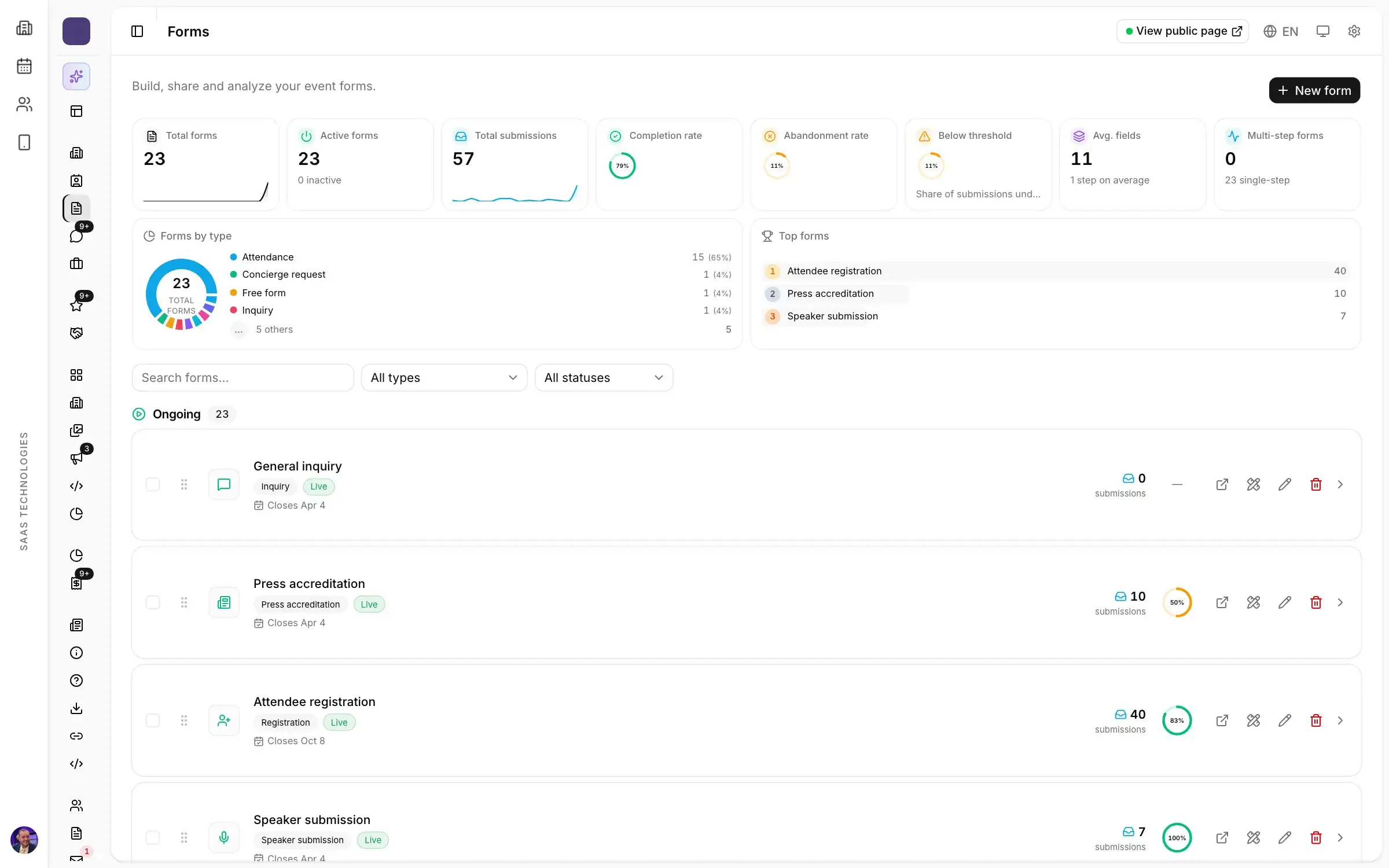
Forms started and never finished deserve their own follow-up a few days later: that visitor was already halfway there. The whole schedule hangs on the date registration opens, which your trade show planning timeline sets.
Landing in the inbox
An invitation filtered as spam never existed. Four precautions:
- Send from your own authenticated domain, not from a free mailbox.
- Write only to people who agreed to hear from you, and honour every unsubscribe, including at the next edition.
- Test on a small group first: two subject lines, and the stronger one goes to the rest of the list.
- Avoid what looks like advertising: capitals, rows of exclamation marks, “FREE” in the subject.
Measuring what your invitations brought in
Opens and clicks tell you whether the subject line and the button worked. They do not tell you whether the halls filled up. The number that matters reads in three columns: invited, registered, arrived. A heavily opened campaign that brings nobody to the door is worth less than a modest send to the right people. Tracked links per channel (email, social, a partner’s website) also tell you where registrations came from, so you know where to put the effort next edition.
In short
A trade show invitation email says which show, when and where, why come, and how to register, with one button. It changes with the audience: trade visitors, named guests, exhibitors’ customers. And it belongs to a series: first invitation, second wave, confirmation, reminder, day before, thank-you.
In Moultaka, campaigns and sequences run from the same database as registration: segments recalculated before every send, email and WhatsApp templates, scheduled sends, and invitations followed from invited to registered to arrived. To see this schedule on your own show, book a demo.