Event registration confirmation email template
An event registration confirmation email template for trade shows and conferences: what to include, samples, subject lines, and what to send next.
By Moultaka team
An event registration confirmation email tells someone who has just signed up for your trade show, conference or workshop that they are in, and gives them everything they need to get through the door: their name as it will be printed, their registration type, the dates and opening hours, the venue address, and their badge or QR code. It goes out within minutes of the registration. It is usually the most-opened email of the whole edition, and the one attendees open again on the morning of the event, standing at the entrance. Below: what to include, an event registration confirmation email template for a trade show, a conference version, subject lines that work, and the messages that follow.
What to include in an event registration confirmation email
| Element | Why it matters |
|---|---|
| One line confirming the registration, with the event name | “You’re registered for X” is the only thing the first line should say |
| Name, company and job title as recorded | a typo gets fixed now, not at the badge desk on day one |
| Registration type (trade visitor, press, VIP, speaker) | it tells them what they have access to and which entrance to use |
| Dates, opening hours, venue and full address | in plain text, never only inside an image |
| The badge or QR code | with one sentence saying how to show it: on the phone or printed |
| What is still pending, if anything | a payment, a document, a session choice |
| A contact | a reply address someone reads, and a phone number |
| A link to update or cancel | a cancellation you hear about frees a seat and keeps your figures honest |
Leave out the full agenda, the sponsor banners and the row of social icons. The agenda belongs in the reminder. This email has one job: confirm the registration and get the person in.
Event registration confirmation email template for a trade show
Subject: Your badge for [Show name], [dates]
Hi [First name],
You’re registered for [Show name].
Name: [Full name] · Company: [Company] · Type: Trade visitor
Dates: [Day, date] to [Day, date], [opening time] to [closing time] Venue: [Exhibition centre], [address], [city]
Your badge is below. Show this QR code at the entrance, on your phone or printed, and it will be scanned at check-in.
[QR code]
Spotted a mistake in your name or company? Fix it here: [link]. Can’t make it after all? Let us know here: [link], and your place will go to someone else.
Questions: [email address] or [phone number].
See you at the show, The [Show name] team
Keep the QR code close to the top, so it shows on a phone screen without much scrolling. If the badge is also a PDF, attach it but keep the code in the body: on opening morning, attachments do not always load in a hall where the mobile network is saturated.
Conference registration confirmation email example
A conference adds the registration fee, when there is one, and the sessions or workshops chosen.
Subject: Registration confirmed: [Conference title], [date]
Dear [First name],
Your registration for [Conference title] is confirmed, as a [delegate / speaker / student].
Date and venue: [date], [time] to [time], [room], [venue], [city] Workshops: [workshop 1], [workshop 2] Registration fee: paid on [date] / due by [date]: [how to pay]
Your badge is below. It is also scanned at the sessions you attend, for your certificate of attendance.
[QR code]
The final programme will reach you one week before the conference.
The organizing committee
When a registration is only confirmed after payment, or after an abstract is accepted, send an acknowledgement first (“we have received your registration”) and the confirmation once the condition is met. Two emails, two different subject lines: nobody should believe they are registered when they are not yet. Speakers get their speaker invitation letter before this email; attendees get their certificate of attendance after the event.
Instant confirmation or after approval
Decide this per registration type before registration opens.
| Registration type | When it is confirmed | What the email says |
|---|---|---|
| Trade visitor, free entry | instantly | badge and practical details |
| Paid ticket | once payment clears | receipt, badge, practical details |
| Press | after the press card or outlet is checked | press badge, press room access; see press accreditation |
| VIP and official guests | personally, often after a call | who will host them, which entrance, the visit programme |
| Speaker | once the session is agreed | time slot, room, programme team contact |
| International visitor | instantly, then a visa letter if requested | badge, and when the visa letter will follow |
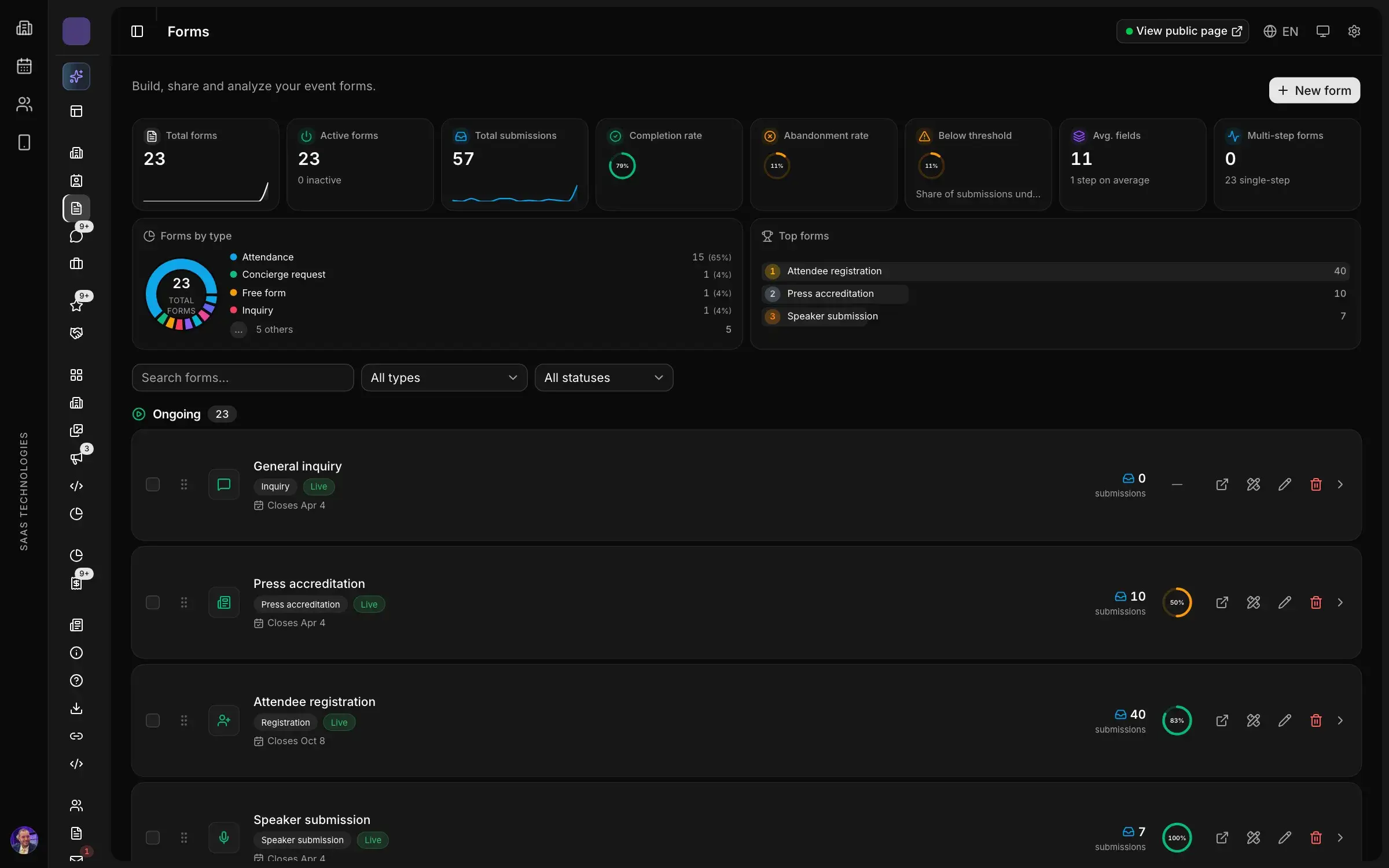
The questions that sort people into these types live in the form itself: see our event registration form template.
Subject lines and sender
The subject line has to make the email easy to find weeks later in a full inbox. The event name plus “badge” or “registration” does it.
- “Your badge for [Show] 2027, 12–15 May”
- “Registration confirmed: [Conference], 3 March, Dubai”
- “[Show]: your press access is approved”
- “You’re in: [Workshop], [date]”
Send from a name people recognise (“[Show name]”) and an address on the event’s own domain, never a free webmail address. A confirmation that lands in spam produces a second registration, a phone call, or an attendee who stays home thinking it failed. Test it on a Gmail, an Outlook and a company address before you open registration.
What comes after the confirmation
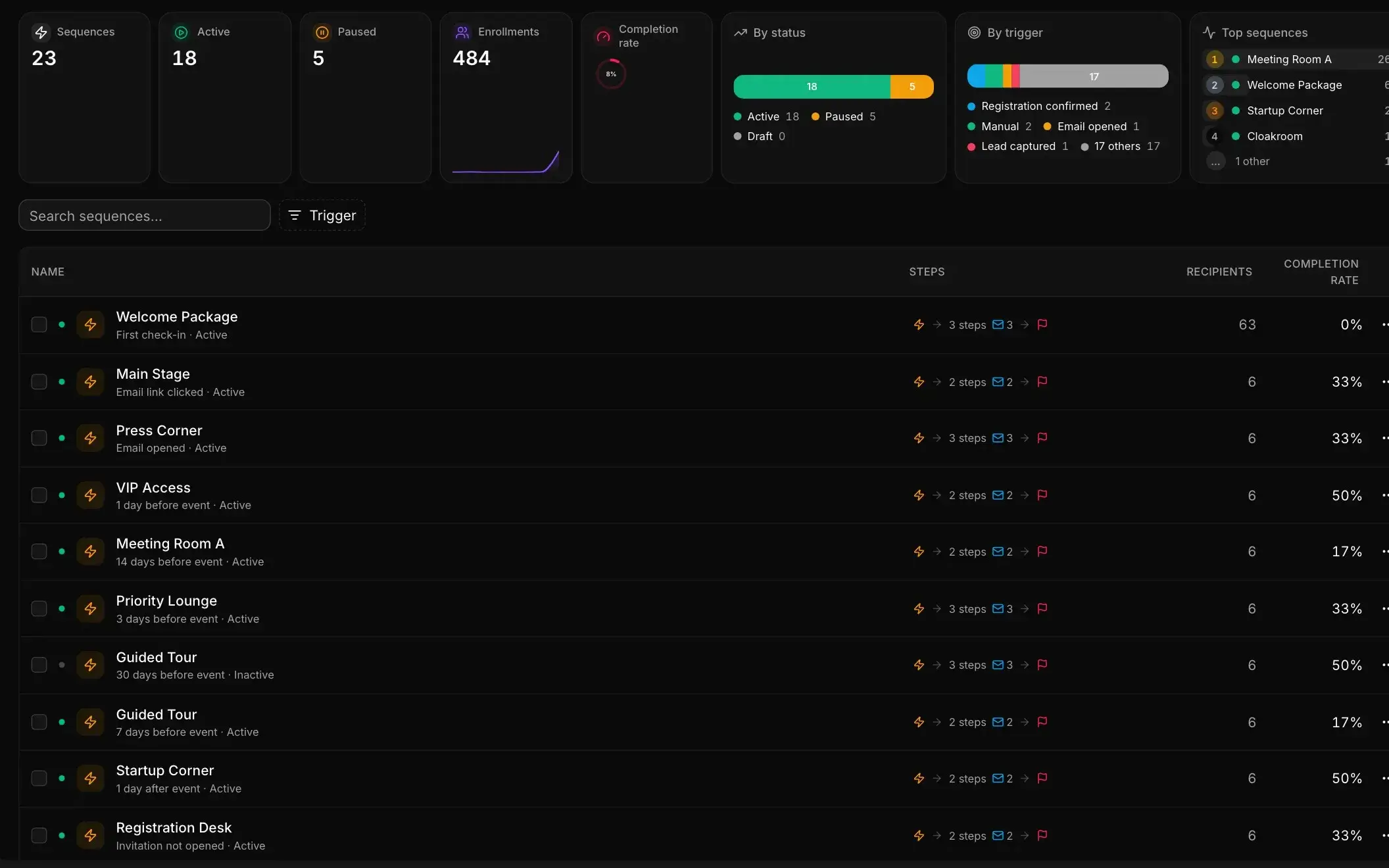
The confirmation opens a short sequence. Each message has its moment.
| When | Message | Purpose |
|---|---|---|
| On registration | confirmation and badge | confirm, give access |
| Form started, not finished | abandoned-form follow-up | recover those who were interrupted |
| One week before | reminder with the agenda | rebuild interest, repeat the dates |
| The day before | practical details and the badge again | access, parking, hours, QR code |
| The day after | thank-you email; see our thank-you email after a trade show | thanks, survey, next dates |
| After the event, no-shows | no-show follow-up | keep them for next edition |
The day-before reminder matters as much as the confirmation: it is the email people reopen at the gate. How these messages move the share of registrants who actually turn up is covered in our article on the event no-show rate.
International and Gulf events
- Two languages where the audience needs them. In the Gulf and across North Africa, a bilingual confirmation (English and Arabic, or French and Arabic) reads better than two separate emails. Keep the dates, the venue and the type in both.
- Time zones in writing. For an audience flying in, write the local time of the venue next to the opening hours.
- Visa timing. International registrants who need a visa letter should learn from the confirmation how and when they will receive it.
- A second channel, with consent. A short WhatsApp message carrying the QR code helps people who rarely read email, provided they gave their number for that purpose.
Common mistakes
- A confirmation that goes out the next day. By then the person has registered twice, and you have two records for one visitor.
- The badge only as an attachment. Unreadable at a saturated entrance.
- Dates and venue inside an image. Many email clients block images by default.
- No way to fix a name. The corrections arrive at the badge desk, with a queue behind them.
- An acknowledgement worded like a confirmation. Someone still pending approval turns up without a valid badge.
- A no-reply address nobody monitors. When people reply to a confirmation, someone should read it.
In short
A good event registration confirmation email leaves within minutes, says in one line that the registration is confirmed, repeats the name, type, dates and venue in plain text, carries the badge or QR code in the body, and explains how to update or cancel. It opens a short sequence: a reminder a week before, practical details the day before, a thank-you the day after.
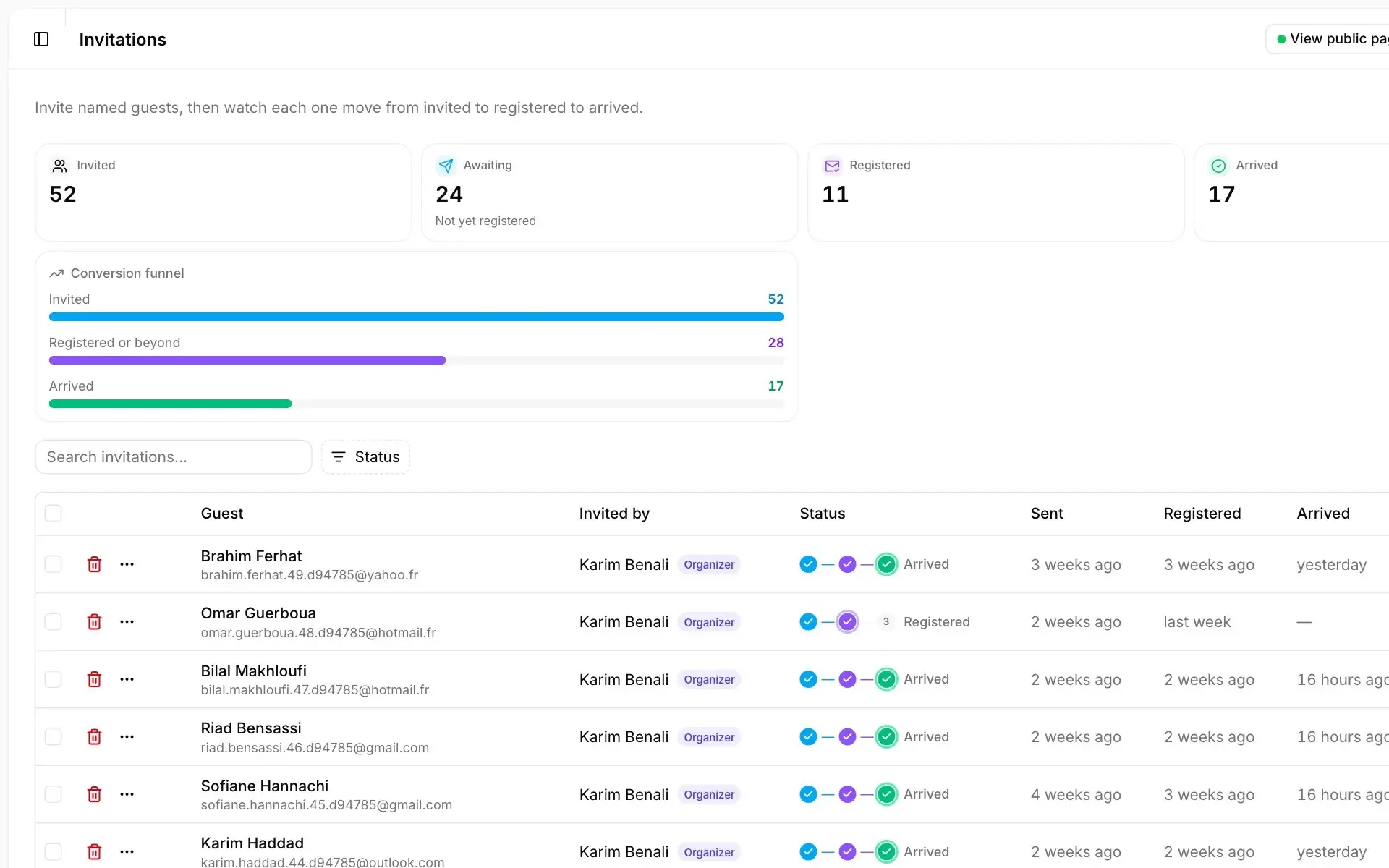
In Moultaka, each registration type has its own price, confirmation mode and badge, and the confirmation and badge are sent by email. One email means one registration: a second sign-up for the same type is recognised the moment the person registers. Sequences handle the rest without anyone pressing send: confirm a registration, recover an abandoned form, remind visitors a week before, thank everyone the day after, follow up the no-shows, by email, WhatsApp and push. At the entrance, visitors scan or show the QR code they received by email (access). To see this flow on your own show, book a demo.