Event registration form template for trade shows: the questions to ask, in order
An event registration form template for trade shows: which questions to ask, in what order, which to leave out, and how to get visitors to finish it.
By Moultaka team
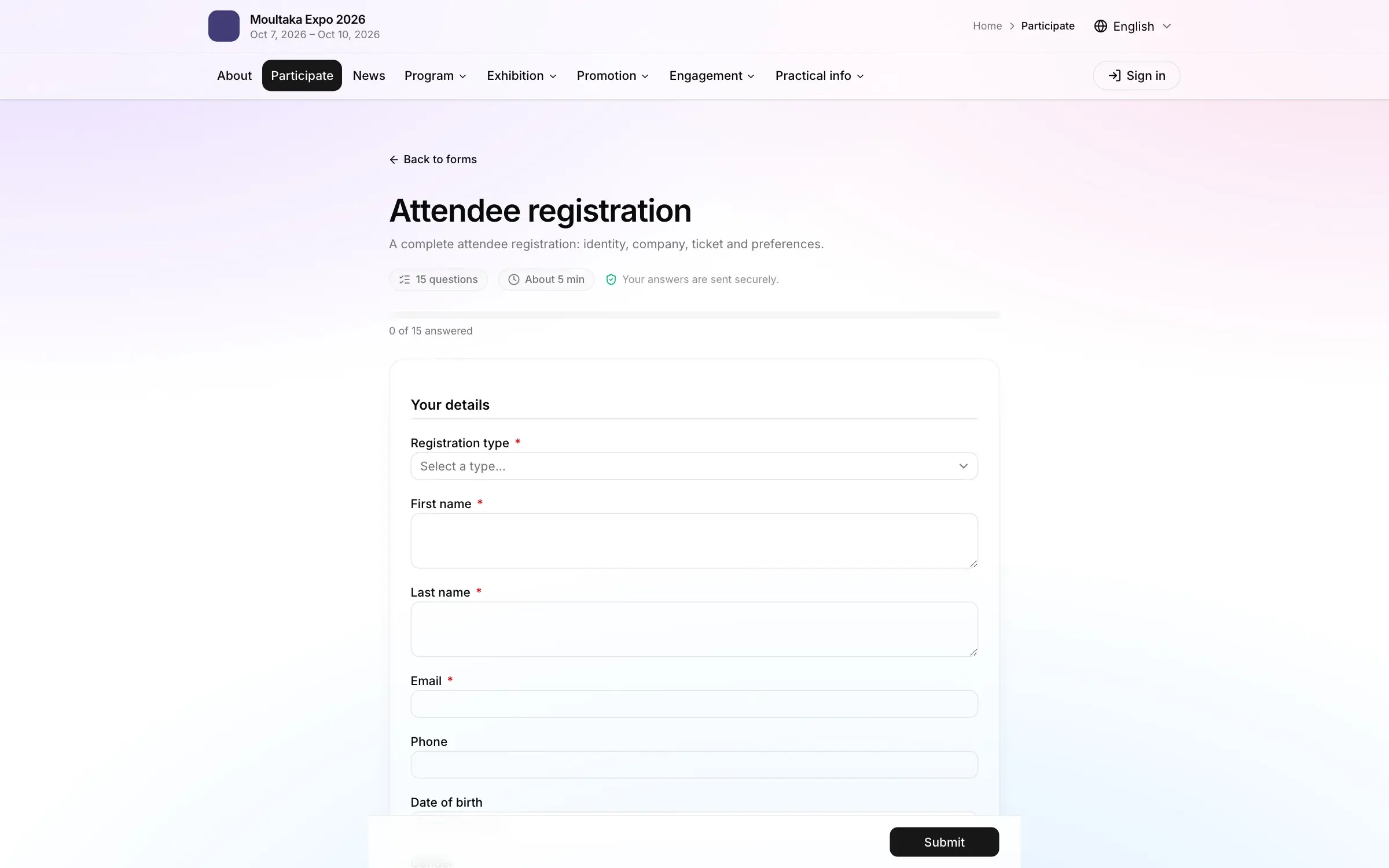
A good event registration form for a trade show fits in about ten questions, split into three short steps: you, your company, your visit. It asks first for what the badge needs (registration type, name, email, company), then for what your exhibitors will use (job title, industry, products of interest), and nothing more. Below is an event registration form template you can copy, question by question, followed by the questions that change with each visitor type, the ones to leave out, and what gets people to the end of the form.
Event registration form template: the questions, in order
The order matters as much as the questions. Visitors start with what they can answer without thinking, and meet the longer questions once they are committed.
| Step | Question | Required | What it is for |
|---|---|---|---|
| 1. You | Registration type: trade visitor, press, guest… | Yes | The badge, the access rights and the questions that follow |
| 1. You | First and last name | Yes | The badge, printed large |
| 1. You | Yes | The confirmation, the badge sent before the show, one registration per person | |
| 1. You | Phone | No | Reaching a guest or a delegation on the day |
| 2. Your company | Company | Yes | The badge, and the first thing an exhibitor looks for |
| 2. Your company | Job title | Yes | Knowing whether decision-makers come |
| 2. Your company | Industry, from a list | Yes | The post-show report, and next year’s stand sales pitch |
| 2. Your company | Country, and city or region | Yes | Where visitors come from, international delegations |
| 3. Your visit | Products or services of interest, multiple choice | No | Pointing visitors to the right exhibitors and to B2B meetings |
| 3. Your visit | How did you hear about the show? | No | Comparing your marketing channels |
| 3. Your visit | Receive news about the show, unticked box | No | Your list for next edition, with real consent |
Three rules for filling it in:
- Closed lists wherever you can. A free-text “Industry” field gives you forty spellings of “food and beverage” and no number you can put in a report.
- Email once, and checked. It is what identifies the person: the same address registered twice for the same type must be recognised, or your counts are wrong.
- One question per piece of information. “Company and job title” in a single field gives two answers nobody can sort.
The questions that depend on the visitor type
The registration type picked in the first question decides what comes next. Rather than one form per profile, add questions that only appear when they apply.
- Press: the media outlet, its type, and whatever proof your press office requires. Journalists usually follow their own approval process: see trade show press accreditation.
- International visitors: nationality, and “Do you need an invitation letter for your visa?”. The rest is handled separately, as explained in running a hosted buyer programme.
- Invited guests and VIPs: they should barely type anything. Send them a personal link with their name and company already filled in, so all they do is confirm.
- B2B meetings: if your show runs them, one question, “Would you like to meet exhibitors in scheduled meetings?”, opens the questions the programme needs, only for those who answer yes. See how to organise B2B meetings at a trade show.
Exhibitors do not belong in this form. Their staff, badges and orders go through their own exhibitor file: see exhibitor management for trade shows.
Questions to leave out, or to ask later
Every extra question costs registrations. Before adding one, ask who will read the answer and what they will do with it.
- What you will not use. Date of birth, gender, full postal address: ask only if a decision depends on it, such as a rule specific to your industry.
- The same thing twice. The country in the address, then again under “Where are you from?”.
- Attachments at registration. A business card or a proof document stops visitors who register on their phone. Ask later, and only those who need to provide one.
- Long open questions. “Describe your project” belongs in a meeting request, not in a visitor registration.
- Required by default. Make required only what the badge and the report need.
How to get visitors to finish the form
A good share of registrations happen on a phone, often from a link in an email or a social post. Design the form for that screen.
- On the show’s own website. Sent to another address, under another logo, some visitors hesitate. The form should open on your site, in your colours.
- In steps, with a progress bar. Three short screens get finished more often than one long page. Visitors know where they are and how much is left.
- Resumed where they stopped. Someone interrupted should find their answers when they come back.
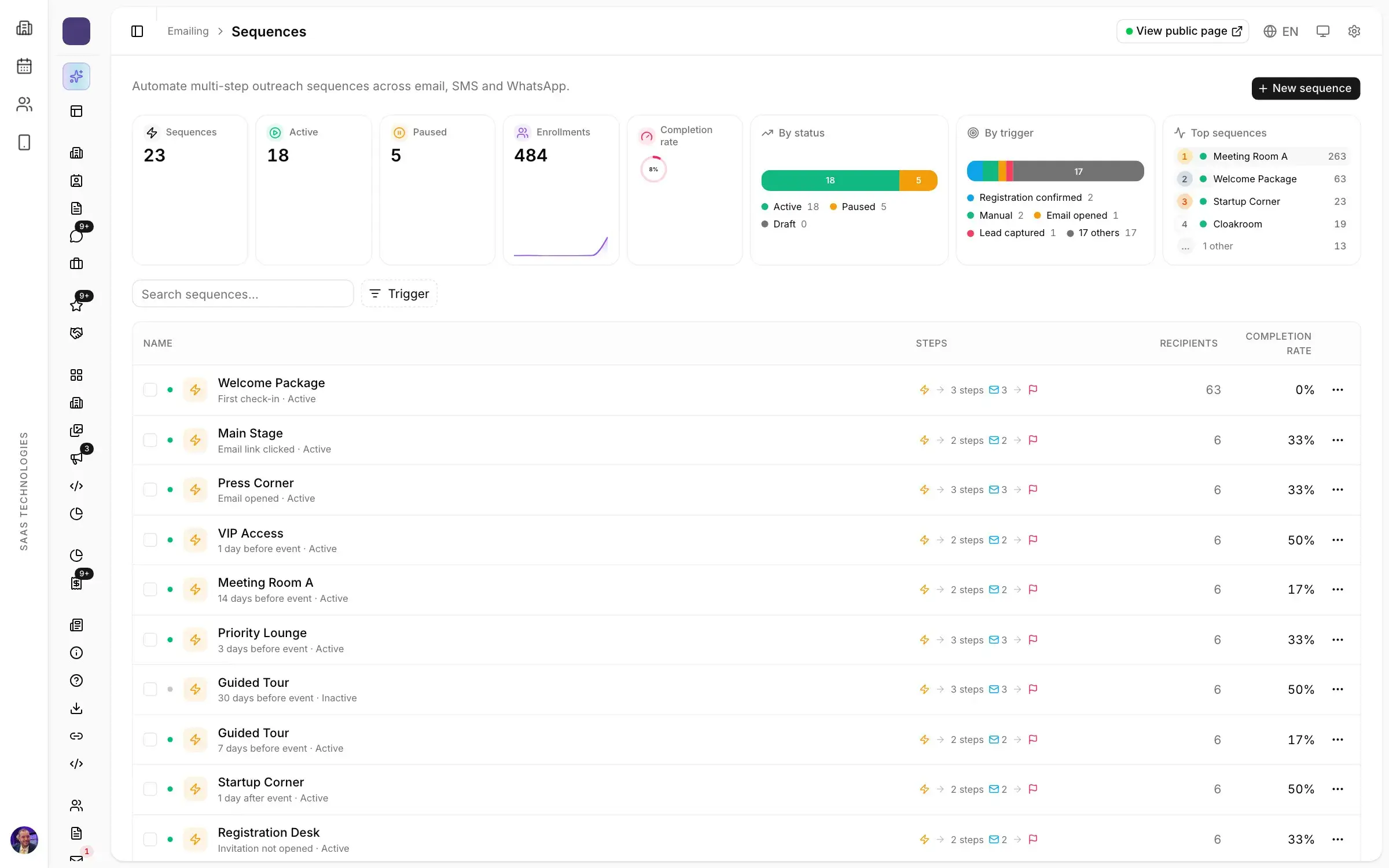
- Followed up when abandoned. An email the next day to those who started without finishing recovers some of the lost registrations. Write it alongside your trade show invitation email.
- Confirmed at once, with the badge in the email: see event badge size and design, and why a badge received in advance helps with attendance in event no-show rates.
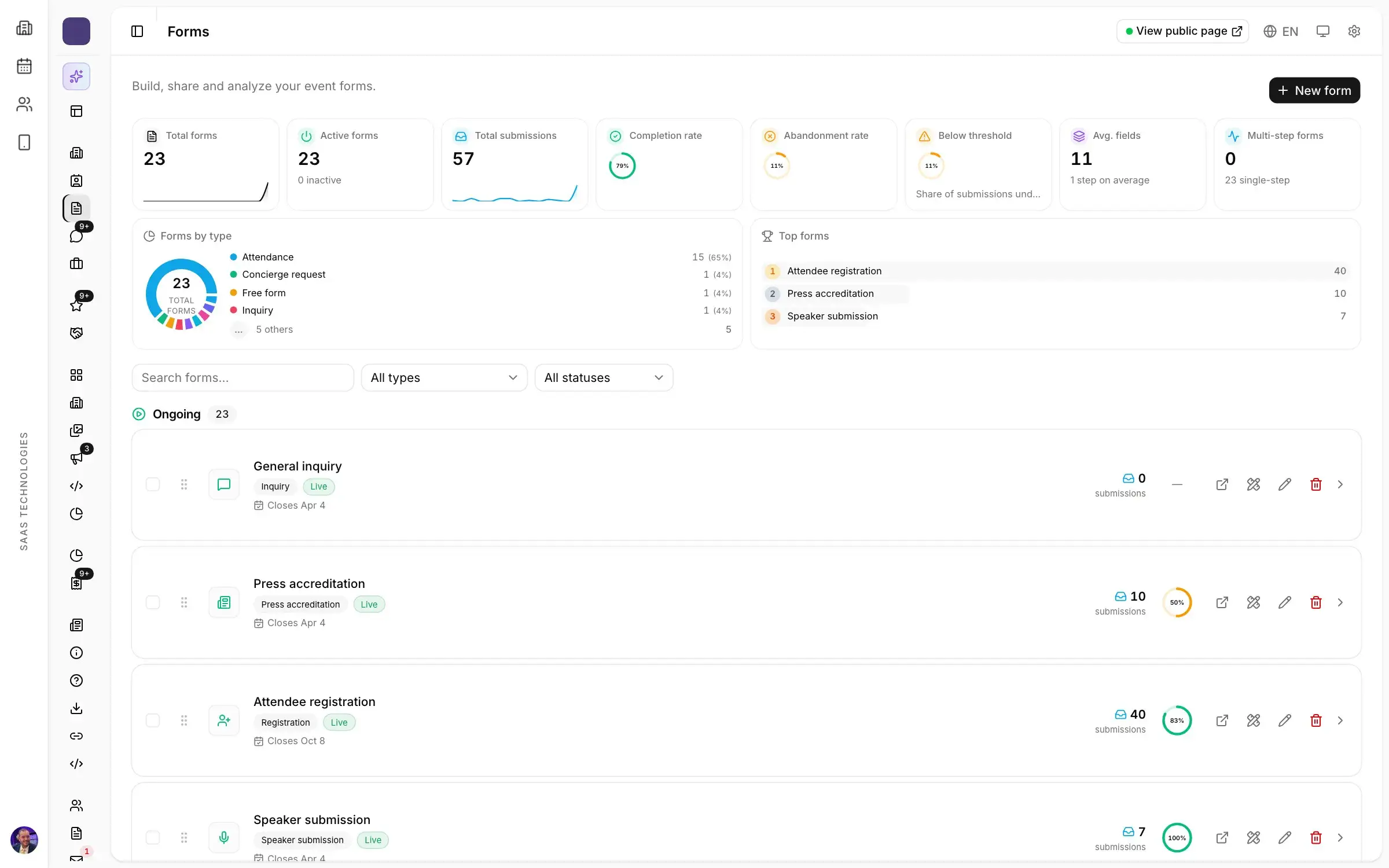
Then track two numbers per form: how many finish it, and at which question the others stop. It is often a single question that drives people away.
Visitors’ personal data
A registration form collects personal data, and the law that applies depends on where your show and your visitors are. In the European Union it is the GDPR; in Algeria, Law 18-07 of 10 June 2018 on the protection of individuals in the processing of personal data, amended in 2025 and overseen by the national data protection authority (ANPDP); in Saudi Arabia, the Personal Data Protection Law. All of them ask, in one form or another, that people know what their data is used for.
On the form itself:
- say in one sentence who receives the data and what it is for, with a link to your privacy policy;
- keep consents separate: receiving news about the show and sharing contact details with exhibitors are not the same thing;
- leave those boxes unticked.
For the formalities in your country, ask your legal adviser: this article is not legal advice.
Before you open registration: the checklist
- The form fits in three steps and ten questions at most.
- Only the type, name, email, company and what the report needs are required.
- Industry, country and products of interest are closed lists.
- Press, international and B2B meeting questions only appear to those they concern.
- You have filled it in yourself on a phone, in under five minutes.
- The same email registered twice is recognised.
- The confirmation email carries the badge.
- A follow-up email is ready for those who abandon.
These points belong in the list of what to check when you choose a visitor registration system.
How Moultaka handles the registration form
In Moultaka you build your forms without a developer, whether visitor registration, press accreditation or speaker submission, add conditions, and follow completion and drop-off. Forms are multi-step with a progress bar, with questions that appear only when they apply and drafts saved for later. Invited guests open a personal link with their details already filled in, and confirmed visitors receive their badge by email. One email, one registration: a second sign-up for the same type is recognised. Sequences follow up abandoned forms, and a single snippet puts the form on your own website, in your colours.
See the Registration and visitors product and your event website, or book a demo: we will show you a registration form live.