Exhibitor badges: how many per booth, the exhibitor badge form, and checking them at the door
Exhibitor badges for trade show organisers: an allocation per booth, additional badges, the exhibitor badge form, build-up passes and access control.
By Moultaka team
Exhibitor badges are the passes worn by everyone who works a booth: the sales director, the product specialists, the temporary staff hired for three days, the technician running demonstrations. The organiser sets how many exhibitor badges each company gets, what goes on them, which days and hours they open the doors, and how additional exhibitor badges are handled. The exhibitor fills in an exhibitor badge form with the names of their team before a deadline. In practice, one line in the contract covers most of it: an allocation based on booth size, additional badges on written terms, and separate build-up passes for contractors. Here is how to set the allocation, what the exhibitor badge registration should ask, how to keep build-up and show days apart, and how to check exhibitor badges without a queue on opening morning.
Exhibitor, contractor, service and visitor badges
A trade show issues several kinds of badges, and each opens different doors. Mixing them up means a delivery driver walking the aisles during the opening ceremony, or a sales rep stuck at the staff entrance.
| Badge | Requested by | Valid when | Valid where |
|---|---|---|---|
| Exhibitor | The exhibitor, for each person on the booth | Build-up day, show days, before public opening | Staff entrance, halls, their booth |
| Contractor (stand builder) | The exhibitor or its builder, once the builder is cleared | Build-up and breakdown windows only | Service entrance, loading docks, halls |
| Service | The organiser (catering, security, cleaning, hosts) | The days and hours of the job | The areas of the job |
| Visitor | The visitor, at registration | Public opening hours | Visitor entrance, halls |
An exhibitor badge does not replace the others. A builder who comes back on day two to fix a light needs an exhibitor badge or a one-off pass, not a build-up badge that has already expired.
How many exhibitor badges per booth
There is no industry standard: each show sets its own allocation and publishes it before booths go on sale. The most common rule follows booth size:
- a base allocation for the smallest booth, for example two badges for a 3 m × 3 m booth;
- one more badge per additional block of space, for example every extra 9 m² or 100 sq ft;
- a cap for large pavilions, above which requests are handled one by one.
Then come additional exhibitor badges. Free up to a limit and charged beyond, or charged from the first extra: both work, as long as the rule is in the contract and repeated in the exhibitor manual. Disputes start when the rule is announced at the registration desk, in front of an exhibitor who flew in six people.
Shared booths need a rule too. On a national pavilion or a booth split between co-exhibitors, each company declares its own team, and the booth’s allocation is divided between them on terms everyone knows in advance.
The exhibitor badge form: what to ask
Collect the team list in the same portal as the rest of the exhibitor’s file, with a deadline, around two weeks before opening. For each person:
- first and last name, as on their ID or passport;
- job title, so you know who is in charge of the booth;
- the company name as it appears on the booth sign, not the full legal name;
- an email address, so the badge goes to the person, not to a shared inbox;
- a photo, if your access control uses one;
- nationality and passport details for foreign staff who need a visa invitation letter, and only for them.
Large exhibitors send twenty names at once: let them import a spreadsheet instead of filling in the same form twenty times. Plan for substitutions as well: a sales rep falls ill, a colleague replaces them the day before, and the badge should follow without a trip to the desk. The badge itself follows the same design rules as the others, with the name large and the profile readable from a distance (see our guide to conference badge size): a colour band or an “Exhibitor” strip is all a gate agent needs.
Build-up and breakdown: separate passes for contractors
Build-up is the busiest and least controlled part of a show. Dozens of crews arrive with equipment, often through a service entrance, sometimes overnight. Three rules prevent most problems:
- a stand builder is cleared before any badge is issued: insurance, clearance to build and a booked build-up slot, checked for every builder working on your floor;
- contractor badges open the doors only during build-up and breakdown windows, and are refused outside them, with the reason recorded;
- exhibitor badges work from build-up day, so the booth team can unpack products while the builders finish.
Most venues publish their own build-up and breakdown hours, along with rules on loading docks, forklifts and work at height. Copy them into your exhibitor manual and your badge rules as they are, rather than writing a second version.
At the door: checking exhibitor badges without a queue
On opening morning, exhibitors all arrive in the same ninety minutes before the public. The staff entrance queue is prevented the same way as the visitor one, by doing the work in advance (see badge printing kiosks):
- the badge is emailed to every person declared, and printed at a kiosk on arrival;
- a staff entrance that opens before public hours;
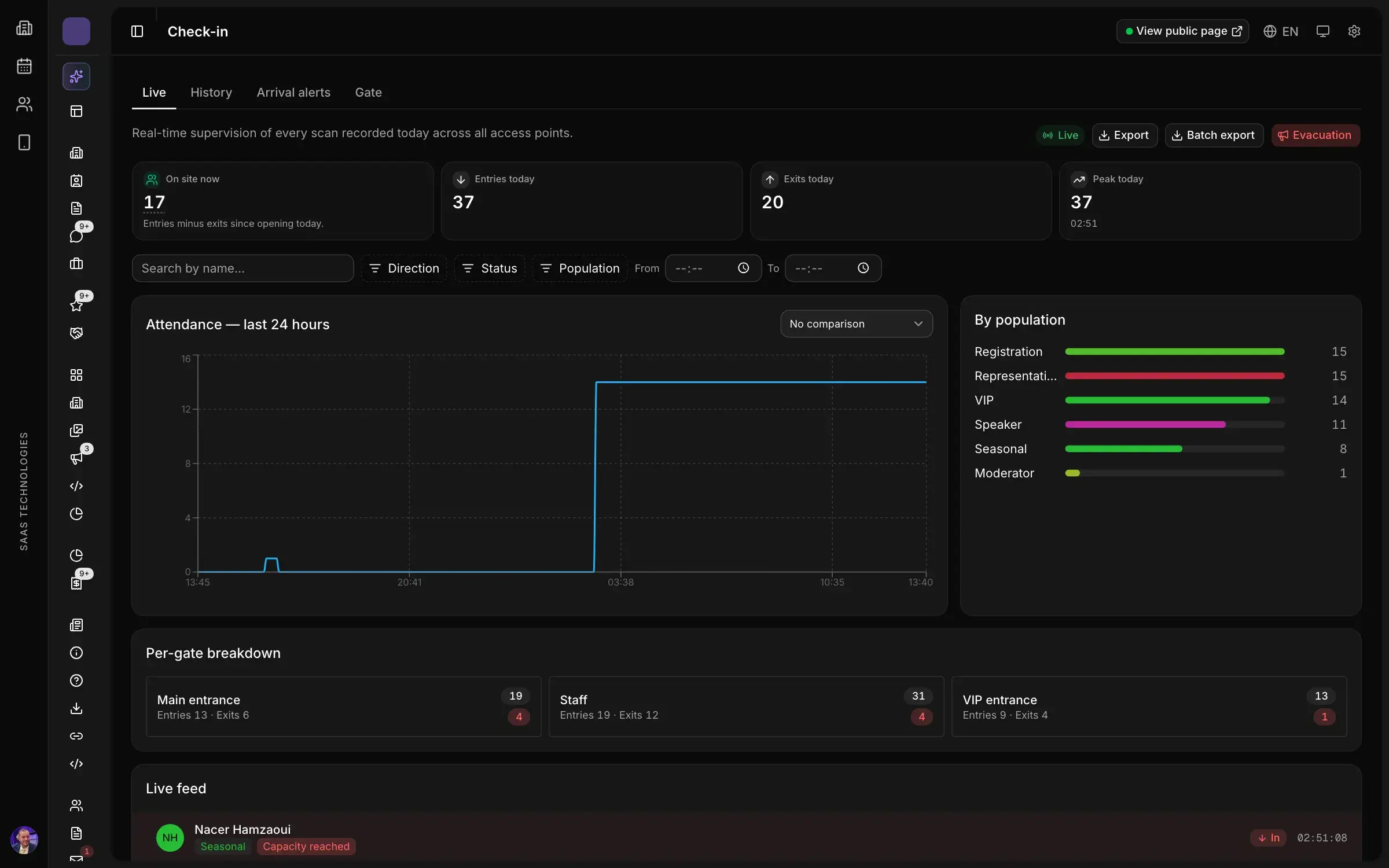
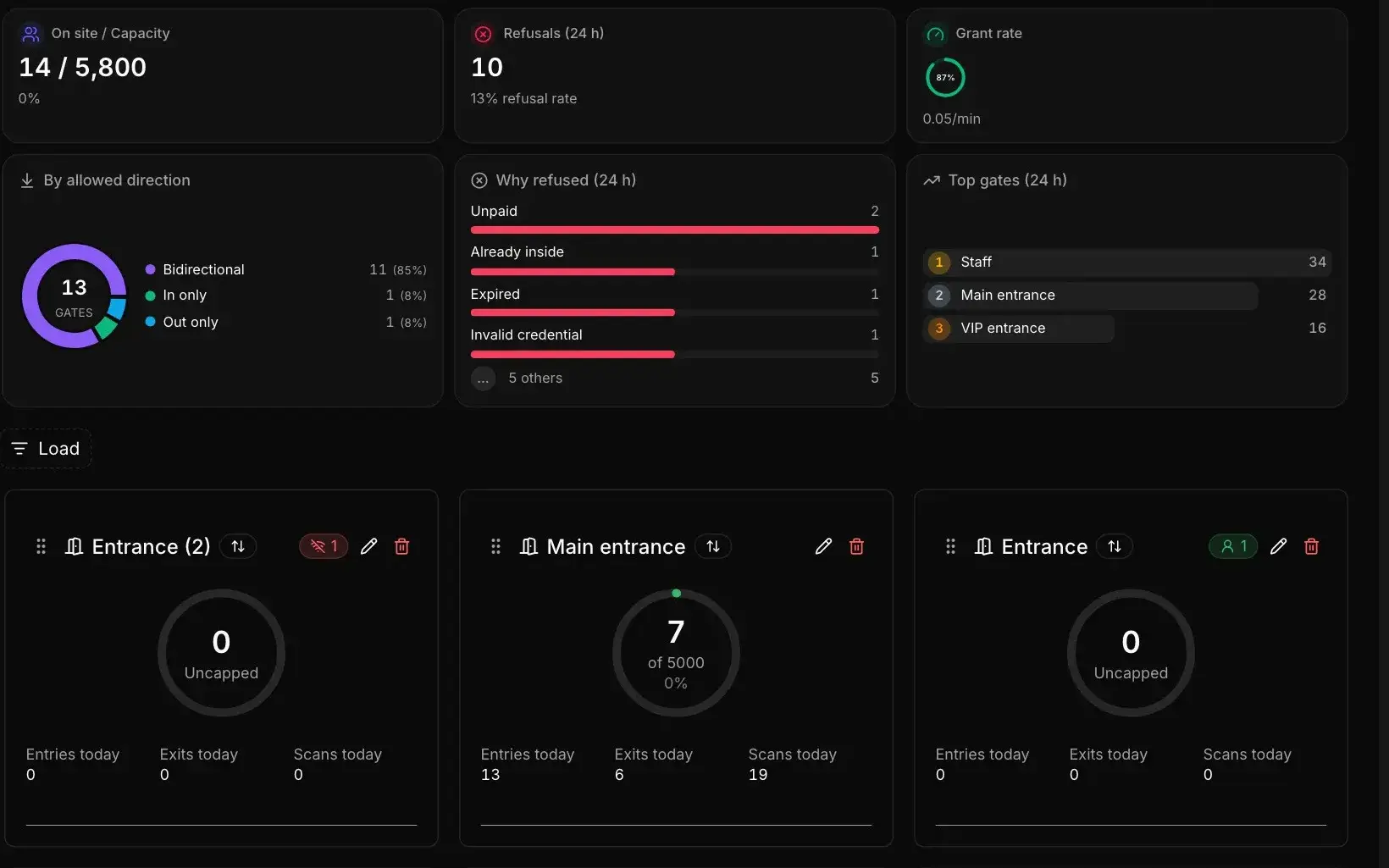
- gate agents scanning from a phone, with a refusal that says why: expired badge, wrong zone, outside allowed hours;
- one desk for the exceptions: lost badges, misspelled names, last-minute substitutes.
Exhibitor badges are named and non-transferable. A badge lent to a friend for free entry is a visitor missing from your figures and an exhibitor who no longer knows who is on their booth. A photo, or an ID check at the desk, is usually enough to discourage it.
What exhibitor badges do during the show
Once inside, the badge does more than open a door. A declared booth team can scan the badges of the visitors they meet and leave with a clean lead list (see lead retrieval at trade shows). Exhibitor badge scans also count: how many people each exhibitor brought, when they came in, and which exhibitor never showed up on the last day. Those numbers matter when you sell next year’s booths.
Common mistakes
- The allocation announced at the desk instead of written in the contract.
- Generic “Exhibitor” badges with no name: nobody knows who came in.
- Builders on exhibitor badges, valid for the whole show.
- The team list requested the day before: the desk spends opening morning typing names.
- No rule for co-exhibitors sharing a booth.
- Service staff forgotten: catering waits at the gate with the trays.
In short
- An allocation per booth based on size, written in the contract, with additional exhibitor badges on known terms.
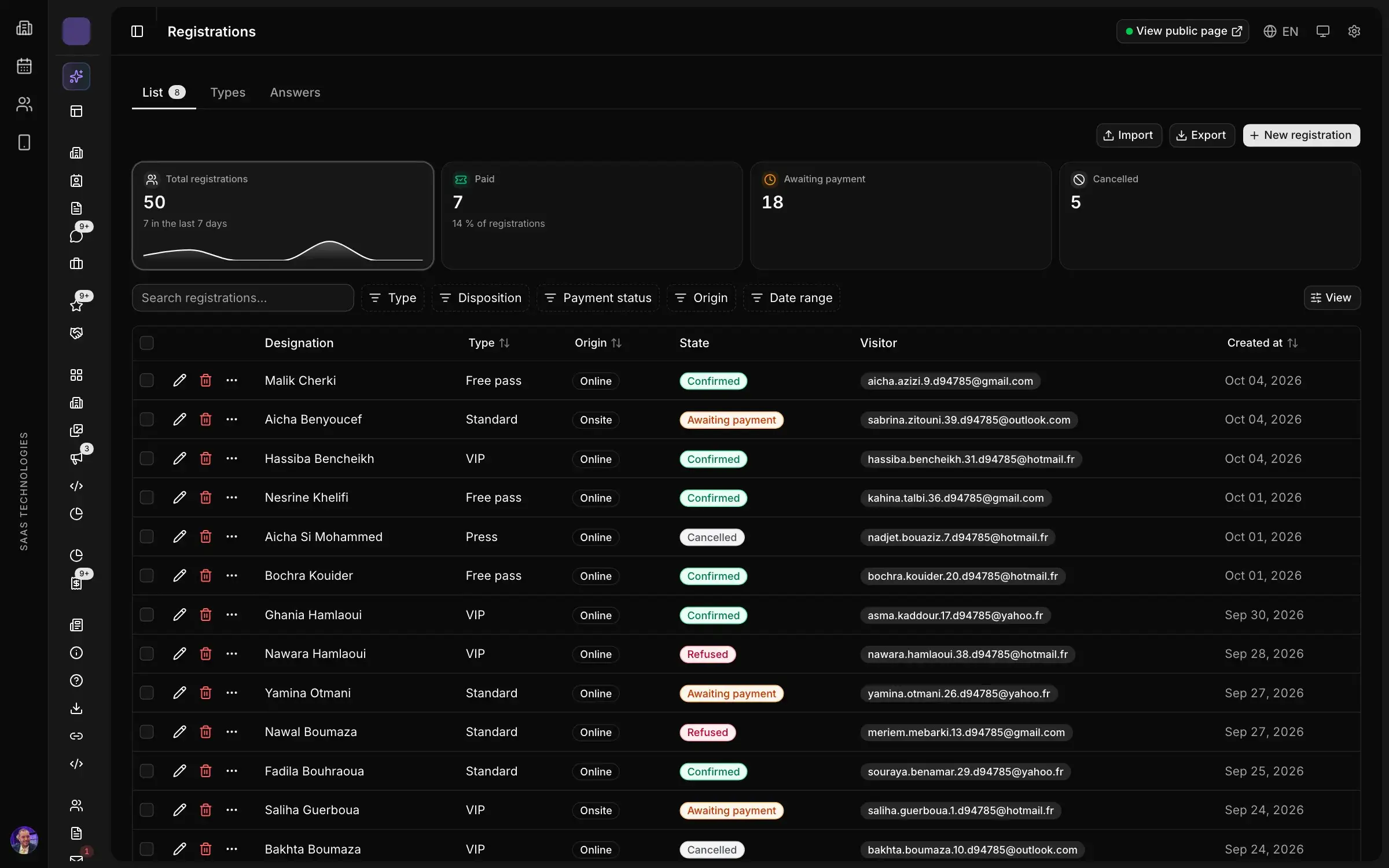
- An exhibitor badge form filled in the exhibitor’s portal before a deadline, one person per line.
- Separate build-up passes, issued only to cleared builders and limited to build-up windows.
- A staff entrance open before the public, phone scanning at the gate, and a refusal that says why.
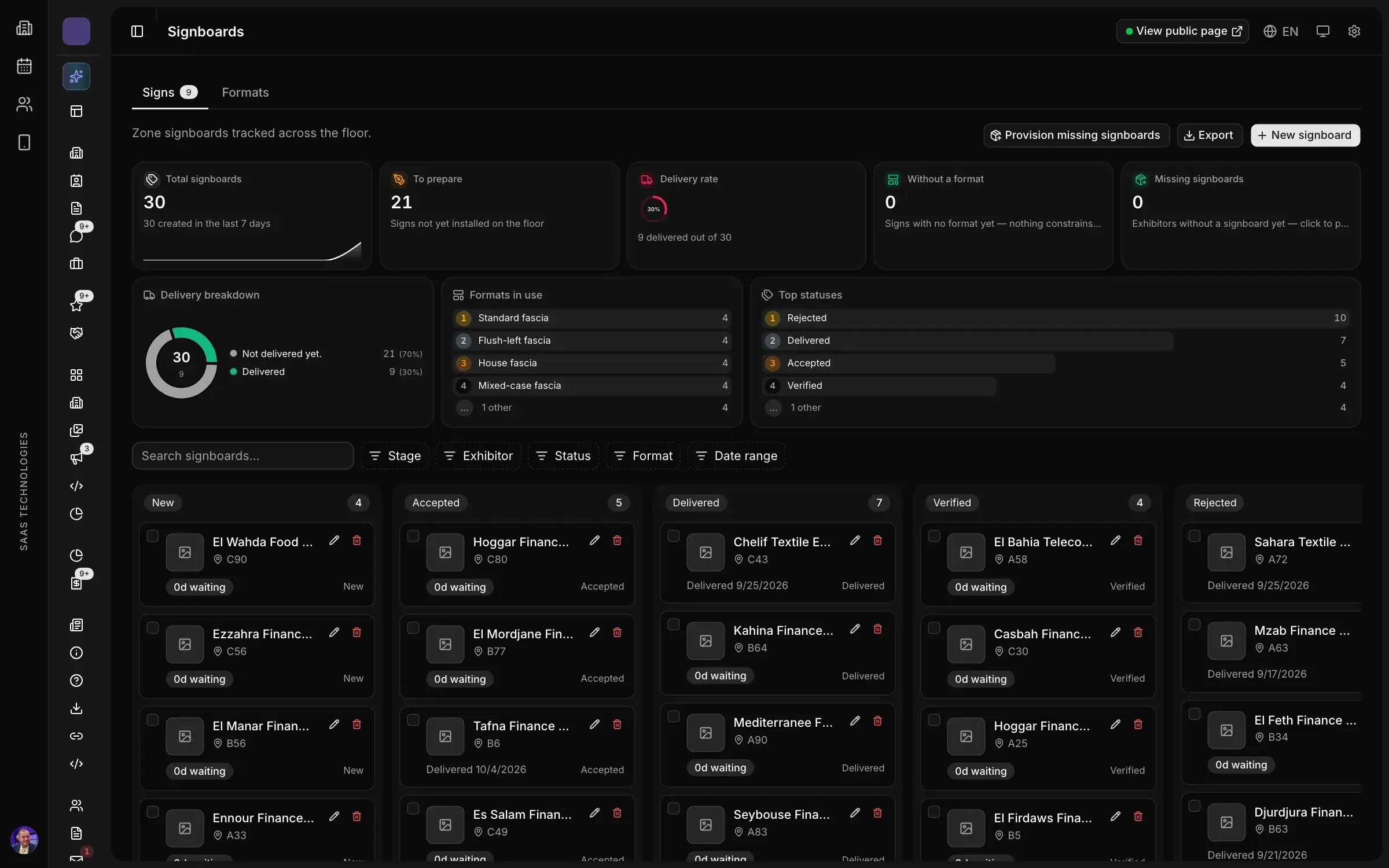
In Moultaka, exhibitors declare their staff in their portal in the Exhibitors & operations module, or import a whole team from a spreadsheet, and credentials, photos and check-ins are tracked per company. Stand builders are cleared before they build: insurance, clearance to build and setup windows checked. In Badges, kiosks & access, you set which profiles enter which zone and when, gate agents scan from a phone, and a refused badge shows why. To see how your exhibitors would declare their teams, book a demo.