Cvent alternatives for trade show organisers: what to compare when you sell the floor
Looking at Cvent alternatives for a trade show? What Cvent offers according to its own site, read on 21/11/2026, and what an organiser should compare.
By Moultaka team
Most lists of Cvent alternatives compare event platforms for corporate meetings and conferences. If you organise a trade show, the comparison starts somewhere else: you sell stands, you get hundreds of exhibitors ready and you bring thousands of visitors through the doors on opening morning. Cvent serves companies that exhibit, event organisers and hotels at once, so the first thing to check is which part of its offer is actually written for you.
What Cvent offers, in its own words
The following was read on 21 November 2026 on cvent.com, in the pages “Trade show solutions”, “Exhibitor management”, “Event registration software”, “Onsite event check-in software”, “Event badge printing” and “Trade show & exhibitions app”. Only what the company says about itself: no user reviews, no prices.
- For exhibiting teams: the “Trade show solutions” page speaks to the company running a booth. It promises to lock in meetings before the show, capture and qualify every lead on site and follow up before the floor closes, with iCapture and Jifflenow, two tools Cvent acquired.
- For organisers, on the exhibitor side: an exhibitor portal (profiles, assigned tasks, booth staff registration), booth management (assignments, control over which booths are visible for selection, floor plan updates), exhibitor packages and sponsored sessions, and the sale of lead capture licences or rental devices to exhibitors.
- Registration: drag-and-drop registration websites, email campaigns, early bird pricing, dashboards and a writing assistant called CventIQ.
- Payment: the page lists major credit and debit cards, Apple Pay, Google Pay, onsite card readers and more than 130 currencies.
- Onsite: OnArrival for check-in, on-demand badge printing and attendance tracking, either self-service (“Event-in-a-Box”) or full-service with a project manager, hardware and onsite setup (“OnArrival 360”).
- App: a trade show app with interactive maps, exhibitor and sponsor lists, notes and networking between attendees.
- Languages: cvent.com itself is published in English and German.
Cvent says it has managed more than 8 million events, and it gathers the Middle East’s event professionals in Dubai at Cvent Accelerate, whose fourth edition took place in October 2026.
Organiser or exhibitor: two jobs, two tools
Many organisers who search for Cvent are looking for software to run their own show. Cvent’s trade show page, though, is written first for the exhibitor: how a sales team gets a return on its booth. The organiser’s side sits in exhibitor management and registration.
A simple rule helps in every demo. An organiser’s tool should first help fill the floor plan, then get exhibitors ready, then welcome visitors. If a demo opens on lead capture at a booth, steer it back to stand sales.
Stand sales come first
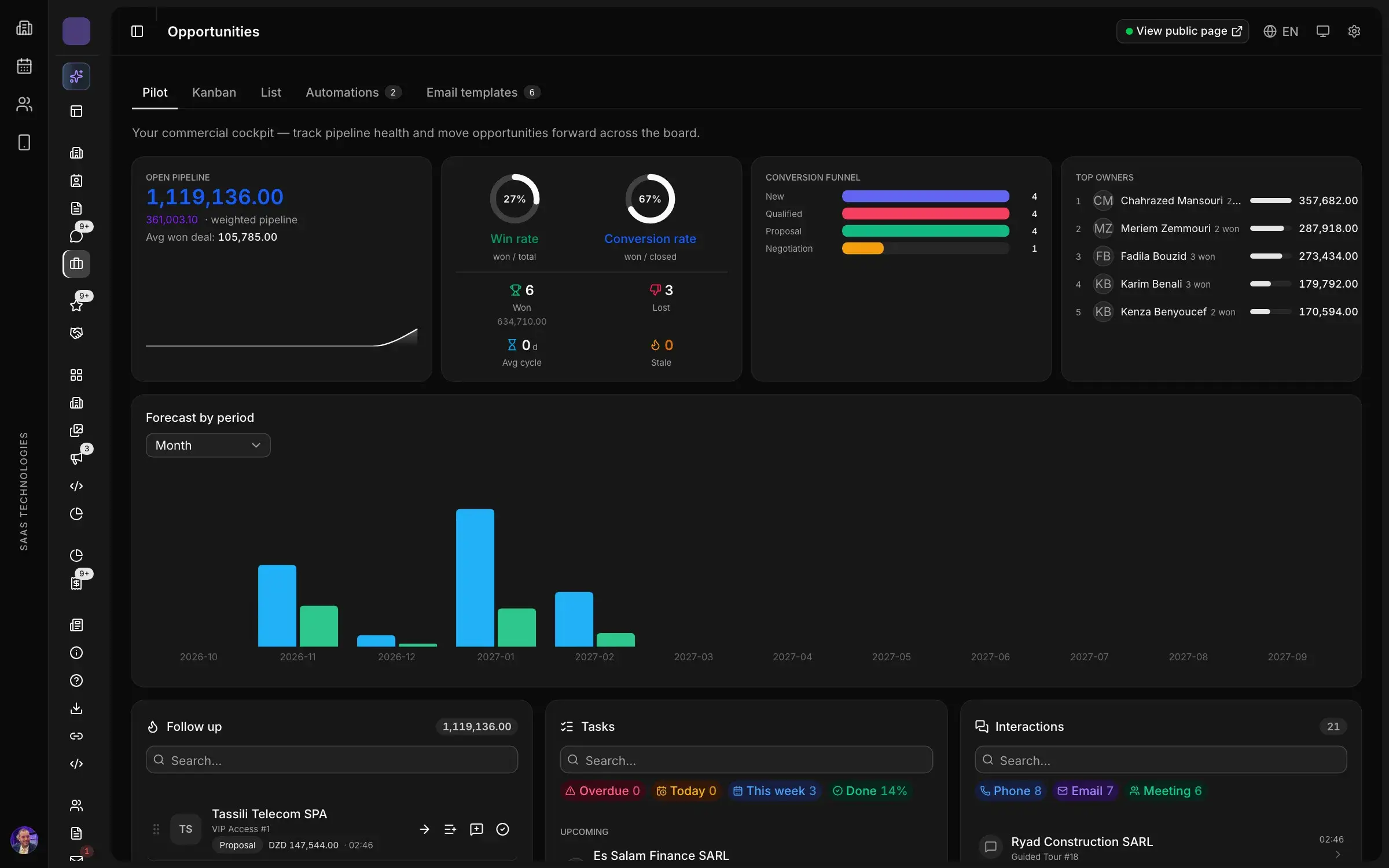
Cvent’s exhibitor page talks about assigning booths and controlling which ones can be selected. Moultaka starts from the sales team: a CRM built for exhibition sales, where every company, every inquiry and every deal is tied to the stand it is about. Your team always knows what is free, optioned or signed.
The whole pipeline is steered from one screen: open deals, weighted value, win rate and next steps per salesperson, updated as your team works. Then you sell from the floor plan itself, stand by stand. Our guide on how to sell exhibition space walks through the method, from the rate card to winning back last year’s exhibitors.
Currencies, local cards and visas
Cvent’s registration page lists international cards, digital wallets and 130 currencies. Wherever your show runs, ask each vendor how local visitors will pay with the cards they actually hold. In Algeria, that means CIB and Edahabia: on Moultaka, when an organiser sells registrations, sessions or services, online payment is processed by SATIM with those cards, and card details are typed on SATIM’s page and never reach us.
For international exhibitors, stands can be priced in your currency or in foreign currencies, and visa letters for foreign exhibitors are tracked step by step, with invitation letters issued and passport dates checked. If you host buyers or national pavilions from abroad, our piece on running a hosted buyer programme covers the rest of their journey.
Opening morning at the entrance
Cvent offers two ways to run check-in: self-service, or full-service with hardware and staff on site. Whatever the vendor, ask the hardware question in writing: who supplies the kiosks, printers and scanners, and who is on site on opening day.
On Moultaka, the badge is emailed after registration. At the entrance, the visitor scans the QR code at a self-service kiosk, which prints the badge in seconds; hosts can use the same kiosk in reception mode. Each gate then checks the badge against the visitor’s profile and counts entries and exits zone by zone: that is access control by zone. Our article on trade show badges and access without a queue covers how to prepare that morning.
The leads your exhibitors capture
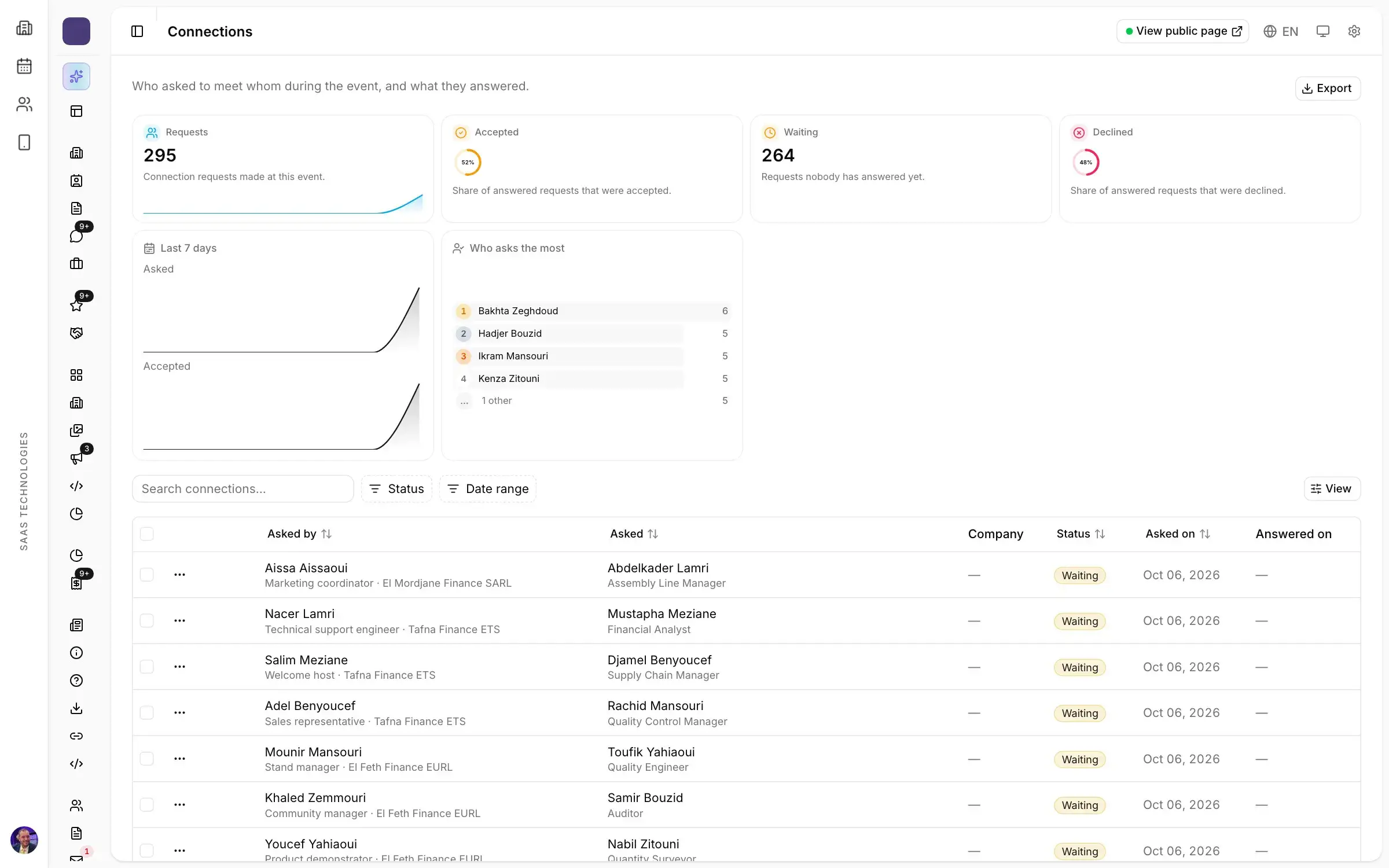
Cvent sells exhibitors licences or devices to capture leads. On Moultaka, exhibitor staff scan visitor badges from the app or a stand kiosk; leads arrive tagged and rated, with consent recorded, and the exhibitor exports them after the show. For the organiser, it is proof of the value the show created. Ask every vendor to show exhibitor lead tracking at trade shows, from the badge scan to the export.
A one-page comparison grid
| What to check | What cvent.com says (read on 21/11/2026) | What moultaka.app says |
|---|---|---|
| Who the trade show offer is for | Exhibiting teams; for organisers, exhibitor management | The organiser, from the first stand sold to the final report |
| Stand sales | Booth assignments, visibility for selection | Exhibition CRM, pipeline and selling from the plan |
| Online payment | International cards, Apple Pay, Google Pay, 130+ currencies | SATIM: CIB and Edahabia cards; stands priced in foreign currencies |
| Visa letters | Not found on the pages read: ask | Requests handled, letters issued, passports checked |
| Check-in and badges | OnArrival, self-service or full-service | Badge by email, self-service kiosk, gates by zone |
| Languages | Site in English and German | Site in English, French and Arabic; follow-ups in each recipient’s language |
Fill in this grid with every vendor, in their demo, on your own show rather than a prepared example. Our questions to ask before a trade show software demo complete it, and an event management RFP for your trade show sets out what you expect before the first call. If Swapcard is also on your list, our Swapcard alternatives for trade shows follow the same method, and organisers in the Gulf will find the regional view in our guide to event management software in Saudi Arabia and the UAE.
One database for the whole show
Moultaka brings twelve products together on one database, in the order your show runs: stand sales, exhibitors, registration, badges and access, meetings, conferences and the final report. You can start with what your show needs first and add the rest later, on the data already there. Each organiser’s data is kept separate, with access defined by role.
More than 14 trade show editions, 165,000 registrations and 1,700 exhibitors have run on Moultaka, in Algiers and Oran among other cities.
In short
- Cvent is a broad vendor that also serves hotels and exhibiting companies; its trade show page speaks to exhibitors first.
- An organiser compares stand sales, local payment, visas, the entrance and languages first.
- Ask every vendor to fill in the same grid, on your show.
- Switch tools between two editions: the day after the show closes is the right time.
To fill in the right-hand column yourself, on your own show, book a demo.