Trade show save the date email template: examples, subject lines and when to send it
A trade show save the date email announces your dates months before the invitation. What goes in it, a template and examples, and when to send each one.
By Moultaka team
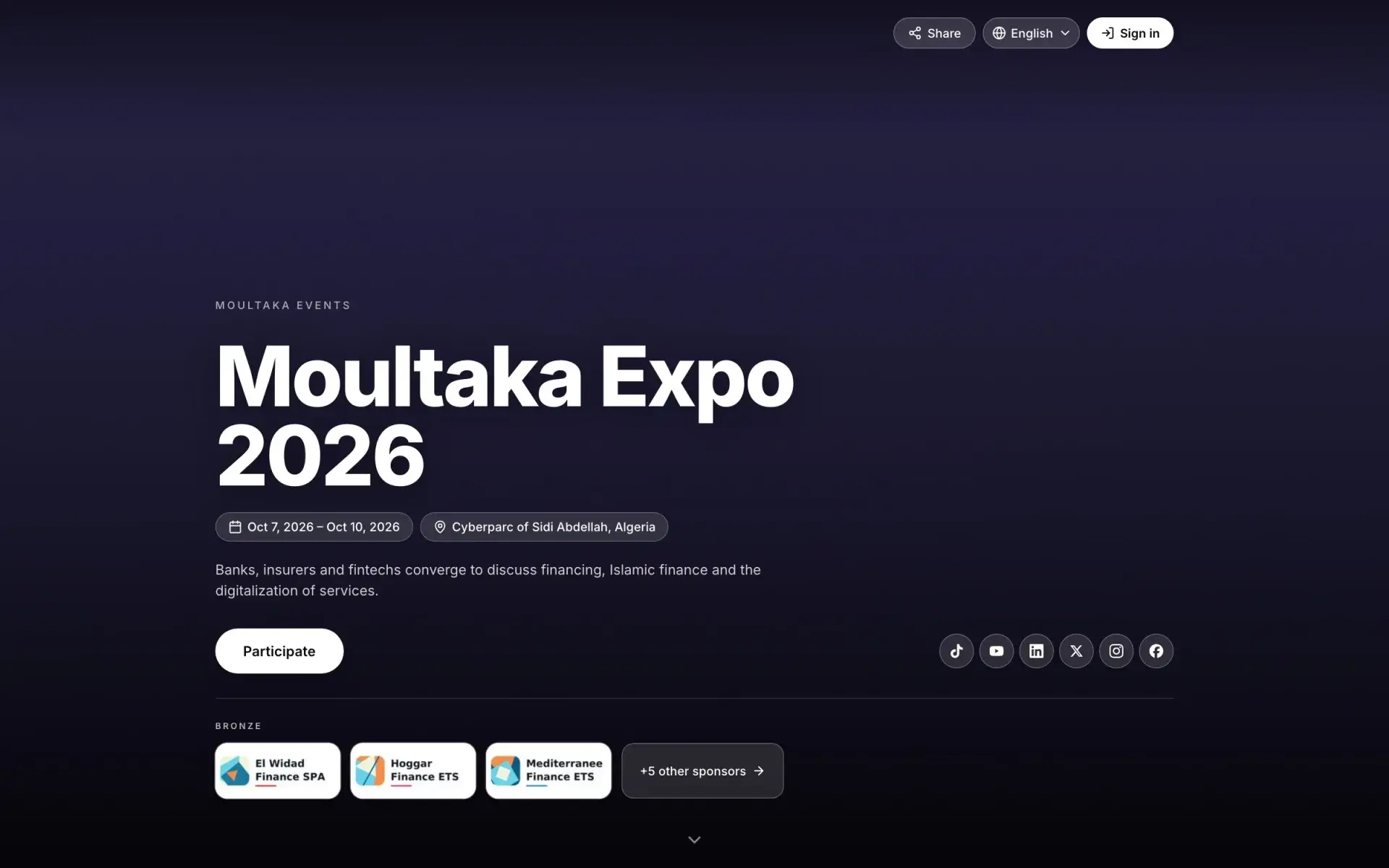
A trade show save the date email is the first message of an edition. It tells visitors, exhibitors and partners the dates, the city and the venue months before the invitation, so they block those days before something else fills them. It does not ask anyone to register yet. It says “hold these dates”, who the show is for, and where to follow what comes next. Keep it to five lines, send it only once the venue has confirmed your dates, and the invitation that follows lands with someone who already knows what it is about.
Save the date vs invitation
The two emails follow each other but do different jobs.
| Save the date | Invitation | |
|---|---|---|
| When | Months ahead, once dates and venue are confirmed | The day registration opens |
| What it asks | Block the dates | Register and get a badge |
| What it holds | Name, dates, city, venue, audience, one link | Programme, reasons to come, register button, practical details |
| Length | Five lines | A short page |
| Button | “Follow the show” or “Get notified” | “Register now” |
A save the date that already lists the whole programme is an invitation sent too early: it gets filed, and nobody finds it again when it is time to register. For the invitation itself, see our trade show invitation email guide.
What a trade show save the date email says
Five things, no more:
- The show’s name and edition: “[Show name], 5th edition”. The edition number says the event is established and comes back.
- Dates and city in the subject line: often the only line anyone reads.
- The venue, with the hall if you know it. People travelling in are already planning flights and hotels.
- The audience in one sentence: “the meeting point for packaging and print professionals”. That is what makes a reader think “this is for me”.
- One link: the show’s page, or a sign-up to be told when registration opens.
What waits: the exhibitor list, the conference programme, stand prices. Each gets its own email later.
Save the date email template
A template for trade visitors, ready to adapt:
Subject: Save the date · [Show name] · [dates] · [city]
Hello [First name],
Hold these dates: from [date] to [date], [Show name] returns to [venue], [city], for its [n]th edition.
The meeting point for [industry] professionals: [one concrete sentence on what they will find there].
Registration opens in [month]. We will write to you that day, with the programme.
[Follow the show]
The [Show name] team · [an address that answers]
Replace every bracket with something real: a specific industry, an actual month. If the registration date is not fixed yet, write “in the spring” rather than a date you may have to take back.
Save the date email examples for each audience
The same show does not announce itself the same way to everyone.
Returning visitors. Past visitors who agreed to hear from you are your best list. They know the show; one line on what is new this year is enough.
Subject: Save the date · [Show name] 2027 · [dates] · [city]. “This year, a second hall for [sector] and a full day of conferences.”
Exhibitors. Their save the date comes earlier and says something else: the dates, the venue, and the day stand sales open. Exhibitors set their trade show budget months ahead; if your dates are not known then, those days go to another event. What follows is covered in how to get exhibitors for an event.
Subject: [Show name] 2027 · [dates] · stand sales open on [date].
Officials, partners and sponsors. A signed letter rather than a bulk email, with the dates and the purpose of the show. The opening-day invitation comes later, with the VIP protocol for official delegations.
International visitors and delegations. They need the dates earliest of all: visas take time, and hosted buyer programmes are planned months ahead. See our guide to the hosted buyer programme.
Press. One line in the edition’s first press release is enough. Our trade show press release template shows where it goes.
Subject lines that get read
The subject line decides whether the email is opened at all. A few that work for a business event:
- “Save the date · [Show name] · [dates] · [city]”
- “[Show name] 2027: [dates] at [venue]”
- “Hold [dates] for [Show name]”
- “[Show name] is back on [dates]”
Keep the dates in it every time. “Exciting news!” or “Mark your calendar” alone tells the reader nothing, and is the kind of line spam filters dislike.
When to send a save the date
A sequence that works for an annual show:
- The day after the show closes: if next year’s dates are known, they belong in the thank-you email after the trade show, under the thanks. That is your first save the date, and the most read.
- Six to nine months before: the exhibitor save the date, with the date stand sales open.
- Three to four months before: the visitor save the date, once the registration date is set.
- The day registration opens: the invitation takes over.
For a conference that draws international delegates, move every step earlier. And send nothing until the venue has confirmed your dates: a corrected save the date does more harm than none. These steps sit inside your trade show planning timeline and your event marketing plan.
Mistakes that waste a save the date
- No dates in the subject line: the email is opened, or not, on that line alone.
- An image with no text: many inboxes do not display it, and the reader sees an empty frame.
- Too many links: programme, floor plan, socials, last year’s video. Nobody clicks any of them.
- Sending to people who never asked: the save the date opens the edition; if it lands in spam, the next emails follow it there.
- No follow-through: “registration opens in March” means you must write in March. Put that send in your plan the same day.
In short
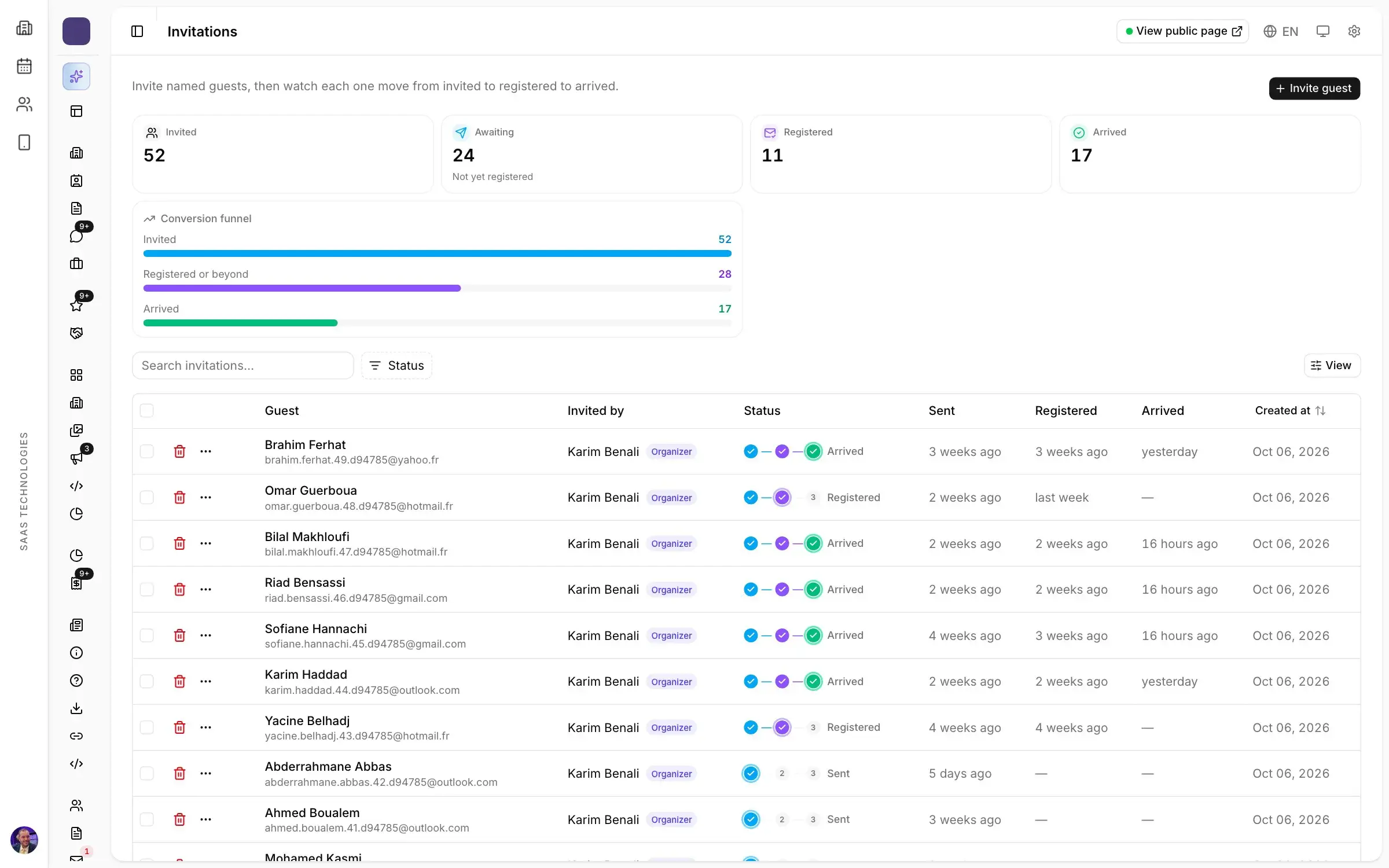
A trade show save the date email gives the name, dates, city and venue, the audience in one sentence and one link, months before the invitation. It goes out first in the post-show email, then to exhibitors, then to visitors, each with what concerns them, and it tells them when registration opens.
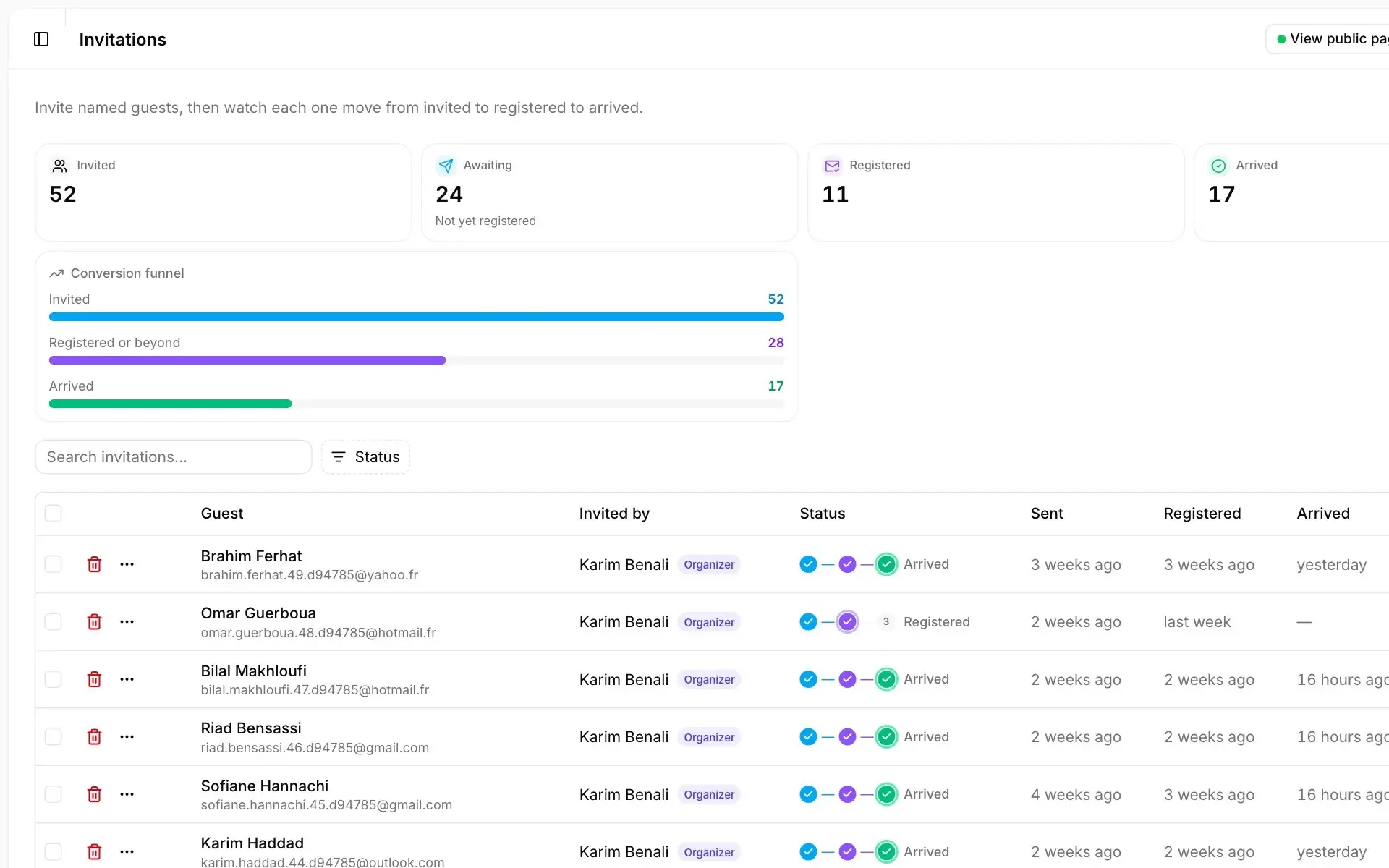
In Moultaka, campaigns run from the same records as registration: you pick a segment, a template and a send time, recipients are recomputed before every send, a test version can run before the full send, and every link is tracked per campaign. An unsubscribe applies across campaigns and is kept for the next edition. To see this send plan on your own show, book a demo.