How to organize a job fair: a planning template, from employers to follow-up
How to organize a job fair or career fair: a week-by-week planning template, employers and openings, candidate registration, interviews, follow-up.
By Moultaka team
To organize a job fair, you bring employers who are hiring and candidates who are looking into one venue for a day or two, and you make sure both leave with interviews worth having. The way to get there is to run it like a trade show with two audiences instead of one: employers are your exhibitors, candidates are your visitors, and each needs its own preparation. Below is a job fair planning template, week by week, followed by what to decide for employers, for candidates, on the day and afterwards.
Job fair, career fair, hiring event: which one are you running?
The format shapes everything else, so name it first:
- A campus career fair connects employers with students and recent graduates, usually for one day on campus. Internships and first jobs carry most of the weight, and the university’s career service is your natural partner.
- A public job fair is open to every profile, often backed by a city, a regional employment agency or a chamber of commerce, sometimes with a training and entrepreneurship strand.
- A hiring event or job dating session is shorter and tighter: pre-booked interviews of ten to twenty minutes between an employer and a shortlisted candidate.
- A careers zone inside a trade show is a recruiting area within a sector show: exhibitors post their openings, and professional visitors from the trade apply on the spot.
Whichever it is, success is measured the same way: how many useful interviews took place, and how many hires will follow.
Job fair planning template, week by week
A mid-sized job fair takes about four months. Adjust the weeks to your date:
| When | What gets done |
|---|---|
| Week -17 | Date, venue, target audience (students, experienced hires, one sector), budget, partners |
| Week -13 | Employer prospectus: booth offer, prices, what is included |
| Week -11 | Employer outreach, follow-ups, contracts signed |
| Week -9 | Candidate registration opens, first announcements |
| Week -6 | Each employer’s openings published, floor plan set |
| Week -4 | Workshop programme (CV review, interview practice), speakers confirmed |
| Week -2 | Badges sent, interview schedule if you run one, volunteer briefing |
| Day -1 | Build-up, kiosk and scanner tests, signage |
| Show day | Check-in, interviews, workshops, attendance counted |
| Days +1 to +7 | Thank-you emails, survey, report sent to employers |
Each milestone follows the same logic as our trade show planning timeline.
Employers: recruiting exhibitors and getting their openings in early
Candidates come for jobs, not for a venue. A job fair is only as strong as its employer list.
Who to invite. Start from your audience. An engineering career fair draws manufacturing, energy and tech; a public job fair draws retail, logistics, construction, healthcare and public employers. Staffing agencies fill booths quickly, but a floor made only of intermediaries disappoints candidates.
What an employer wants before signing. How many candidates you expect and with which profiles, what the booth includes, and what they will receive after the event. Our guide on how to get exhibitors for an event covers the prospectus and the contract.
Openings before the day. Ask every employer to publish their positions three to six weeks ahead: title, contract type, location, profile wanted. Listed on the fair’s website, they bring the right candidates and let them prepare. An employer who arrives without written openings collects CVs at random.
Their team. The people who will staff the booth, declared in advance with their badges, so that on the day everyone knows who represents which company.
Candidates: registration, CVs and badges
A short form. Name, email, phone, level of education, field, type of role wanted, and an optional CV upload. Every extra question costs registrations; the advice in our event registration form template applies as is.
Personal data. A CV holds a lot of personal information. Say on the form who will see it (the employers present, or only those the candidate applies to), how long you keep it and whom to contact to remove it. Under the GDPR in Europe, and comparable laws elsewhere, never hand the full candidate database to every exhibitor.
The badge. Sent by email with the confirmation, it works three times: at the entrance, to count who came; at booths, when an employer scans it to keep the contact; in workshops, to know who attended what.
Promotion. Schools, employment agencies, social networks and local media bring candidates. An announcement that names the employers and the number of open positions pulls far better than a generic poster.
On the day: check-in, booths and interviews
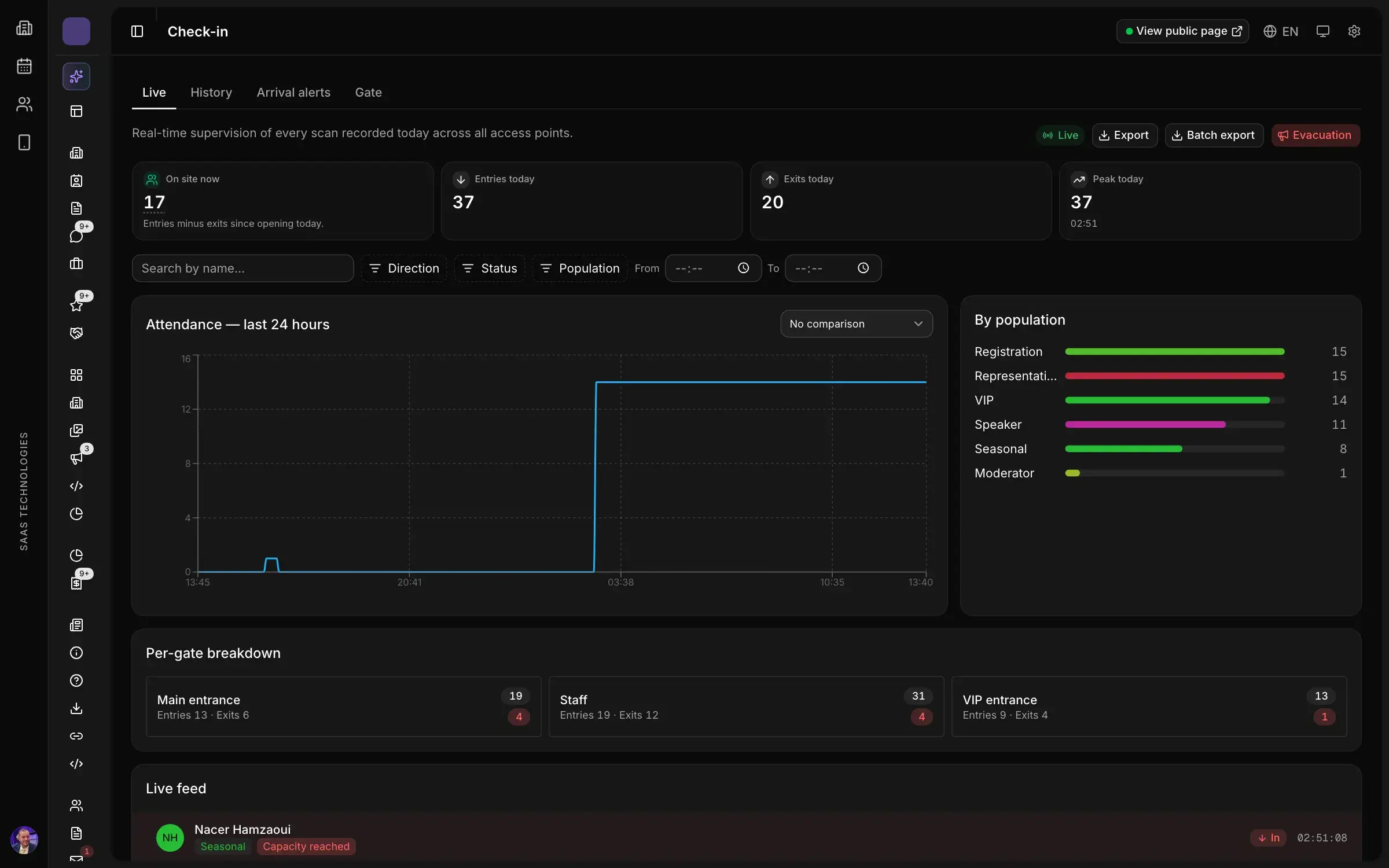
Check-in. Job fairs have a sharp arrival peak, at opening and when classes or shifts end. Run separate lines for registered candidates showing their QR code and for walk-ins. Our guide on trade show badges and access without a queue describes the set-up.
The floor. Group booths by sector and display the employer list with its openings at the entrance. A candidate who knows where to go spends more time in conversation and less in the aisles.
Interviews. Two formats, often combined:
- open conversations at the booth, where the employer meets whoever walks up;
- scheduled interviews, booked in advance in slots of ten to twenty minutes, in a quiet area. They need numbered tables, a schedule someone owns, and reminders to candidates, or the chairs stay empty.
Workshops. CV reviews, mock interviews, a talk on applying abroad: they keep candidates busy between booths and give a reason to come to those who have not chosen a target yet.
After the fair: what employers and candidates expect
This is where next year’s edition is won or lost.
- For employers: the list of candidates who applied to their openings or whose badge they scanned, with their consent, and a short report (registrations, attendance, profiles, workshops). A post-event survey sent within two days tells you who will return.
- For candidates: a thank-you, the openings still live and next year’s date. Our thank-you email after a trade show has one version for attendees and one for no-shows.
- For partners: the report, with what their support made possible.
Common mistakes
- Employers with no written openings. Candidates walk every aisle without knowing what to apply for.
- Paper CVs collected in a pile. They end up in a box, and nobody remembers which role each one was for.
- Candidate registration opened too late. Employers have no numbers a month out, and some pull out.
- Scheduled interviews without reminders. Empty slots pile up, and employers remember it.
- No attendance count. Without it, there is no credible report for employers or partners.
With Moultaka
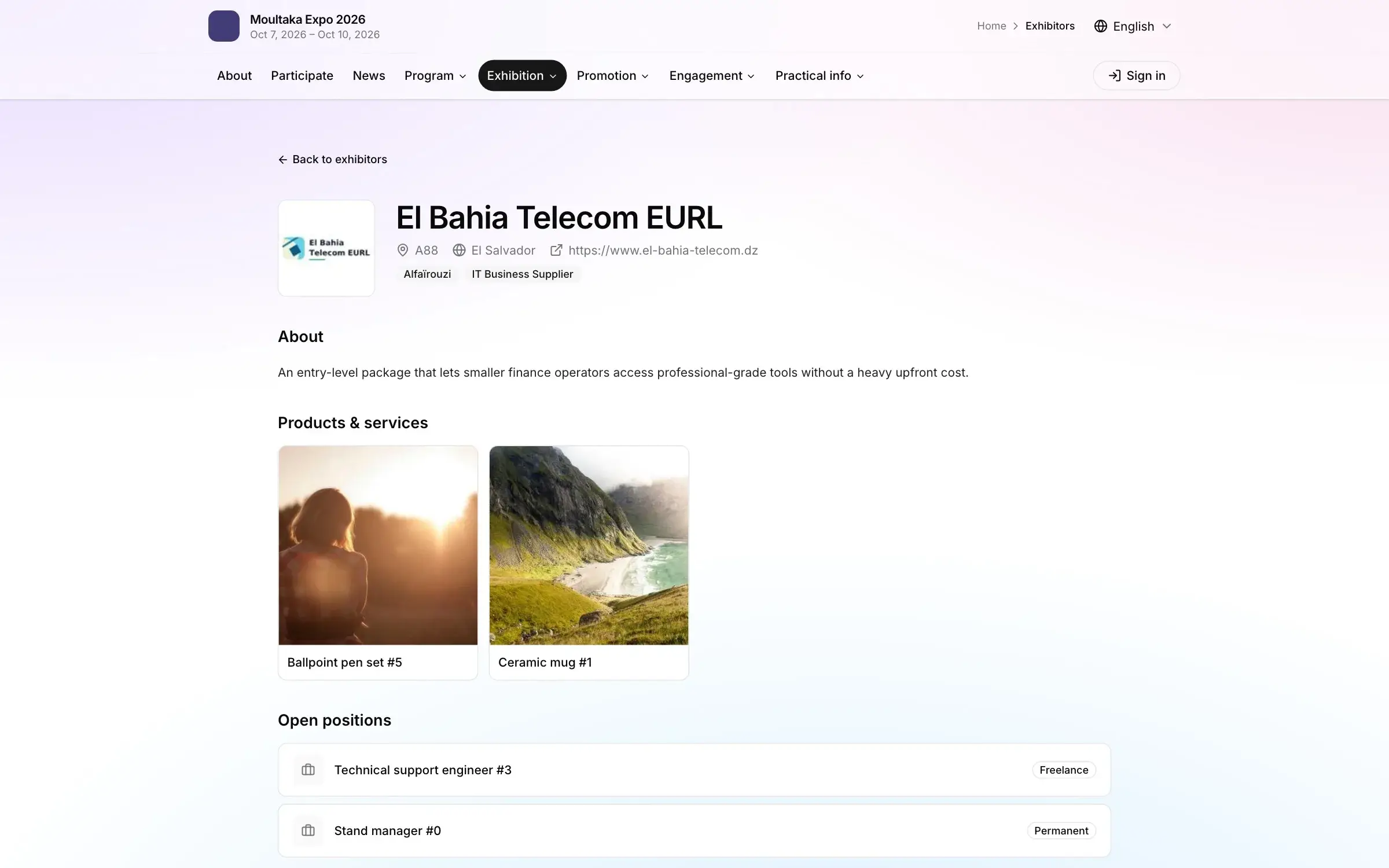
Moultaka keeps these steps in one workspace. In the exhibitor workspace, each employer declares its team and posts its job offers; candidates apply, and each exhibitor follows its own pipeline. On the event website, the exhibitor directory shows each one’s stand, team and job offers, and job applications go through a form that is open only within its dates, with its own link and QR code. Candidates register once per email and receive their badge; at the entrance, the kiosk prints it in seconds and every entry is counted. At booths, exhibitor staff scan badges and contacts arrive with consent recorded, while meetings between visitors and exhibitors are booked into slots, with rooms and reminders.
Planning a job fair, or a careers zone inside your trade show? Book a demo and we will walk you through it on a demo event.