Exhibitor registration form template: what to ask a company applying for a stand
An exhibitor registration form template for trade show organisers: the fields of the stand application, what waits for the portal, and the follow-up.
By Moultaka team
An exhibitor registration form, or exhibitor application form, has three jobs: tell you who wants a stand, let you offer them the right space, and give you what you need to invoice them. Anything that does not serve one of those three decisions can wait. Logos, staff lists, fascia names and furniture orders belong in the exhibitor portal, once the stand is allocated. Below is an exhibitor registration form template, field by field, followed by what to leave for later and how to track each application until the stand is signed.
What an exhibitor registration form is, and what it is not
Three documents tend to blur together on a show’s website:
- the exhibitor registration form: the company’s first step, asking for a stand;
- the exhibitor prospectus and contract: your offer, prices and terms, sent in reply (see how to get exhibitors for an event, prospectus and contract included);
- the exhibitor manual: build-up, deliveries and safety rules, once the stand is sold (see an exhibitor manual example, chapter by chapter).
The attendee form is a different tool again: it badges people rather than selling floor space, and it has its own guide, the event registration form template.
The exhibitor registration form template, block by block
Adapt it to your show. Fields in bold are the ones without which the application cannot be processed; the others can stay optional.
| Block | Field | Why you ask |
|---|---|---|
| Company | Legal name, country, city | identify the company and spot duplicates |
| Trading name | the one visitors know, often different from the legal name | |
| Website | check the business in a few seconds | |
| Sector and product categories | place the stand in the right hall, next to the right neighbours | |
| Contact | Name, job title, email, phone | know whom to answer |
| Billing contact, if different | keep the quote from reaching the wrong person | |
| Stand | Stand type (space only or shell scheme) | quote the right rate |
| Area wanted | know which spaces to offer | |
| Location preference (hall, corner, island) | a hint, never a promise | |
| Co-exhibitors, if any | plan for brands sharing the stand | |
| Billing | Tax and registration numbers your accounts team requires | the VAT number in most countries |
| International | Needs a visa invitation letter | start the paperwork early enough |
| Agreement | Acceptance of the show’s general regulations, consent to data processing | set the frame before the quote |
Thirteen rows are enough. Every field beyond them costs applications: a company that is still hesitating stops halfway through.
What to leave for the exhibitor portal
Once a stand is allocated, the exhibitor has every reason to complete their file. Before that, they have none. Move these into the portal:
- the logo and company description for the catalogue and the show website;
- the fascia name, typed once and approved by you before printing;
- the list of staff who will receive badges;
- furniture, power and service orders;
- the stand builder, their insurance and their build-up slots.
That is the whole point of exhibitor management, from application to the built stand: one file per exhibitor, with what is missing in plain sight.
The visa question is the exception worth keeping on the form itself: ticked at application, it buys the time the process needs. The steps are in our guide to visa invitation letters and hosted buyers.
An online form, not a PDF to sign
The PDF application, printed, filled in by hand, signed, scanned and emailed back, is still common. It is expensive on both sides: companies drop out along the way, and your team retypes every form, sometimes illegible, into its own spreadsheet.
An online form removes most of that loss, on four conditions:
- an opening and a closing date on display, so nobody applies for a sold-out show;
- an immediate acknowledgement, saying when the company will hear back;
- conditional questions: the visa box only for foreign companies, the co-exhibitor fields only for those who have some;
- a link and a QR code for your emails, your social posts and the printed material of the current edition.
After the submit button: from application to signed stand
An exhibitor application is a deal that has just started. It gets lost when it sits in a shared inbox.
- One queue. Applications from the website, email, phone calls and campaigns land in the same place, each assigned to a salesperson.
- A response time. A company left waiting a week has often booked elsewhere, or changed its mind. Set a target and measure it.
- Duplicates. Two people from the same company often fill in the form a few days apart: merge them before you answer twice.
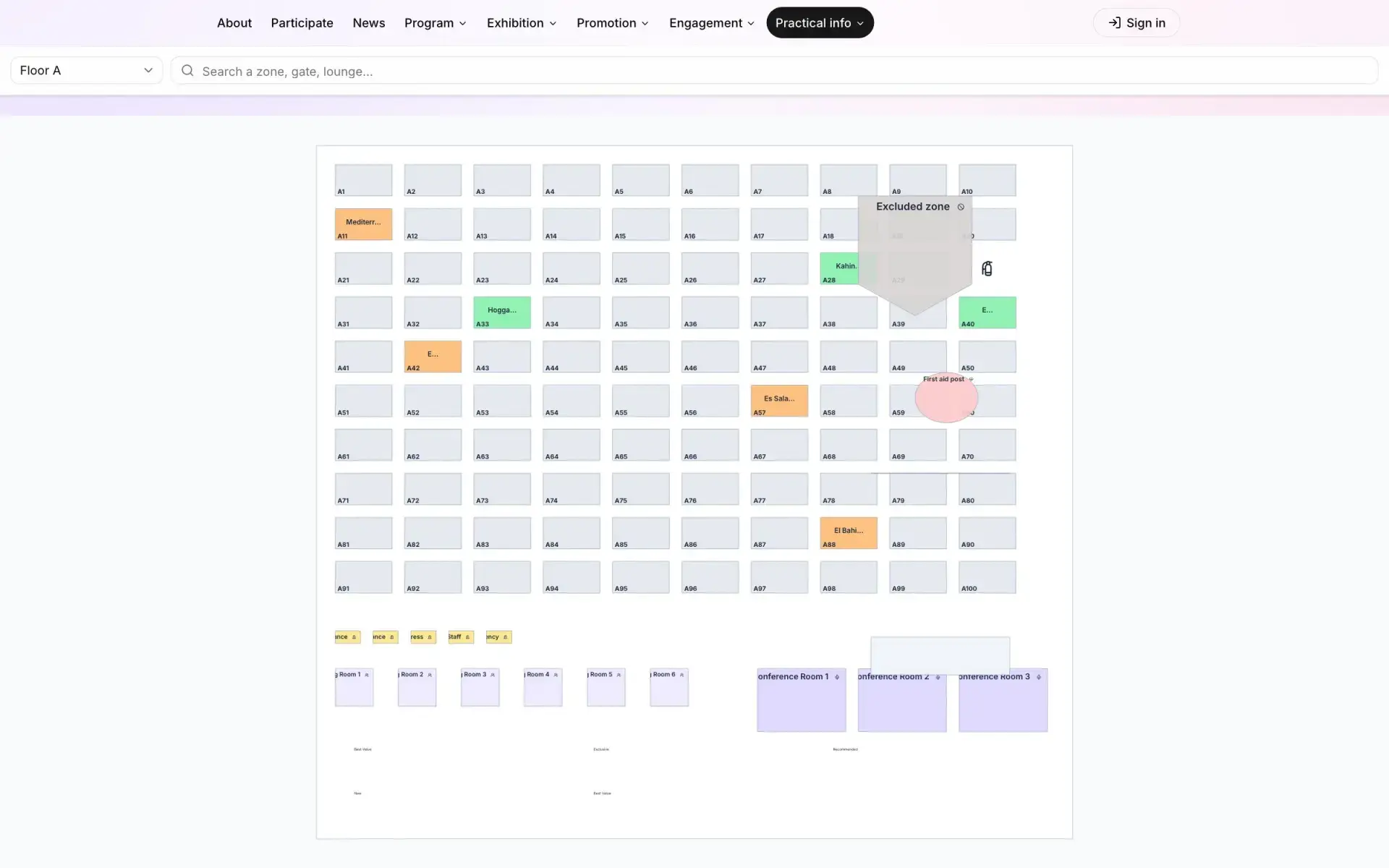
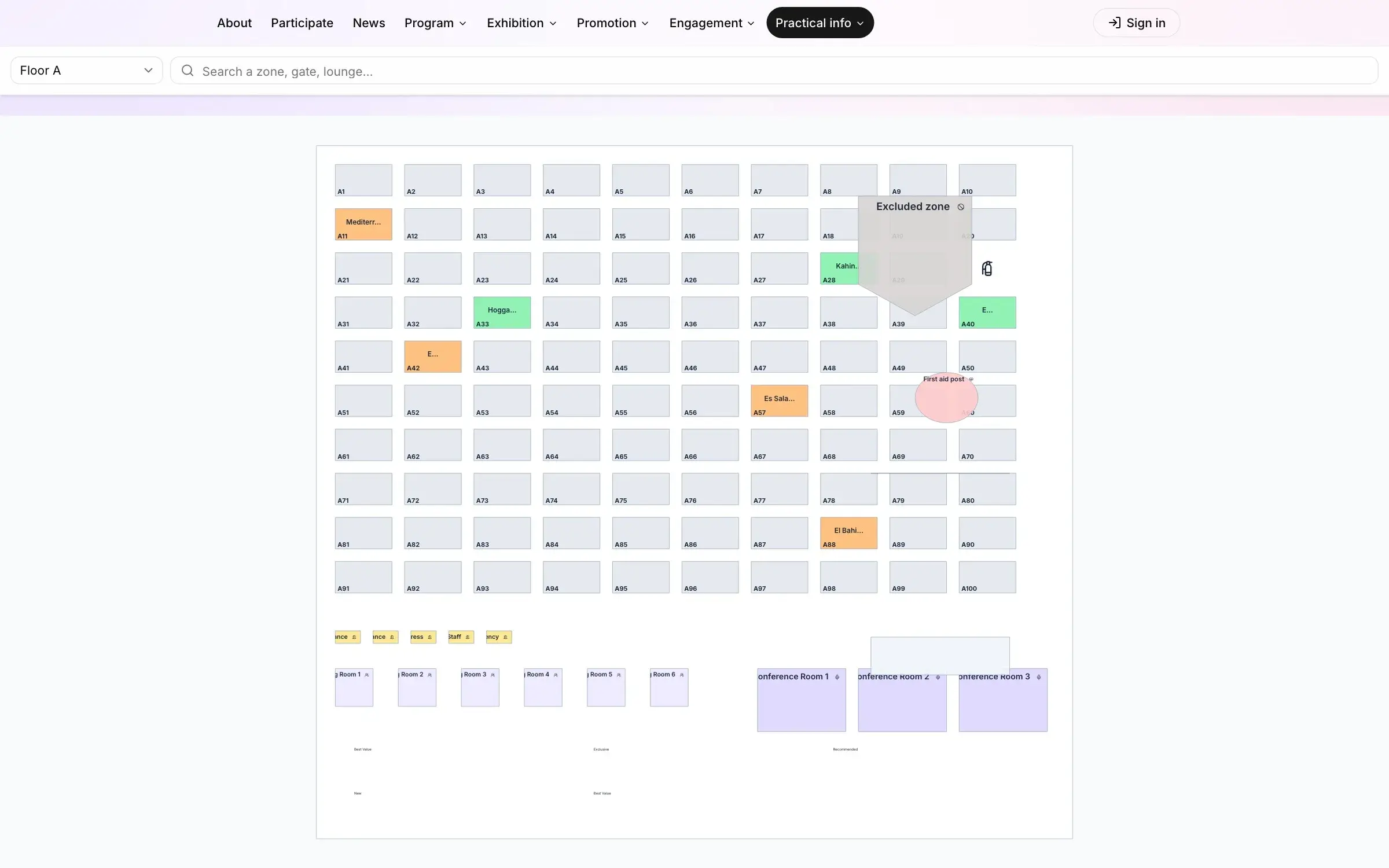
- A dated option on the floor plan. The stand you offer goes on option on the plan, with a follow-up date, so nobody else sells it. See how to sell exhibition space from an interactive floor plan.
- The quote, then the contract. The stand turns to sold, and the exhibitor portal opens.
Applications are also the first revenue line of the show: track them in your trade show budget template, from expected to collected.
Common mistakes
- Every field mandatory, including the ones you will only need a month before build-up.
- One form for attendees and exhibitors, which serves neither well.
- A form still open after stand sales have closed.
- No automatic reply, so the company never knows whether its application arrived.
- An application that belongs to nobody on the sales team.
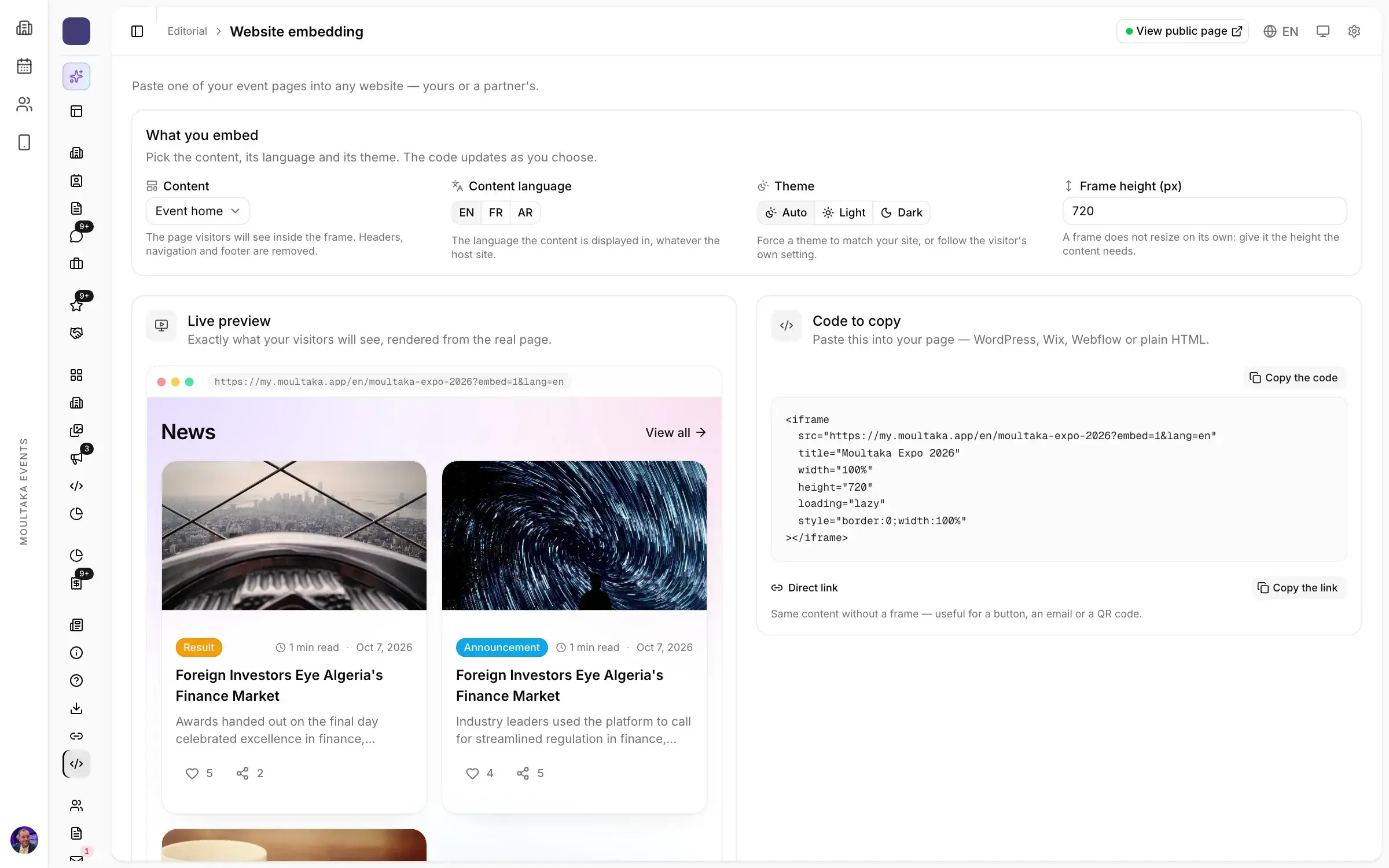
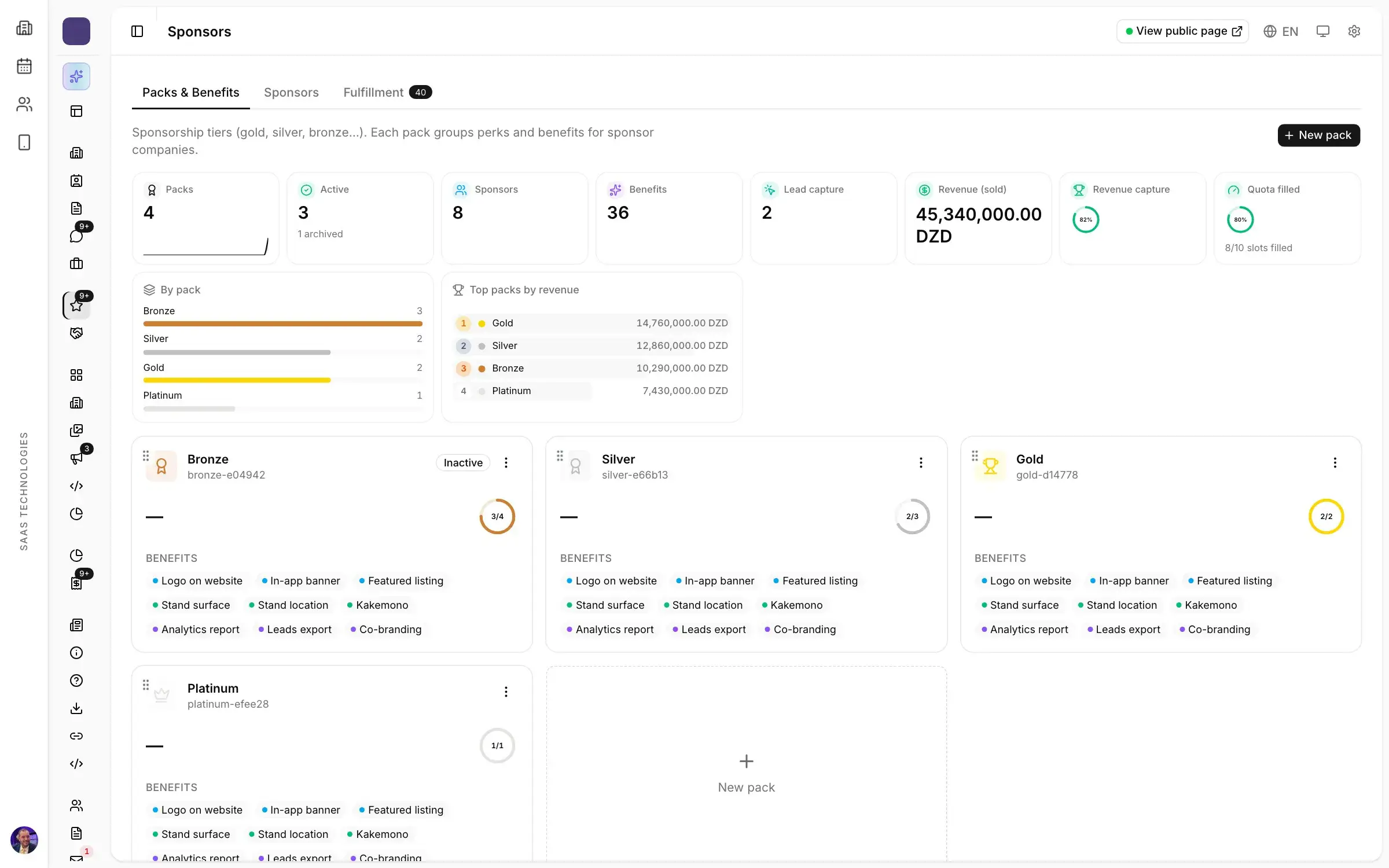
The exhibitor form in Moultaka
In Moultaka, the stand inquiry is a form of the event website: it is open only within its dates and has its own link and QR code. You build it without a developer, add conditions, and follow its completion and drop-off; it can also be embedded in the site you already have. Every application lands in one triage queue, scored and assigned by your rules, with duplicates merged, and becomes an opportunity in one click. The stand is then followed on the floor plan, free, optioned or sold, and in the exhibitor’s file, where completion is measured. See Stand sales & CRM, Exhibitors & operations and Event website, then book a demo to see it on your own show.