Run of show template for events: a trade show opening day and a conference session, minute by minute
A run of show template for trade shows and conferences: the columns, a filled opening-day example, a session run sheet, team briefs and incident rules.
By Moultaka team
A run of show is the minute-by-minute script of an event day: what happens, where, who owns it and what triggers it, from the moment the crew walks in to the moment the halls are empty. The public agenda tells visitors what they can attend; the run of show tells your team everything else, including the parts nobody in the audience sees. This guide gives a run of show template for events, with the columns that matter, a filled example for the opening day of a trade show, a tighter run sheet for a conference session, the one-page briefs each team works from, and the rules that keep an incident from stopping the day.
Run of show, timeline, agenda, team brief: four different documents
The terms get used interchangeably, but each one has its own reader and its own time scale.
| Document | What it covers | Who reads it | Time scale |
|---|---|---|---|
| Planning timeline | Everything from booking the venue to the post-show report | The organising committee | Weeks and days, 12 months out to 30 days after |
| Agenda | What the public can see and attend | Visitors, delegates, press | Hours, by room |
| Run of show | Everything that happens, public or not, and who triggers it | The whole crew, the control room, protocol | Minutes, sometimes seconds for a ceremony |
| Team brief | The slice of the run of show one team needs, with its contacts | Each team: registration, gates, rooms, production | Minutes, on one or two pages |
The agenda says “10:00 Opening ceremony”. The run of show says who meets the minister at 09:40 and at which gate, at what minute the host hands over to the first speaker, when the video rolls, and who gives the cue for the ribbon. For the months before the show, our trade show planning timeline is the document to work from.
The columns of a run of show template
A run of show is read standing up, in a corridor, in three seconds. Keep the columns few and the cells short.
| Column | What goes in it | The usual mistake |
|---|---|---|
| Cue number | A number per line | No numbers, so “next” means something different to everyone |
| Time | Start time, to the minute | “Around 10” gives nobody a cue |
| Duration | In minutes | Leaving it out, then finding the ceremony runs twice as long |
| Segment | What happens, in a few words | A paragraph no one will read on the floor |
| Location | Room, gate, stand, stage | “Entrance”, on a site with four of them |
| Owner | A person’s name, not a department | “Registration”, so everyone assumes someone else has it |
| Cue | What starts the line: a time, a gesture, a phrase, an arrival | Nothing, and everyone waits for everyone else |
| Production | Mics, audio, lighting, video, streaming | Needs that live only in the technician’s head |
| Assets | The exact file: slides, video, walk-in music, script | “The video”, when three versions exist |
| Notes | The fallback, the protocol constraint | A plan B discovered at the moment it is needed |
Put the version number and the time of the last update at the top of every page. A run of show printed the night before is often wrong by ten in the morning, and “go to cue 14” on a radio is safer than “start the next bit”.
Run of show example: the opening day of a trade show
Here is a run of show template for the first day of a three-day B2B trade show with an official opening ceremony. Replace the owners with your own people and adjust the times to your venue.
| Cue | Time | Min | Segment | Location | Owner | Cue to start |
|---|---|---|---|---|---|---|
| 1 | 06:30 | 30 | Crew on site, walk-through of the halls | Staff entrance | Operations director | Venue opens the doors |
| 2 | 07:00 | 60 | Last deliveries to stands, signage check | Halls A and B | Exhibitor services lead | List of undelivered orders |
| 3 | 07:00 | 30 | Kiosks and gates started, one test badge per profile | Registration, all gates | Access lead | Cue 1 done |
| 4 | 07:30 | 15 | Crew briefing: today’s run of show, contacts, rules | Briefing room | Operations director | 07:30 sharp |
| 5 | 08:00 | 90 | Exhibitor entrance open, stand teams arrive | Exhibitor entrance | Gate lead | Kiosks tested |
| 6 | 09:15 | 15 | Ceremony room check: seats, mics, video, flags | Ceremony room | Protocol lead, control room | End of cue 4 |
| 7 | 09:40 | 20 | Dignitaries arrive, VIP lounge | VIP gate | Head of protocol | Motorcade called in |
| 8 | 10:00 | 5 | National anthem, welcome by the host | Opening stage | Host | Dignitaries seated |
| 9 | 10:05 | 15 | Opening remarks: organiser, then the patron authority | Opening stage | Control room, host | Host introduces each speaker |
| 10 | 10:20 | 5 | Ribbon cutting, official photo | Main entrance | Head of protocol, photographer | Last speech ends |
| 11 | 10:25 | 45 | Official tour of selected stands | Halls A and B | Head of protocol, exhibitor services lead | Ribbon cut |
| 12 | 10:30 | — | Doors open to visitors | All visitor gates | Access lead | Go from the head of protocol |
| 13 | 11:30 | 60 | Keynote | Conference room 1 | Rooms lead | Room checked at 11:15 |
| 14 | 13:00 | 90 | Lunch, watch the entry peak | Catering, gates | Access lead | 13:00 |
| 15 | 14:30 | 180 | B2B meetings | Meeting area | B2B lead | Slots published |
| 16 | 18:00 | 15 | Closing announcement, visitors out | All gates | Access lead | 18:00 |
| 17 | 18:30 | 30 | Debrief: today’s incidents, changes for tomorrow, new version of the run of show | Briefing room | Operations director | Halls empty |
Three cues deserve a second look. Cue 2 is prepared the evening before: the list of furniture, power and service orders not yet delivered to their stand. Cue 12 depends on cue 11, because you do not let the public in while the official tour holds the main aisle. And cue 17 produces tomorrow’s run of show.
The words for cue 9 can start from our guide to opening remarks and a conference welcome speech, and cue 7 from our VIP protocol for official delegations.
A run sheet for a conference session or a ceremony
For a conference session, an awards night or a ceremony, the run sheet goes down to the minute, and the cue column becomes the one that matters most: it is what the control room reads.
| Cue | Time | Segment | On stage | Production | Cue to start |
|---|---|---|---|---|---|
| 1 | 08:00 | Doors, check-in, badge pick-up | — | Walk-in music | Doors open |
| 2 | 08:55 | “We start in five minutes” | Host | Lectern mic | 08:55 |
| 3 | 09:00 | Welcome, introduce the chair | Host | Lectern mic, title slide | Room seated |
| 4 | 09:05 | Talk 1 | Speaker 1 | Lavalier, deck 1 | Chair’s introduction |
| 5 | 09:20 | Talk 2 | Speaker 2 | Deck 2 | “2 minutes” card at 09:18 |
| 6 | 09:35 | Q&A with the room | Chair | Audience mics, questions on screen | End of talk 2 |
| 7 | 09:55 | Close, announce the break | Chair | Break music | 09:55 |
The chair keeps time, the control room keeps the assets, and the run sheet tells each of them what the other is about to do. Our guide on how to moderate a panel discussion covers the chair’s side; check-in at cue 1 starts from our event sign-in sheet template.
One brief per team
Nobody reads a three-page run of show during the show. Cut one brief per team from it: only the lines that concern that team, plus what it needs to act on its own.
- Registration and kiosks: opening times of each desk, profiles served, what to do with a badge that cannot be found, who takes over a VIP.
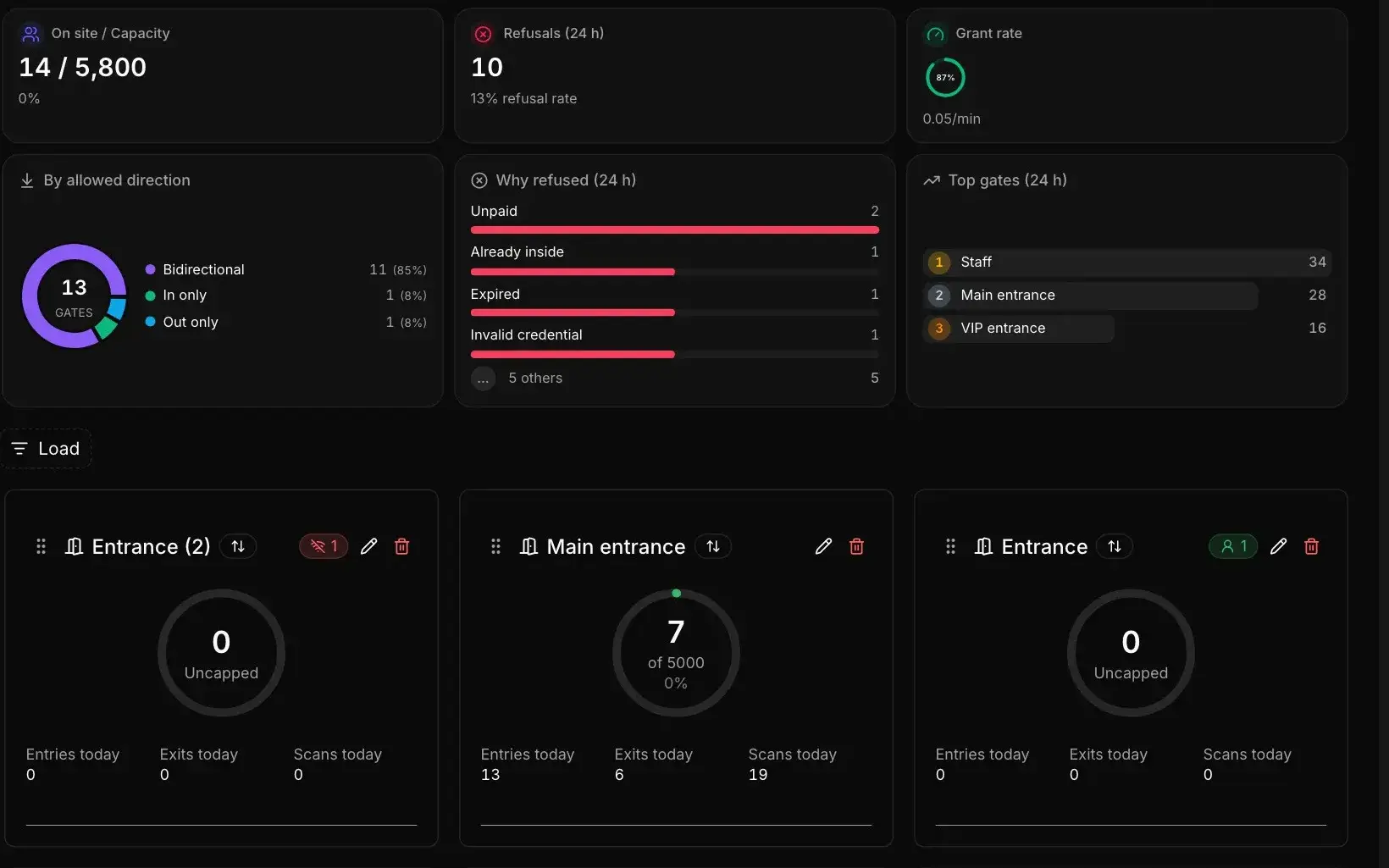
- Gates: which gate opens when and for which profiles, the capacity of each zone, and who decides to open one more lane.
- Exhibitor services: stands still incomplete in the morning, deliveries expected, stand builders cleared to finish, each supplier’s contact.
- Rooms: session order, speakers expected and their phone numbers, assets per session.
- Production: every mic, video or lighting change, with its cue.
- Press and protocol: dignitaries’ arrival, the official photo, scheduled interviews.
Every brief carries the same four things in the same place: the team lead’s number, the operations director’s number, the team’s radio channel or chat group, and the “who decides what” rule from the next section.
Incidents: who decides, and how fast
There is no opening day without incidents: an order not delivered, a kiosk down, a speaker stuck in traffic, a gate backing up. What makes the difference is that everyone knows in advance who takes it and how fast.
| Severity | Examples | Who takes it | Target time | Escalate when |
|---|---|---|---|---|
| Minor | Power socket on a stand, a sign to correct, a badge to reprint | The team concerned | Within the hour | Not solved within the hour |
| Medium | Kiosk out of service, room without video, speaker late, a queue growing at a gate | The team lead | Within fifteen minutes | The public agenda is affected |
| Major | Medical emergency, evacuation, site-wide power cut, an incident with a dignitary | The operations director, with the venue and emergency services | Immediately | Always |
Log every incident, even the solved ones: time, place, who took it, what was done. The log feeds the evening debrief, the post-show report and next year’s edition.
Public safety is not decided in the run of show. It belongs to the safety plan agreed with the venue and the local authorities, civil defence in the Gulf for instance. The run of show points to that plan and says who activates it.
Crowd flow at the gates: plan the peak
On the first morning most visitors arrive within the same hour, and exhibitors in the ninety minutes before them. A good run of show plans the peak instead of discovering it:
- One lane per audience: exhibitors, pre-registered visitors, on-site registration, press and dignitaries do not share a door.
- A capacity per zone, known by every gate lead, and the rule for opening another gate or holding visitors for a few minutes.
- Badges already in hand: a visitor who received a QR code by email and prints the badge at a kiosk never queues at a desk.
- A check every thirty minutes between the access lead and the operations director during the peak, based on actual entries, not on how the queue looks.
For the queue itself, see badge printing kiosks: how to get rid of the queue at a trade show entrance.
When the agenda changes mid-day
A speaker drops out, a session moves rooms, a slot slips: the run of show changes, and everyone needs to know within ten minutes.
- The operations director approves the change and issues the next version.
- Each affected team receives the changed line, not the whole document.
- The public agenda is updated on the website and in the app, with an announcement to the participants concerned.
- Signage and room screens follow, or the audience walks to the wrong door.
Common mistakes
- A run of show written by one person that nobody else can follow on the day.
- No version number, so two teams work from two different documents.
- Departments instead of names in the owner column.
- No buffer between the last speech and the doors opening.
- No team briefs, so everyone hunts for their line in a long document.
- Incidents solved verbally and never logged, so they come back the next day.
- No evening debrief, so day two repeats the mistakes of day one.
The run of show is built alongside everything else: an event planning spreadsheet supplies its lists (exhibitors, speakers, rooms), and the exhibitor manual sets the build-up hours the run of show repeats.
Event day, with operations already in one place
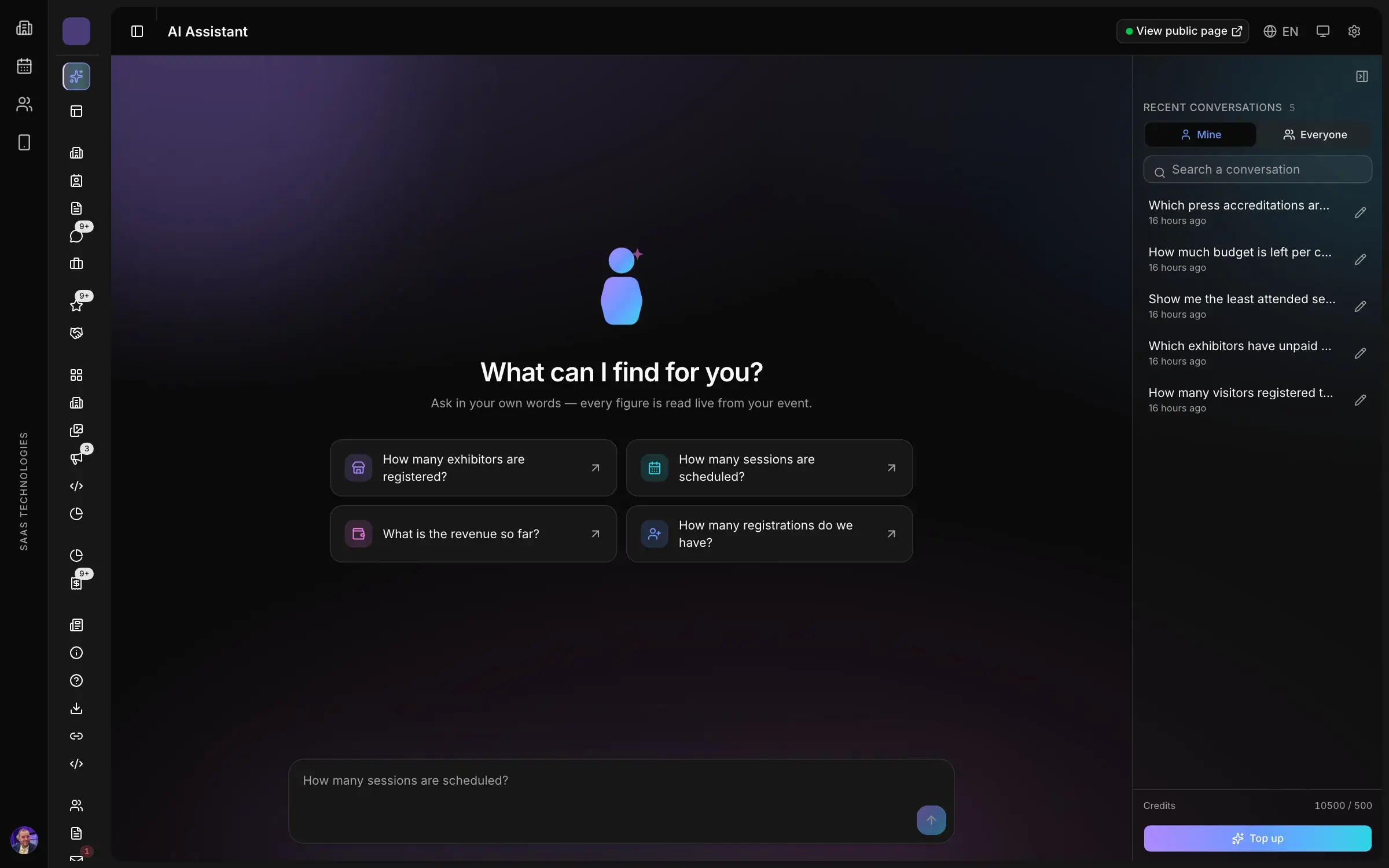
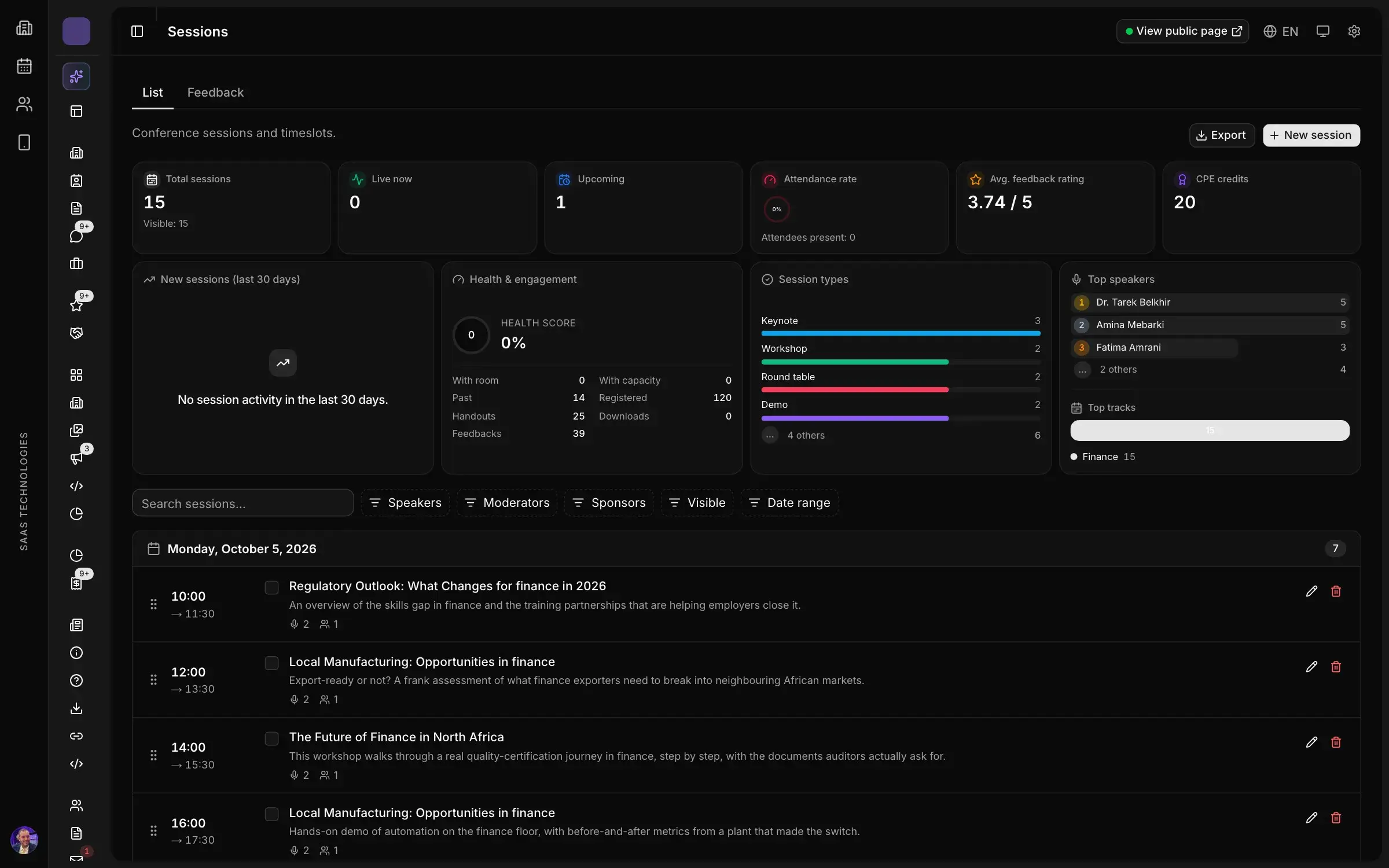
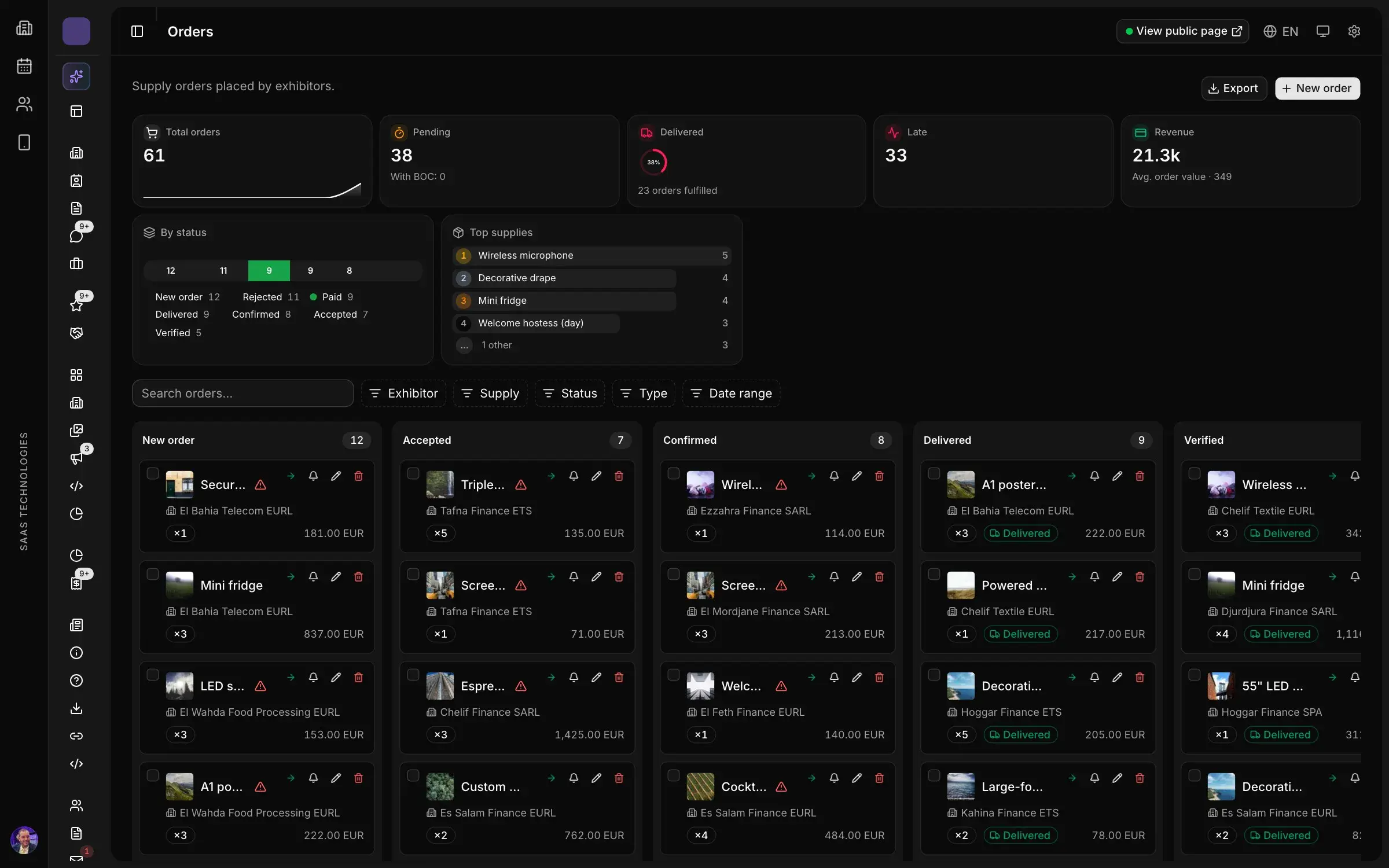
In Moultaka, Exhibitors & operations tracks every service order from request to delivery on the stand, every sign and every stand builder, cleared before they build; incidents are handled there with their severity, response times, escalation rules and the person who owns each case. Badges, kiosks & access prints badges at kiosks, and each gate checks the badge against the wearer’s profile and counts entries and exits live, zone by zone, with a capacity per zone. Sessions, rooms, speakers and moderators are planned in Conferences & engagement and published to the website and the app as soon as they are saved. To see your next opening day run from one place, book a demo.